 3 articles
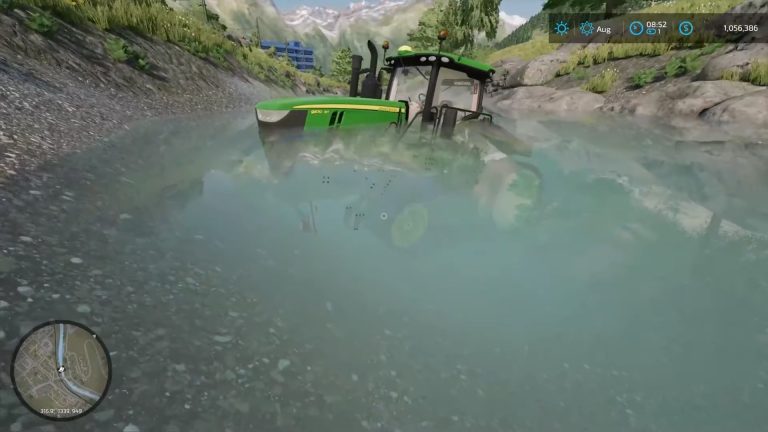
Farming Simulator 22 terrain can sometimes be tricky, resulting in you accidentally getting your vehicle stuck. Thankfully, the game lets you reset them easily!
What would be a huge disaster in real life would be just a minor inconvenience in this game. That’s one reason we love gaming, right?
In this guide, we’ll tell you everything you need to know to free any stuck vehicle in Farming Simulator 22.
What to do When Your Vehicle is Stuck in Farming Simulator 22
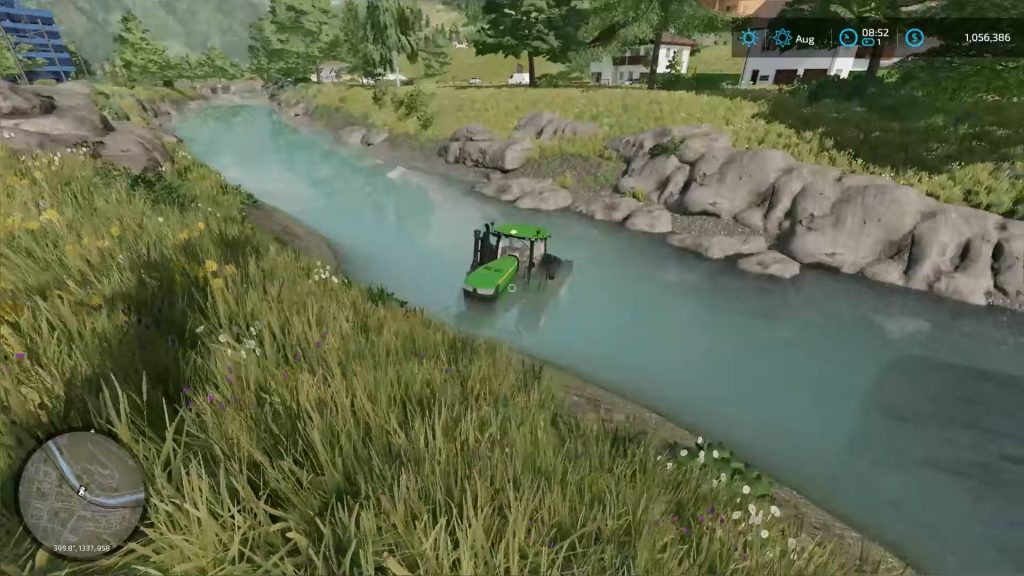
Strangely enough, you can only reset your stuck vehicle from within the map menu. There’s no prompt when near them or anything like that, so you have to bring up the map!
 How to Buy Land in Farming Simulator 22Apr 4, 2023
 Farming Simulator 22: How to Get Maximum Tillage Score After PlowingJan 31, 2026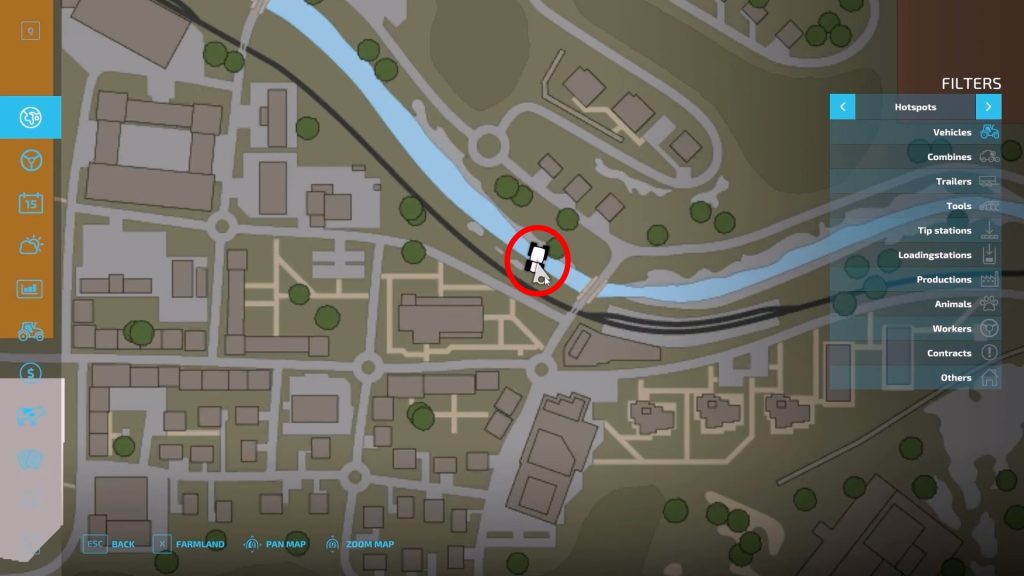
Once you’re on the map screen, move your cursor until you locate your stuck vehicle and select it.
Selecting a vehicle is easy peasy; just left-click on it when playing with a keyboard and mouse, or press the right thumbstick when using a controller.
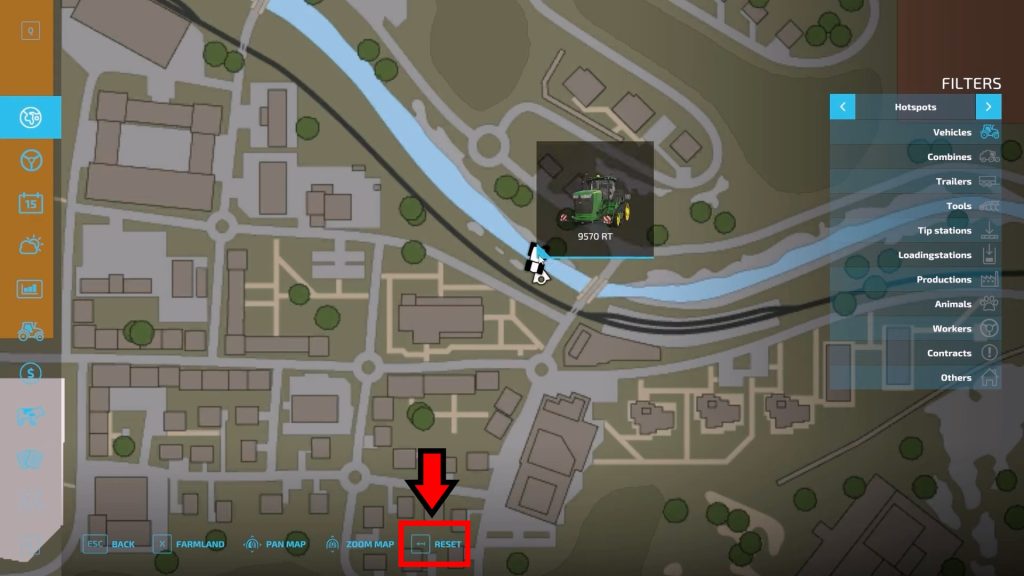
This will make a “Reset” option appear at the bottom of the screen. Just left-click on it or press the Backspace key.
Those of you playing with a controller should instead press either Y (Xbox) or Triangle (PlayStation), depending on your system.
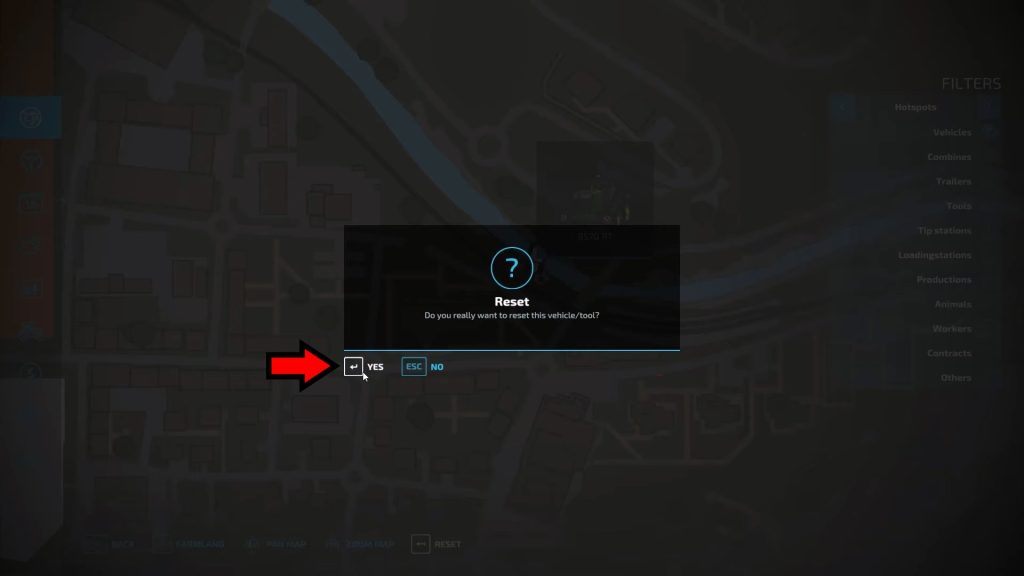
This will bring up a prompt that asks you to confirm the reset, just select yes and you’re done. Wish it was this easy to rescue stuck cars in real life, that’s for sure!
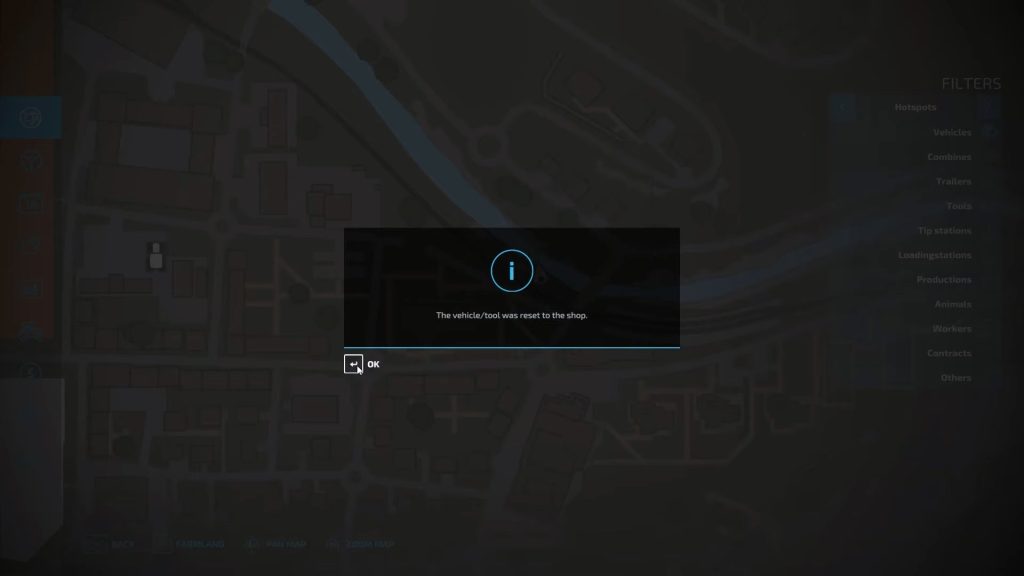
You can now find your previously stuck vehicle back at the shop as if nothing ever happened. Huzzah!
Using the reset has no limits or costs, and it can be used on any vehicle or tool you want anytime. Feel free to use the reset anytime you need it, since it has nearly no consequences!
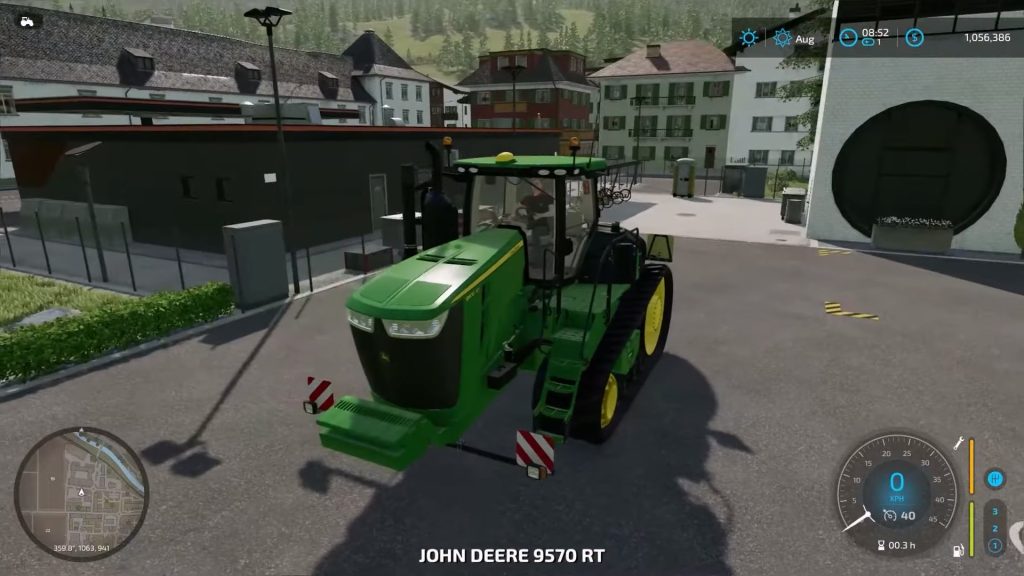
The only downside to the reset is that you’ll need to go fetch your vehicle again, but this is a minor inconvenience when it’s all said and done.
Now you know what to do anytime your vehicles get stuck in Farming Simulator 22, so go out and there get back to tending the land.
ALSO READ: Minecraft: How to Build an Invisible Door