 3 articles
As you get more funds in Farming Simulator 22, you will eventually start thinking about expanding your farm.
More space means more facilities, which means more efficient and profitable farming!
But in order to expand your farm, you need to buy more farmland. But how can you do that? This guide will tell you how!
Buying More Farmland in Farming Simulator 22
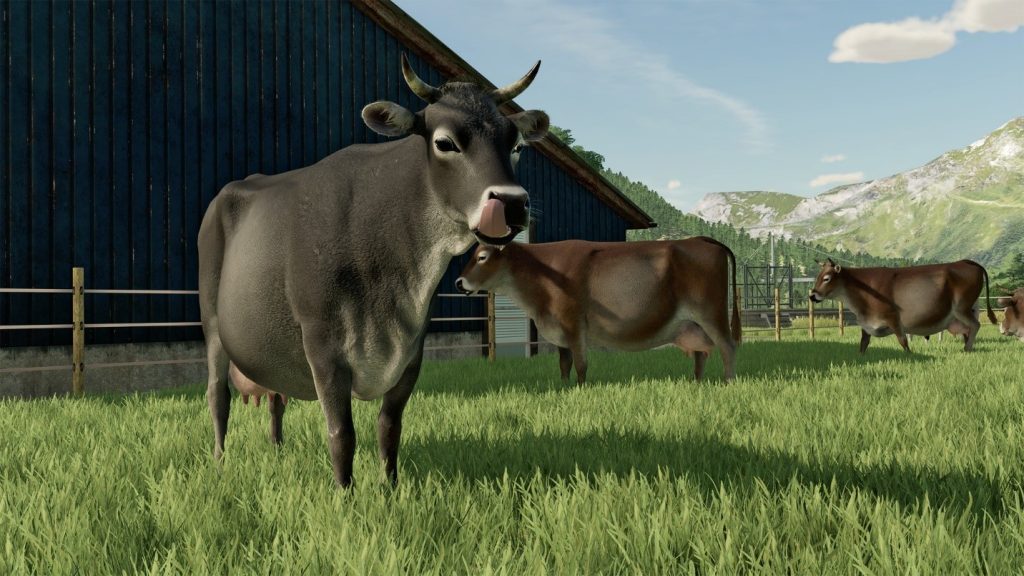
Source: Farming Simulator 22
 How to Reset Stuck Vehicle in Farming Simulator 22Oct 9, 2023
 Farming Simulator 22: How to Get Maximum Tillage Score After PlowingJan 31, 2026
You can buy land at any moment from your map. To do so, open the game’s menu.
While looking at the map, switch to Farmland mode. You can do this by pressing X on PC or by pushing the left stick on Xbox and PlayStation platforms.
This will change the map to show you an overview of purchasable and owned farmland. The land you own appears highlighted in blue.
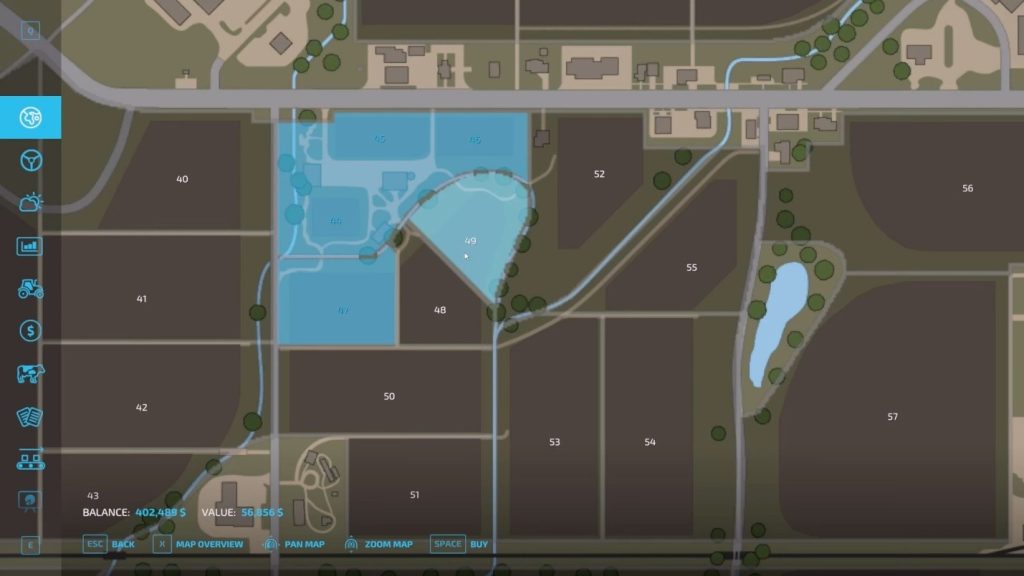
Source: Klutch Simulations
Now, move your cursor over the piece of land you wish to buy and select it. You can select land by pressing Left Click on PC or by pushing the right stick on Xbox and PlayStation.
You can now check the land’s price on the bottom left side of the screen shown as “Value”. Your current funds are shown as the “Balance”.
Note that you can only select one plot of land at a time. Sadly, there’s no way to select multiple lands at once.
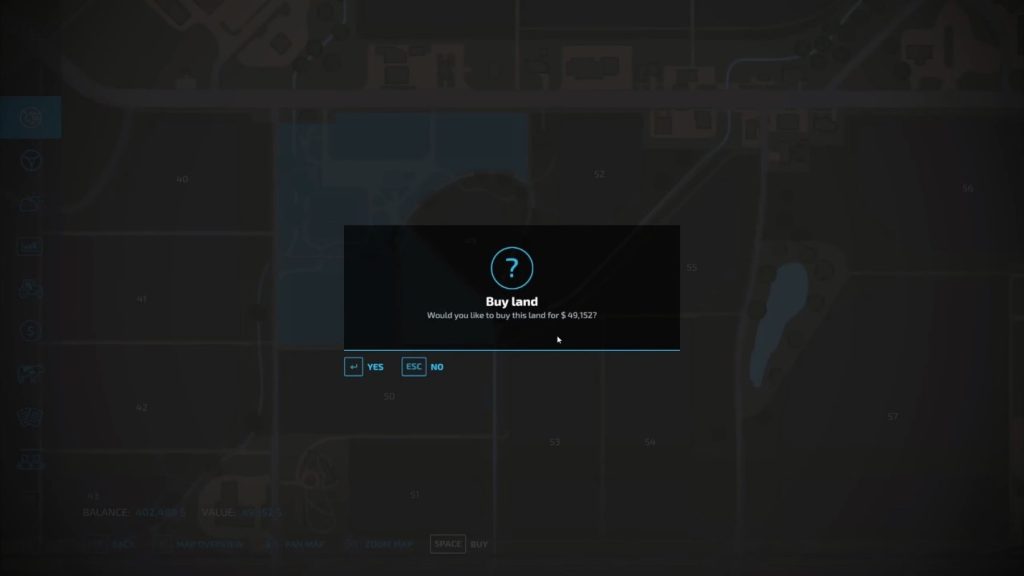
Once you’ve made your selection, just press the “Buy” button which is Space on PC, X on Xbox, and Square on PlayStation.
Confirm your purchase and that’s it! You now own a new plot of land. You can also sell land you already own by using this exact method. The game will just prompt you to sell instead of buy.
The last thing to keep in mind is just to not overextend yourself. Only buy land that you can efficiently manage.
ALSO READ: Elder Scrolls Online: How to Lockpick