16 articles
Did you know that you can make an invisible door in Minecraft? Well, you can with some clever building!
Although it’s not really an invisible door, technically speaking. It’s more like a fake wall or hidden door, but the spirit is the same.
In this guide, we’ll tell you how to make a seemingly invisible door to conceal your base in Minecraft.
How to Build an Invisible Door in Minecraft
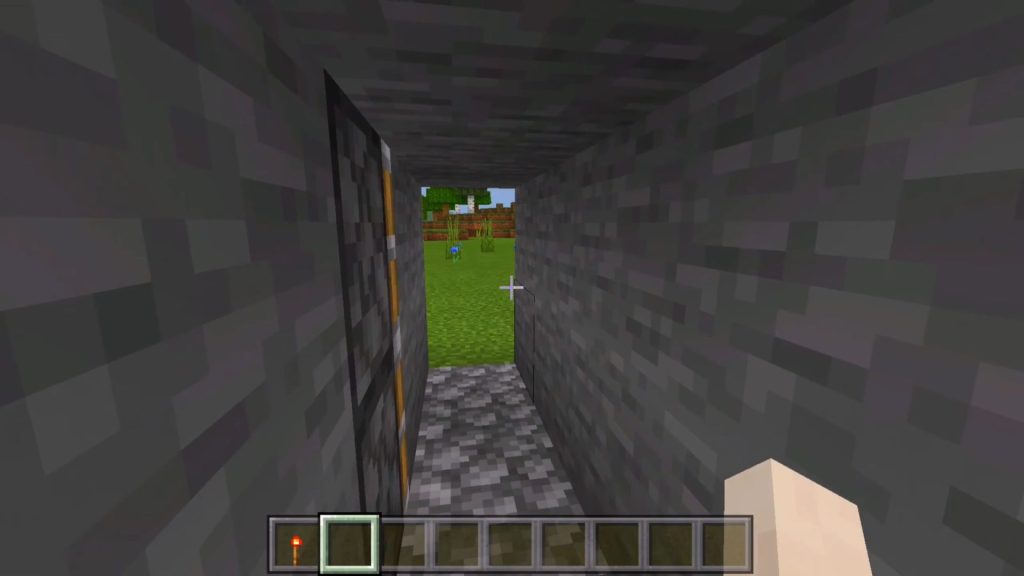
Invisible doors are primarily made by making a simple redstone circuit and using some sticky pistons.
 How to Show Hitboxes in MinecraftApr 7, 2023
 How to Repair Fishing Rod MinecraftApr 6, 2023
 How to Change FOV in MinecraftApr 6, 2023
In essence, you just place solid blocks of a type on the piston and then build the rest of the wall with the same type of block.
This will make it appear like a regular wall from the outside, but activating the pistons will pull the blocks and create an opening just like a door. It’s pretty crafty!
For our example, we will be using the following materials:
- Sticky Pistons x6
- Redstone Torches x2
- Redstone Repeaters x2
- Redstone x8
- Stone and Dirt Blocks, bring at least 64 of each.
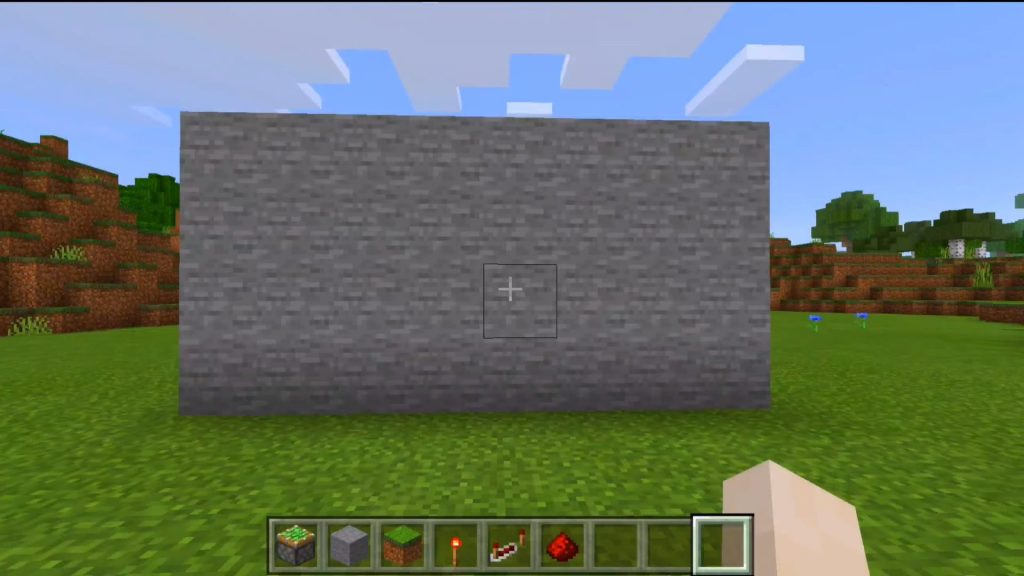
Now, start by building a stone wall that’s 8 blocks wide and 4 blocks tall. Then create an opening that’s 1 block wide and 2 blocks tall, this will be our entrance.
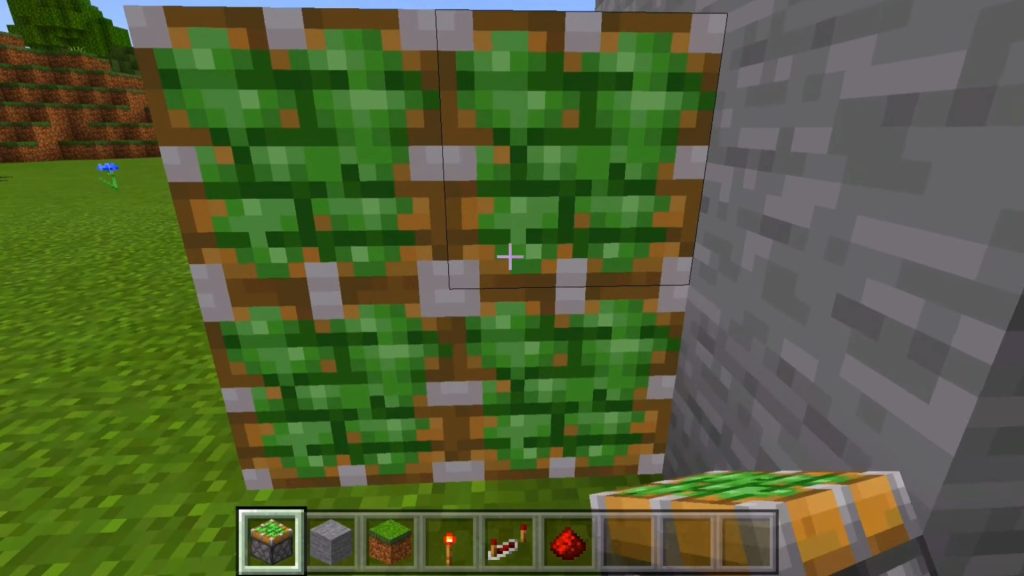
Next to the opening, place down a wall of 4 sticky pistons on the inner side of the wall. Make sure there’s one open space between the pistons and the opening, as shown in the image.
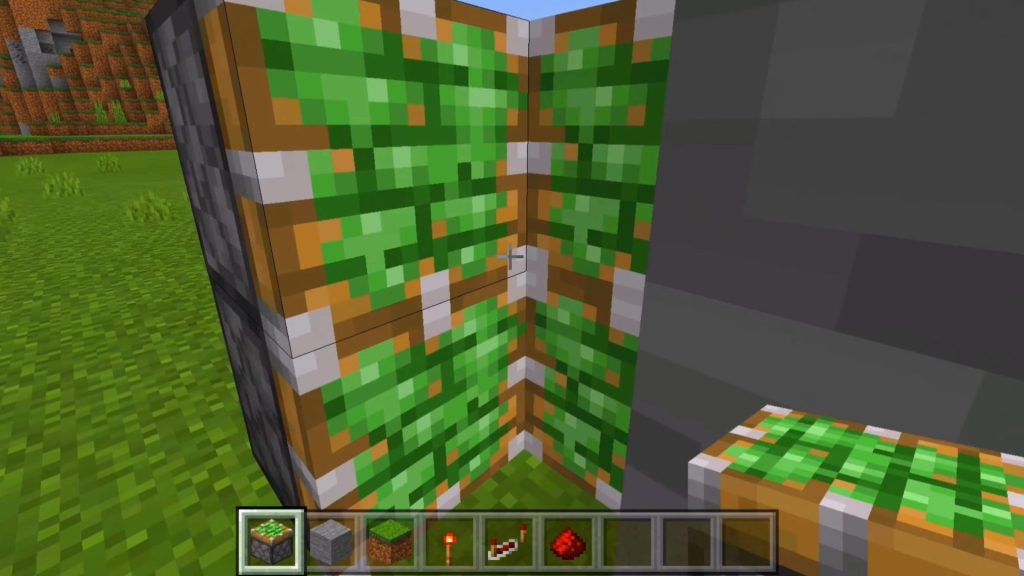
Place two more sticky pistons on the left side of the piston wall you made. These should be facing the opening, like in the picture.
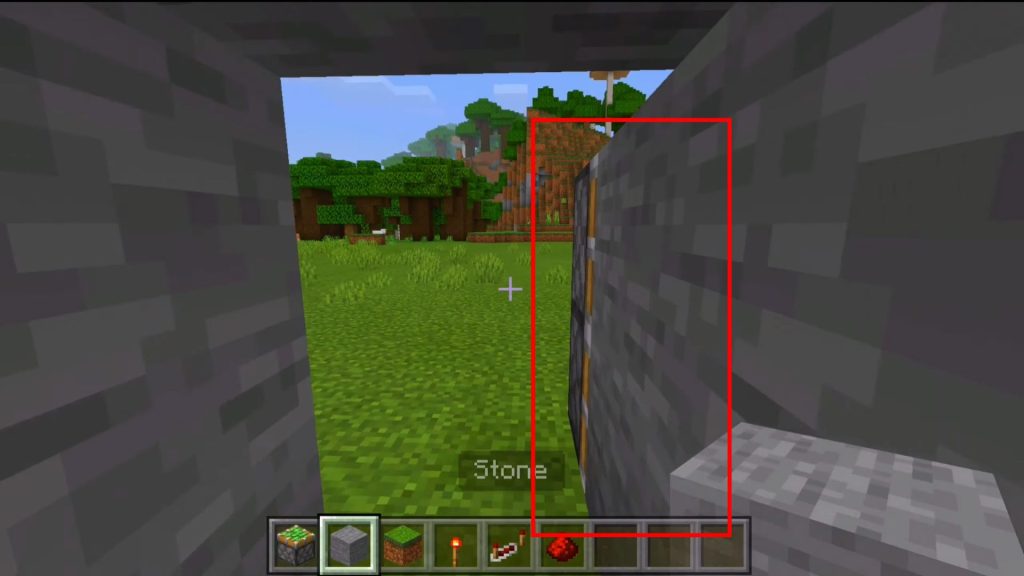
Lastly, put two stone blocks in front of the last pistons you just placed.
Now, it’s time to start setting things up outside.
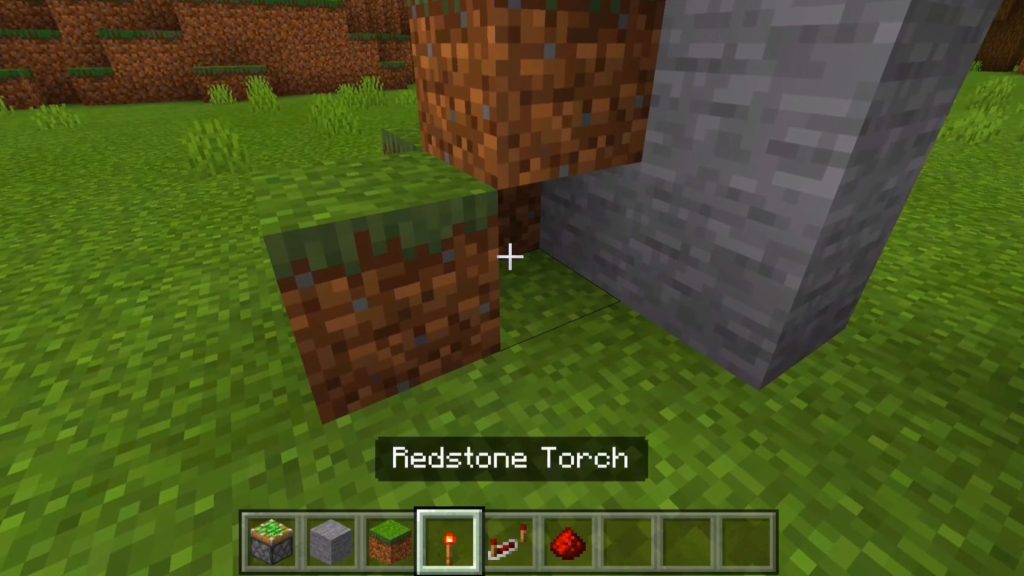
Place a triangular formation of dirt blocks to the left of our future door. Keep the bottom open as it will serve as our secret key!
Making the Redstone Circuit
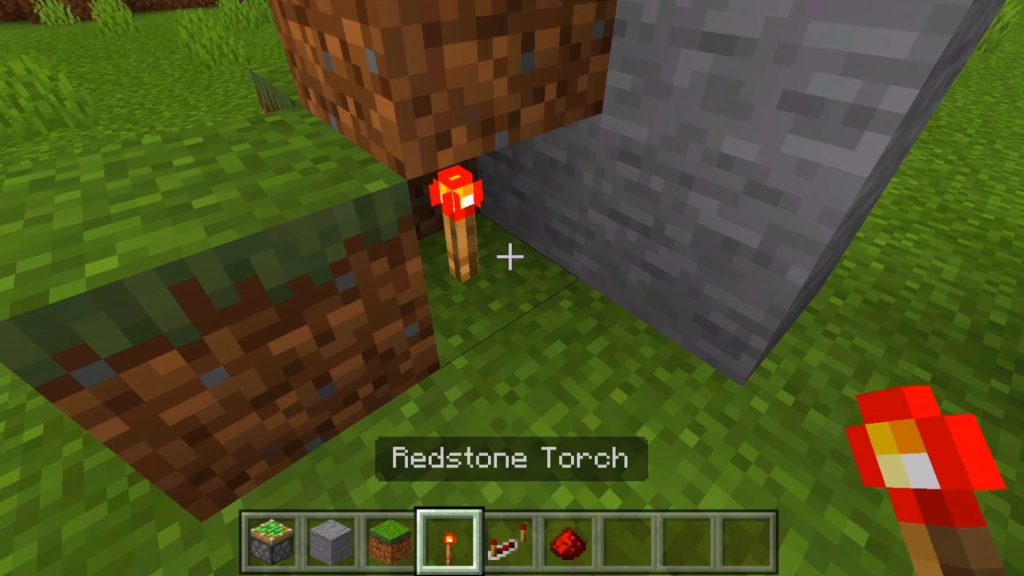
Place down the first redstone torch under the dirt formation you just made, then go through the door and stand directly opposite the dirt formation.
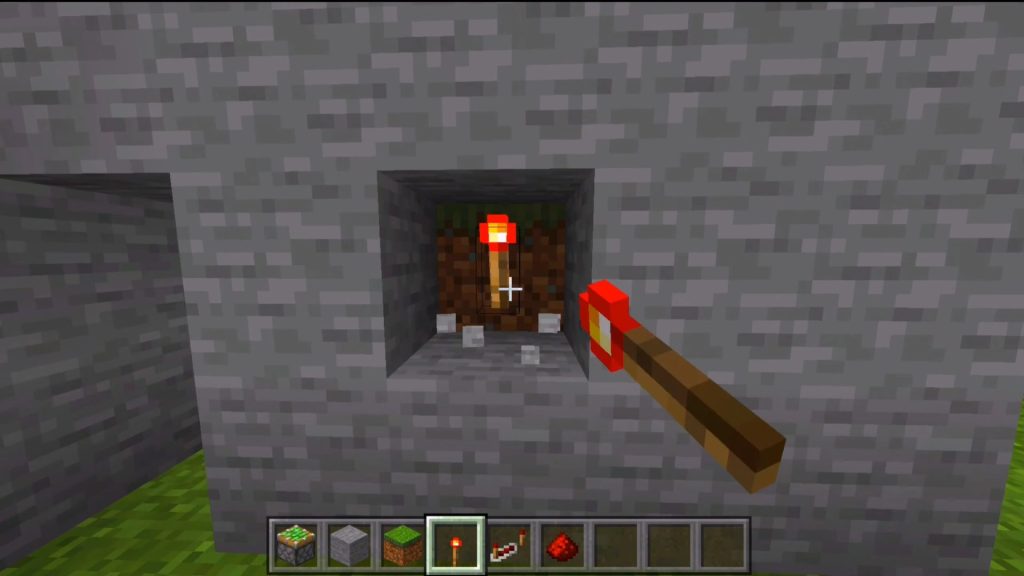
Remove the second stone from the bottom and you should see one of the dirt blocks you put down earlier. Next, put the second redstone torch on this dirt block.
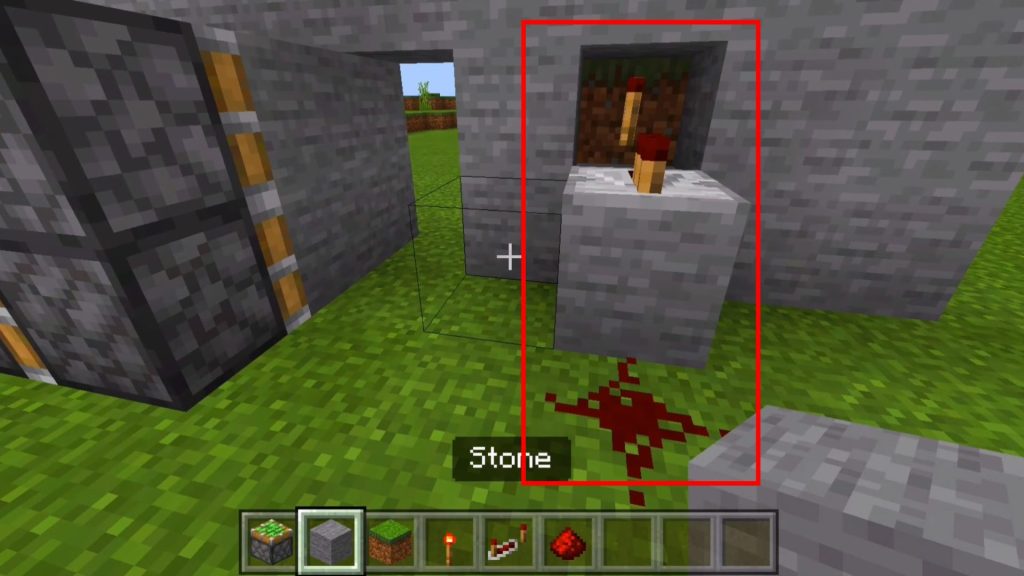
Now, put a stone block on the ground in front of the opening, then put down a redstone repeater. Leave it with the default 1-tick delay.
Put some redstone dust down in front of the stone block.
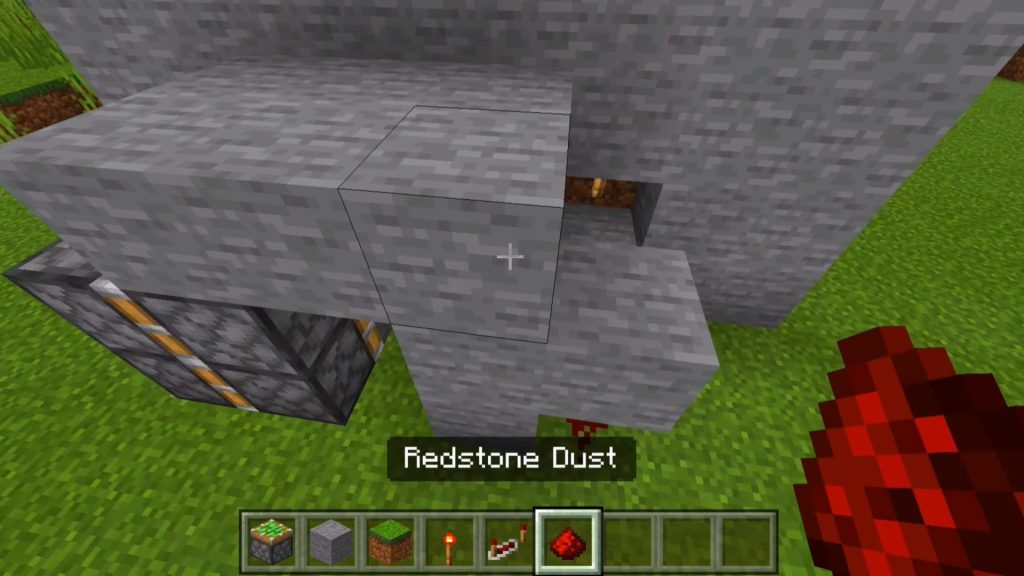
Make a stone roof that’s 3 blocks wide covering what will be our door. Make sure that it reaches the pistons on the other side of the door!
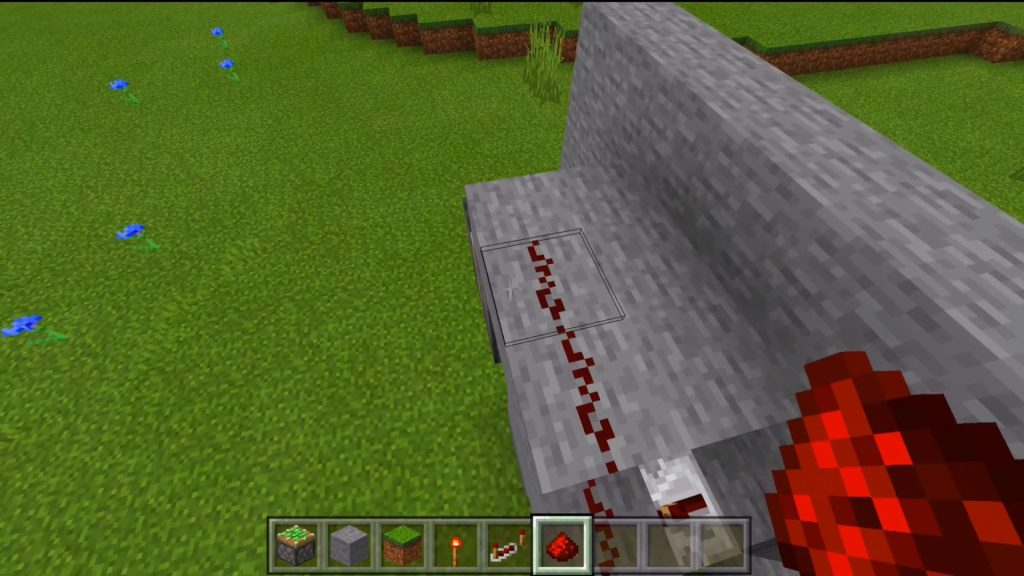
Put redstone dust leading from the ground across the top of the roof you just made, covering two of the three blocks.
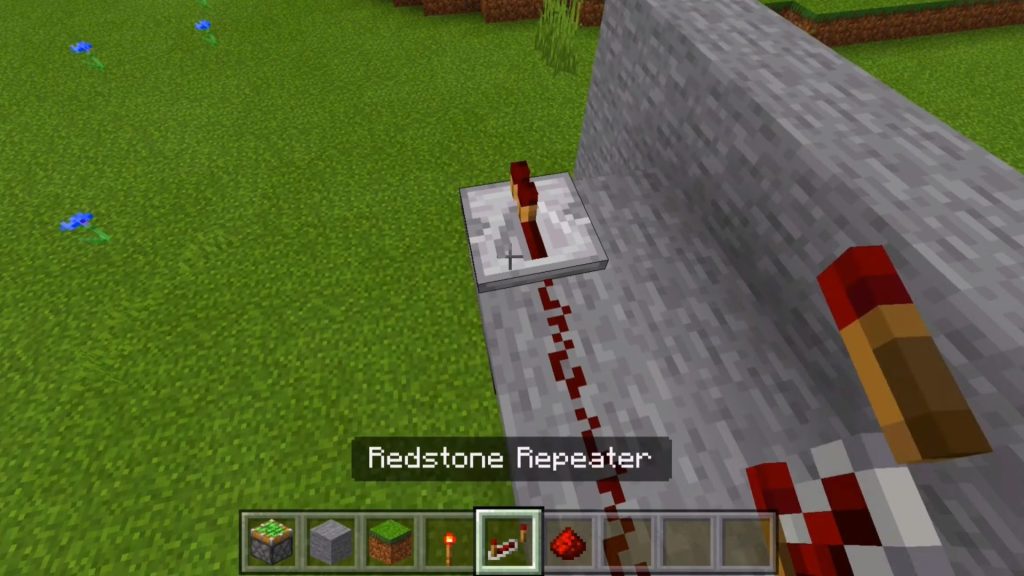
On the third block from the right, put down the second redstone repeater and interact with it twice to set it to a 3-tick delay.
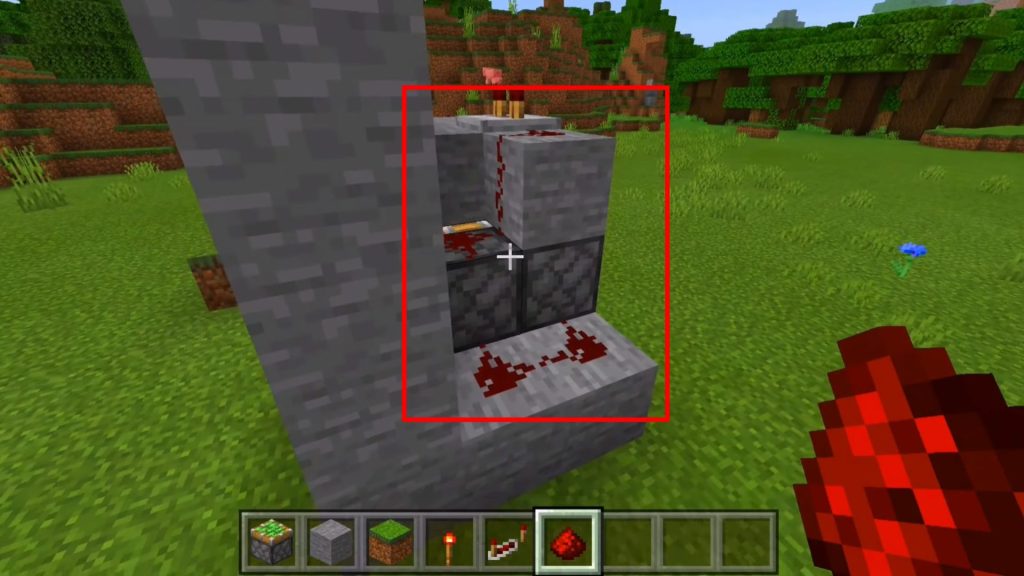
Place a couple of stone blocks by the pistons as shown in the image and cover them with redstone. This should complete the circuit!
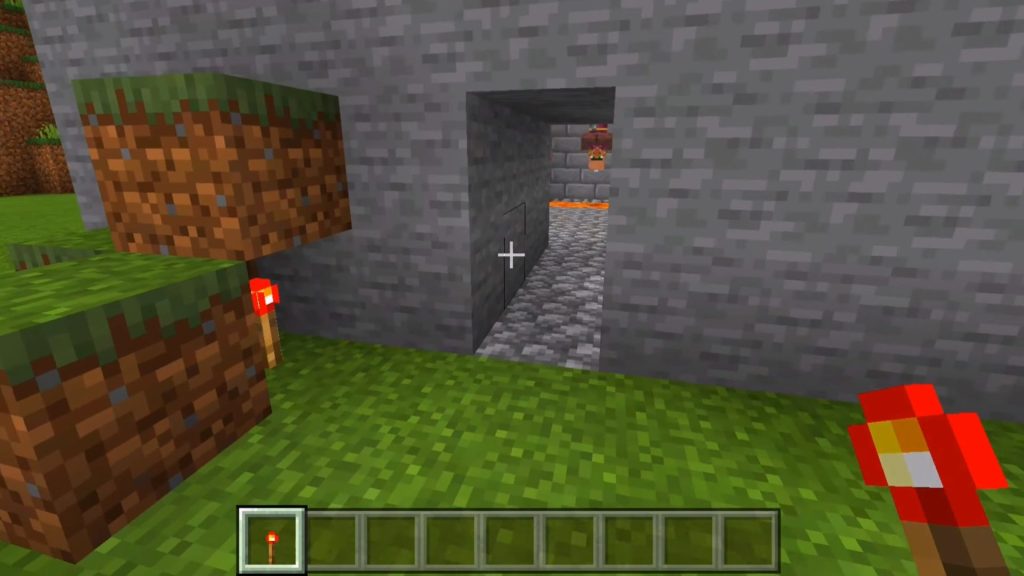
Lastly, test the fruit of your labors. Go outside and remove the redstone torch, then place it back down. The door should close and open before your eyes!
You can expand this further by experimenting with the redstone circuit. For example, try adding levers or switches so that you can close it from the inside.
Nonetheless, now you know the basics of making an invisible door in Minecraft!
ALSO READ: How to Get Resin in Enshrouded