 8 articles
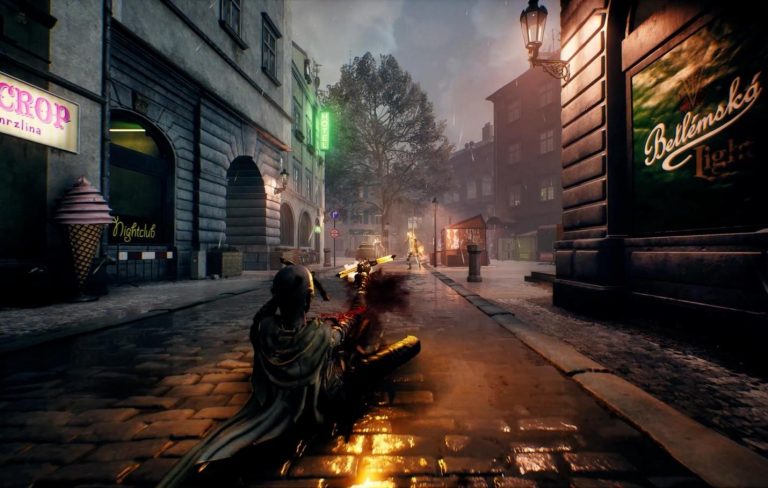
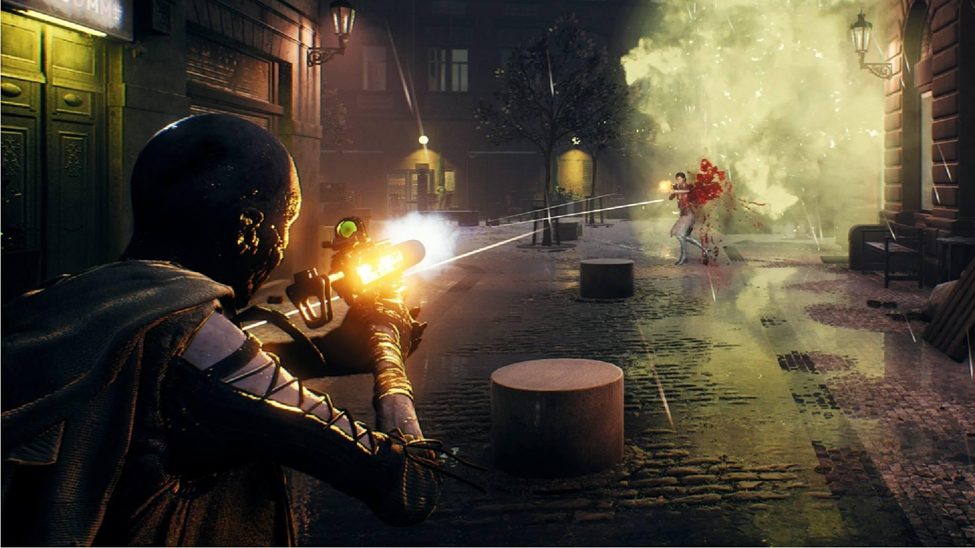
Vampire: The Masquerade Bloodhunt remains one of the market’s highly-rated free-play action role-playing games. Millions of players worldwide seek to outwit each other and dominate the city of Prague. The success and accuracy of your missions, side quests, kills, and loots depend on your movement and aim in the game.
As far as movement goes, we have compiled some tips that will greatly improve your movement in Bloodhunt. As for the aim, however, you can make the best of out it with suitable controller settings.
Best Settings To Improve Your Aim On Controller – Bloodhunt
The following are the best settings on your console when you play bloodhunt, especially as a beginner.
Gameplay
First off, go to the settings option by holding the start or options button on your wireless controller. When you get there, move to the gameplay tab and adjust your horizontal look sensitivity to 6.
 Vampire: The Masquerade Bloodhunt: Best Class for Solo RunsApr 28, 2022
 Vampire: The Masquerade Bloodhunt: Best Archetype to Use | Character Tier ListApr 30, 2022
 Bloodhunt: Top Tips That Will Improve Your MovementApr 28, 2022
Then, continue by adjusting your vertical look sensitivity to 4.5, horizontal and vertical ADS sensitivity multipliers on three, and horizontal and vertical scoped sensitivity multipliers on 3.
Next, you can turn off adapter triggers if you do not like slowing down while shooting. All of your other settings on the gameplay should remain the same other than those mentioned above.
Graphics and Audio
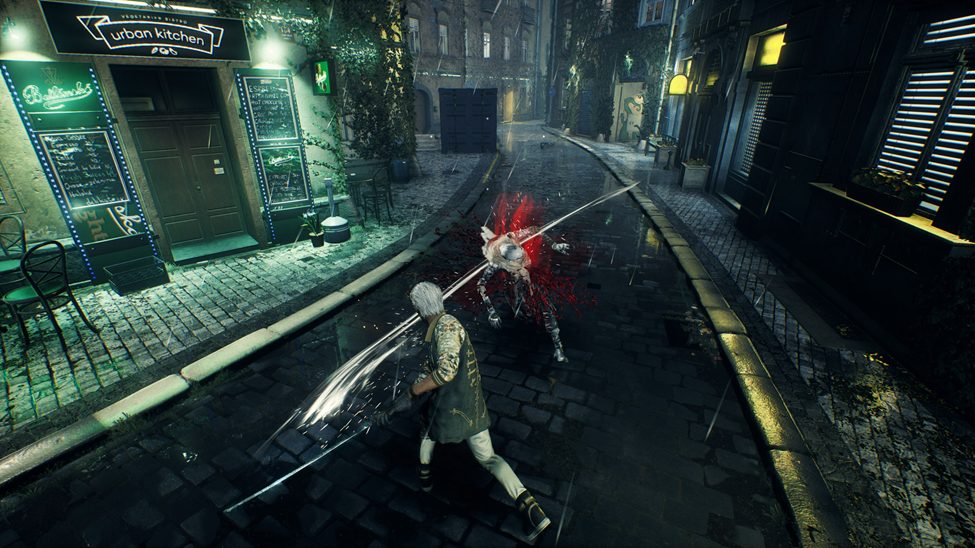
You do not have to make changes to graphics. However, if you are fixated on performance during play, change your quality preset to performance. For a beginner in the game, your game screen brightness should be 7 – 8.5. You don’t have to do much on the audio but can adjust depending on your sensitivity to sound.
That’s all for now to get the best of your aim and movement in the game. You can tweak your settings to your taste as you become more experienced in the game.
ALSO READ: Warframe: Voidplume Farming and Holdfast Standing Guide