
 18 articles
Digging deep is half the fun in Dwarf Fortress, but as time goes on, layouts change, mistakes happen, and sometimes, an old stairwell or wall just has to go.
Fortunately, removing stairs and walls isn’t hard once you know which tool the game actually expects you to use, and the rules are a little different depending on whether something was mined out or constructed by hand.
Without further ado, here’s how you can remove stairs and walls in the game.
Removing Stairs and Walls in Dwarf Fortress
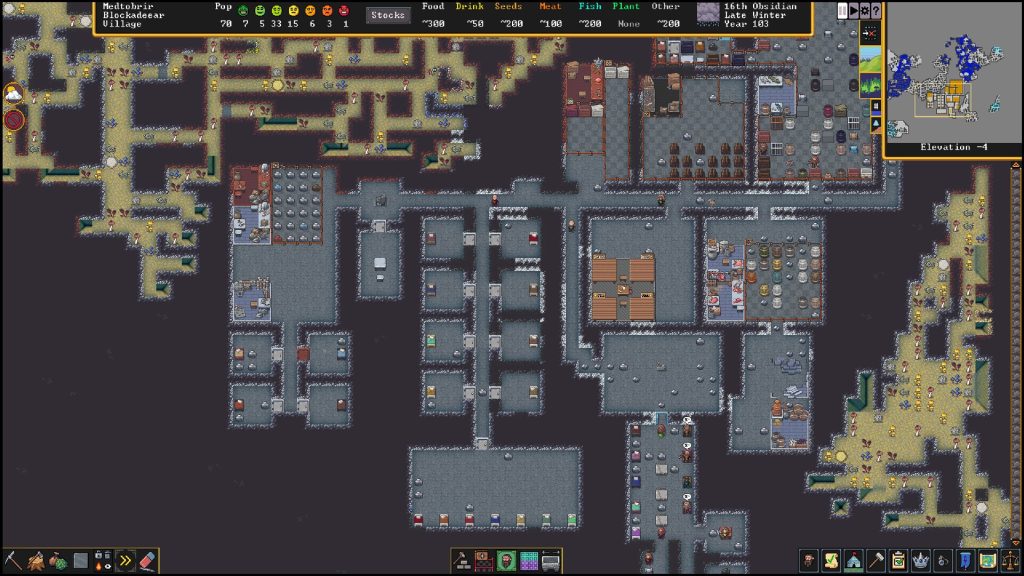
Stairs in Dwarf Fortress come in two flavors: dug stairs and constructed stairs. How you remove them depends on that.
 Dwarf Fortress Classic Mode vs Premium – What is the Difference?Mar 7, 2023
 Dwarf Fortress – How To Feed Your DwarvesMar 22, 2023
 Dwarf Fortress: Light Aquifers GuideDec 13, 2022
For the dug stairs, you can remove them by using the Remove Stairs/Ramps designation in the mining menu.
To do so, press the D key to open the digging menu, then choose the icon that’s usually the last one showing stairs with a red slash. This designation tells dwarves to mine away stair tiles and ramps.
Dwarves will then smash the dug stairs and turn them into open space. This is the same tool that removes dug ramps and other carved features.
That said, removing dug stairs requires your dwarves to be able to reach the tile. If that stairwell drops into a hole or water and they can’t path there, designated removal jobs may never get done until you make alternate access.
On the other hand, constructed stairs can be removed in the same way that you would any other construction. You don’t use the mining tool for this. Instead, you use the Remove Construction designation.
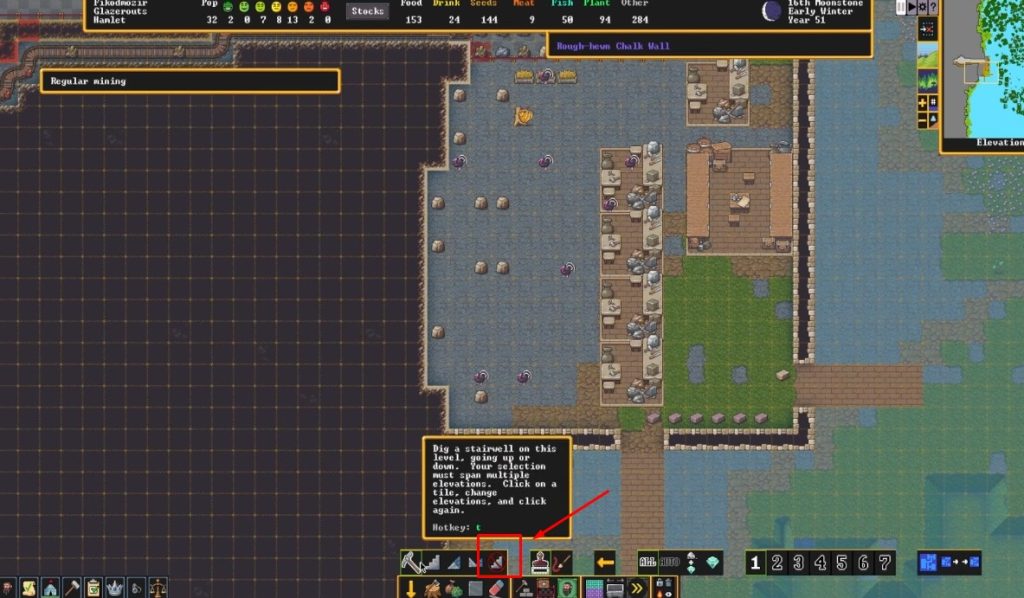
To do so, press D then n to enter “Remove Construction” and paint over the constructed stairs. Any dwarf with construction removal enabled will deconstruct them.
This also works for other constructed things like walls or floors made from wood, stone, etc.
Meanwhile, walls are easier to remove than stairs. If you constructed the wall, then use the Remove Construction command on those tiles. Dwarves will haul off the wall and free up the tile for whatever you want next.
If you carved the wall out of solid rock with mining/designations, simply mine it like normal stone using the digging menu. Miners will chip away at it until it’s gone.
Just a quick tip: if a wall is a supporting part of a structure, removing it can cause cave-ins, so make sure your dwarves aren’t standing on or under critical tiles.
ALSO READ: Have a Nice Death: How to Unlock Secret Boss Fight Ending