104 articles
Defeating an enemy and not being able to pick up the item they drop makes the fight seem pointless. This is an issue that tons of players have run into while playing Last Epoch. So, how do you fix the issue?
There are multiple reasons why this might be happening to you. We will be looking at the possible reasons why item pick-ups aren’t working for you, and how to fix them.
How to Fix Item Pick Up Not Working
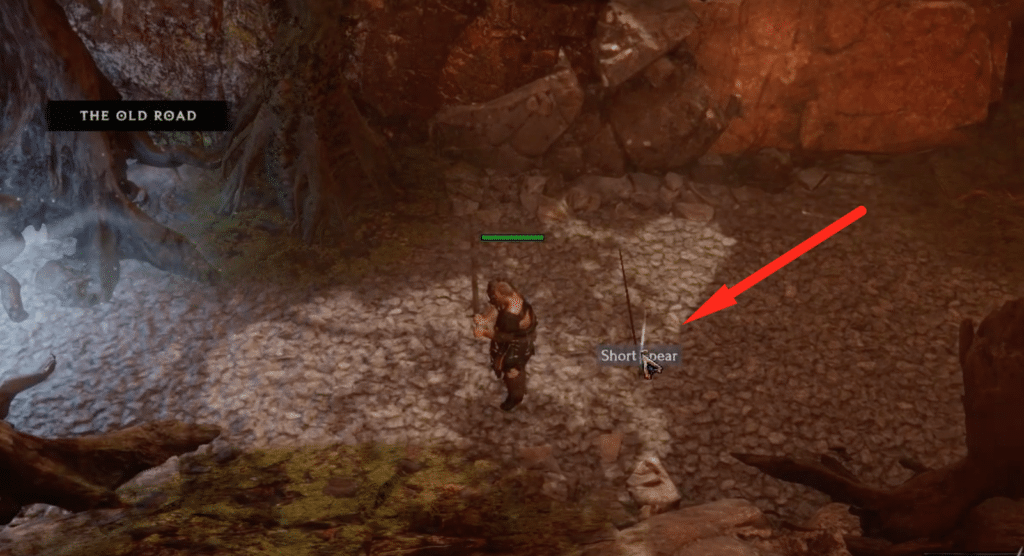
The 3 main reasons why this might be happening in your game are:
- Item Ground Tooltips
- Loot Filters
- Corrupt Files
Item Ground Tooltips
The most common reason for this happening is due to “Item Ground Tooltips” being toggled off. By default, the shortcut for this is ALT+Z on your keyboard. Most people who run into this issue inadvertently press ALT+Z, as both keys are quite close to each other on the keyboard.
 Everything New In Last Epoch Season 4Mar 29, 2026
 How To Progress Through Endgame In Last Epoch For New And Returning Players (Season 4)Mar 28, 2026
 How To Get A Lot of Corruption in Last Epoch Season 4Mar 28, 2026
If this is why your item pick-ups are not working, then pressing ALT+Z should fix your issue. Also, try restarting your game once after pressing ALT+Z. For console players, you will need to long-press the right key on the Directional Pad(D-Pad).
Loot Filters
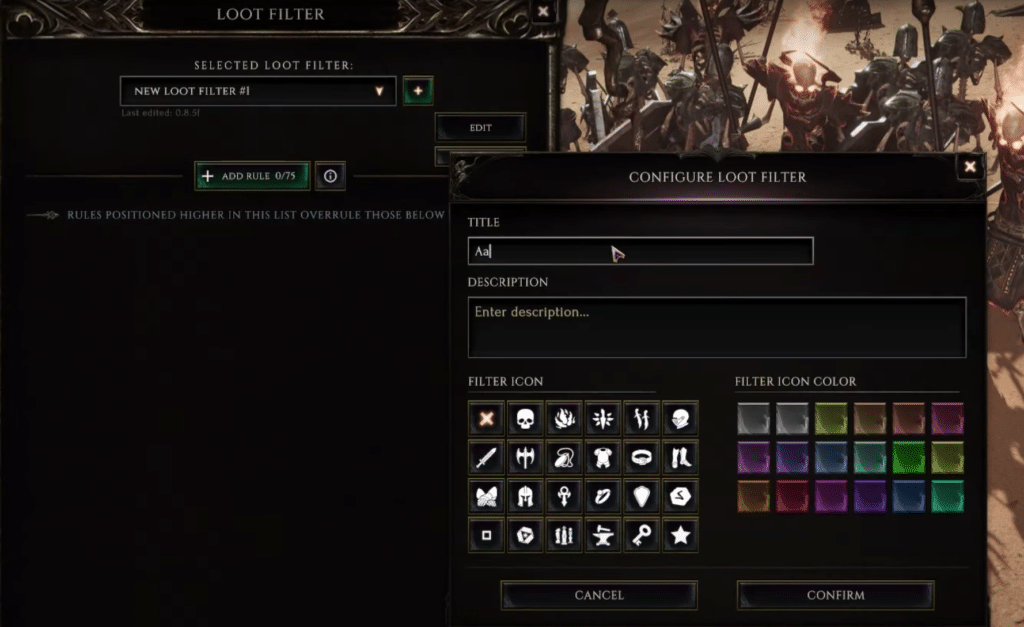
Loot Filters in Last Epoch are a very useful tool as they can help you filter out a lot of unwanted items. If you have a Loot Filter active, try disabling it and then try picking up the item.
The Loot Filter might be glitched or it is also possible that you accidentally put a wrong rule in the filter. If the Loot Filter is the issue, then try looking for the rule that might be causing the issue.
Corrupted Files
Lastly, corrupted files are also a possible reason for you not being able to pick up items. to fix this:
- Right Click on Last Epoch from your Steam Library
- Open up Properties and go to the Local Files tab
- From here, click on Verify Integrity of Game Files.
Other than fixing this issue, verifying game files can also deal with many other issues related to the game. If none of the fixes work, then it is best to contact the games support directly.