21 articles
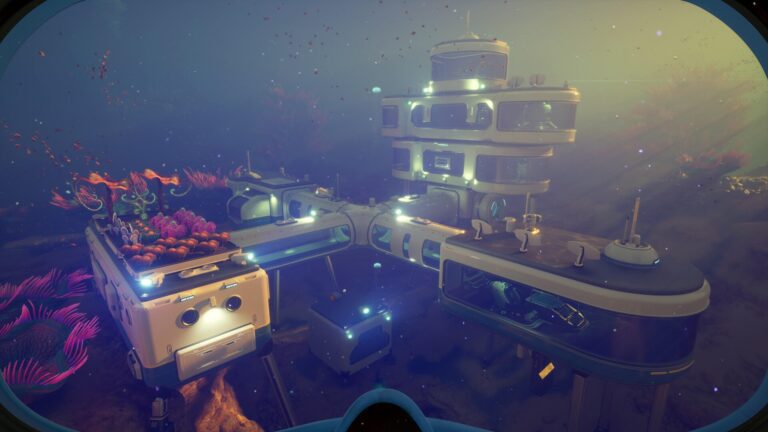
It can be hard to figure out what’s best when building a base early in Subnautica 2, as you might stress over the location, how to power it up, and the like.
After all, you do need the base to have all the amenities to survive out at sea! It also needs to aid you in further exploring the sea and progressing the game’s main story, of course.
In this guide, I’ll give you various tips to help you set up a solid early base.
Don’t Overthink the Location of an Early Game Base
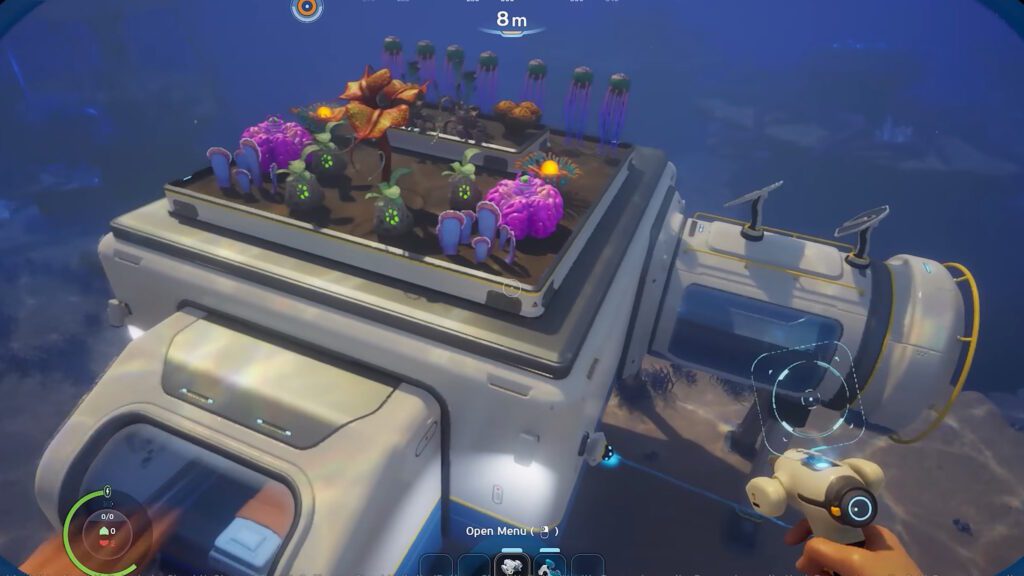
The first thing you’re most likely thinking about when it comes to building an early base is the location. I totally understand! It can be hard to pick just one spot in the sea, after all.
 Subnautica 2: Ending Guide (Alien Ruins)May 20, 2026
 Best Base Locations in Subnautica 2May 17, 2026
 Subnautica 2: All Inventory Expansion Upgrade LocationsMay 17, 2026
However, that’s kind of the trick. You should not think too much about where to place your first base. As a general rule, anywhere east and some distance away from the starting Lifepod is good enough.
You don’t want to make your base too close to the Lifepod, as it can feel redundant. As for why I mention east specifically, that just seems to be the direction the game nudges you to explore most in the current state of the game.
Aside from that, you also just want to try to make the base close to any hotspot for resources you need. For example, a location where you can get a lot of Silver.
To break it down, you essentially just want to follow these basic rules for your first base:
- Some distance (say around 100m) away from the Lifepod.
- East of the Lifepod, as that is where most exploration seems to take place.
- Close to resources you particularly need.
The main reason you don’t want to overthink the location is that you’re very unlikely to stick to your first base for long. Exploration will force you to move further away from it, so you’ll end up moving to another base sooner than you think.
As such, the location for an early base is a bit of an “anything goes” thing, since it’ll be a temporary base more than anything. Don’t worry too much about it, as you’ll find a better spot later.
How to Easily Power Your Base Early On
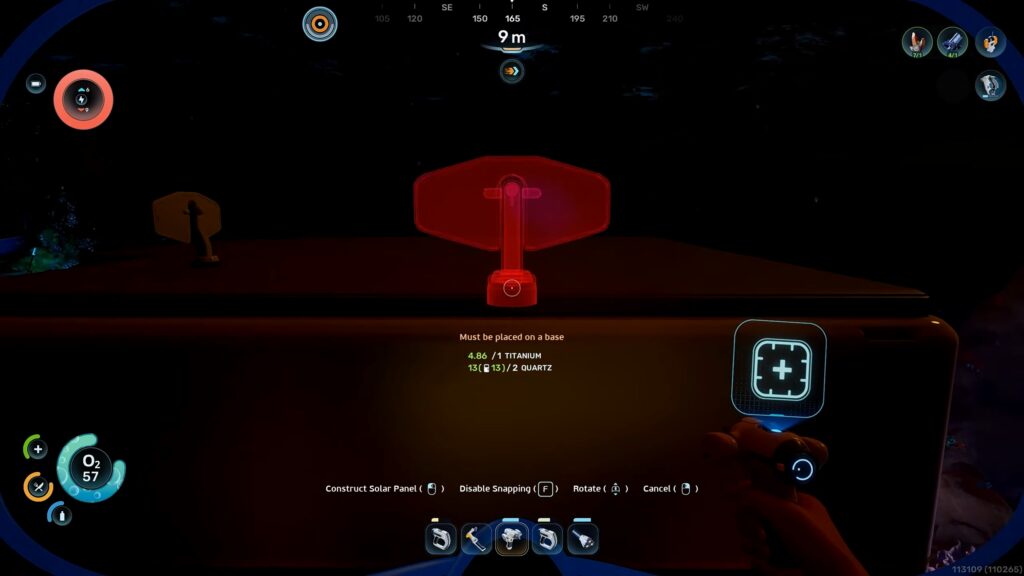
In the early game, the best way to provide power to your base is to use Solar Panels. You can make them as soon as you unlock the Habitat Builder using 1 Titanium and 2 Quartz.
Solar Panels, as you might imagine, will harness sunlight and turn it into Energy to power up your base. You just need to place them at the top of your base’s exterior and you’re all set!
Now, “sunlight” does mean that they drastically reduce their output at night. As such, I recommend placing multiple Solar Panels on your base.
About 3 Solar Panels should be more than enough early on, but feel free to scale up or down as you figure out your base’s needs. Just make sure to plan ahead and have surplus Energy to survive nights.
Similarly, it’s important not to make your base too deep underwater. The Solar Panels can’t work if they’re too deep to properly absorb sunlight, after all.
Make a Fabricator ASAP
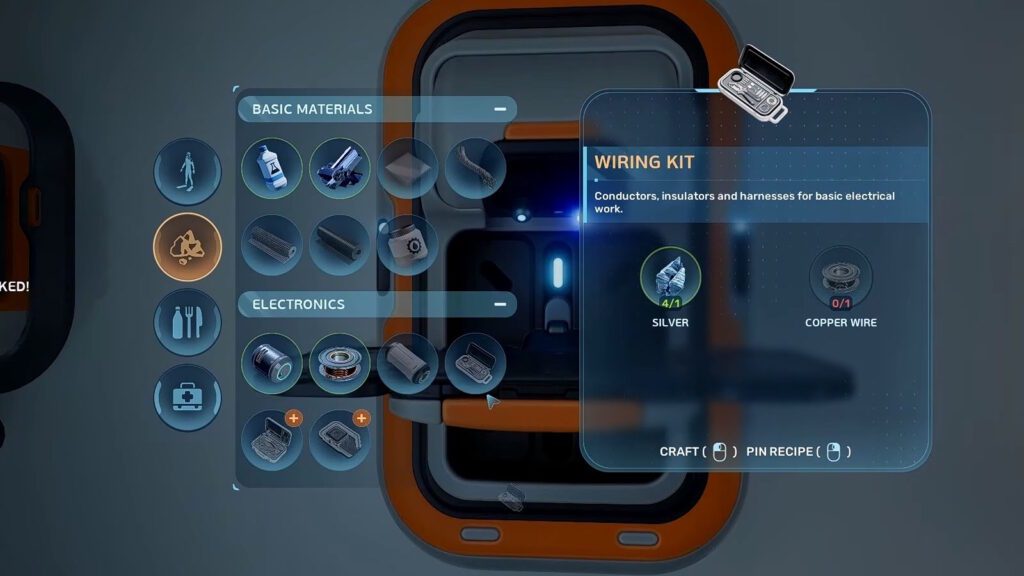
With a basic base set up and powered up, one of your first tasks should be to make a Fabricator. It can be made with the Habitat Builder for 1 Titanium, 1 Copper, and 1 Quartz.
As I said before, you’ll want to make your base somewhat far away from the Lifepod. As such, you’ll want to have another Fabricator handy so that you don’t ever need to go back!
Additionally, Fabricators placed within bases count as “Fully Functional Fabricators.” That means that they have access to more advanced recipes that the Lifepod’s Fabricator does not.
The Fabricator is one of your most important tools in this game, since you always need it for crafting and whatnot. So, get it as soon as possible.
Make and Use a Biobed
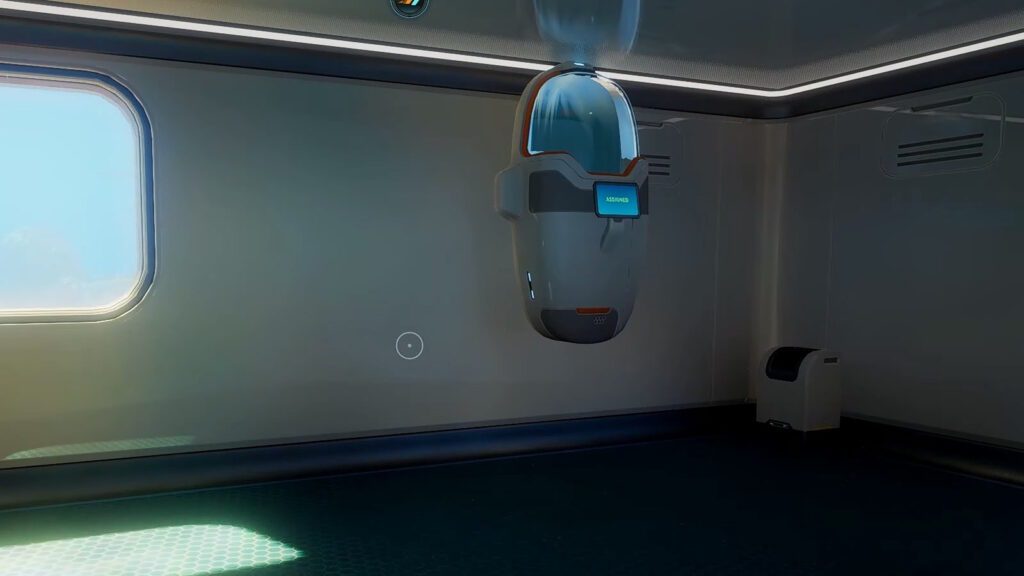
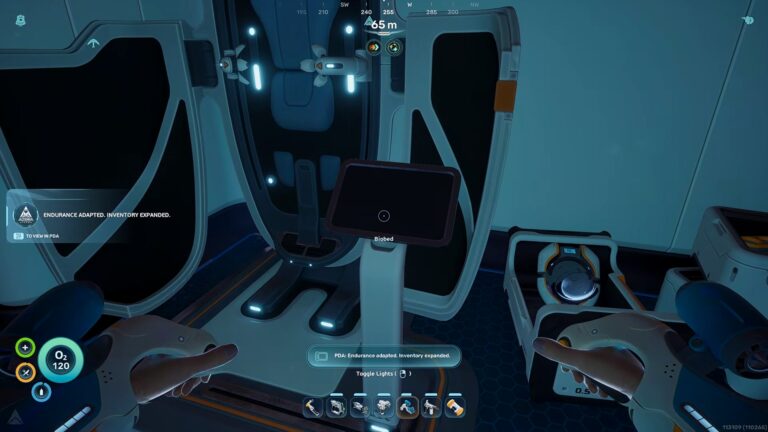
Another very important defining factor for a base is the Biobed. It can be made via the Habitat Fabricator for 3 Titanium, 1 Glass, and 1 Copper Wire.
The Biobed is your sign that you’ve really made progress and moved out of the starting Lifepod. Using it will change your respawn point to the Biobed’s location. So, you’ll respawn at your base whenever things go awry, instead of the Lifepod.
Storage Tip: Upgrade to Floor Lockers
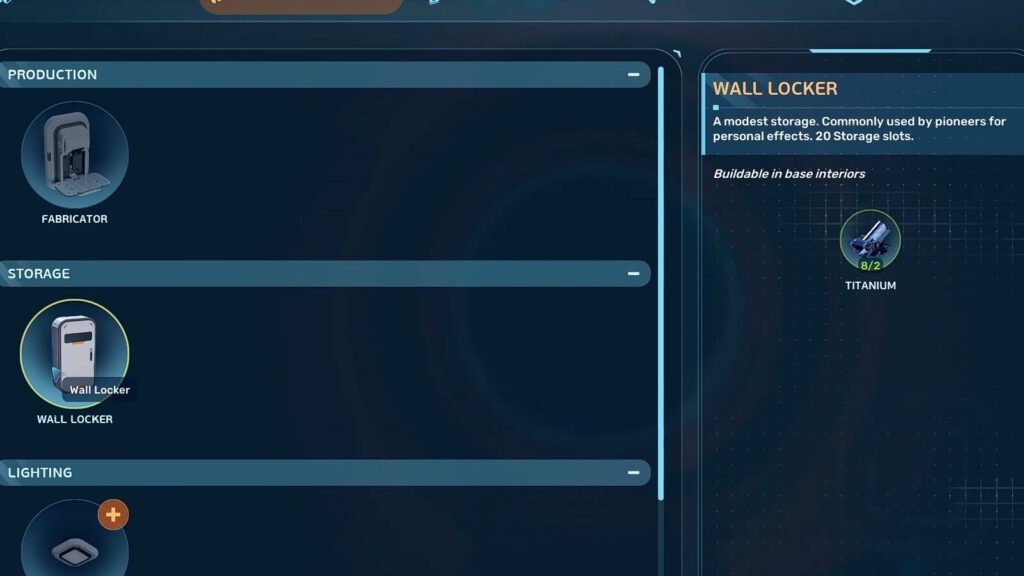
When it comes to storage, your first and most basic option is the Wall Locker. They give you 20 storage slots per locker and only require 2 Titanium to make. Pretty handy!
However, I highly recommend upgrading to the Floor Lockers as soon as you can. They don’t need to be put on walls, and they also provide 30 storage slots instead.
Floor Lockers do require more materials to make, however. You’ll need 3 Titanium and 1 Quartz per Floor Locker. Still, it’s not too much of an increase in costs, considering the 10 extra slots and the convenience you get!
Other Important Facilities to Have Within a Base
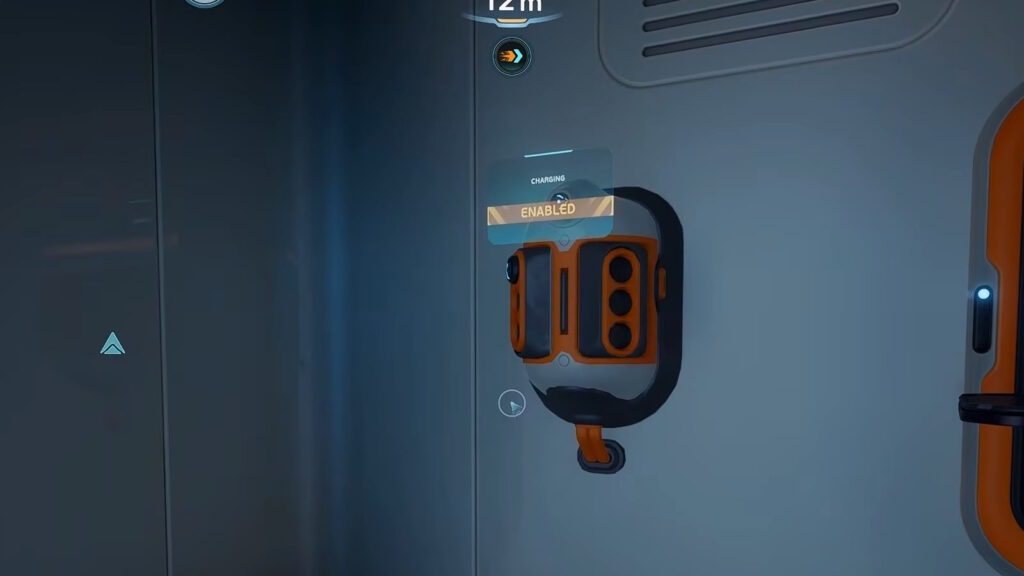
By now, you should have all of the basics you need for your base to feel like an actual base. But you can always make things even better!
As you progress, I recommend aiming to make and place these facilities and tools within your base:
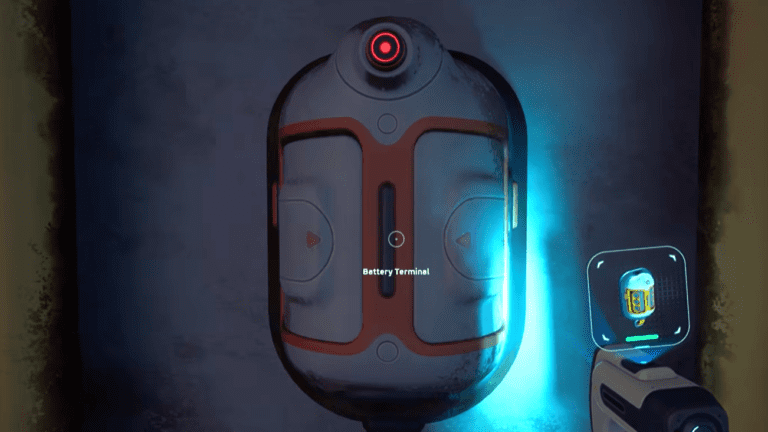
- Battery Terminal – A small wall-mounted terminal that you can use to recharge Batteries used by your tools. Consumes your base’s Energy, but stops you from having to craft new Batteries!
- Processor – As you progress through the game, you’ll find more advanced crafting recipes that require refined materials. The Processor allows you to make those materials. Do note, though, it uses a lot of Energy. Be careful at night.
- Scanner Station – Allows you to locate specific resources, wrecks, and anomalies. Makes exploration a lot more convenient!
Now, it is important to note that these facilities will mostly require you to find and scan their Fragments via exploration. Which brings me to my last point…
Scan Everything You See
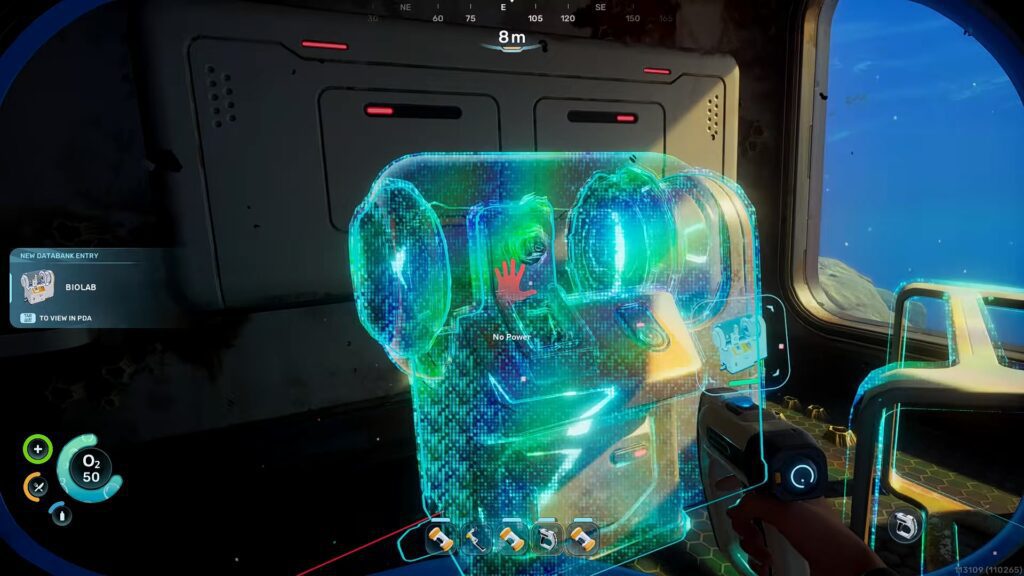
Lastly, something extremely important for base building is to just use your Scanner and Bioscanner on everything you can.
Scanning things is the primary way in which you unlock new crafting recipes. These can be tools like the Wakemaker, the Habitat facilities I mentioned in the previous section, or just decorations.
Regardless, as simple as it is, just make sure to scan any new thing you find while exploring. It’ll greatly expand your possibilities for base building.
Wrapping Up
Ultimately, early base building in Subnautica 2 isn’t super complicated, though you might be overthinking things such as location and power.
To summarize, any location that’s fairly away east of the Lifepod is a decent spot for your first base. Power it up with Solar Panels, then deck it out with basic necessities like a Fabricator and Biobed.
As you explore, also make sure to use your Scanner on everything you can. You’ll unlock more crafting recipes by doing so, which includes new facilities and decorations for your base. It’s key to progress!
Do you want an easier way to get around in the sea? Check out our guide on the Tadpole vehicle! It’s a personal submarine, which sure beats swimming.