21 articles
One of the earliest things you need to do in Subnautica 2 is to solve the power puzzle at the Welcome Center.
This is a relatively simple part of the game, but it can be easy to miss what it is you need to do. Plus, it’s really early on! It’s before you really get your bearings and learn how the game works.
Fret not, though, as this quick guide will help you solve this puzzle with extreme ease.
Craft a Simple Battery
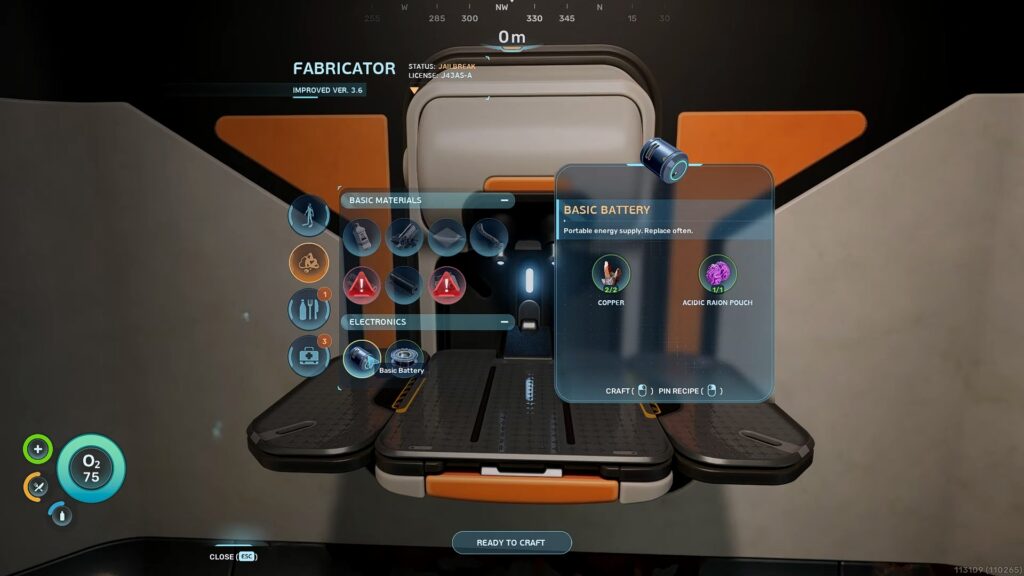
The very first thing you’ll need to do for the Welcome Center is to craft a Simple Battery. Thankfully, this is quite simple and can be done within your Lifepod, requiring only 2 materials.
 Subnautica 2: Ending Guide (Alien Ruins)May 20, 2026
 Best Base Locations in Subnautica 2May 17, 2026
 Subnautica 2: All Inventory Expansion Upgrade LocationsMay 17, 2026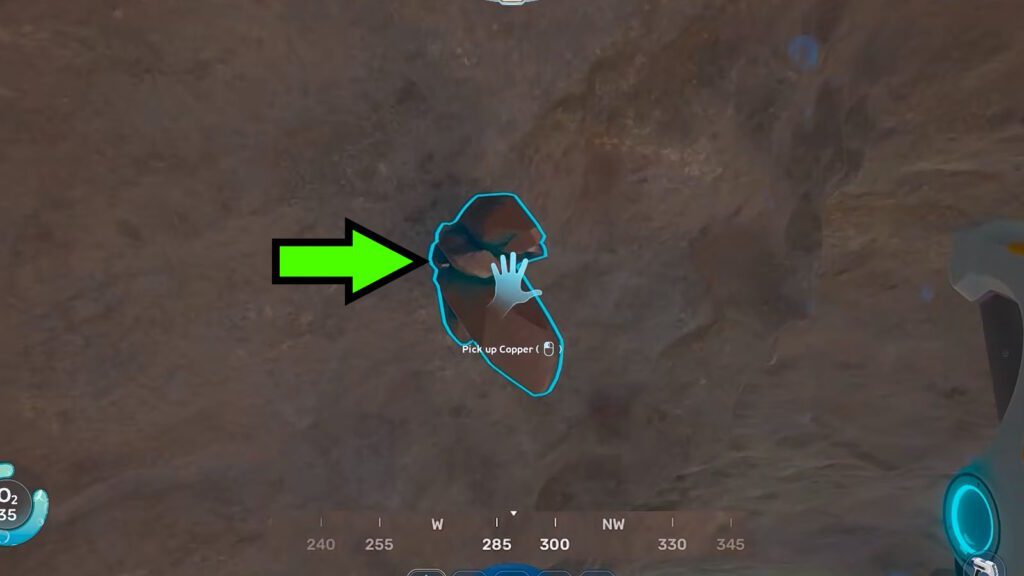
The first material you’ll need is Copper. You can find it protruding from cliffs and caves around the Lifepod. It’s a brown crystal, and it’s quite plentiful even early on.
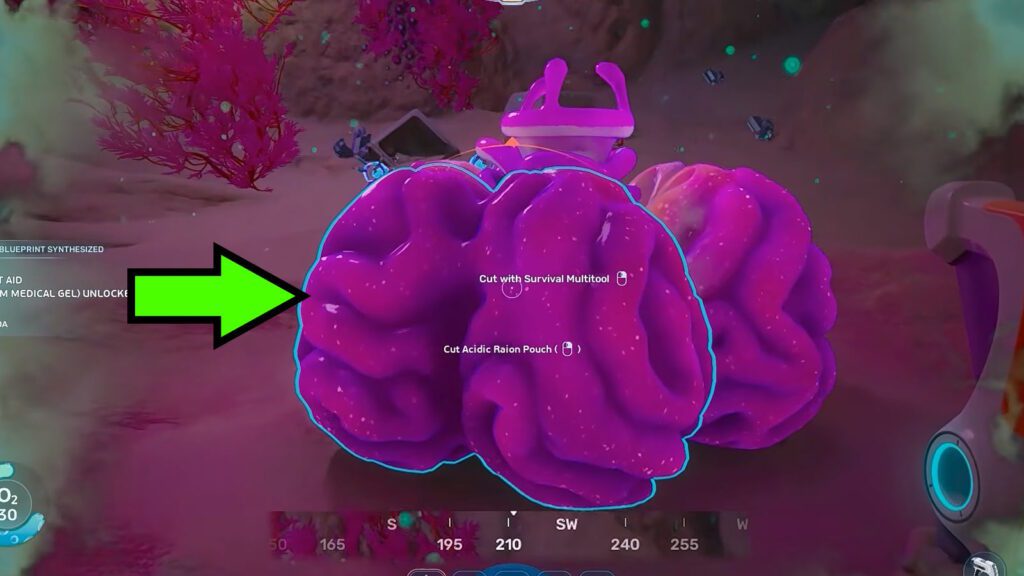
The second material is Acidic Raion Pouch. Much like the Copper, you can usually find this in pretty shallow depths early on. It’s a big pink plant, which somewhat resembles a brain in appearance. It’s weird, but it’s true!
Once you collect 2 Copper and 1 Acidic Raion Pouch, return to your Lifepod. Use the Fabricator to make at least 1 Simple Battery and you’re all done with this first step.
How to Power the Welcome Center
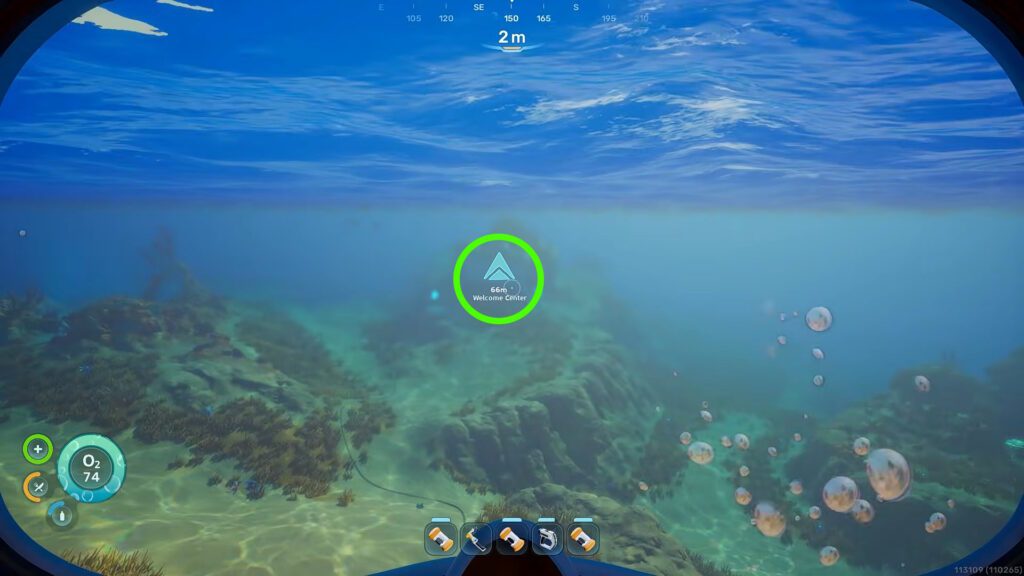
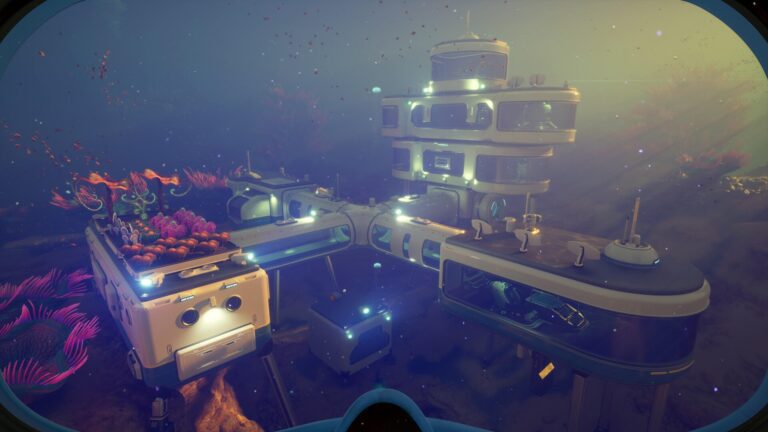
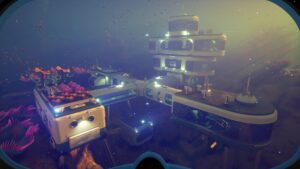
Now that you have the Simple Battery, follow the marker on your HUD that leads you to the Welcome Center. As a refresher, it should be a mere 70m southeast of the Lifepod.
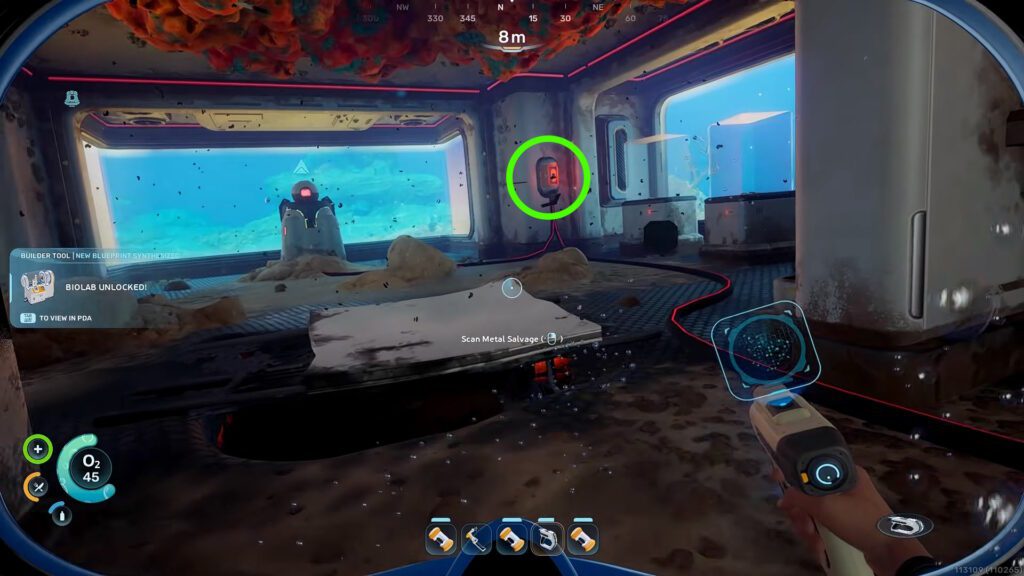
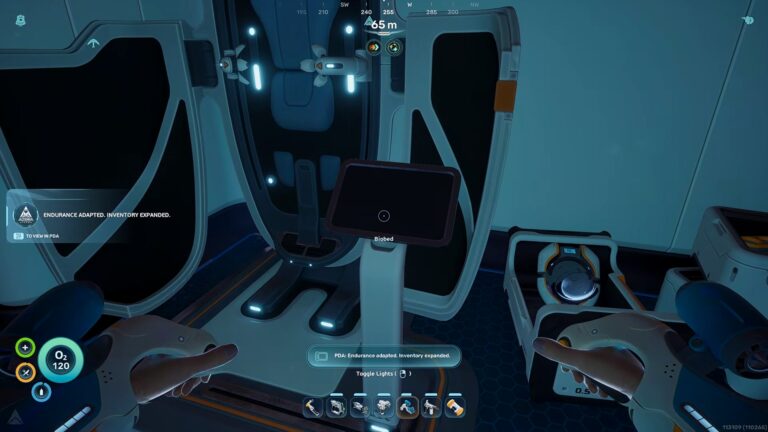
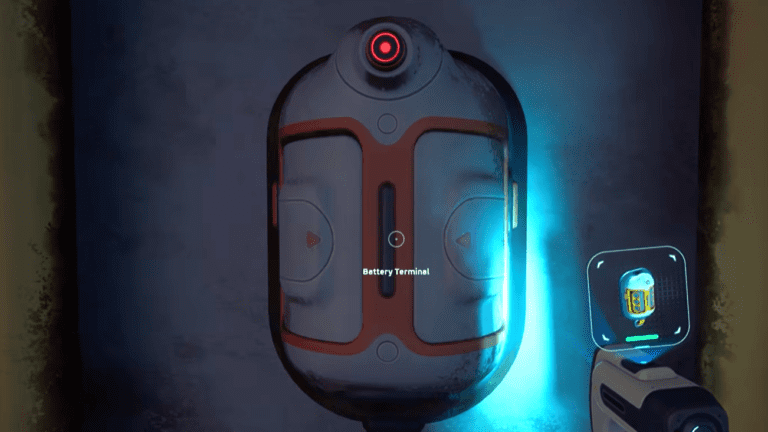
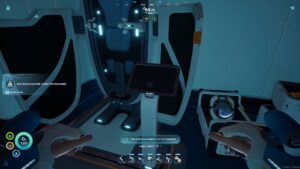
When you enter the Welcome Center, turn to your left and look for a power outlet with a red light on the wall. It’s the one I’ve highlighted above for you. Interact with the panel to open an inventory screen.
In the inventory screen, you just need to select the Simple Battery. Just click on it and you’ll automatically put it into the power outlet, powering up the Welcome Center.
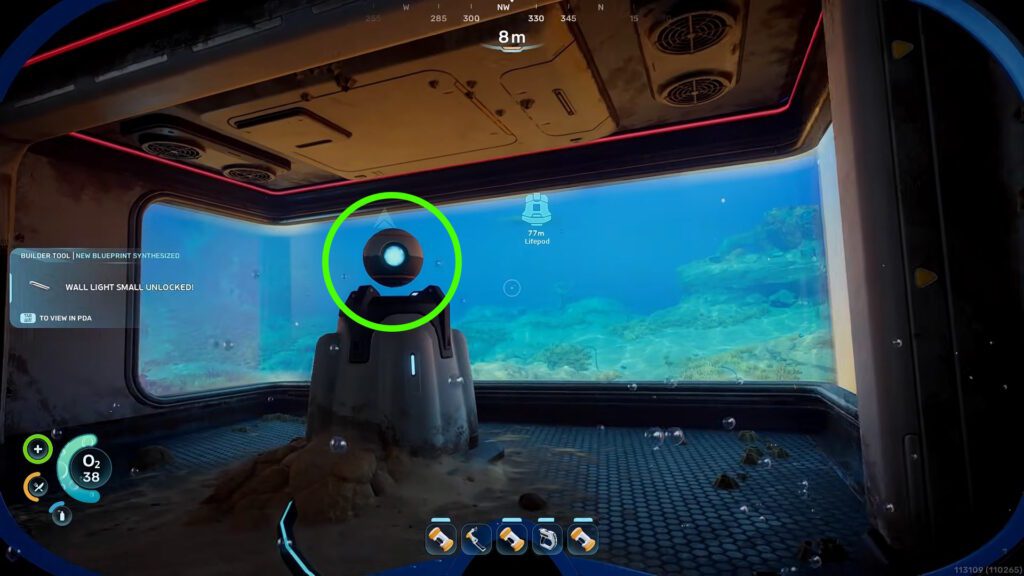
With that done, interact with the spherical terminal to the left of the power outlet. Doing so will bring up a screen where you just need to select “Boot NoA” and you’re all done here!
That’s all you really need to do to solve the simple power puzzle at the Welcome Center in Subnautica 2. I do recommend exploring the Welcome Center further, though, as there are other goodies and scannable facilities beyond the puzzle itself.
Next up, do you want to speed up your swimming speed? Well, you can technically do that with the right tool! For details, check out our guide on the Wakemaker.