21 articles
That massive alien structure far to the east is one of the bigger midgame objectives you will run into in Subnautica 2. Getting it running again is not as simple as just walking up and flipping a switch. The game expects you to figure out a few things first, like tracking down specific resources in dangerous areas and dealing with strange alien growths.
The whole process is more involved than you might expect. You will need to clear out infestations, power up two separate control centers, and then fix the exterior damage. I will walk you through the entire thing step by step in this guide.
Starting the Giant Alien Power Plant
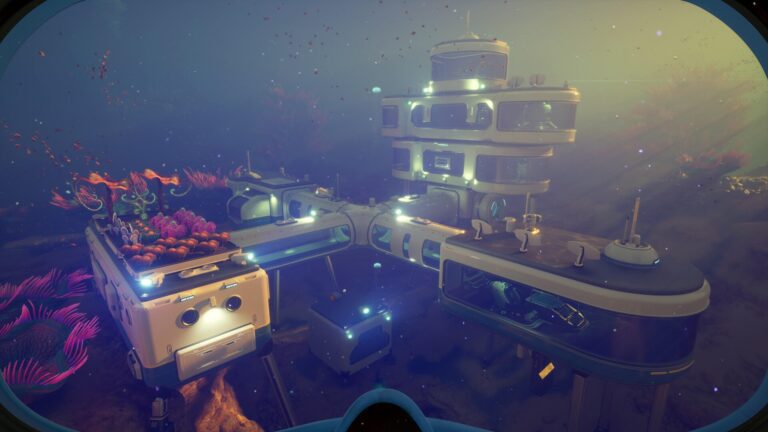
The first thing you need to do is make your way to the Giant Alien Power Plant which is located approximately 1800 meters east of your Lifepod. The exact coordinates are -158448, 443928, -10474 if you have trouble finding it. The journey is not short and there are some hostile creatures along the way so make sure you are prepared before heading out.
Once you arrive, dive down to the bottom of the power plant structure. There you will find a large purple branch like structure. Follow it in the direction of the Angel Comb sitting on top of it.
 Subnautica 2: Ending Guide (Alien Ruins)May 20, 2026
 Best Base Locations in Subnautica 2May 17, 2026
 Subnautica 2: All Inventory Expansion Upgrade LocationsMay 17, 2026
Keep moving along the branch and you will start to notice light blue crystals scattered around in the nearby area. You need to collect 10 of these so grab everything you can see around you before moving on. I have included an image below so you know exactly what to look for.
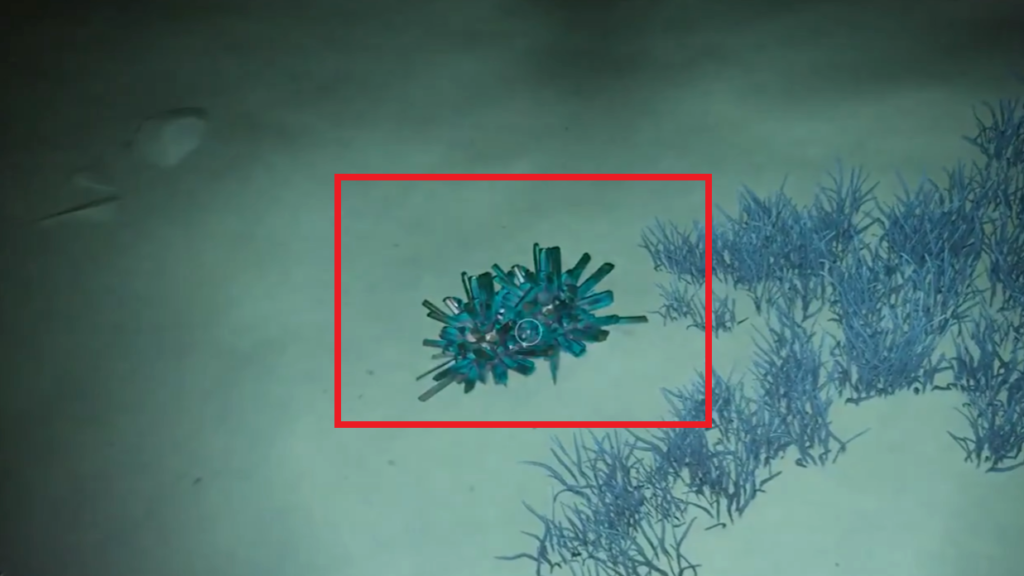
Once you have collected all 10 blue crystals, continue following the branch and you will reach an area bathed in green light. One important thing to be aware of here is that there is a Leviathan patrolling above you. Stay low and hug the branch to avoid drawing its attention.
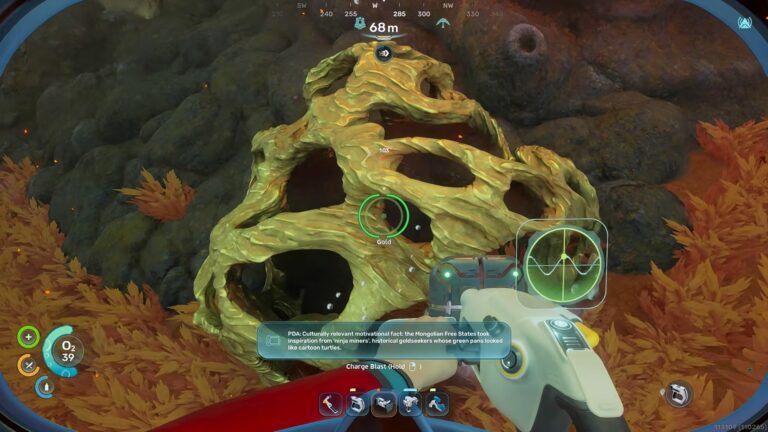
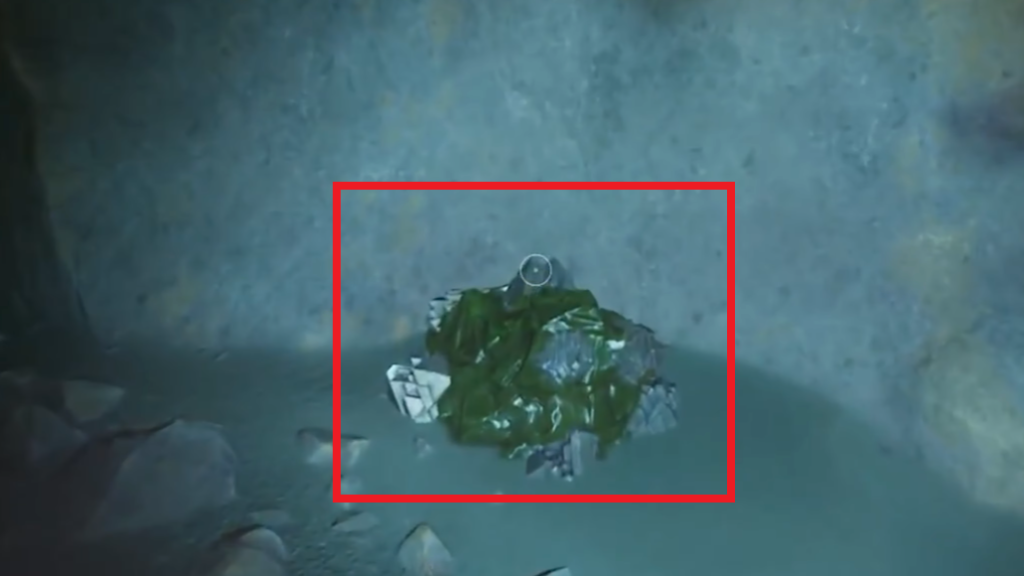
While you are down there, keep an eye out for green colored minerals growing on and around the branch nearby. You need to collect 10 of these before moving on. I have included an image below showing exactly how they appear so you can identify them quickly.
Scanning Two Feedback Resonators
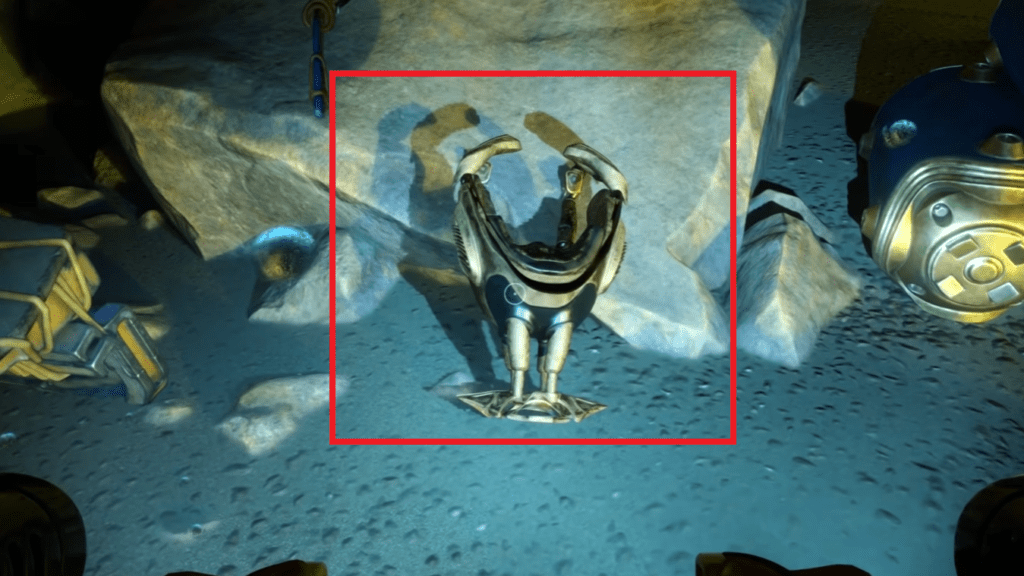
Once you have all 10 green minerals collected, stay in the same area and look around near the sludge pool. You will find a Feedback Resonator sitting there and I have included an image of it below. Swim out toward it and scan it with your Scanner.
Once you have scanned the first Feedback Resonator, turn around and make your way across the sludge pool to the other side. As you cross you will notice a pink glowing light ahead of you. Head toward it and you will find the second Feedback Resonator sitting on the nearby table. Scan it just like the first one and you will have both of them taken care of. I have included an image below showing its exact location on the table.
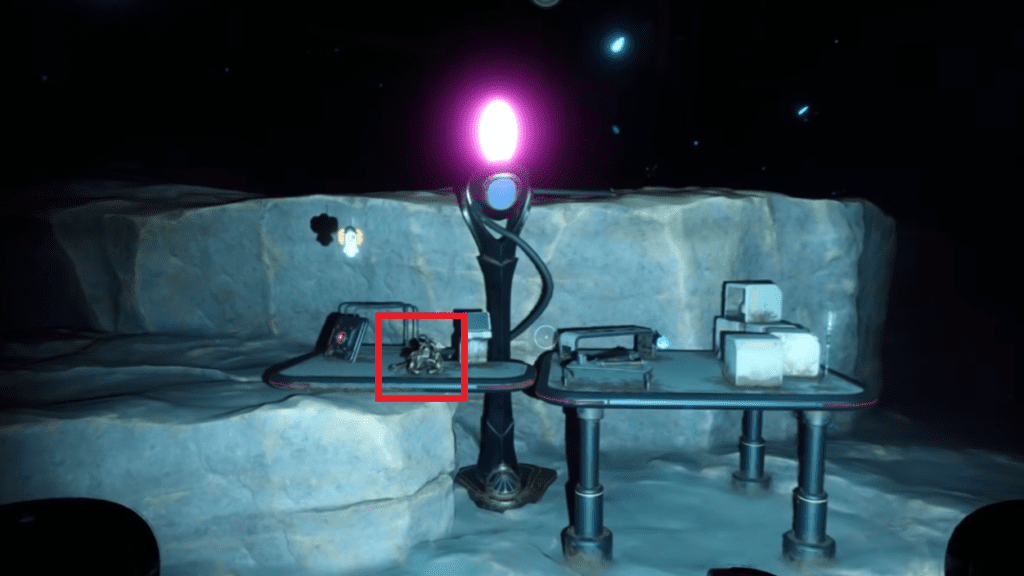
After scanning both Feedback Resonators, head back to a Modification Station and use them to upgrade your Sonic Resonator. You are going to need the upgraded version for the next step so make sure you get this done before moving on.
Clearing Out the Infestations Near The Ship
With your upgraded Sonic Resonator ready, make your way to the following coordinates: -124085, 422166, -32480. You will find a sunken ship there like the one shown in the image below. Look for a small opening on the side of the ship, get out of your Tadpole and swim inside.
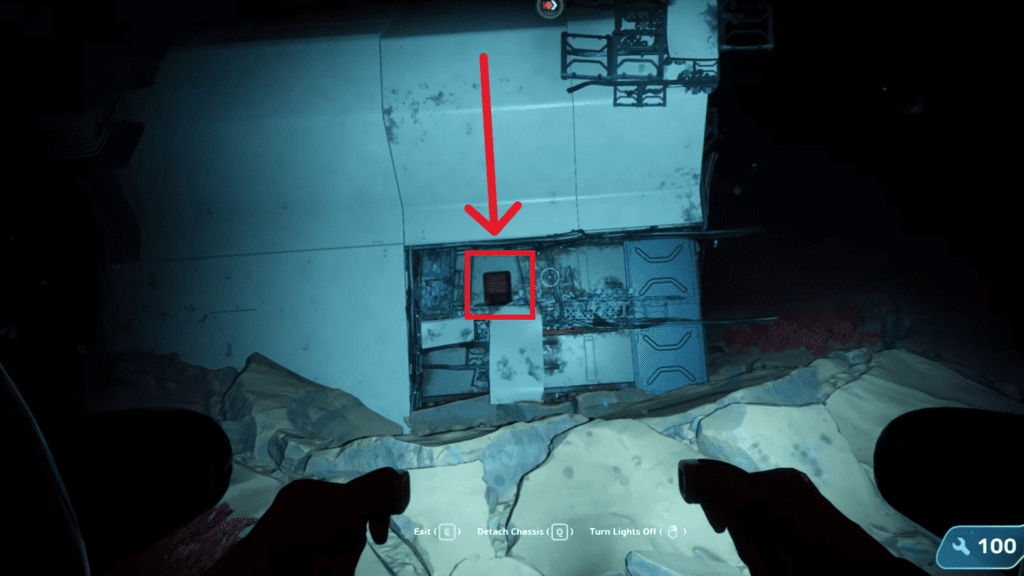
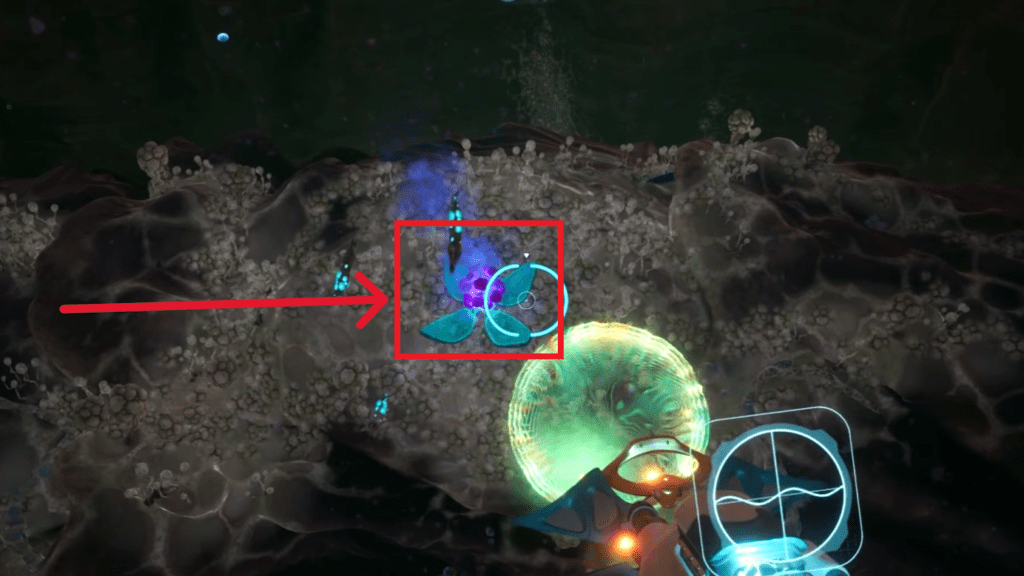
Head through the ship and exit out the other side. Once you are out, keep an eye out for pink glowing flowers in the surrounding area. There are two of them located nearby and I have included an image below showing what they look like. Once you find them, pull out your upgraded Sonic Resonator and use it to take them out one by one. Make sure you get both of them.
Clearing Out the Infestations in the Cave
Once you have taken care of both infestations in the ship area, make your way back to the Angel Comb near the bottom of the power plant. When you arrive, look for the branch on the opposite side of the Angel Comb and start following it.
Keep moving along it and it will eventually lead you to a cave entrance. The exact coordinates for the cave are -215721, 433626, -18423. Get out of your Tadpole when you reach the entrance and swim inside.
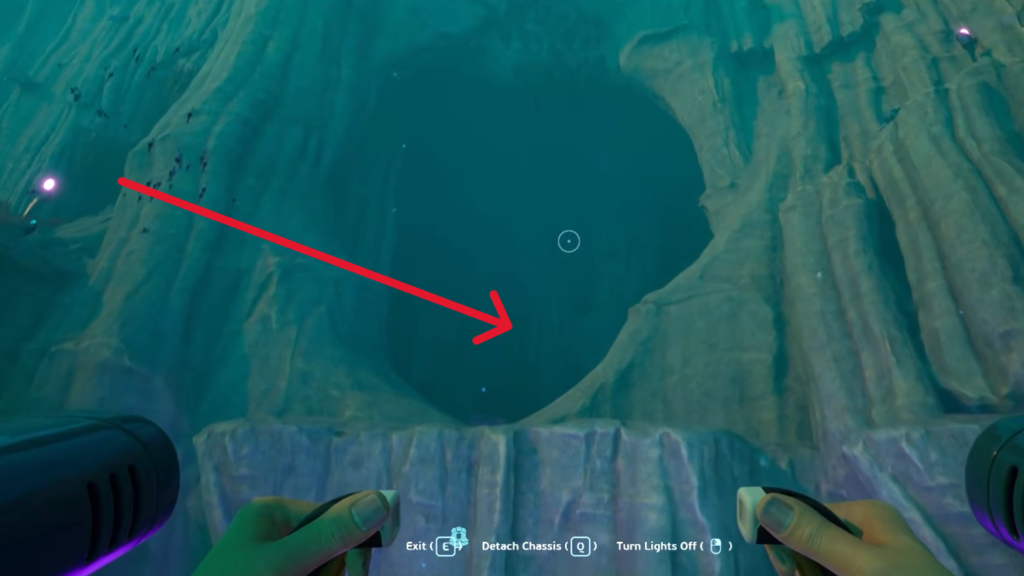
Once you are in, you will find two more purple glowing flowers waiting inside just like the ones you dealt with at the ship. Pull out your Sonic Resonator and take both of them out before heading back out to your Tadpole.
Taking Out the Blue Flowers
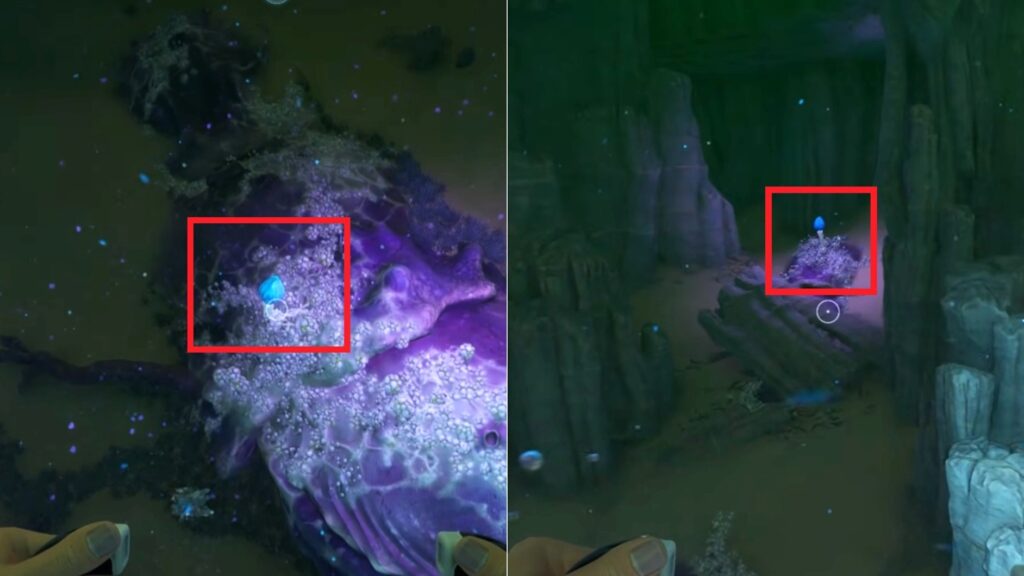
After dealing with the purple flowers inside the cave, make your way back to the Angel Comb at the bottom of the power plant. When you arrive you will notice that two blue flower blooms have appeared in the area.
The first one is blooming directly on the branch right next to the Angel Comb itself. The second one is located a little further out in the nearby area surrounding it. I have marked both of them in the image below, take them out.
Powering Up the Bottom Control Center
Once you have taken care of both blue flowers, look around from the Angel Comb and you will spot a structure nearby with two lights on it. It is clearly visible from where you are standing so you should not have any trouble locating it.
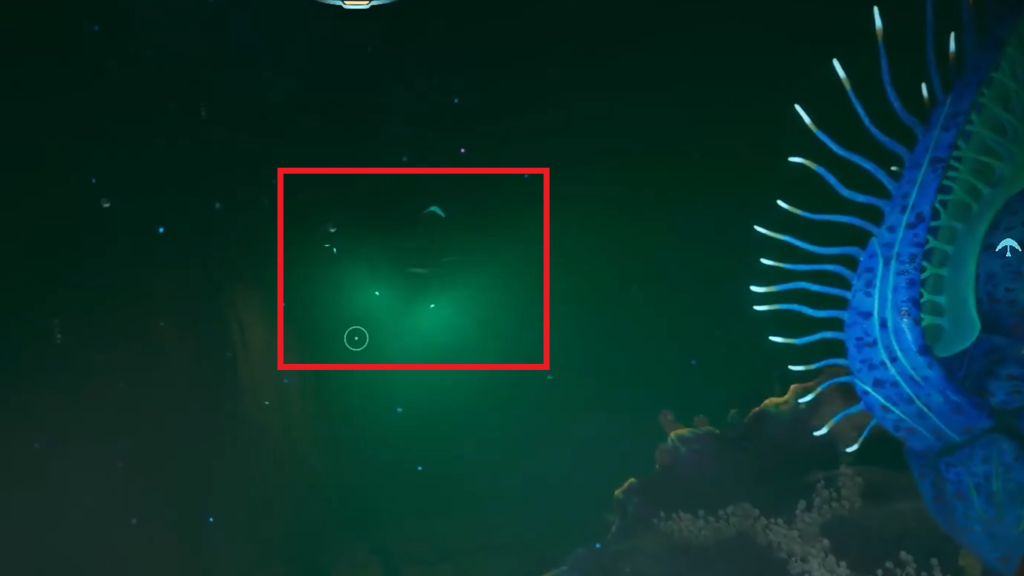
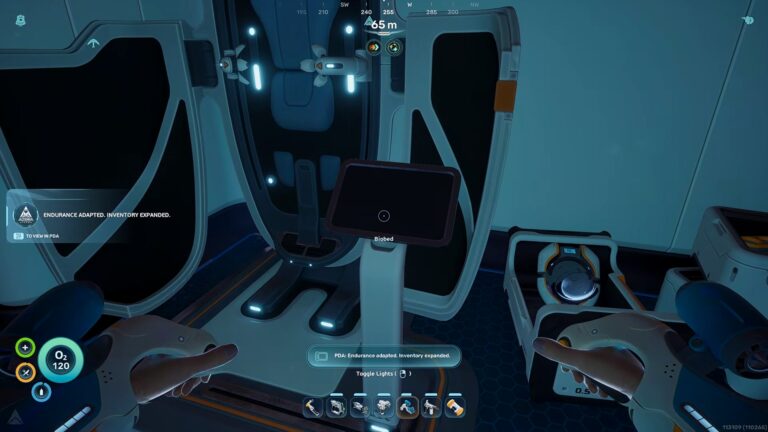
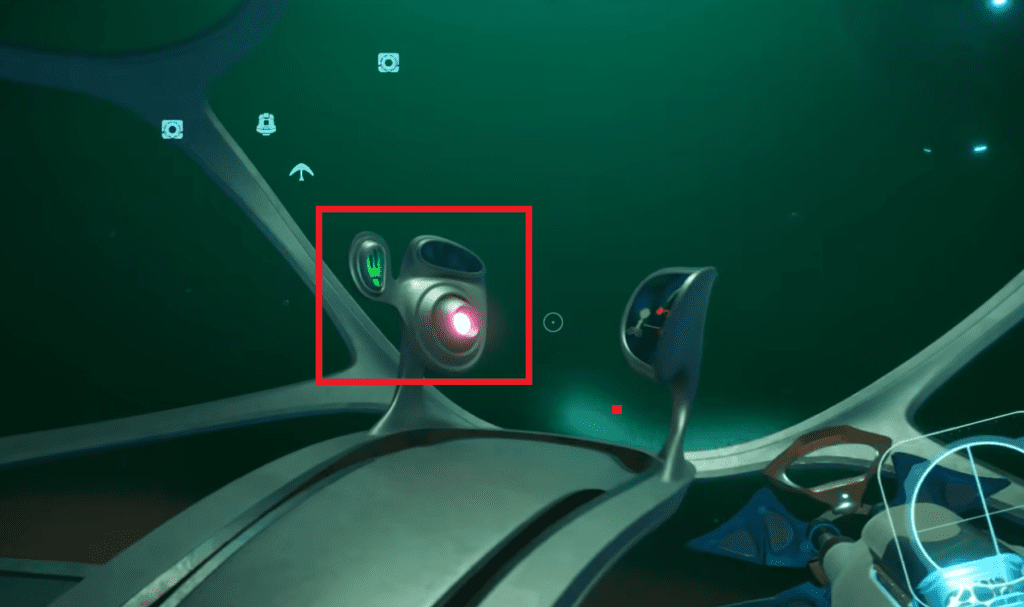
Make your way over to it and once you get close, get out of your Tadpole and swim inside. Once you are inside, interact with the panel to turn the machine on.
Powering up the Giant Alien Power Plant
Now that you have powered up the Control Center at the bottom of the power plant, head back to your base and gather some resources before the next step. You are going to need 10 Titanium Ingots, 10 Strontium and 10 Mangalloy Ingots.
If you collected the minerals I pointed out earlier at the start of this guide you should have everything you need to craft these without too much trouble. Get them sorted and then head back to the power plant.
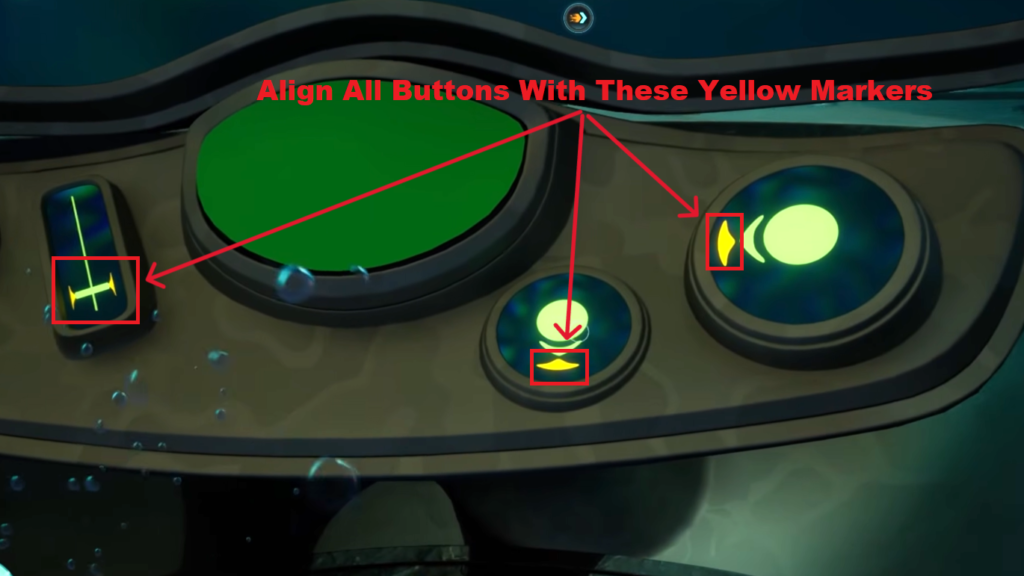
This time you are heading to the main Command Center which is located at the top of the power plant at the front. It is similar in layout to the smaller Control Center you activated earlier at the bottom but this one has two additional panels on either side of the main central panel.
To get things going you need to interact with both side panels and click through the various buttons on each one until all of them align with the yellow markers.
Repairing the Power Plant
Once you are done with the main control center, head outside to the power plant exterior where the broken part is. Pull out your upgraded Scanner and scan the damage. After that, you will be able to repair it using your Construction Tool and the materials I mentioned above. Go ahead and repair it.
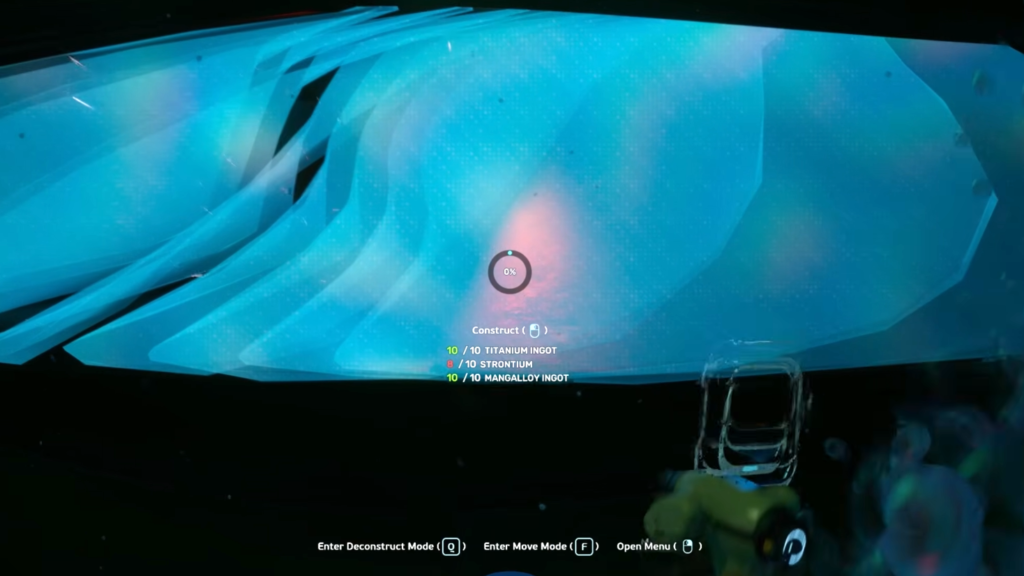
Once you have repaired the power plant exterior, head back inside the main control center. You will see red buttons on the side panels. Click those first, and then hit the red button on the main panel. And with that, the power plant will come back online.
That’s It
Honestly, this whole power plant quest dragged on way longer than it needed to. Running back and forth across the map, collecting those crystals, taking out all those glowing flowers, and then dealing with the side panels and the exterior repair… it just kept going. But hey, it is finally done. The lights are on, the turbine is spinning, and you never have to look at that broken alien mess again!