31 articles
If you wish to do all of the Sea Charting tasks in Old School RuneScape (OSRS), you no doubt already know what a tall order it is.
There are 358 Sea Charting tasks in total, spread all over the oceans in the game. Completing them all can be a massive source of Sailing XP! But it would also be a massive time sink without some help.
In this guide, we’ll give you some tips and tools to help make this all much more bearable.
Sea Charting Guide | OSRS
Pre-Requisites
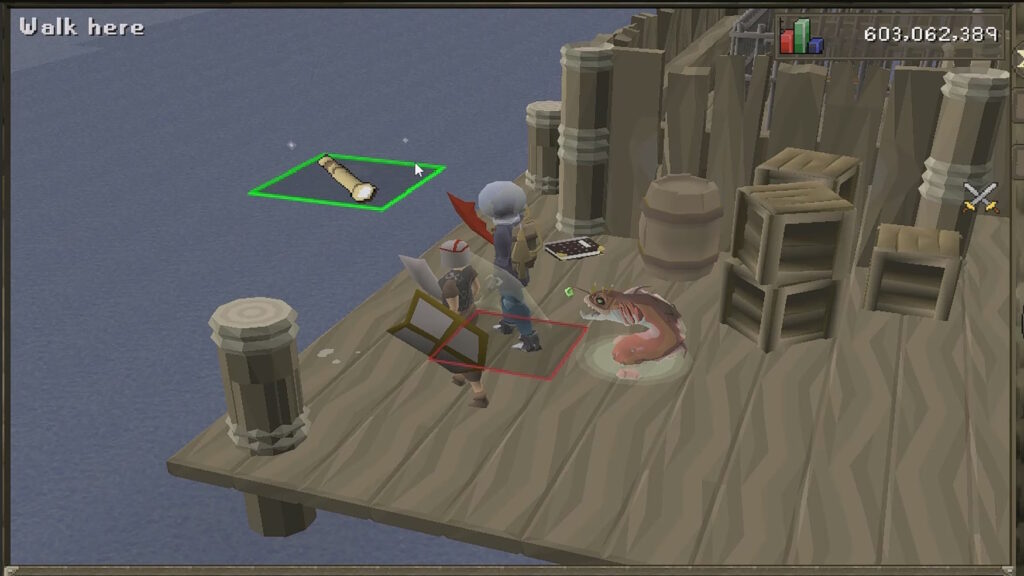
Before we kick things off, there are a few prerequisites that you should have first. Having these from the get-go will speed up your charting progression, which is important as it can take up to 10 hours of total time to complete!
 OSRS: Leagues 6 Complete Echo Thermonuclear Smoke Devil Guide For Shadowflame QuadrantApr 20, 2026
 OSRS: Echo Amoxliatl EASY Guide, League 6Apr 20, 2026
 OSRS: Leagues 6 Guide for Fast & Easy PointsApr 9, 2026
These are the must-have prerequisites if you wish to 100% sea charting:
- Level 78 Sailing
- Innoculation Station – Boat Facility crafting unlocked at Level 40 Sailing.
- Eternal Brazier – Unlocked at Level 78 Sailing. Open the lockbox at Buccaneer’s Haven with the key from Tear of the Soul.
- Crowbar – From the “Prying Times” quest.
- Current Duck – From the “Current Affairs” quest.
- Fishbowl Helmet and Diving Apparatus – From the “Freeing Pirate Pete” subquest during the “Recipe for Disaster” main quest.
If you have all of these prerequisites, nothing can stop you from charting all of the seas! So, we recommend getting all of them before you start trying to 100% it.
Plugins and External Tools
Next up, there are some external tools that we recommend using to greatly speed up and ease Sea Charting. The first of these is the Sailing plugin for the RuneLite client, which we recommend using.
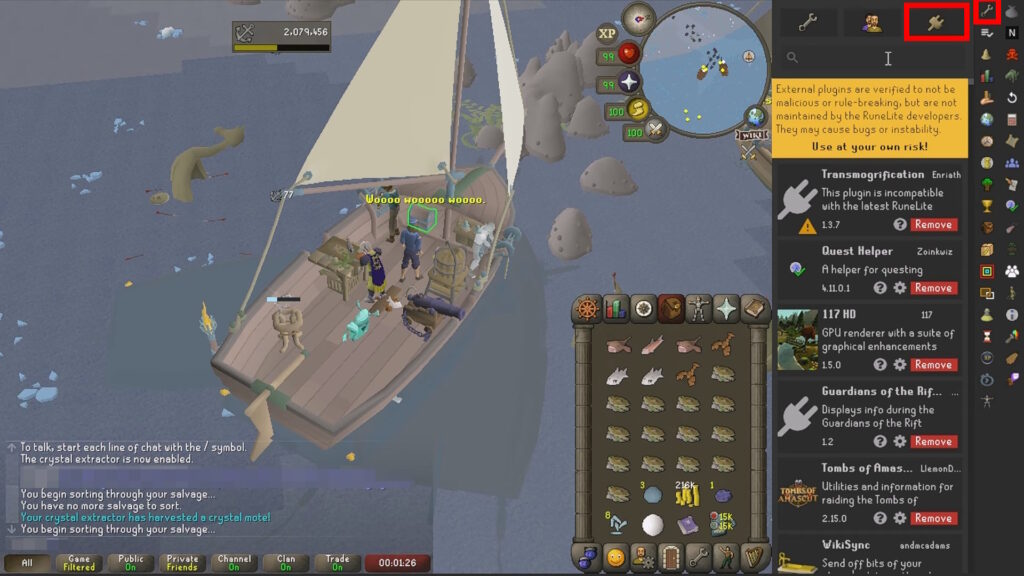
You can install the Sailing plugin by clicking on the wrench-shaped icon on the top right of your screen. Then, click on the plug-shaped icon and look for “Sailing”. Install that plugin directly from the game.
This plugin has a dedicated Sea Charting category. This will highlight all of the uncharted items near you, making them much easier to spot.
At the same time, it will also make some of the charting types easier. For example, it will tell you the answers to the riddles from Mermaid Guides.
While you’re at it, we also recommend setting up the Watchdog plugin for the Crystal Extractor. Ensuring that you harvest the extractor as you do the Sea Charting will earn you loads of extra XP, about 36000 per hour.
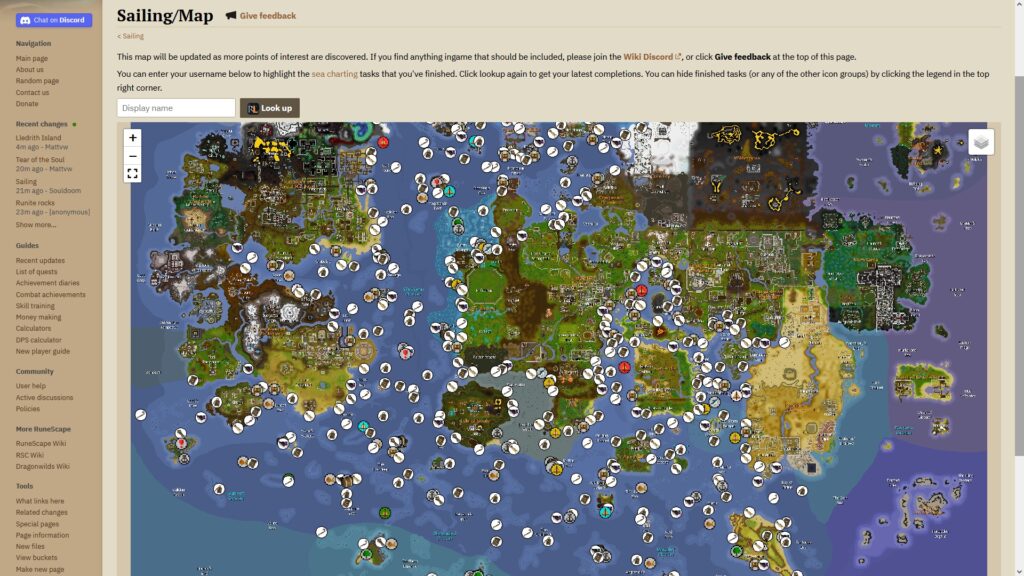
Aside from that, we also highly recommend using the Sailing map on the official OSRS wiki. It shows you the exact location of all 358 Sea Charting tasks.
What’s more, it even allows you to type in your display name. This will track which ones you’ve completed by highlighting them in green, making the entire process infinitely more convenient.
With that said, let’s now talk about how to complete every different Sea Charting task type.
How to Complete Each Sea Charting Task Type
Generic
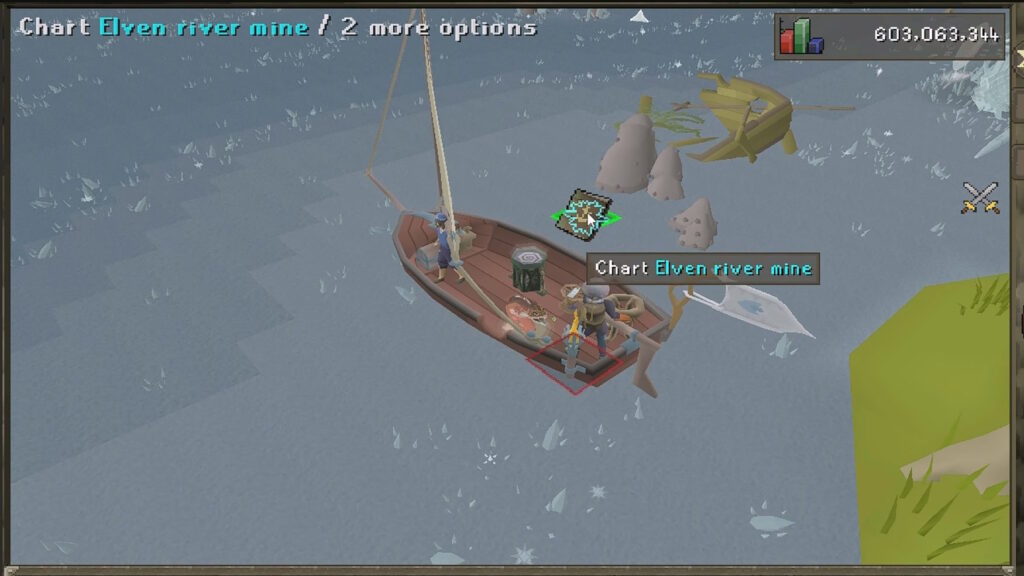
This is the simplest and most basic of all charting tasks. For this one, you just need to find spots marked with the Captain’s Log and click on them to chart them. It’s as simple as that!
Spyglass
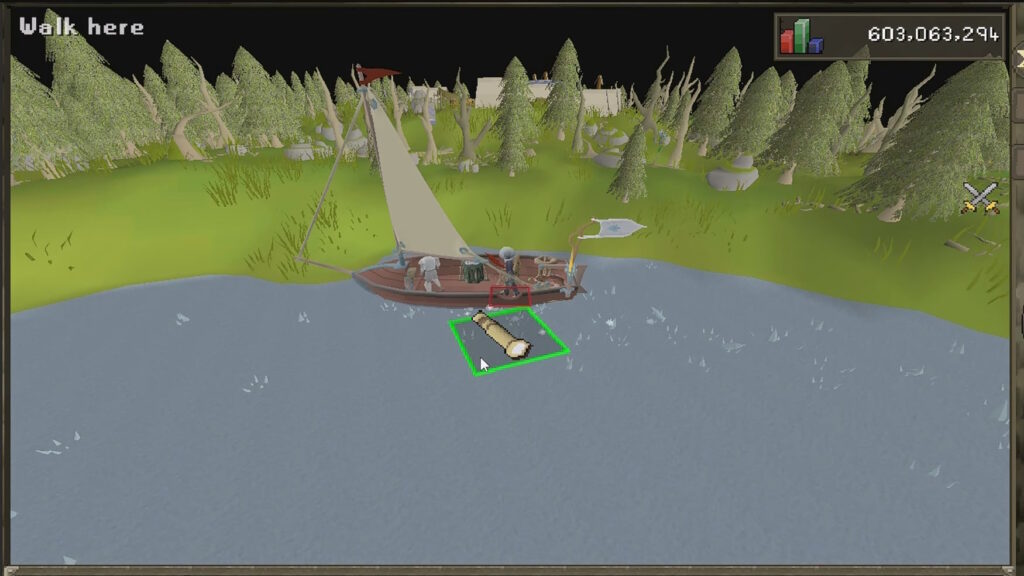
This one is pretty similar to the Generic charting tasks. Go to spots marked with the Spyglass icon and use your Spyglass item on them. You’ll get a glimpse of the nearby area and complete the task.
Crate
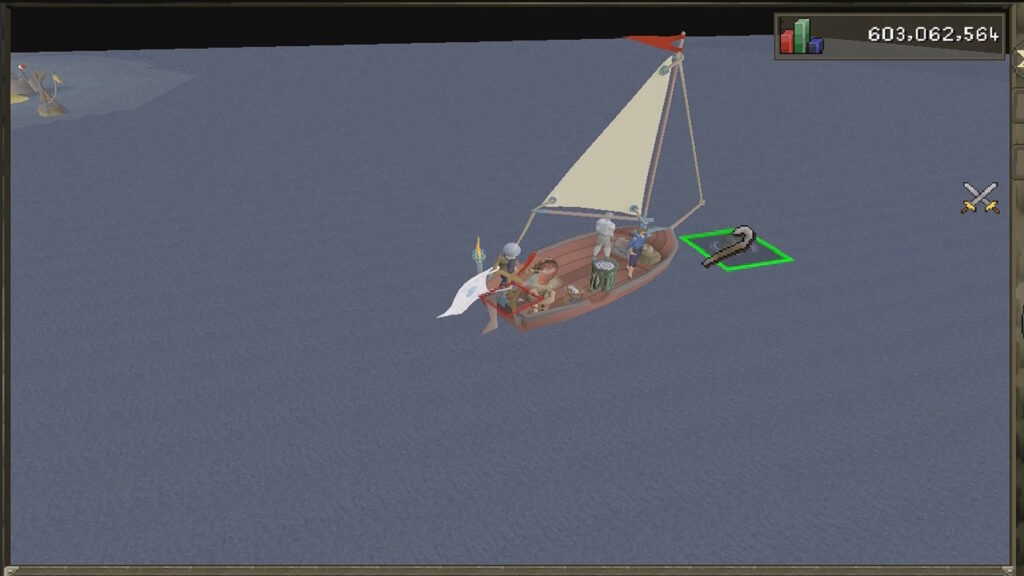
These tasks are marked with the Crowbar icon. Use the Crowbar to pry them open and you’ll get a potion to drink.
We highly recommend not drinking these potions unless you are prepared! They have many side effects, some of which can damage you or make you temporarily lose your ship by teleporting you.
If you do happen to get teleported away from your ship, check out our guide on how to teleport your ship. It’ll help you recover it. However, do note that you’ll lose everything in your cargo hold if that happens!
Current Duck
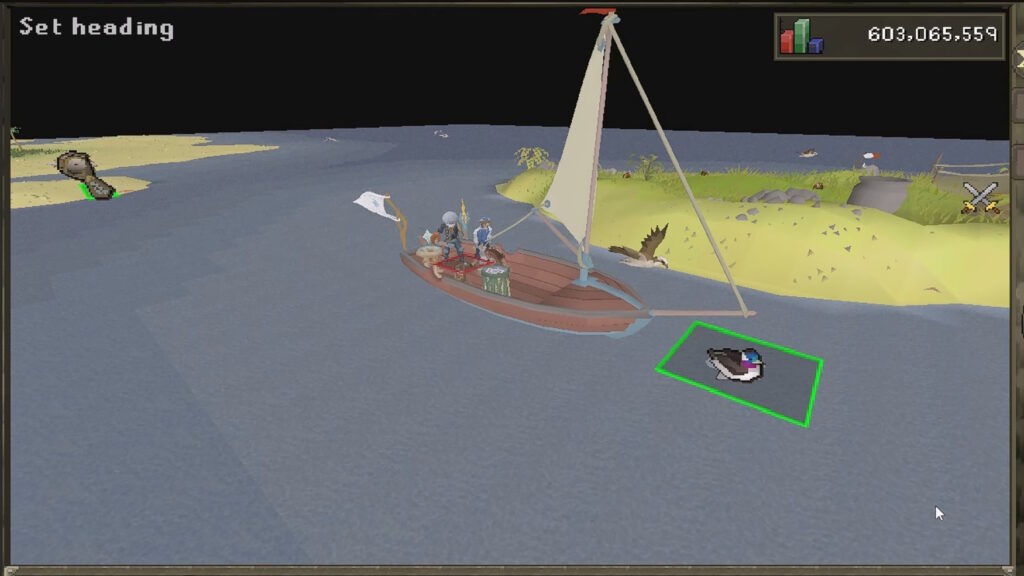
This task is marked by a duck icon. Click on the Current Duck tool in your inventory when you’re in one of these spots and then follow it until it reaches its destination.
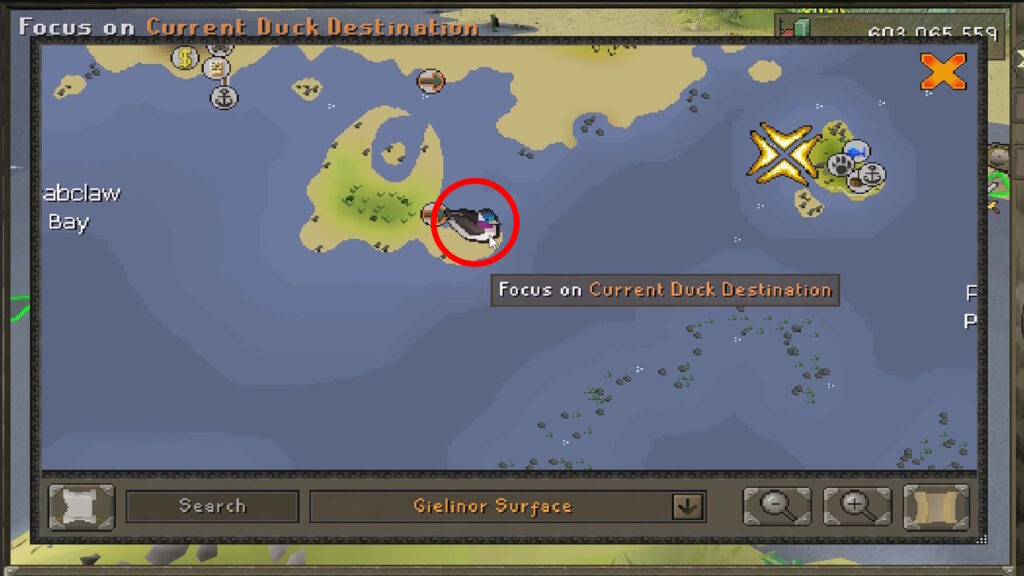
To speed things up a bit, you can see the Current Duck’s final destination on your map. However, you’ll still need to wait for the duck itself to reach the destination! It’s pretty slow, sadly, so maybe use it as a break.
Diving
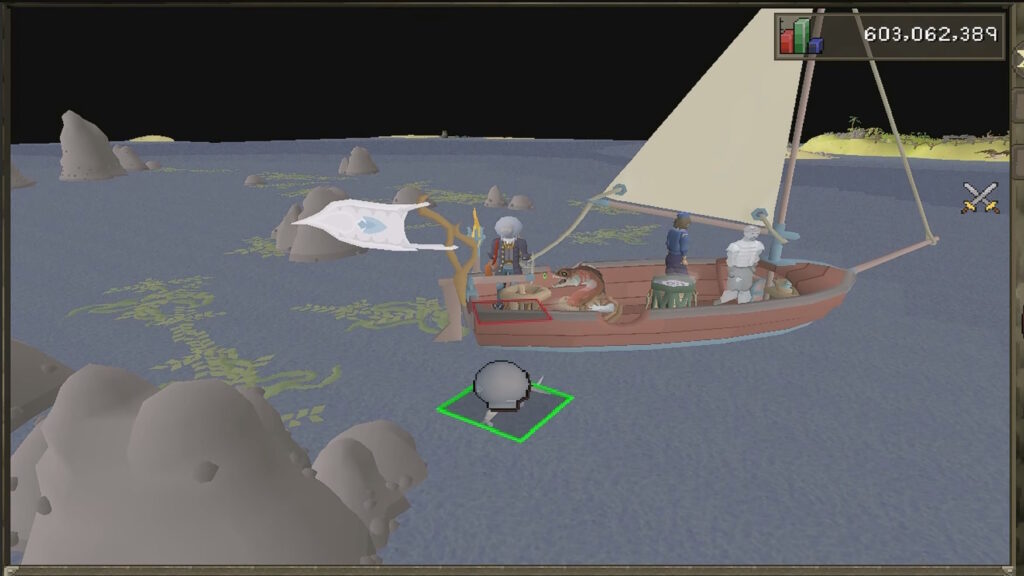
These tasks are marked with a Diving Helmet icon. They all involve you talking with a Mermaid Guide and solving the riddle they present.
As we mentioned before, however, the Sailing plugin for RuneLite will instantly give you the answer. Alternatively, you can just look up the mermaid’s name to find the answer to the riddle. It’s as simple as that!
Weather
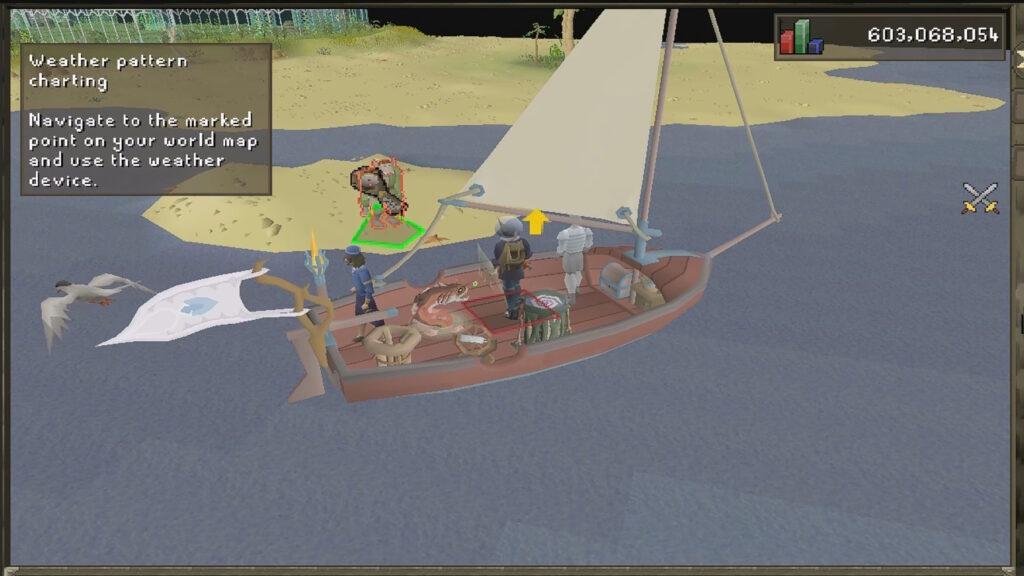
For this one, you’ll need to talk to any Meaty Aura Logist troll you find out at sea. Offer to collect data for them. They are marked with a Portable Weather Station icon, as shown above.
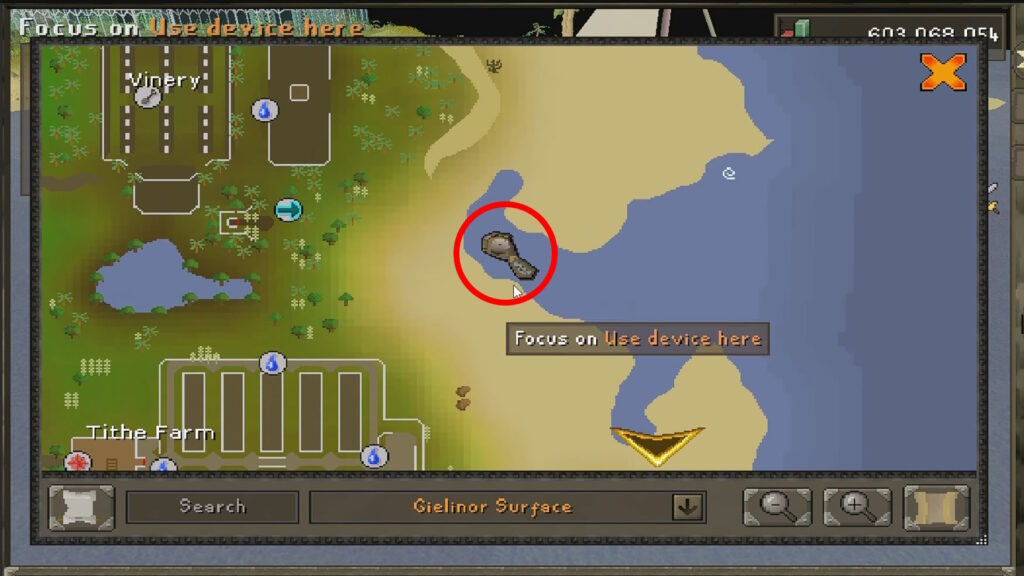
These trolls will give you the Portable Weather Station and tell you to go use it at a specific spot. Conveniently, this spot appears on your map thanks to the Sailing plugin!
So, you just need to go to the marked spot and use the weather station. Then return to the Meaty Aura Logist and report the weather data to finish the task.
That’s all you need to do to efficiently do all of the Sea Charting in OSRS! Make sure to take breaks as you do all of this, though. There are hundreds of tasks, so it will take you hours to do all of them.