21 articles
The Alters is a narrative driven game with some very light building and survival elements to keep you busy, and it has a straightforward story where you play a guy who must escape a dangerous planet with the help of his alternative selves. If you somehow can’t figure out how to use your scanning probes, this guide will quickly show you what you are supposed to do with them.
How to Use the Scanner in The Alters
At some point very early in the game, you are going to be using probes in order to look for deposits for your resources. This will help you detect the underground deposits that you need to progress further.
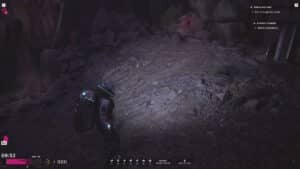
First, select your polygonal scanner, which is used for scanning resource deposits underground. If it is your first time using this, the game will give you a particularly straightforward set of instructions as to how you are supposed to use it.
If you somehow still need help, all you need to do is send a scan wave by holding the F key. By doing this, waves should now appear on the ground, and they all lead to a deposit underground.
 How to Gather Organic Matter Using the Outpost in The AltersJun 16, 2025
 How to Get Through the Rocks for Find A Way Out Quest in The AltersJun 16, 2025
 The Alters Beginner’s GuideJun 16, 2025
Keep putting down and repositioning your polygonal scanners until you find the spot. You can keep picking these up and repositioning them if you only have a few on hand. Simply follow the waves until the color gets progressively opaque.
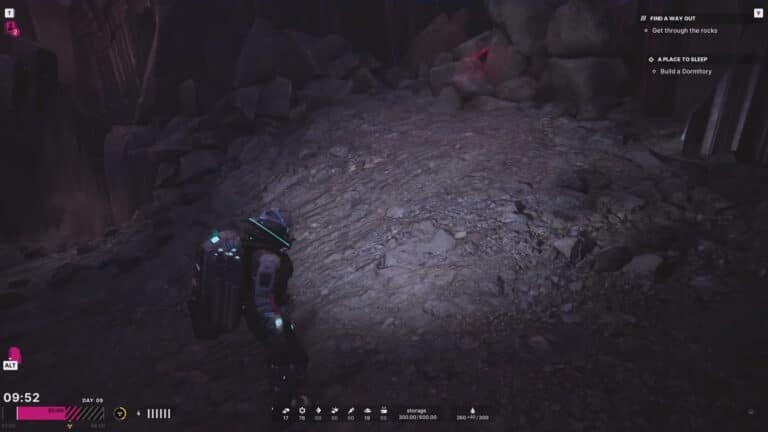
Eventually, by following where the waves appear to be coming from, you will find the exact spot where the underground deposit is located. The color of the waves will go from nothing, to pink, and finally to red once you get to the proper spot.
In the image below, you will see an example of what the waves look like from outside up until you reach the actual deposit. Again, just keep repositioning your polygonal scanners until you unveil the red spot underneath.
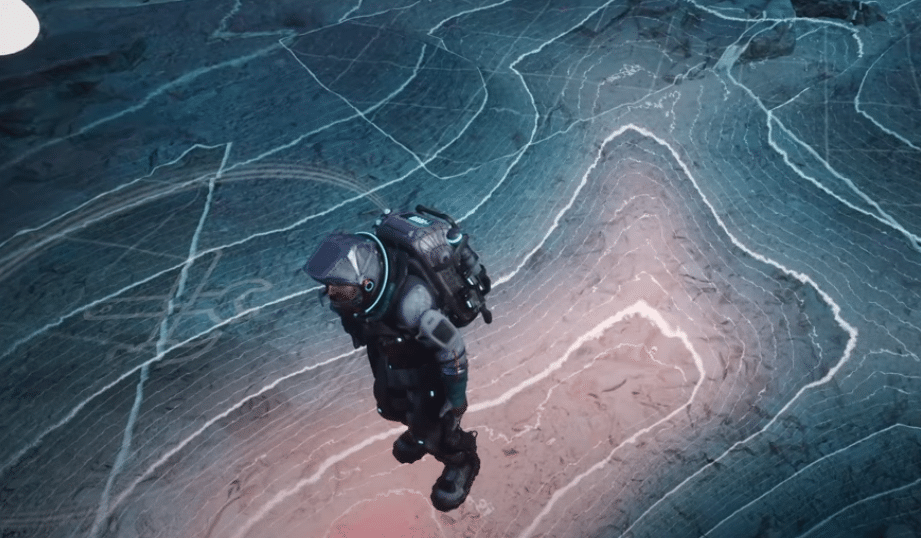
Once you have figured out where the red spot under the ground is, you can now plop down your mining outpost above that area. You might want to make a travel pylon on the side as well, just to make it easier to fast travel here later on.
That is pretty much all there is to it. While you are here, consider checking out our guide on how to unlock new tiers of research in The Alters to learn more about how to progress further into the game. Just like everything else in this game, you are taught how to do these through tooltips, but a quick refresher will not hurt just in case you forgot somehow.