 18 articles
Gothic 1 Remake has a Lockpick system which is both extremely simple and extremely brutal.
The way that the lockpicking works in this game is pretty simple, basically. Walk up to a locked chest with a lockpick and open it up! However, the actual process of lockpicking is way harder than you might imagine…
In this guide, I’ll tell you everything you need to know about lockpicking in this game, including tips and tricks.
How to Start Lockpicking
To start Lockpicking, you’ll first need to have at least 1 Lockpick. Thankfully, you can find Lockpicks pretty easily in this game, as they are plentiful and randomly spawn all over in containers.
 Gothic 1 Remake: How to Forge a War Sword (Templar’s Blade Quest)Jun 17, 2026
 Gothic 1: All Shipwreck Chests Lockpick Solutions and LocationsJun 17, 2026
 Gothic 1 Remake: Swampweed Harvest Quest GuideJun 17, 2026
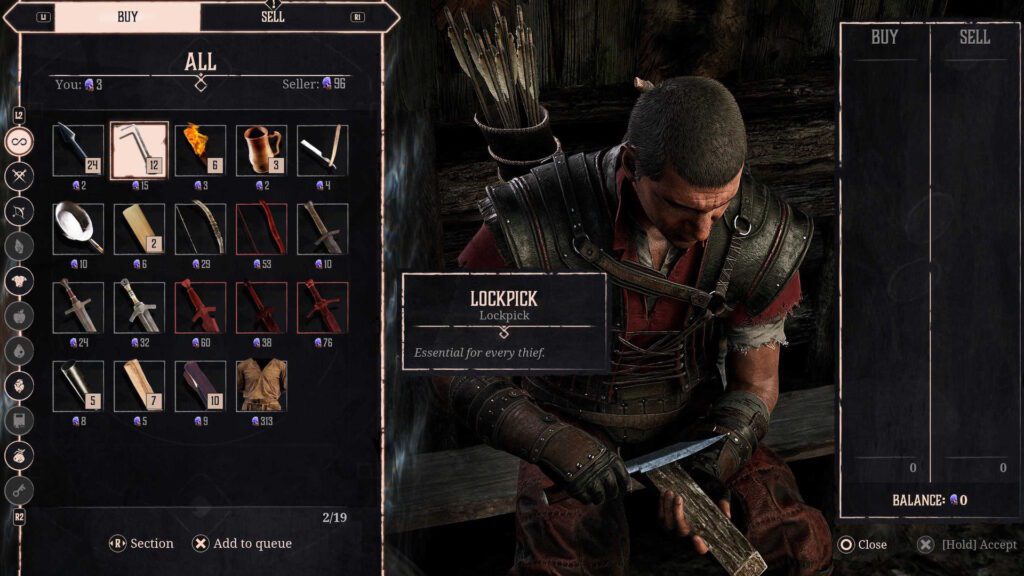
Conversely, you can also purchase them from certain merchants. Mordrag and Dexter at the Old Camp market area are your best bet, and you can encounter them fairly early into the game.
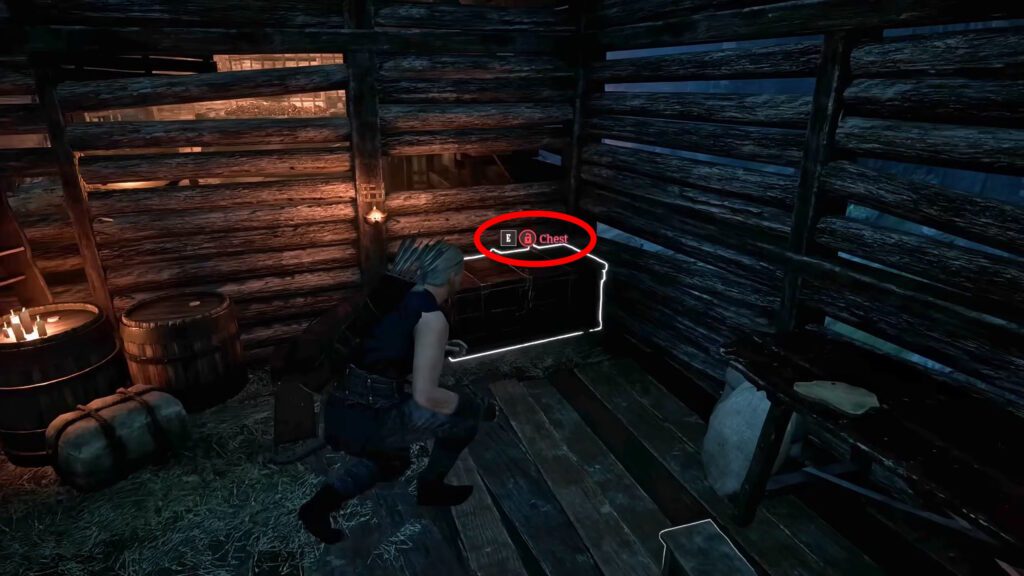
Once you have at least one Lockpick and you find a locked container. Locked containers have red text and a lock icon next to their name. Interact with them to start the Lockpicking minigame. Though I also recommend saving first, just in case!
How the Lockpick Minigame Works
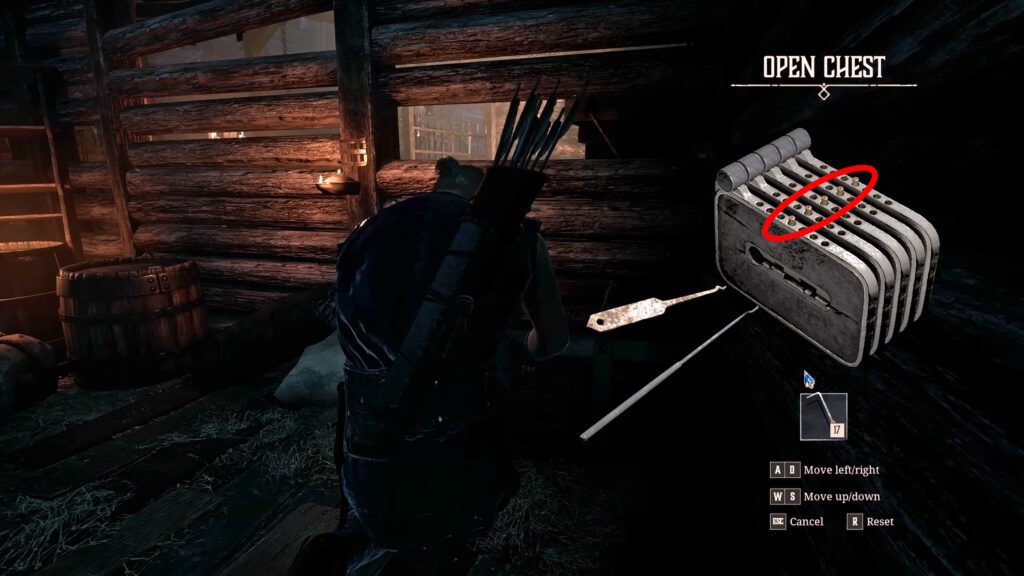
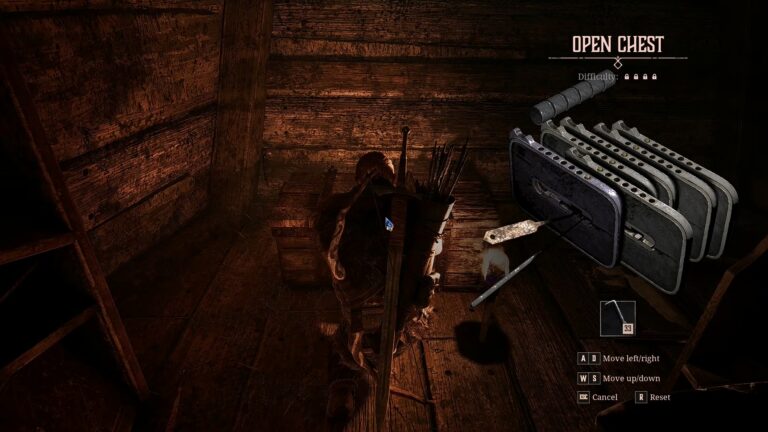
Now, the Lockpick minigame itself… this is a tricky one! As you can see, there are various sliders you can select. Each one has a set of notches.
Your goal here is to center all of the sliders so that they show the protruding red bolt. A solved Lockpicking puzzle should look like the one above, for example.
The tricky part here is that some of the sliders are connected to each other. Selecting them and moving them can move other parts, either in the same or opposite directions.
Rarely, you’ll get sliders that are completely independent and don’t move any others. As a tip, I recommend saving those for last, since you don’t need to worry about them.
It’s also worth noting that your Lockpicks have durability. If a sliding part slides too far from the center of the lock, it will damage your Lockpick and make it lose 1 durability.
Lockpicks have 2 durability by default, though you get more durability when you increase your Lockpicking skill. If the durability runs out, the Lockpick breaks and the puzzle is reset!
Due to this system, I recommend first selecting the sliders that are most off-center. Move them closer to the center first to prevent damaging your Lockpick.
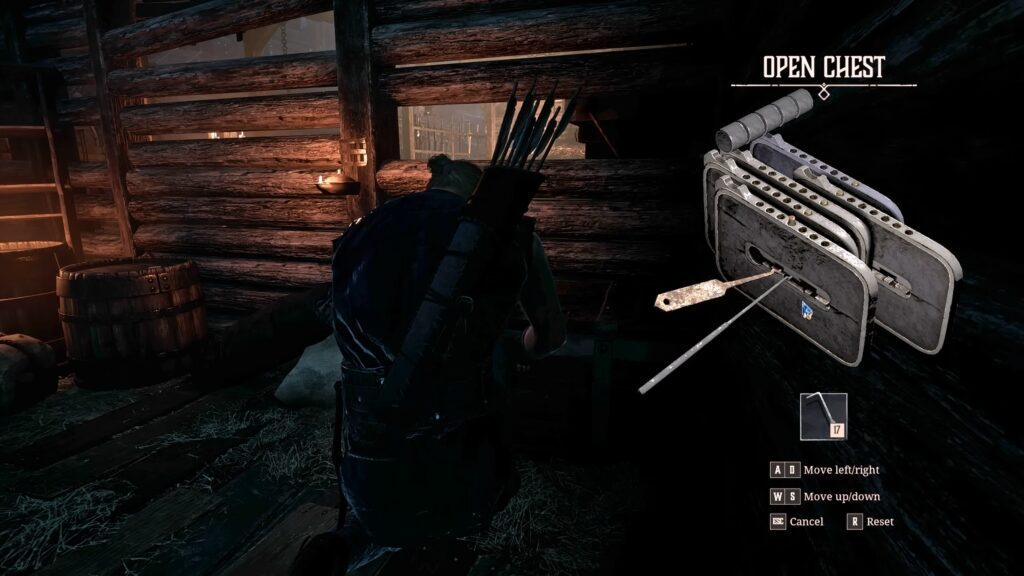
Aside from that, though… the Lockpicking puzzle in this game is heavily reliant on trial and error. You’ll need to move the sliders and determine how they all interact together, as it varies every single time.
Just remember, your ultimate goal is to move all of the sliders to the very center so they all have the red protruding bolt. When you manage that, the puzzle is solved and the container will open for you to loot.
How to Train Lockpicking
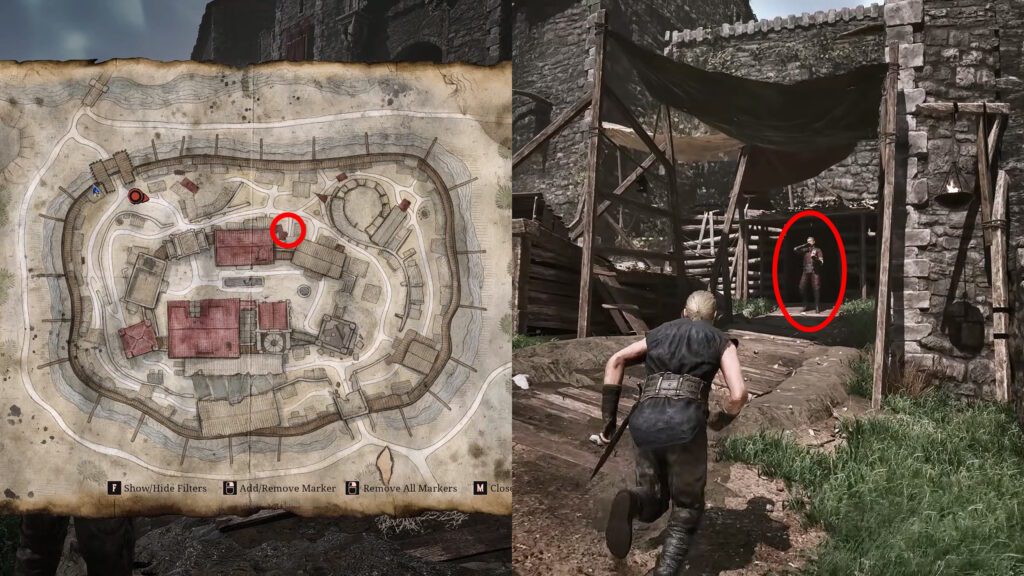
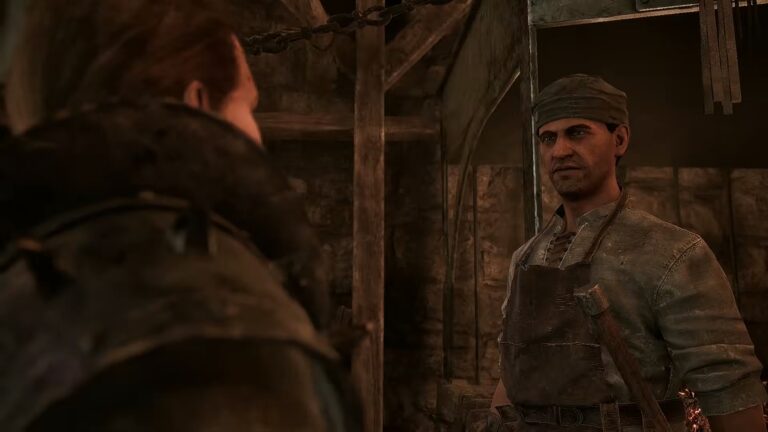
Alright, so by now you’re surely very aware of the fact that the Lockpicking minigame in this game is… rough, to say the least. Thankfully, you can make things easier by meeting Fingers at the Old Camp, in the spot shown above.
Fingers can serve as the trainer for Lockpicking, and even has some quests related to Lockpicking. The training isn’t free, of course, but it is well worth it if you want to make Lockpicking easier.
Primarily, leveling up your Lockpicking skill will make your Lockpicks more durable. It can also change how the sliders work, making it so fewer sliders move together at once.
So, if you’re struggling with Lockpicking, pay Fingers a visit. You have to decide if Lockpicking training is worth it over other skills, but it’s good to know you have the option available, at least.
Nonetheless, that’s all you need to know about how to Lockpick in Gothic 1 Remake. It’s ultimately a fairly simple system that ends up being a tad brutal just due to the trial-and-error required for each puzzle.
Are you still on the fence over which camp faction to join in this game? Check out our Gothic 1 Remake faction guide!