 4 articles
In the thrilling world of For The King 2, adventures are plentiful, and treasures are bountiful. But even the most daring adventurers need a bit of inventory management to keep their loot in check. Join us as we delve into the art of treasure handling.
Inventory Management Complete Guide
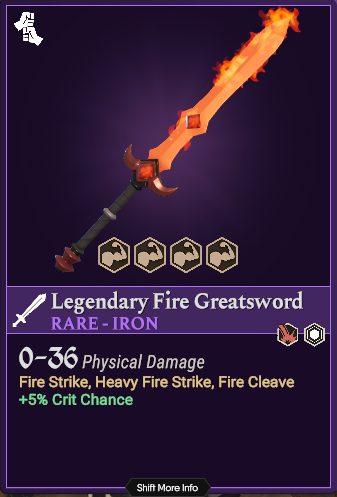
For The King 2 takes treasure hunting to a whole new level, with more gold, riches, cosmetics, and surprises than ever before. Your backpack will be brimming with precious loot from crypts, castles, caves, and even sewers. However, not every shiny bauble or flaming sword needs to drain your coffers. With character traits, battle grids, mercenaries, and other features, you have the chance to explore diverse playstyles.
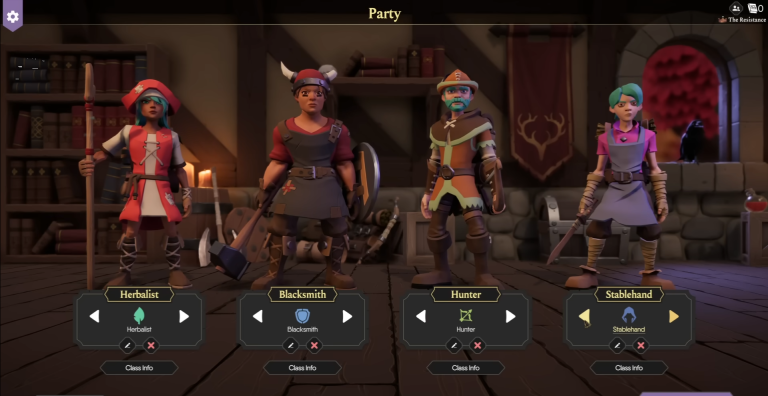
Are you a fan of front-line action? The Blacksmith class might be your go-to choice. But what if you stumble upon a powerful magical staff that’s perfect for backline damage? It’s time to think about your Scholar character. The key to success in your adventuring party is cooperation. Sharing your gear and treasures with your comrades can make all the difference in facing Queen’s menacing forces.
Sharing is Caring
To swap gear with your party members, access your inventory by clicking on the Bag Icon at the bottom right corner of the screen or simply press the “I” key. From there, you can right-click on the item you wish to transfer to a party member. You’ll then be prompted to choose the recipient. Keep in mind that if a party member is greyed out, they might be too far away to receive the item. You can solve this by moving to an adjacent hex or creating a daisy chain, where your party members pass the item along automatically if they are adjacent to each other.
 For The King 2: Complete Guide To FocusNov 6, 2023
 For The King 2: Complete Multiplayer Guide | How To Play OnlineNov 6, 2023
 For The King 2: Complete Combat GuideNov 6, 2023
This method also works for trading gold, so don’t hesitate to help out your fellow adventurers in need.
Your Inventory
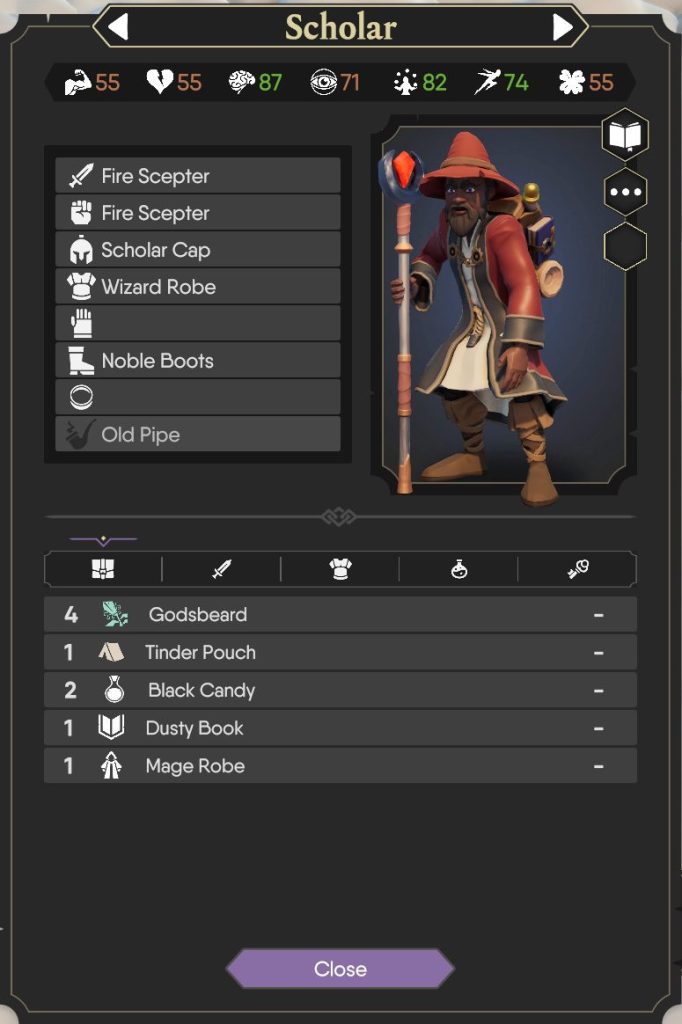
Your inventory is not just a storage space; it’s your equipment hub. It displays your currently equipped gear and any other items and consumables you’ve collected during your journey. When you come across new equipment, you’ll receive a prompt to equip it right away, thanks to a handy equipment comparison. However, if you prefer to carry an item without equipping it immediately, you can find it in your inventory for future use.
Keep an eye on your Quick Inventory in the bottom right corner, both on the overworld and during combat encounters. This area houses your consumables for easy access. Simply left-click on an icon to use an item or hover your mouse over each to view its description. These items can be a game-changer in battles, so make sure you stay aware of what’s in this panel.
With this knowledge, you’re well-prepared to gather all the treasures you can find, as long as you remember the golden rule – share your wealth.
ALSO READ: For The King 2: Complete Multiplayer Guide | How To Play Online