 30 articles
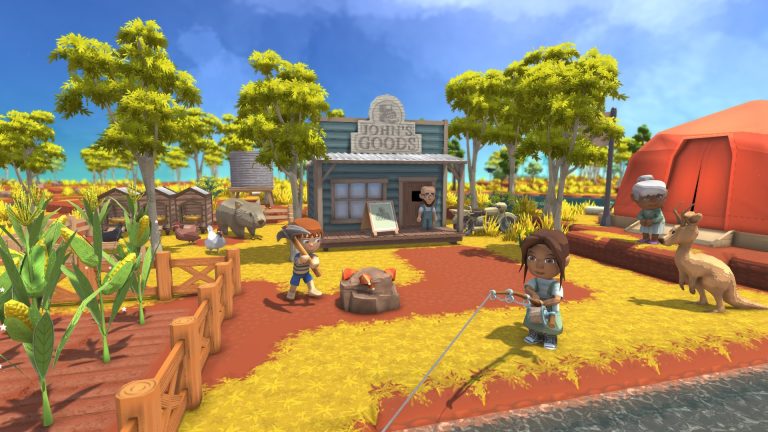
Dinkum multiplayer enables you to collaborate with friends as a group if you’re eager to explore the outback. This farming sim has recently been released on Steam in early access, and so far, it has received a reasonable number of “overwhelmingly good” reviews.
How to Play Multiplayer in Dinkum
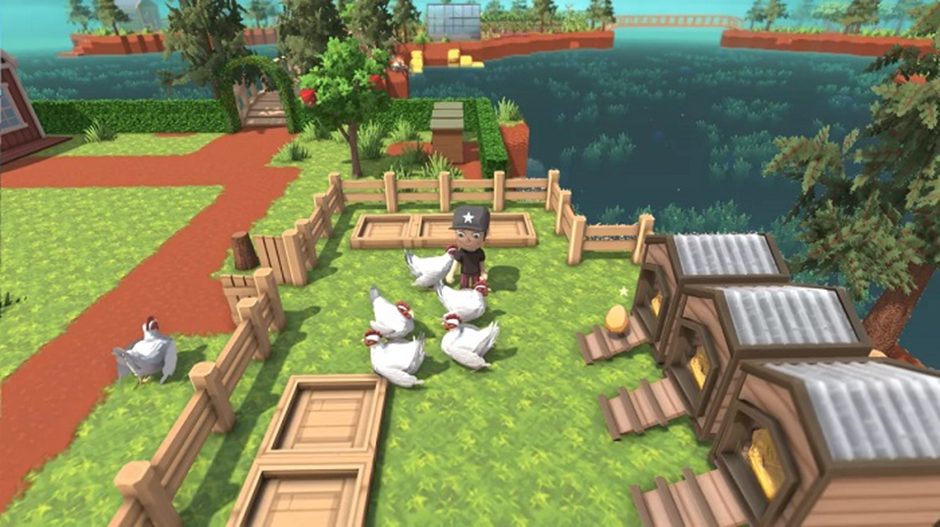
As your character starts over in the Australian outback, you need to set up your new house so that others will want to move there.
It resembles Stardew Valley and Animal Crossing in that regard, with the exception that you will have to coexist with all of the outback’s animals, not all of which are cute and amiable.
Designing your character and giving the island its name is the first step in your journey in Dinkum. Then Fletch will teach you the fundamentals of island life. But, how do you play multiplayer?
 How to Fix Doggo Spawnpoints in Dinkum Blooming SpringMar 22, 2023
 How to Enter the New Deep Mine Level 2 in Dinkum Blooming SpringFeb 5, 2026
 Dinkum Blooming Spring: How to Make and Use CoffeeMar 14, 2023
Playing Multiplayer
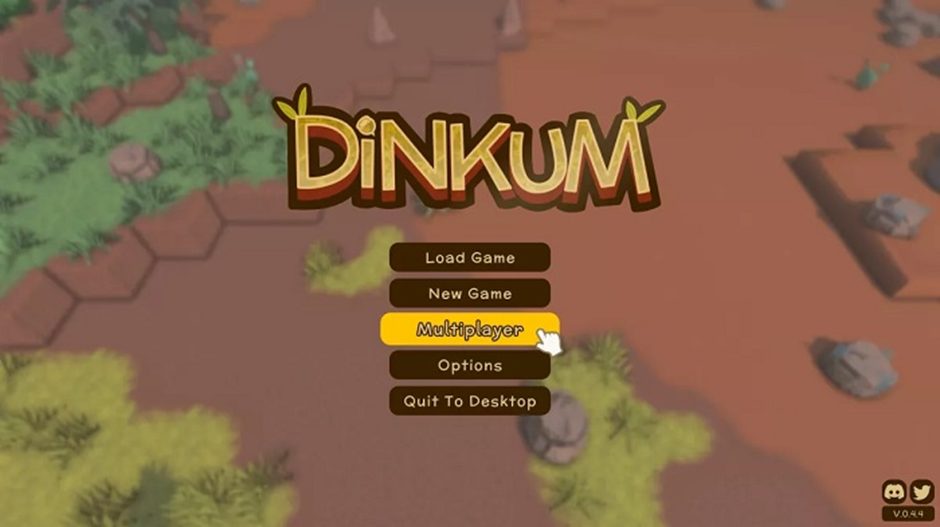
In Dinkum, you need a character who has finished their first day to play cooperatively. In essence, this implies that before retiring to your sleeping bag, you must set up the base tent and do the duties Fletch assigns you (make your tent, build a bonfire).
To host a multiplayer game in Dinkum, you need to:
- Choose Multiplayer from the main menu.
- Choose the character and world you want to employ.
- Select the limitations you want to apply, such as “friends only,” “invite only,” etc.
- Select “Host Game.”
Similarly, joining a multiplayer game requires the following steps:
- Choose Multiplayer from the main menu.
- Choose the character and world you want to employ.
- At the top of the screen, click the “Open Games” tab.
- Toggle between “Friends Only” or “Public Games.”
- From the list, choose the game you wish to play.
Visitors are currently unable to place or move buildings or sell farm animals. Before jumping into someone else’s game, it’s worth progressing in your world for at least a couple of in-game days to unlock recipes like the Crude Furnace and Nails from Fletch.