 14 articles
The Dying Light 2 Firearms update has brought with it a few unfortunate bugs and glitches. While most of the time bugs aren’t too big of a problem, they can be particularly troublesome when they keep you from completing a mission.
One such bug is the one that some players have faced during the Lost Armory quest. If you’re one of them, don’t worry, as we have a solution for you!
How to Fix the Lost Armory Delta Quest Glitch
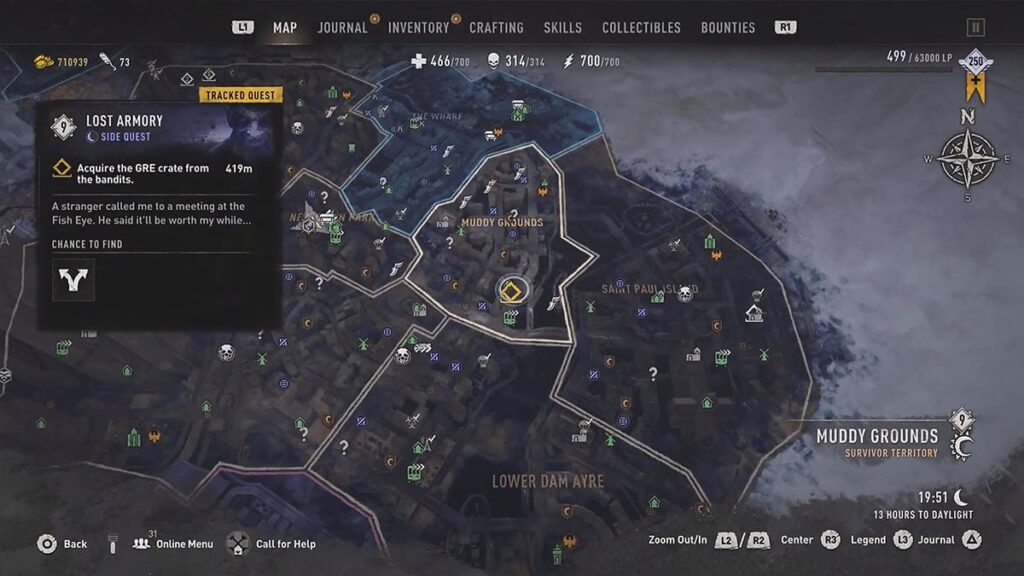
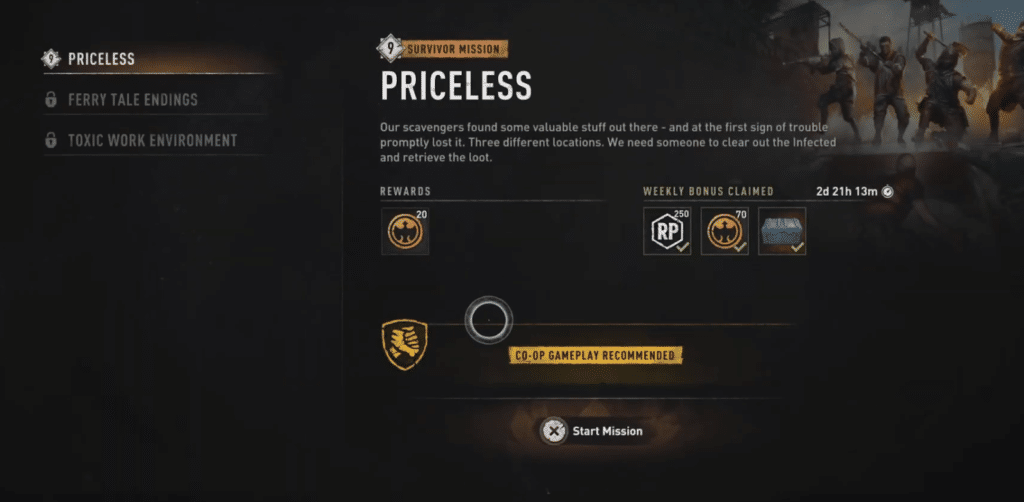
During the Lost Armory quest’s midpoint, you have to complete the Survivor mission “Priceless”. After you finish the mission objectives, the game supposedly tells you to return to Delta, but you can’t interact with her at all.
You’ll see warnings like “Leaving mission area” and your character might even become unable to take damage or interact with the world. This blocks progression entirely.
 Dying Light 2: Angel of Villedor Blueprint LocationFeb 27, 2024
 Dying Light 2: How to Get the New Rending Knife BlueprintFeb 27, 2024
 How to Turn Off Auto Aim (Assist) in Dying Light 2 For ControllerFeb 26, 2024
A lot of players report that doing the quest in online/co-op causes the bug.
To remedy this, you want to set your online mode to Single Player before starting Lost Armory often allows the quest to complete properly and lets Delta’s dialog trigger.
You may have to completely close the game after switching modes and restart this segment. However, plenty of players said this worked when nothing else did.
If Delta still won’t talk after finishing Priceless, try picking up and completing another mission from a nearby quest board before returning to the Lost Armory.
Some players on Steam confirmed doing another quest then going back broke the stuck state.
There were also players who managed to unstick the progression by fast-traveling to a completely different area and then returning to Delta. It doesn’t always work, but it’s worth trying before abandoning the session.
What the Game Devs Have Done
Techland hasn’t fully fixed the “Delta won’t trigger” bug in any official patch yet, but they have acknowledged Lost Armory issues in hotfix notes tied to the Firearms update and said they’re working on a more permanent solution.
Some related bugs have been patched, but the Delta interaction issue persists for many players.
As of now, there’s no guaranteed official fix for the Lost Armory Delta progression bug yet, but switching to single-player and forcing a reload or doing a different mission first are the only widely proven ways players have made the game continue past the glitch.
Players are still waiting on Techland to patch this fully.
READ NEXT: Dying Light 2: How to Get a Pistol