 14 articles
If you’re just starting out in Cash Cleaner Simulator, you likely got roadblocked by a red light glow at some point.
This light lets you know that there’s something wrong with the delivery you’re trying to send. What exactly is wrong? Well, the game doesn’t tell you! That’s the tricky part here, but we’re here to help.
Read on and we’ll tell you exactly what the red light means and how to deal with it.
Red Light Glow and What it Means in Cash Cleaner Simulator
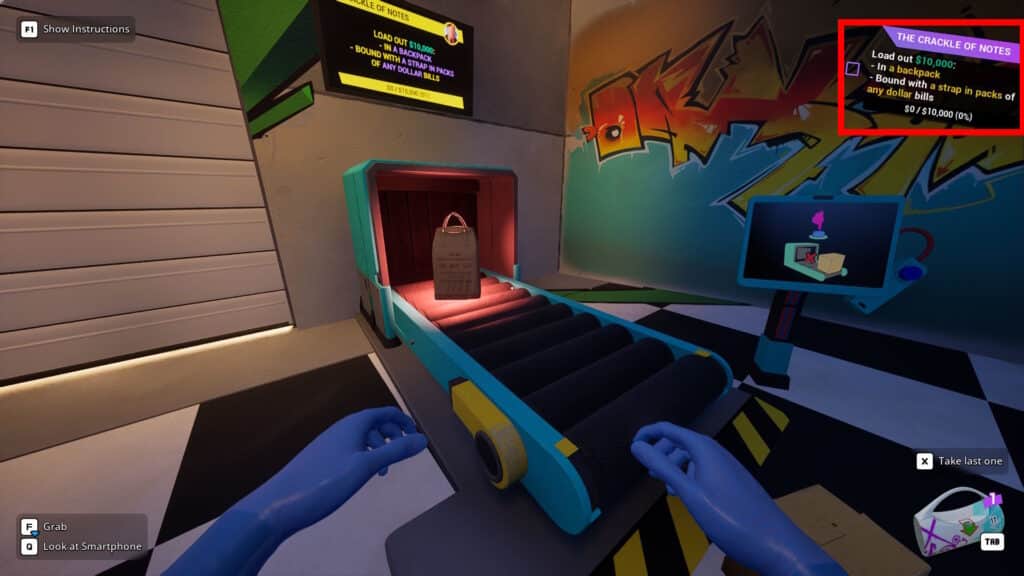
The red light glow in this game triggers when you attempt to send a delivery that doesn’t match the active order’s specifications. This can vary a lot per order, but it includes things such as trying to send money in the wrong type of package. For example, trying to send the money in a box when the order asks for a sports bag.
 How to Turn On the Broken Switch in Cash Cleaner SimulatorMay 13, 2025
 Cash Cleaner Simulator – How to Dry MoneyMay 12, 2025
 How to Get Trash Bags in Cash Cleaner SimulatorMay 12, 2025
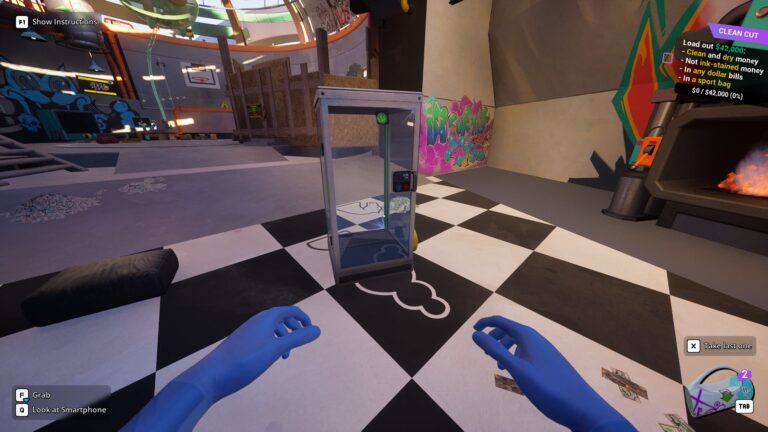
Remember, you can always check your active order’s current requirements in the top right corner of the screen. You will be unable to send the delivery until every single requirement is met! Every order has a specific set of requirements, too, so keep that in mind.
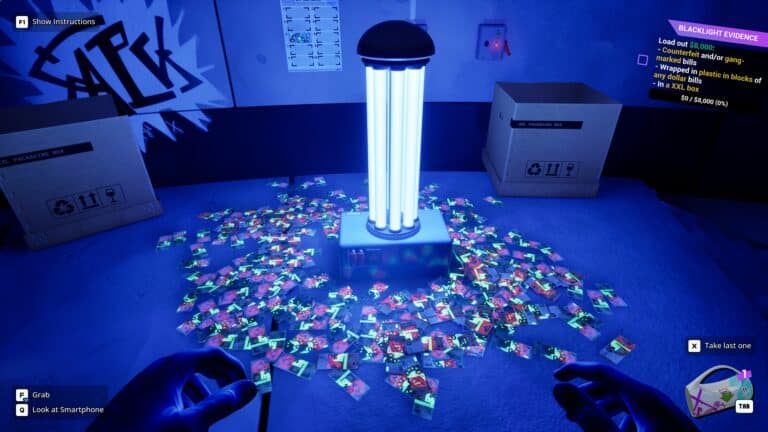
Note that sometimes you’ll also need to either add or avoid marked and counterfeit bills to the order. If you don’t know how to spot them yet, check out our guide on how to use the UV light.
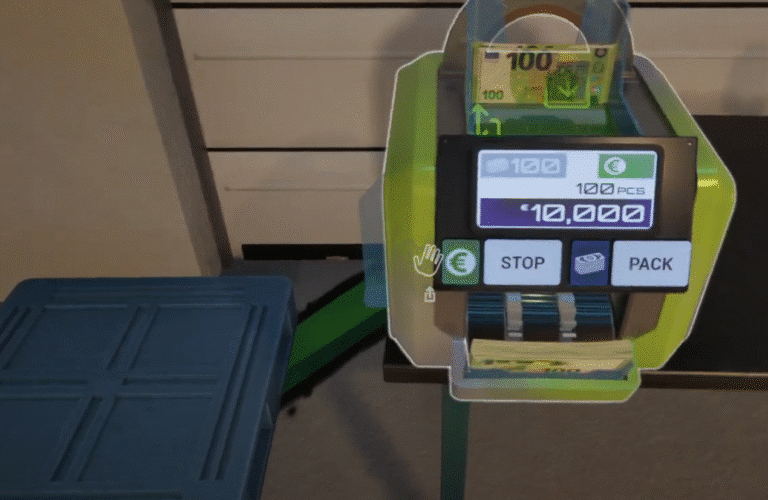
Now, with that said, keep in mind that the amount of money you send doesn’t affect the red light. If you accidentally send less than required, you’ll need to send a second delivery with the missing amount. On the other hand, sending more than required will simply make the surplus money disappear while voiding the Exact Amount bonus. Be careful when counting!
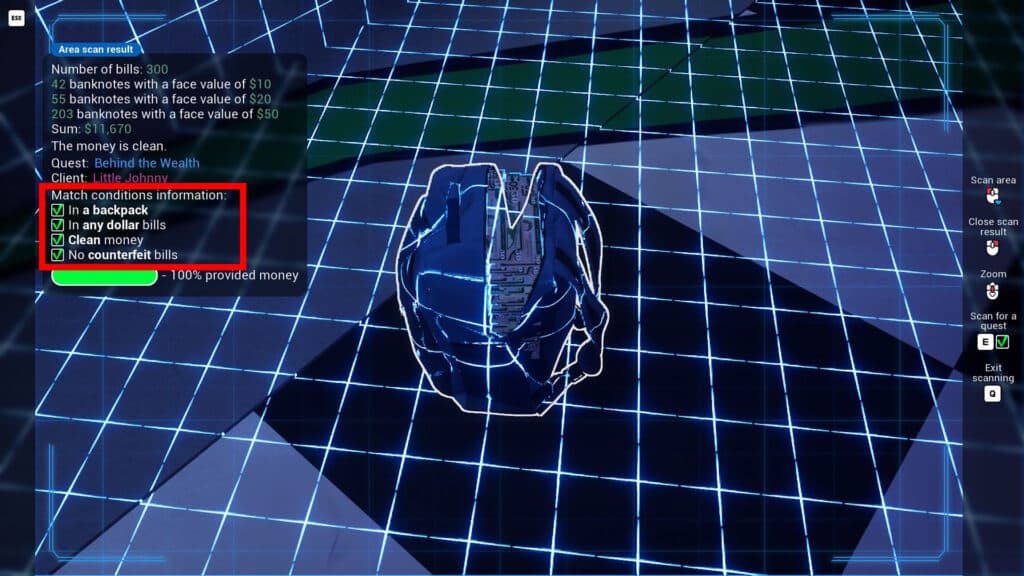
Additionally, you’ll unlock the Scanner feature on your in-game phone later on in the game. You can use it to scan the area in front of you and see which conditions you meet for your active order. It also sums up the money scanned, so it’s quite useful.
So, in summary, the red light glow in Cash Cleaner Simulator means that you didn’t meet one of your active order’s requirements. Double-check the conditions and fix whatever’s wrong to get the green light!