 14 articles
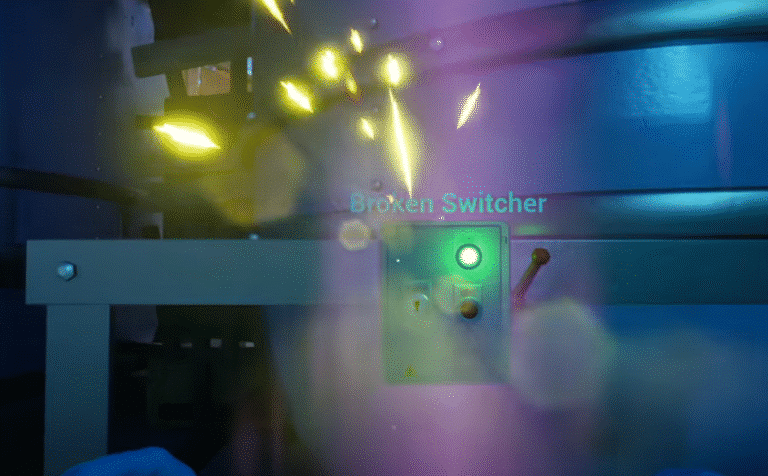
Cash Cleaner Simulator has all kinds of tasks and quests where you have to fix something that suddenly broke in your facility. At some point, a switch will break in your crib, and you will need to fix it to proceed with the rest of the “story” that this game has. In this guide, we will show you how to fix it nice and quickly!
How to Turn On the Broken Switch in Cash Cleaner Simulator
Once you get this objective, all you need to do is look towards the delivery point. But first, if you want to make this easier and you want to try the “intended way”, turn off the lights first and then hold up a UV light.
By doing this, you will reveal a set of arrows that point towards the roof, stopping just at a metal beam. This is where you can find the tool needed to fix the broken switch.
If you look at it from the sides, you will notice a small red object where the arrows are pointing. What you can do from here is either throw stuff at it to knock it down, or you can try to use the ladder near the broken switch to reach it.
 Cash Cleaner Simulator – How to Dry MoneyMay 12, 2025
 How to Get Trash Bags in Cash Cleaner SimulatorMay 12, 2025
 Cash Cleaner Simulator: How to Find Marked Money + All Types ExplainedMay 12, 2025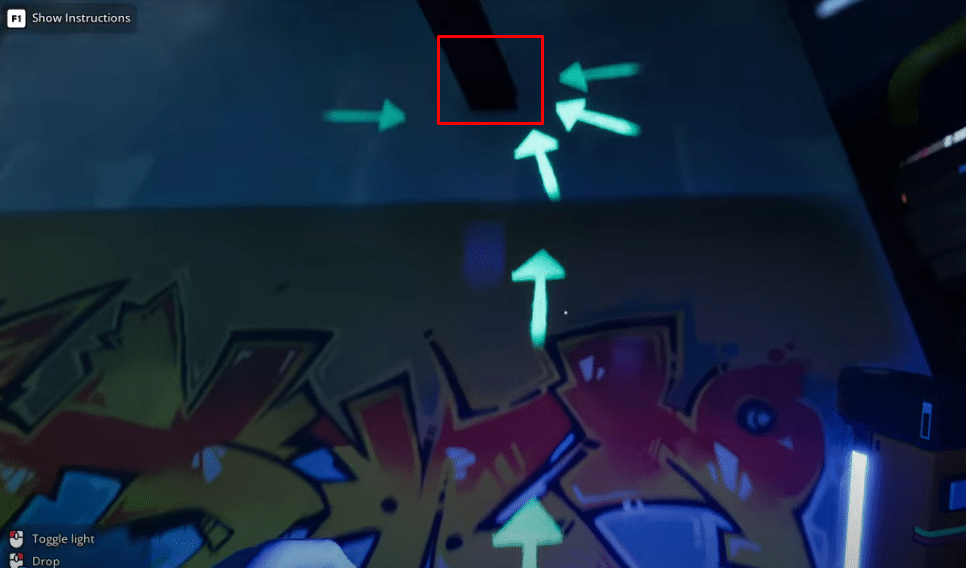
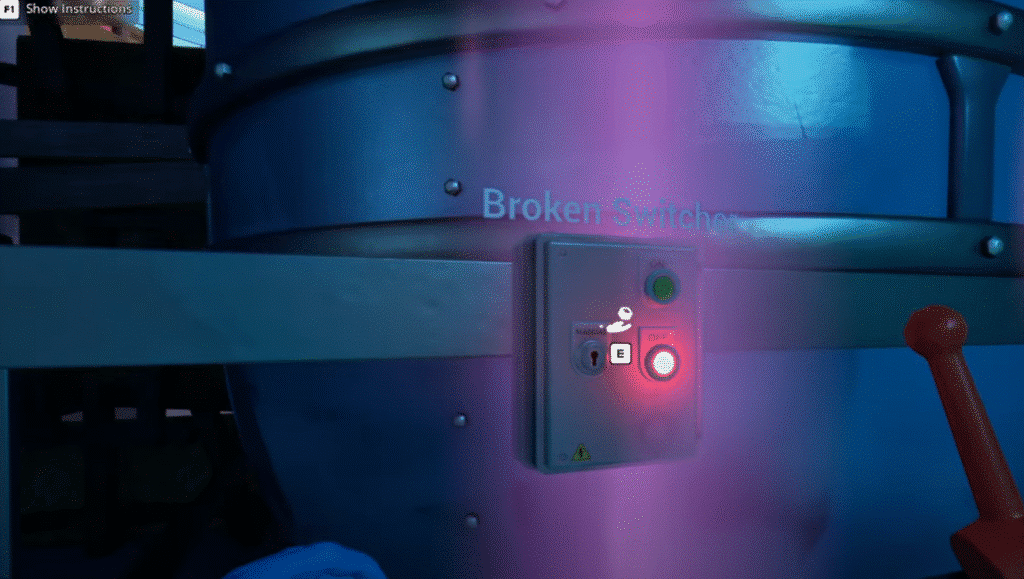
Once you manage to get the red lever thing from the metal beam, simply return to where the broken switch is and attach it by interacting with it. The lever should appear to the right of the switch box.
All you need to do now is flip the switch and then the light should turn green indicating that the machine is now on. Congratulations, you have now completed this very simple task.
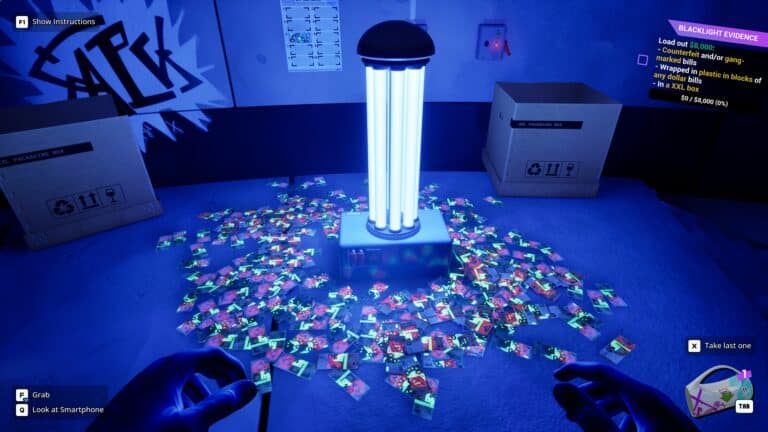
While you are here, why not check out guide on how to use the UV light to spot fake bills in Cash Cleaner Simulator? Since you are going to be using the UV lamp for this task, assuming you did it the way the developer wanted, you may as well make use of it for other things too.