 14 articles
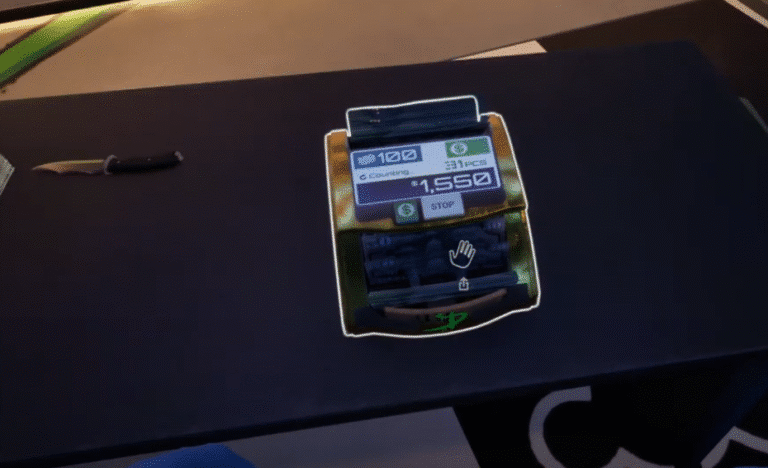
In Cash Cleaner Simulator, you are eventually going to start working with not just a metric ton of cash, but also currencies from different countries. As such, it can be a bit of a pain in the rear to count all of your money manually. Thankfully, you eventually gain access to bigger money counters, and this guide will quickly go over how you can use them or how they work in general!
Cash Cleaner Simulator: How to Use L & XL Cash Counter
Later on, as you rank up and unlock or even earn new tools, you will be able to buy better money counters through the black market app on your smartphone. These not only have a larger capacity for counting than the basic one, but they can also be used for other currencies.
The large ones can come in different currencies, and you will need one of each so you can start counting them efficiently. The good thing about these is that they will spit out counterfeits, so you will not need to manually check every bill.
Eventually, the large dollar and euro money counter will not be enough. When your workloads become even larger and more tedious, you can get an even bigger version of these machines.
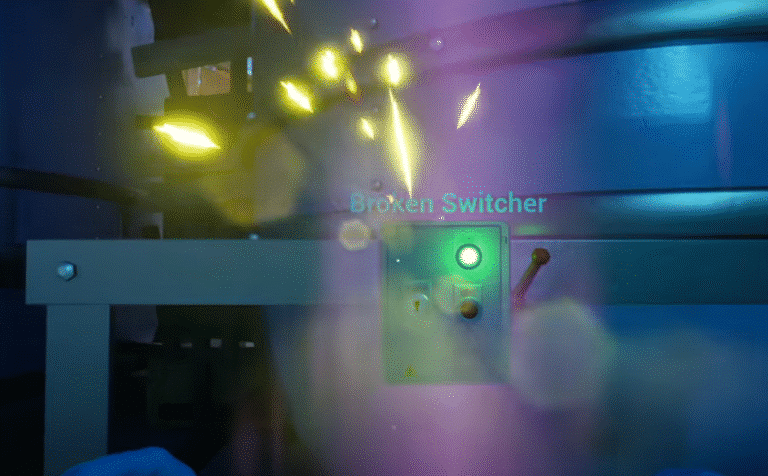
 How to Turn On the Broken Switch in Cash Cleaner SimulatorMay 13, 2025
 Cash Cleaner Simulator – How to Dry MoneyMay 12, 2025
 How to Get Trash Bags in Cash Cleaner SimulatorMay 12, 2025
The extra large versions of the money counter can work with multiple bundles at a time. Think of them as multiple money counters combined into a single machine. These are incredibly convenient, but they also take up a lot of space!

These things work as you would expect. Just drop money over the machine to feed it, as you would with any of the other versions over the past levels.
These are extremely convenient due to their ability to pack and sort various bundles all at once while still spitting out counterfeits, just like the large machines. These can also work with three different currencies, which you can cycle through depending on your needs.
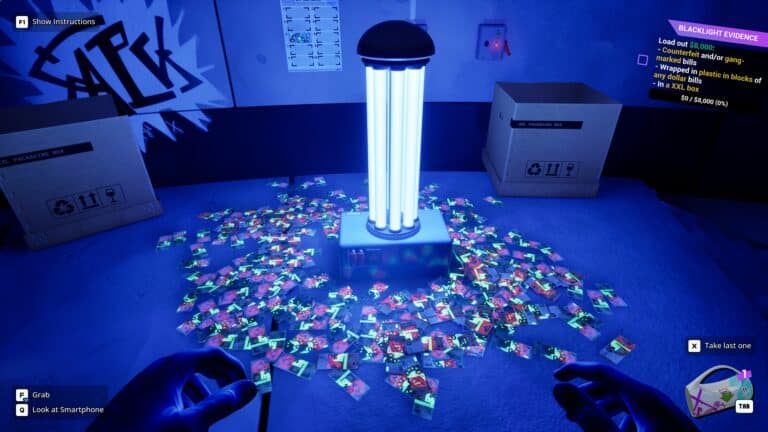
That is pretty much everything you need to know about these machines. Make sure to leave a lot of space on the side so that you can easily pick up all of the counterfeits that they spit out. While you are here, check out our guide on how to use the UV light to check for fake money in Cash Cleaner Simulator as well, so you can double check all of your cash!