 3 articles
Supermarket Simulator throws you headfirst into the bustling world of grocery retail! The initial charm of managing your own store is undeniable, but the constant need to restock shelves as your customer base grows can quickly become overwhelming.
Fear not! Here is a guide to some stocking/storage strategies. Use them to keep your shelves stocked and customers satisfied.
Stocking/Storage Guide
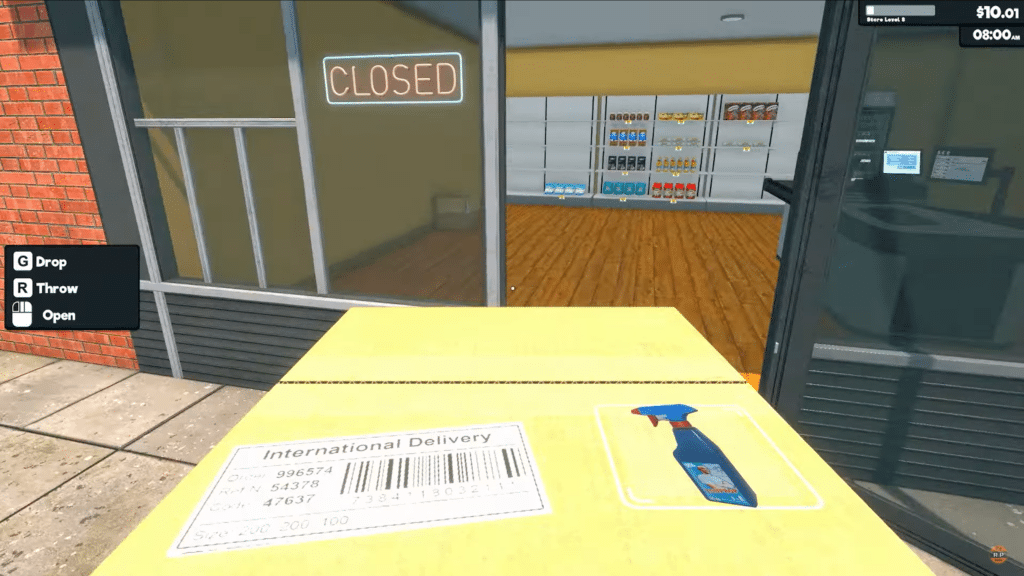
One important tip to know as you start: do not open the store until all shelves are fully stocked! Remember that time is paused before you open. Take advantage of this period to fully organize your shelves and stock.
This ensures you’re prepared for the customer rush and avoids the stress of restocking while managing the store at least in the first few hours.
The Double Shelf Strategy
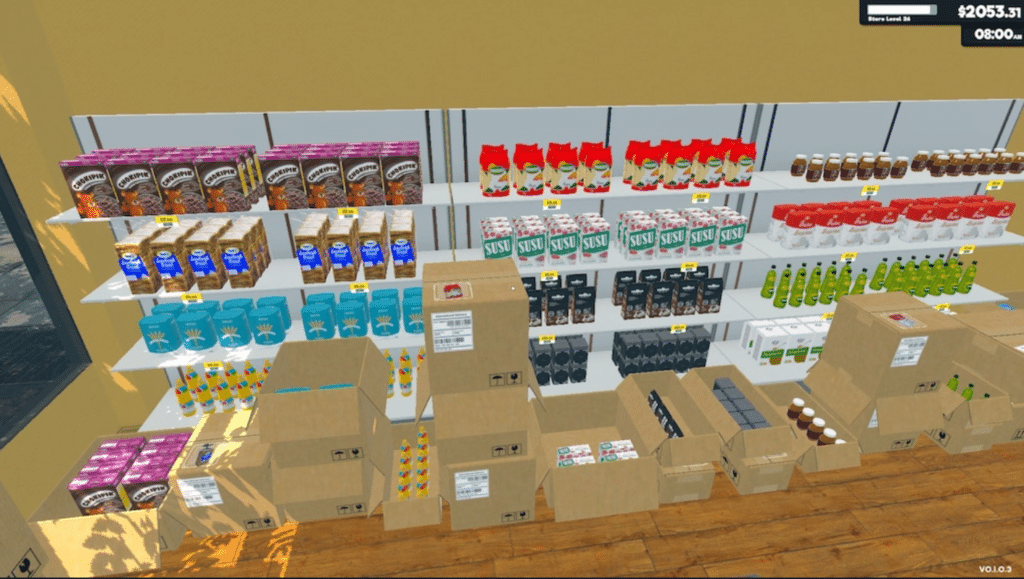
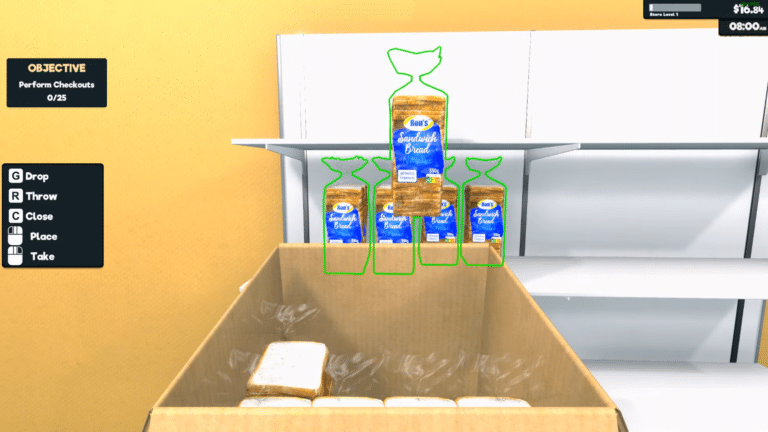
One recommended method is the double-shelf approach. First place two shelves of each product. Next, place your boxes of extra stock for those items directly in front of the lower shelf.
While it may not look the greatest, it prioritizes efficiency by keeping backup stock readily accessible. This method is inspired by real-life space-saving techniques employed by some smaller stores.
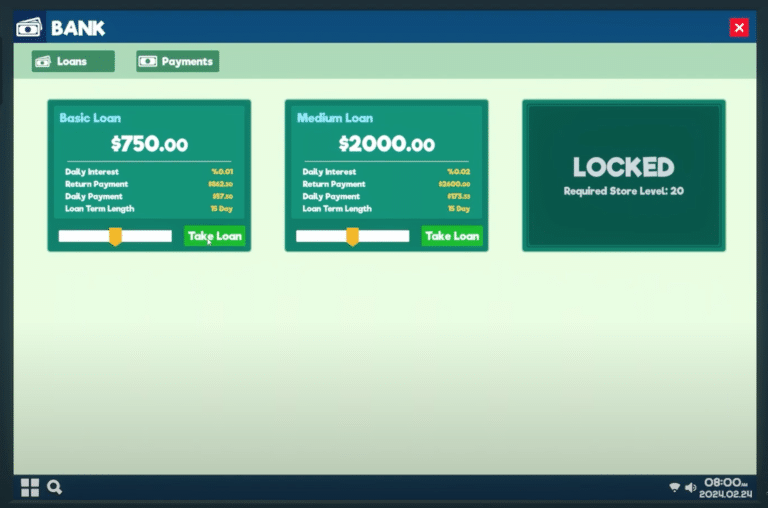
 Supermarket Simulator: Should You Get a LoanFeb 27, 2024
 Supermarket Simulator: How to Get Started | Top Tips and TricksFeb 27, 2024
Categorical Ordering and Stocking
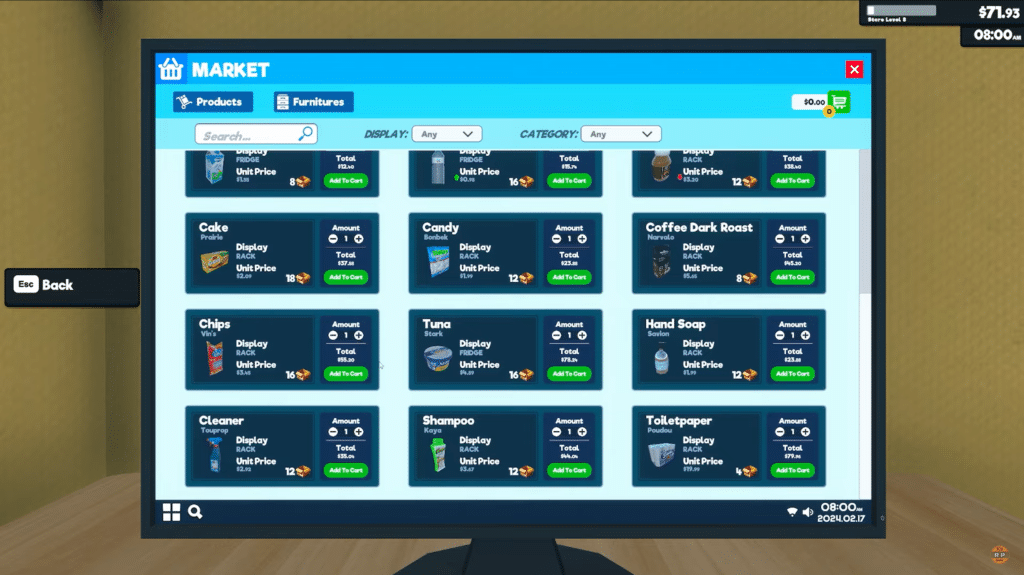
Another popular technique is to organize products and shelves to match their order in the catalogue.
By matching the order you use for placing new orders, you streamline the restocking process. This way, you move quickly through the store, replenishing specific sections like the freezer, shelves, or fridge, without wasting time searching for individual items.
Beyond the Basics
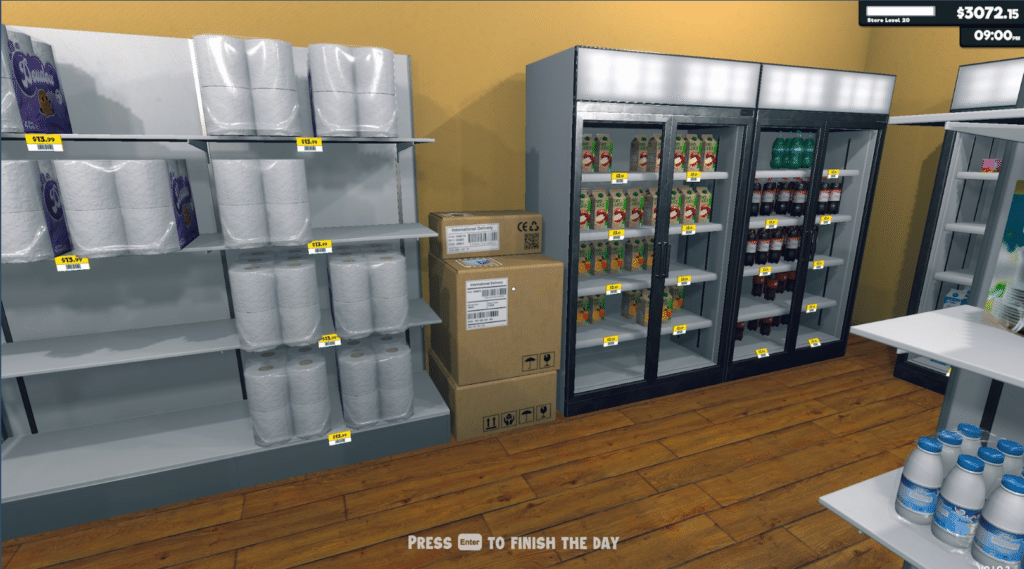
As your store expands, these techniques might not be enough. Consider these additional strategies as your game progresses:
- Prioritize high-demand items: Identify products like milk, potatoes, and toilet paper that sell out quickly. Allocate more shelf space and stock for these items to avoid frequent restocking interruptions.
- Utilize alcoves: Create alcoves for bulky items that take up a lot of space. Strategically place shelves/fridges/freezers to maximize floor space and allow for storage between them. You now have dedicated storage areas for items shelved nearby.
- Invest in licenses: In the later stages of the game, licenses become pretty important. By unlocking more licenses, you gain access to a wider variety of products. This increases your profit potential and also distributes your stock across more items.
Ultimately, the best restocking strategy is the one that works for your play-style and the specific needs of your store. As your supermarket evolves, adapt your techniques and experiment with different approaches to manage your inventory.
ALSO READ: Last Epoch: How to Craft Exalted Items