 11 articles
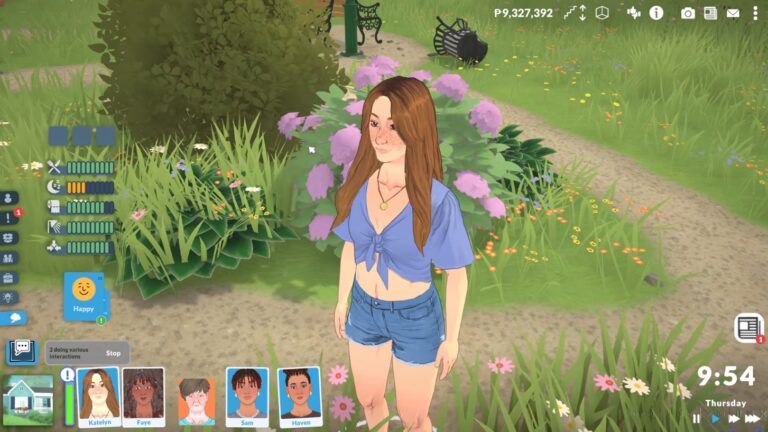
Paralives does not give you a straightforward way to edit your Parafolks once you have already started playing with them in a household. It is one of those things you only discover is missing when you are already in the game and realize you want to change something.
Fortunately, there is a way to do it and it only takes a few seconds once you know where to look. In this guide I will show you exactly how to edit an existing Parafolk so you can jump back into the Paramaker and change whatever you need without starting over from scratch.
How to Edit An Already Created Parafolk
To get started, simply press CTRL + SHIFT + C on your keyboard. If that does not work for some reason, try CTRL + F1 instead. That should bring up the “Cheat Commands” console window on the side of your screen. Once the console is open, just type “editcharacter” exactly like that and press enter.
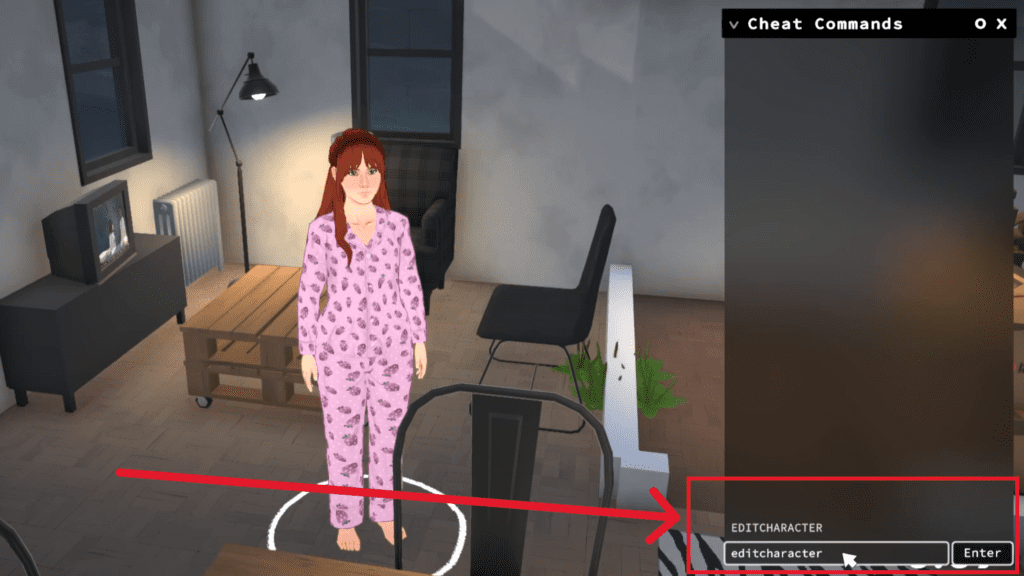
This will take you straight to the character editor, which looks just like the one you used when you first created your Para. You can change anything you want: their face, their body, their clothes, anything really.
 How to Unlock Hidden Item Catalog in ParalivesJun 12, 2026
 All Cheat Codes You Need to Know in ParalivesJun 10, 2026
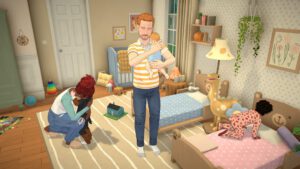 How to Try for a Baby in ParalivesJun 10, 2026
When you are done, simply click the tick button at the top right corner to save your changes. You can do this whenever you want, so do not worry if you change your mind about something later.
Wrapping Up
And that is all there is to it. Open the console, type “editcharacter”, and you are back in the character editor whenever you want. It is a handy cheat if you can never quite settle on a hairstyle or nose shape. Just do not go overboard or you will spend more time tweaking faces than actually playing the game.