 11 articles
There are many hotkeys you can use in Paralives as shortcuts to various actions, but it can be hard to keep track of all of the important ones you need to know about.
That said, figuring out what hotkeys do is a great way to make everything you do more efficient. You’ll have more control over your characters, and you’ll be able to just do everything a tad faster.
In this guide, I’ll tell you what the most important hotkeys are and what they do.
Time Control
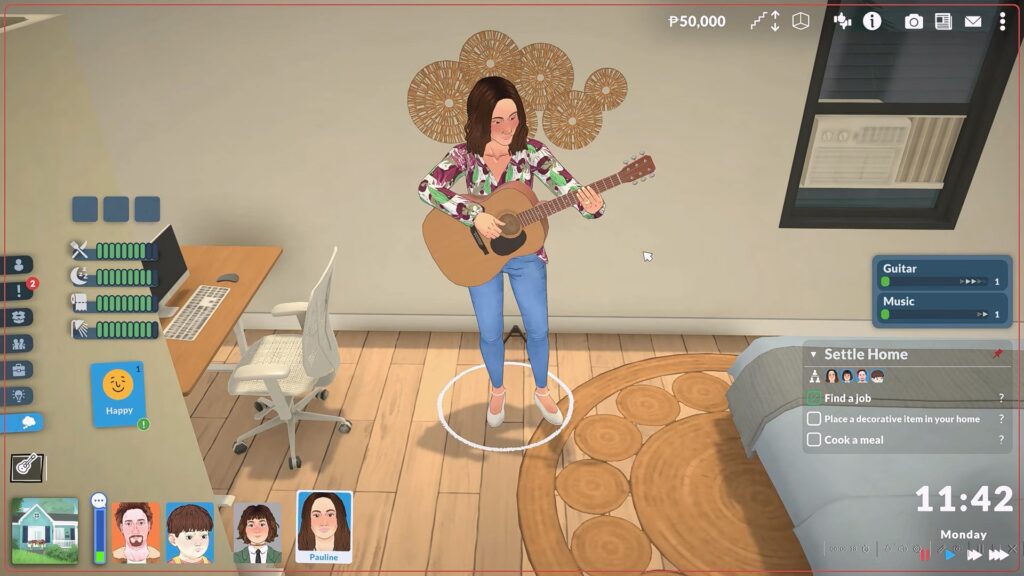
The first and most important hotkeys to memorize are the ones related to time control. That is, the ones that allow you to speed up or slow down the gameplay. They’re key to making the most out of the game!
 How to Unlock Hidden Item Catalog in ParalivesJun 12, 2026
 All Cheat Codes You Need to Know in ParalivesJun 10, 2026
 How to Try for a Baby in ParalivesJun 10, 2026
So, for this category, these are the following hotkeys to remember:
- 1 – Sets the game to regular speed.
- 2 – Sets the game to x2 speed.
- 3 – Sets the game to x3 speed.
- Spacebar – Pauses the time, allowing you to check up on your characters and manage them without passing time.
Make good use of them so that you never have to wait too long for things to happen or so that you don’t lose control of your characters!
Photo Mode
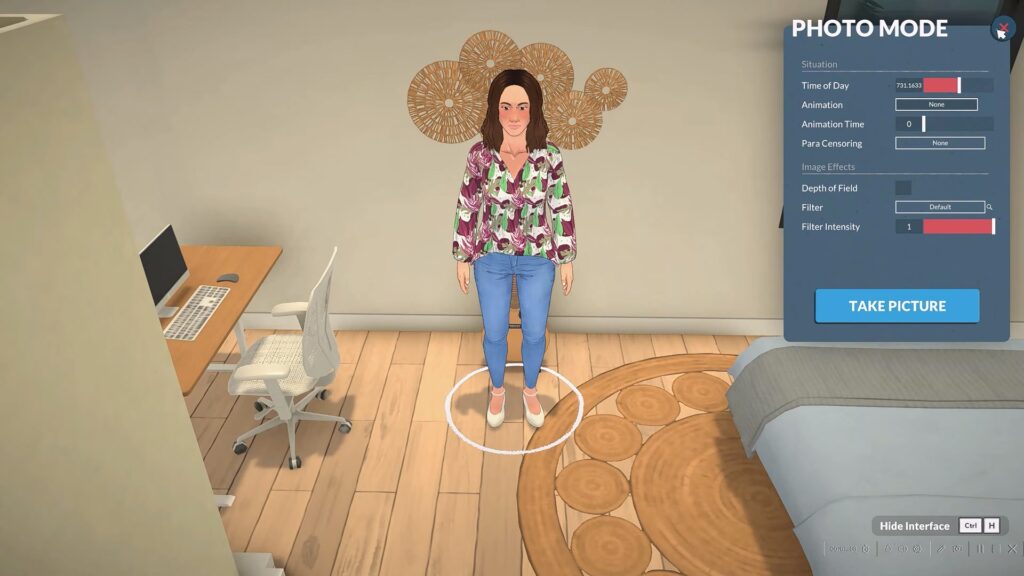
Perhaps less important from a mechanical standpoint than the time control hotkeys, this is an important one for capturing moments! Maybe something funny happened, or you just want to show off your decor, or whatever else.
So, you can quickly enter Photo Mode in this game by pressing P whenever you want. This will also pause the in-game time, so you don’t have to worry about missing out on what you want to capture.
Find Character
If you’ve lost sight of one of your characters and want to find them quickly, this hotkey is for you!
Simply press the F key and your camera will automatically move to whererer your currently-selected character is. It’s simple, but extremely helpful.
Select Family
Want to set your entire family in Paralives to go to one specific spot at the same time? Simply press CTRL + U and you’ll instantly select all of them. Then, just tell them where to go.
Home Movement and Visibility
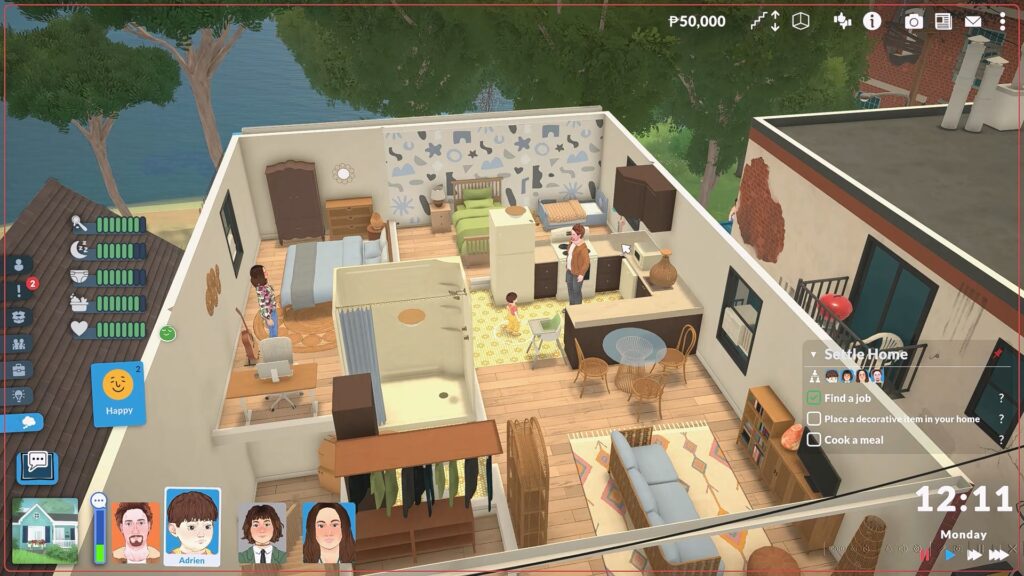
If you have a home with multiple floors, you probably find it a bit cumbersome to switch between floors. Hotkeys can help!
Simply press Page Up to move up a floor or Page Down to move down a floor. It’s way faster than clicking on the up and down arrows in the toolbar, that’s for sure.
While you’re at it, you can also press Home to make the home’s walls visible or End to make them invisible. There are multiple settings to this, so you can press each key multiple times for different states of visibility.
Map
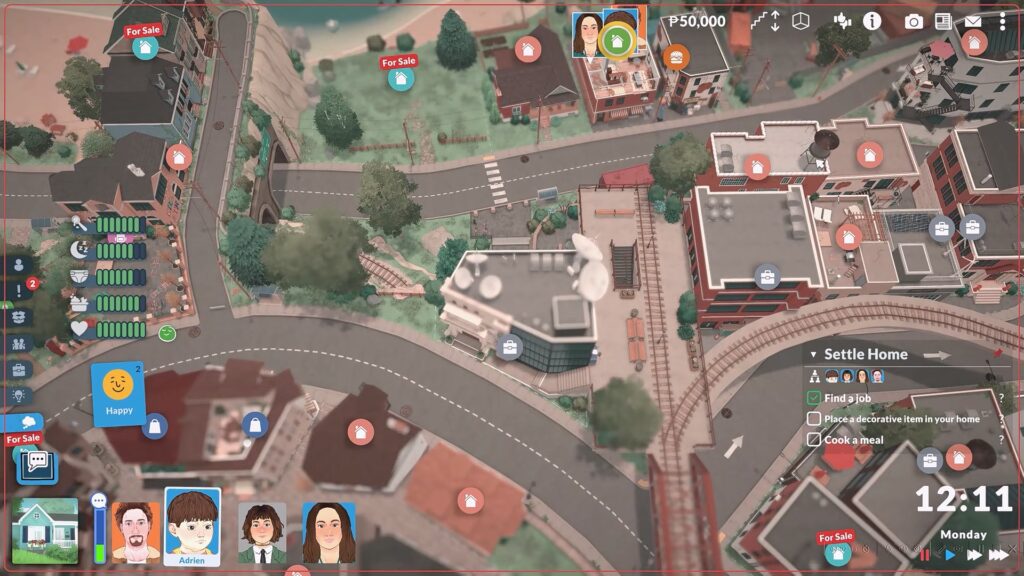
If you want to quickly bring up the map to check out the nearby areas, you can do that with ease! Just press the M key whenever you want and you’ll enter the Map View mode.
Quick Save
Paralives is in Early Access. As polished as it already feels, that does mean things can go wrong at any moment! So, it’s a good idea to save often.
To make that easier and faster, you can press F5 at any time to do a quick save. It’s one of the most helpful hotkeys, so make sure to remember it well.
Build Mode
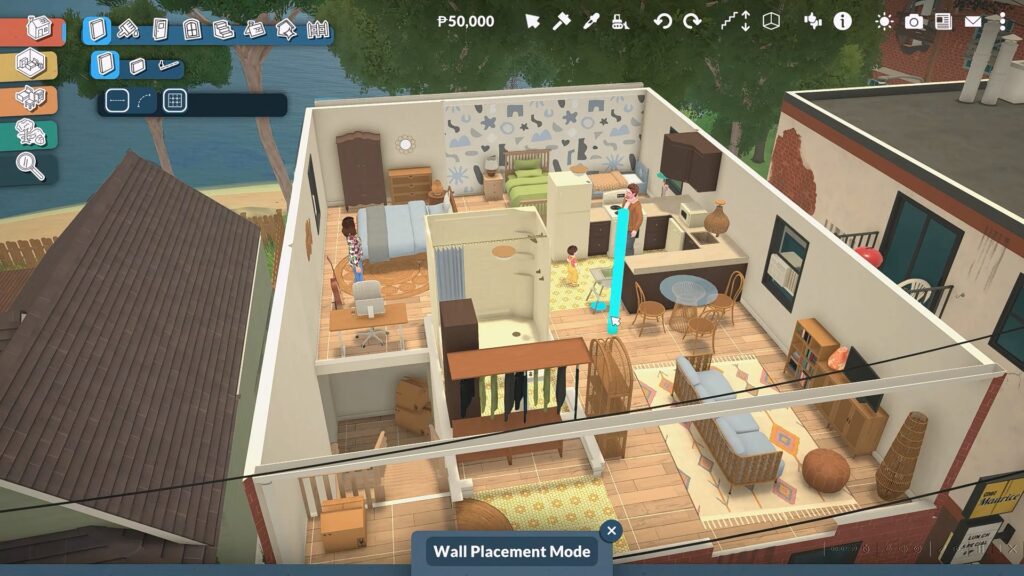
If you want to quickly switch between Build and Live modes, you can do that quickly with a single key. Just press the Tab key and you’ll switch between modes!
While I’m at it, here is a list of other very useful hotkeys you can make use of specifically while in Build mode:
- B – Enter Wall Placement mode.
- I – Use the Pipette tool to copy items or surfaces.
- K – Use the Sledgehammer tool to remove and sell items and walls.
- O – Open the shopping catalog where you can purchase items. You can also press CTRL + F while the catalog is open to search for items within it.
- X – Rotate a selected item 90 degrees.
- , – Rotate an item 45 degrees counterclockwise.
- . – Rotate an item 45 degrees clockwise.
Make good use of these to speed up the building process.
Wrapping Up
There are quite a lot of shortcuts and hotkeys you can use in Paralives, even more than I’ve mentioned here, but now you know all the most important ones you need.
I hope these help you gain more control over how things play out in Paralives! They can take a bit to get used to if you’re used to other games with different-but-similar hotkeys, but you’ll master them in no time.
Want more help with Paralives? Perhaps you’d like to check out some mods to add some extra content and features? For that, check out our guide on how to install mods!