41 articles
Upgrading your ship’s firepower in Windrose isn’t as simple as just crafting a new cannon at a workbench and slapping it on the deck. The game has a specific two‑building system for naval upgrades that trips up a lot of players early on.
The game hides the actual upgrade process behind a couple of structures you probably have not built yet. Most people figure out how to craft the cannons long before they figure out how to equip them.
Fortunately, once you understand how the naval upgrade system works, improving your ship becomes a lot easier. Here’s exactly how the whole process works.
How to Upgrade Cannons on Your Ship in Windrose
You can upgrade cannons in the game via the Shipwright’s Workshop. However, you also need to manage them through a Wharf. This is where the confusion comes from, as the game separates crafting and ship management into two different systems.
 Windrose – How to Get to The FoothillsApr 20, 2026
 Best Early Game Build in WindroseApr 20, 2026
 Windrose: Ancient Fire Sanctuary Puzzle Solution & All ChestsApr 20, 2026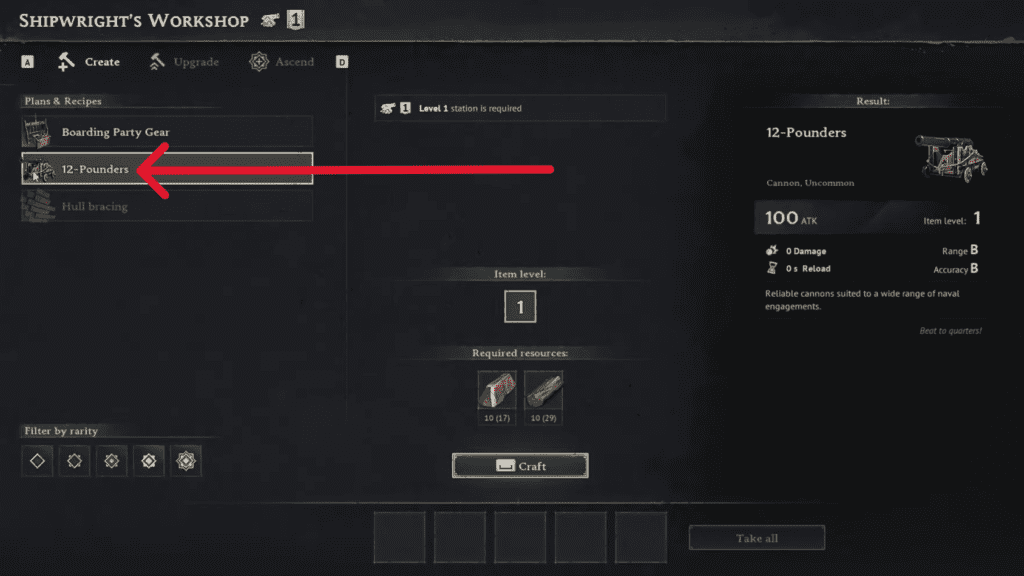
To upgrade your cannons, you need a Shipwright’s Workshop, a Wharf near the water, upgrade materials, and the correct cannon type for your ship.
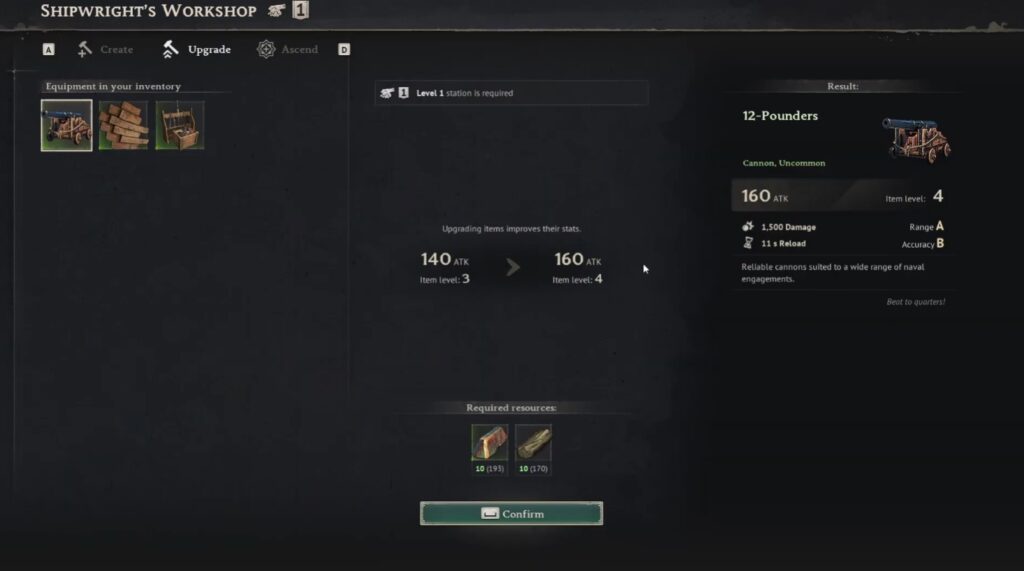
One important thing that a lot of players tend to miss is that cannon upgrades apply to each cannon individually. This means if your ship has multiple cannons, you need to upgrade each of them separately.
Once you have crafted your cannons via the Shipwright’s Workshop, you then need to go to the Wharf and open the Manage Ship menu. Then, remove the cannon from your ship before you start upgrading. Unfortunately, there’s no way to upgrade installed cannons directly on your ship.
With the cannon removed, return to the Shipwright’s Workshop, select the cannon upgrade option, and pay for the required materials. Head back to the Wharf and reinstall the upgraded cannon.
You will need to repeat this process for every mounted cannon on your ship that you want to upgrade.
Things to Keep in Mind
Recent patches have made cannon progression much more important. As such, not every ship can equip every cannon caliber.
For example, 12-pounders will work on almost every ship, while 24-pounders can only be mounted on stronger ship variants. On the other hand, 36-pounders are exclusive to high-end Frigates.
A lot of players unknowingly craft 24-pounders too early, only to find out they can’t install them on their starter Ketch. This is something you should keep in mind before you end up spending expensive materials.
Also, if your cannon upgrade is not working, it’s mostly due to one of these issues:
- You didn’t learn the blueprint in the Curios tab
- You didn’t uninstall the cannon you want to upgrade
- Your Wharf is missing
- Your ship can’t equip that cannon caliber
- The Shipwright’s Workshop is not properly covered
Wrapping Up
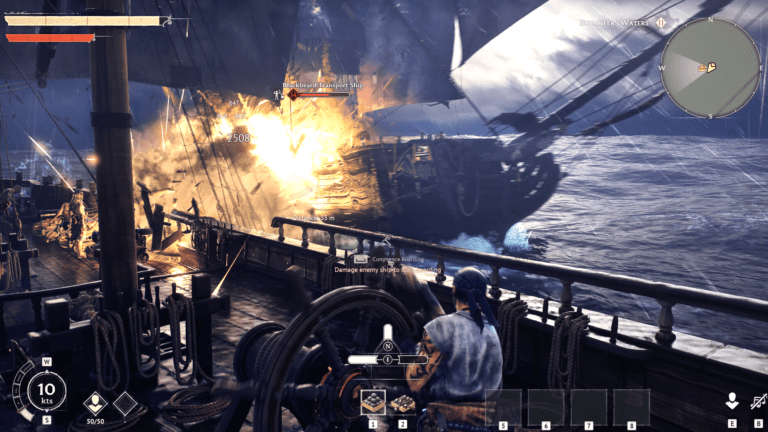
With upgraded cannons installed, you can then take your newly armed ship out for a spin and find a pirate vessel to test those cannons on. You will notice the difference immediately, and winning naval fights in Windrose becomes way less of a headache.
If you want more early game advice to smooth out the rest of your experience, give our guide on how to have the best start in Windrose a quick read!