
 14 articles
In Cash Cleaner Simulator, you help a bunch of shady individuals clean up their money in the most literal sense possible. In order to do this, you are going to need to make use of varying tools that make your job a whole lot easier. In this guide, we will be showing you how to get the dryer, which, as the name implies, lets you dry the cash you wash.
Cash Cleaner Simulator – How to Unlock the Dryer
In order to get a dryer, all you need to do is either buy one from the market or get it as a reward from a quest. It really is as simple as that, so just keep progressing through the game normally to get an opportunity to buy or earn one of these machines.
Take note that the dryer, as well as any other special bits of equipment you can add to your facility, are only rewarded by yellow quests. Just pay close attention to the rewards list to see what you will get.
Usually, you will get stuff like a washing machine through those quests too. The purple ones, on the other hand, are used more for raising your reputation. So, if you are looking for gear, do only the yellow quests for now.
 How to Turn On the Broken Switch in Cash Cleaner SimulatorMay 13, 2025
 Cash Cleaner Simulator – How to Dry MoneyMay 12, 2025
 How to Get Trash Bags in Cash Cleaner SimulatorMay 12, 2025
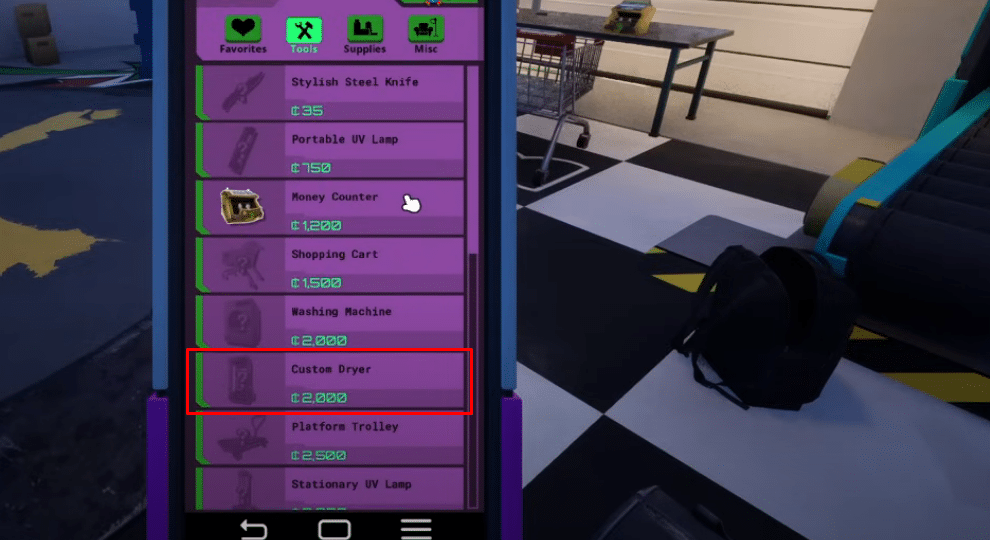
As for how you buy them, the custom dryer can be found in the tools section of the market app on your smartphone. They cost 2,000 dollars each to buy once you are able to select them.
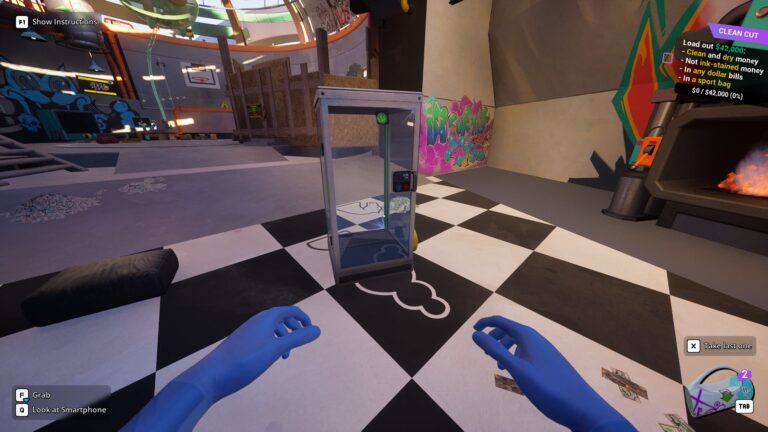
In order to use the dryer, you just throw your stacks of cash in one and turn the machine on. The money will then start flying around in the glass chamber, much like those arcade machines where you have to pick up the money within the allotted time limit.
Just press the red button after closing the door to activate the dryer and start the process. The money inside should visibly change to indicate that it is now dry. From a dark “wet” color, they will eventually shift into a much lighter “dry” texture.
And that is pretty much everything you need to know when it comes to how you can get a dryer in the game, as well as how you are supposed to use them. Now get out there and start cleaning up cash for those totally legitimate businesses!
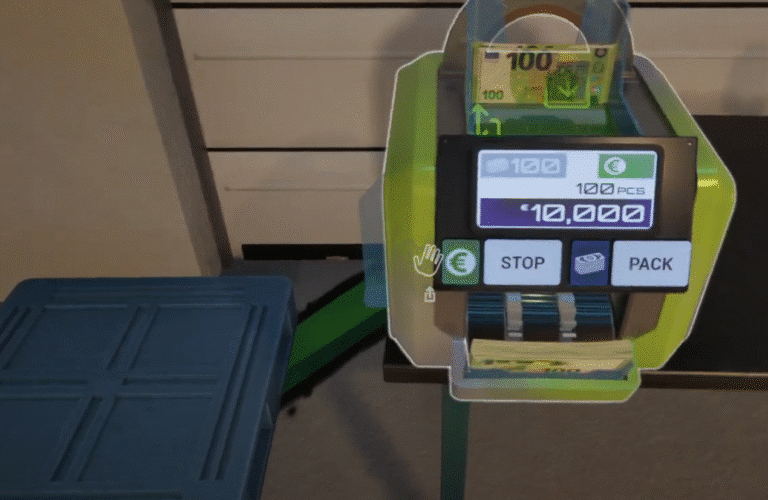
If you are having trouble counting that moolah efficiently, check out our guide on how to count money faster in Cash Cleaner Simulator for more help in the matter!