 26 articles
The Finals is a fun new competitive shooter, but some users are experiencing the “MISSING_ANGELSCRIPT_CALLSTACK Discovery” error that prevents the game from even launching.
It’s a new game, after all, so technical issues are to be expected. Sadly, that’s just how it is with modern PC gaming…
Nonetheless, we’ve got some tips and potential fixes for this obnoxious error. Read on and we’ll try to help get you into The Finals’ virtual arenas!
Potential Fixes For The Finals’ “MISSING_ANGELSCRIPT_CALLSTACK Discovery” Error
Update GPU Drivers
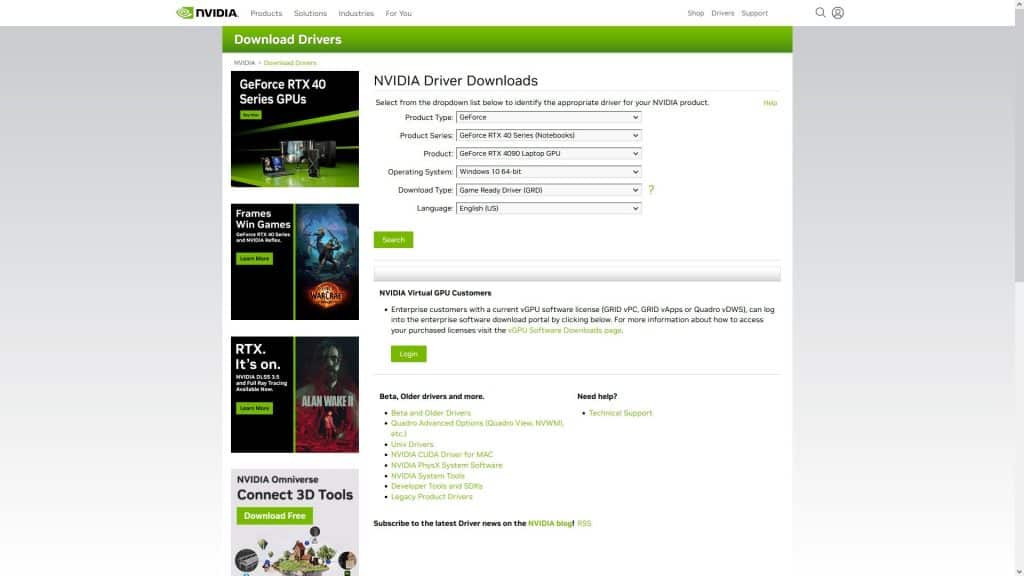
Sometimes the best solution is the simplest one, and that would be to just update your GPU drivers.
 The Finals: Is the Battle Pass Worth Buying?Jan 17, 2024
 The Finals: Top Players Allegedly Caught CheatingJan 11, 2024
 The Finals: Toxic Gas Complete Guide | How To UseDec 30, 2023
You can do this by just downloading them from your GPU’s manufacturer’s website or by choosing to update from the GPU control panel.
All manufacturers recently released updates to add official support for The Finals, so that might just do the trick!
Now, this is every manufacturer’s support page, which allows you to download updated video drivers:
Underclock Your CPU
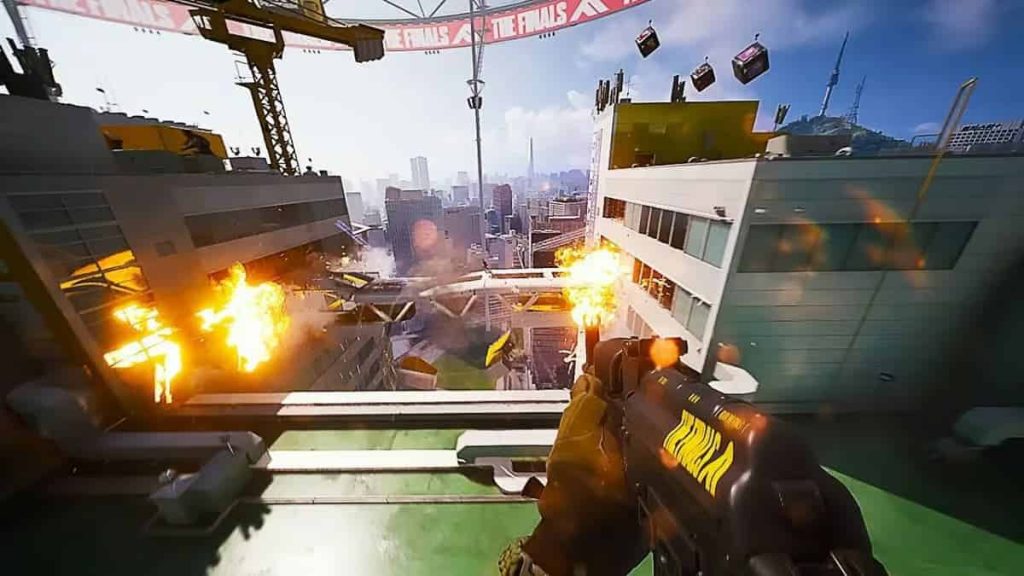
Sometimes, the dreaded “MISSING_ANGELSCRIPT_CALLSTACK Discovery” error happens due to your CPU hitting 100% utilization. This then leads to overheating and thermal throttling, causing crashes.
Sadly, underclocking your CPU is a process that varies a lot for every computer, so we can’t really cover them all in this article.
However, the basics of it just involve rebooting your PC into the BIOS and setting a lower Ratio Multiplier or Clock Multiplier. For example, setting it to 48 if it’s 50 by default.
This will slightly lower your CPU’s top speeds but can prevent thermal throttling and give your PC better stability.
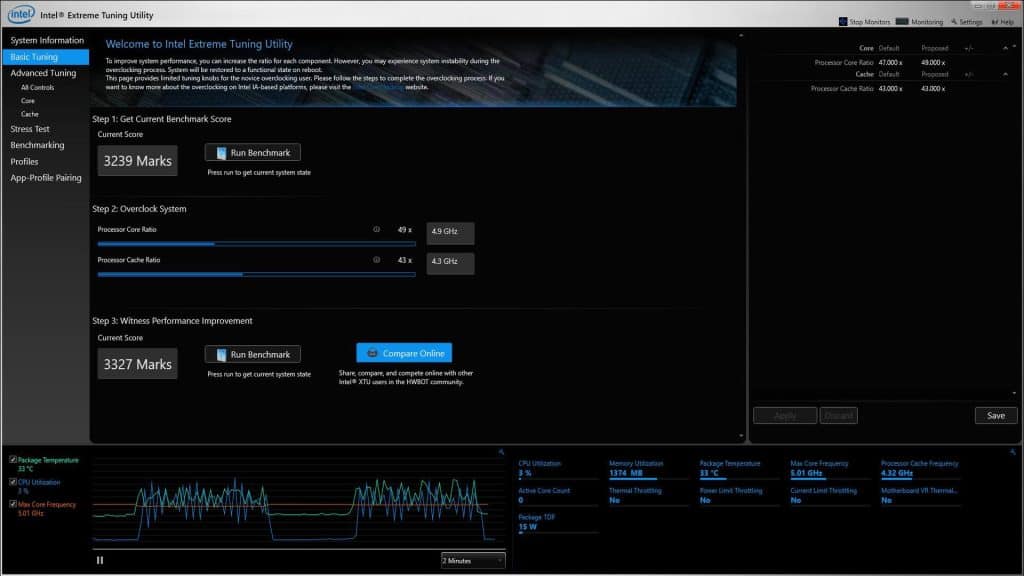
If you’ve already overclocked your PC before, then you should just return to default settings and remove your overclock settings.
Intel users with modern CPUs can also use the Intel Extreme Tuning Utility for easy configuration. You won’t need to tinker around with the BIOS then!
NVIDIA Users: Rollback to 546.01 Drivers
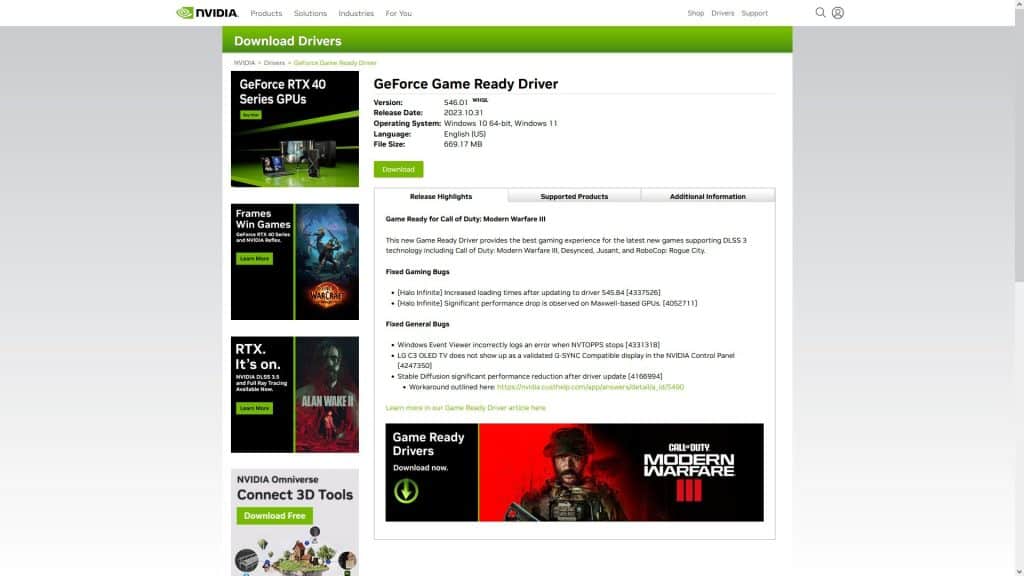
If you’re an NVIDIA GPU user and you already did the first two potential fixes with no luck, you might need to revert to an older driver.
For some reason, some users report that the 546.01 drivers in particular are optimal and fixed the “MISSING_ANGELSCRIPT_CALLSTACK Discovery” error.
You can find the 546.01 drivers here!
Just choose to downgrade when installing and you should be set!
Alternatively, follow NVIDIA’s official instructions to uninstall the current driver and then try installing 546.01.
Wait For Updates
If nothing worked for you and you’ve already verified that your computer is in working order, then you may just need to wait for The Finals to receive updates.
Remember, the game just recently launched. The game had Beta test periods previously, but computers are extremely varied and fickle.
It’s no surprise that sometimes there are hardware and software configurations that end up having trouble with new games!
On the upside, The Finals is a free-to-play game, so you at least didn’t have to spend any money on it.
ALSO READ: The Finals: New Update Guide (December 2023)