 26 articles
Sometimes, you might randomly get kicked from the server in The Finals, showing the error code “TFGE0002”.
This is benign and doesn’t mean you got banned or anything. However, it might be caused by using software that the game detects as cheats, but it could also just be a server issue beyond your control.
In this article, we go over various potential fixes for this annoying little error.
Potential Fixes For “KICKED FROM SERVER” and “Error Code TFGE0002”
Restart The Game And/Or Your PC
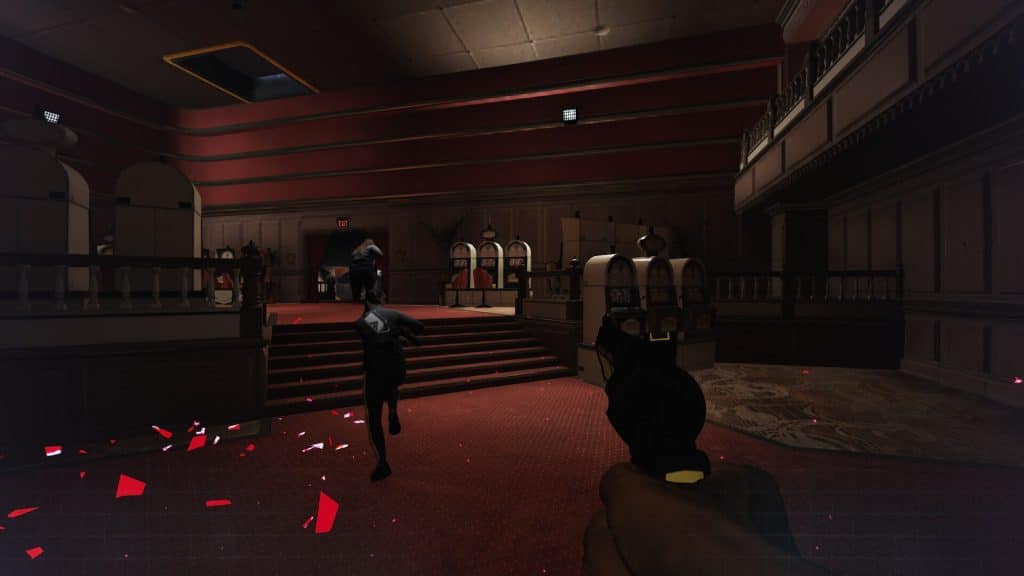
Sometimes the “KICKED FROM SERVER” error seems to just happen if you’ve been playing for a while in a single session. If that’s the case, you simply need to close the game and launch it again.
 The Finals: Is the Battle Pass Worth Buying?Jan 17, 2024
 The Finals: Top Players Allegedly Caught CheatingJan 11, 2024
 The Finals: Toxic Gas Complete Guide | How To UseDec 30, 2023
As silly as it sounds, the game just seems to require a restart every now and then. Playing too many matches in a single session seems to be causing most of the server disconnection errors.
Additionally, it might be a good idea to restart your PC as well. It never hurts, and it might just clear up whatever is causing issues for the game.
Make Sure Your Game Is Clean
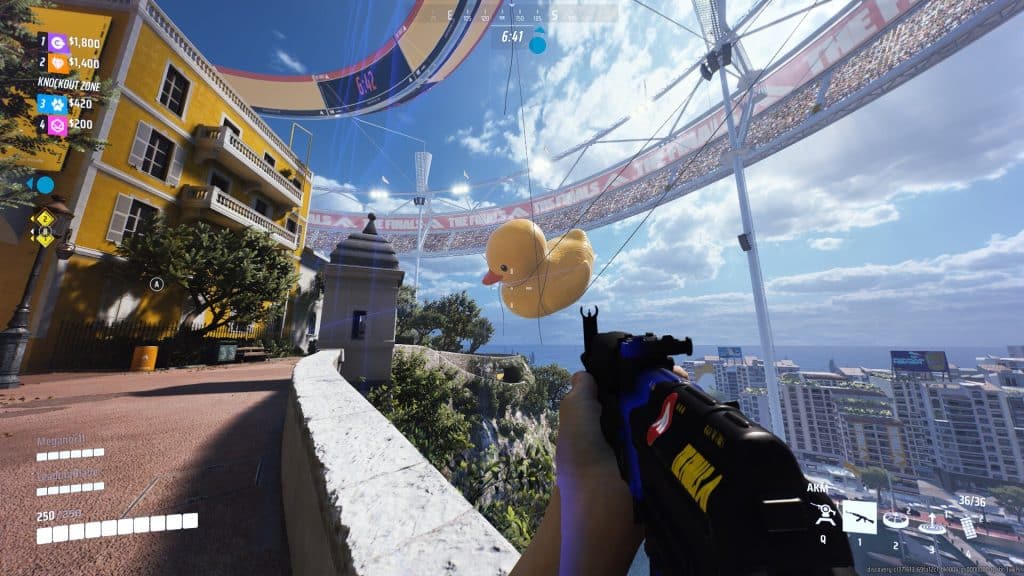
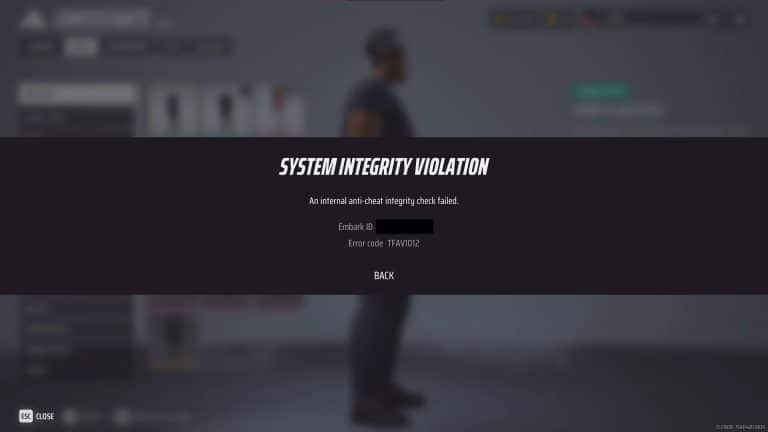
No, we don’t mean washing your PC with soap and water. Jokes aside, just make sure that you are not using anything that the game’s Easy Anti Cheat software might detect as cheating.
Avoid using auto-clickers, external overlay software like RivaTuner, any type of mods, and even graphics-enhancing suites like ReShade.
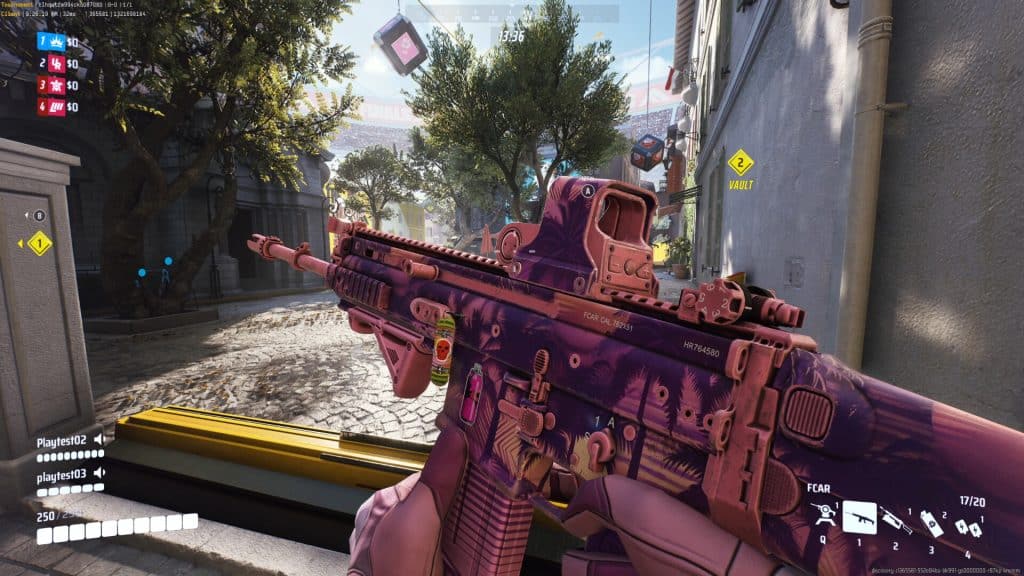
Sadly, Easy Anti Cheat can be a bit overeager with its detections. As such, all of these programs mentioned can interfere with the game in unexpected ways. The game might detect them as “cheats”, resulting in a kick.
You should uninstall the game entirely and reinstall it to ensure that everything is cleaned up. It’s worth a try even if you haven’t actually modified the files at all yourself!
Wait For Upcoming Patches
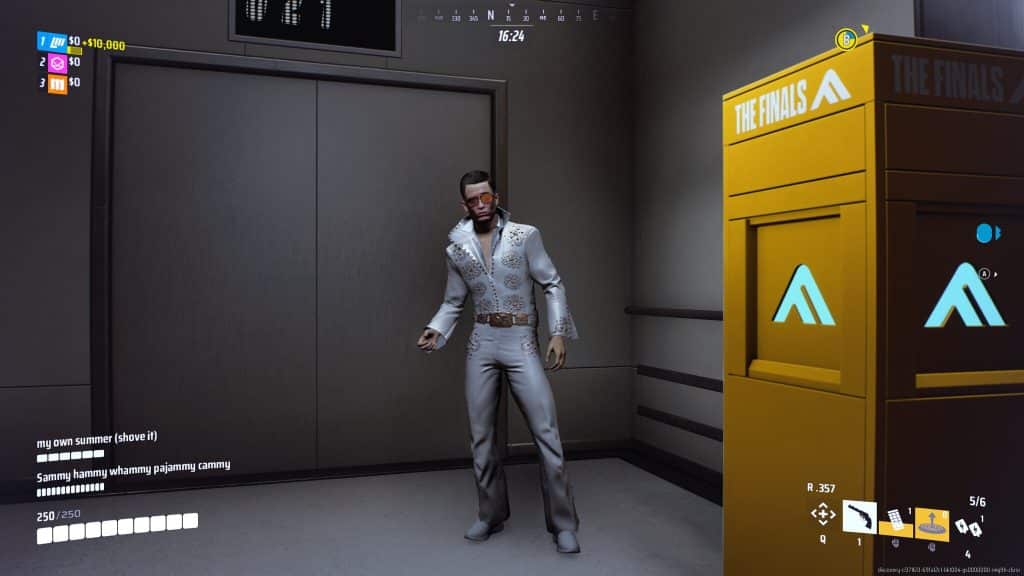
Sometimes things are just beyond our control, and that might be the case with the TFGE0002 error and kicks in The Finals.
The developers at Embark Studios have mentioned that these kinds of kicks from the servers are false positives due to the servers having issues.
After all, the game’s launch was highly successful, which might be a bit too much of a workload for the servers. So, as this seems to be an issue on the servers’ end, you just have to wait it out.
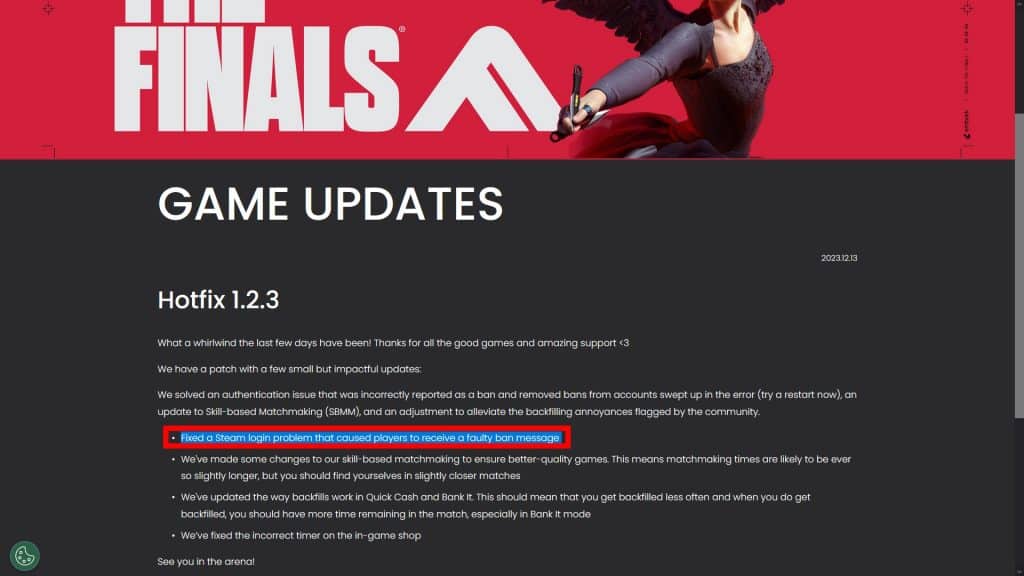
In fact, the recent Hotfix 1.2.3 seems to have specifically addressed this type of issue, as shown on the official patch notes.
Waiting is hardly ideal, but it’s good to know that the developers are working on fixing these annoying issues.
ALSO READ: The Finals: How To Fix “MISSING_ANGELSCRIPT_CALLSTACK Discovery” Error