32 articles
One of the cool new features added to Star Wars Jedi: Survivor is the ability to change Cal Kestis’ haircut. However, you won’t be able to access this feature right away.
To do that, you first have to complete the prologue mission by beating The Ninth Sister, this game’s first boss. After that, you then gain the option to change your hairstyle.
That said, some hairstyles won’t be available for you. There are some that you have to obtain first in the open world. One of them is the undercut hair look.
We’ll show you its exact location in this guide.
 Star Wars Jedi Survivor: How to Get the Pyloon’s Saloon ChestMay 6, 2023
 How to Get Alignment Control Center Treasure in Star Wars Jedi SurvivorMay 6, 2023
 Star Wars Jedi Survivor: All Jedha The Archive Chests LocationsMay 5, 2023
Where to Find Undercut Hair Location in Star Wars Jedi: Survivor
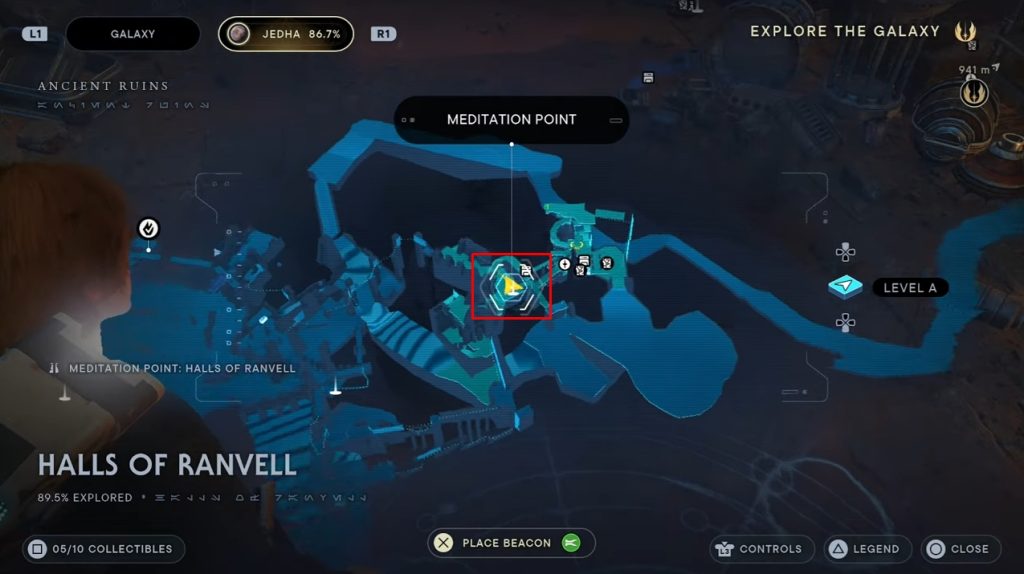
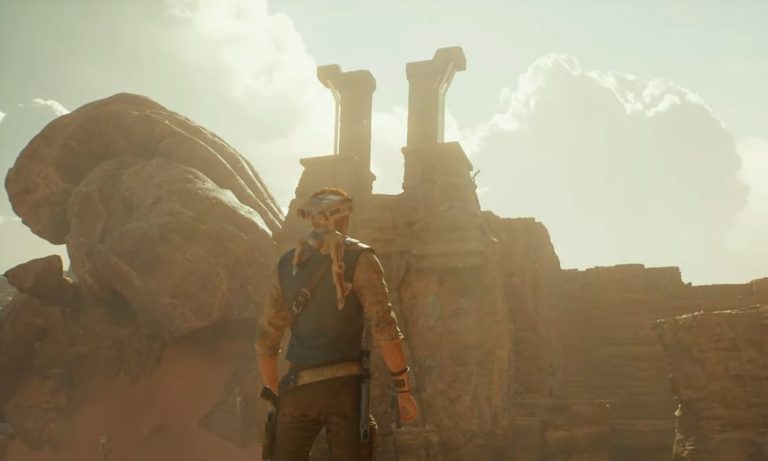
To get to the undercut hair location, start by heading to the Halls of Ranvell in Jedha as shown above.
Once you get there, just jump off the ledge to land on the ground below. After that, turn right and keep moving forward.
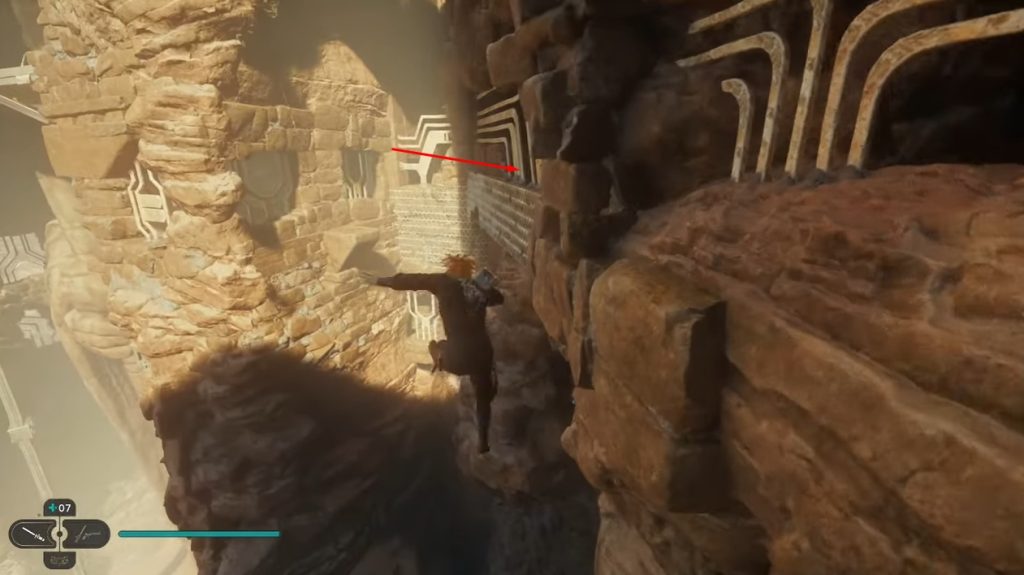
Jump off the cliff and pull yourself to the wall on the right as shown above. Make your way up to the left then immediately turn your camera backward.
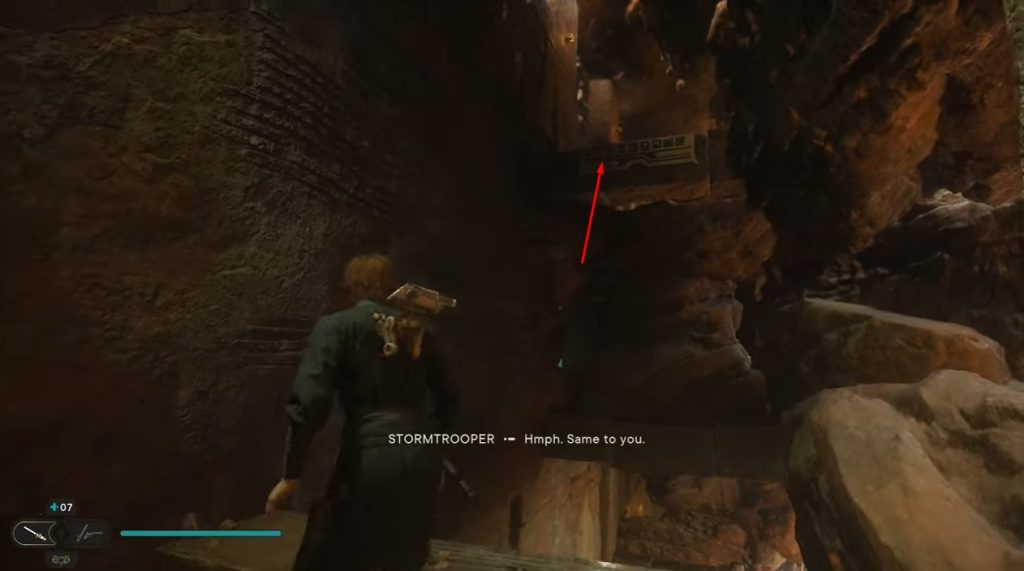
Look up to find another ledge above. Simply run through the wall to get to it. Just keep moving forward and you should be able to spot a chest at the very end.
Open the chest to obtain the undercut hair cosmetic.
To equip it, all you have to do is go to the Customization tab in the pause menu. This is where you’ll be able to customize Cal depending on which cosmetics you currently have.
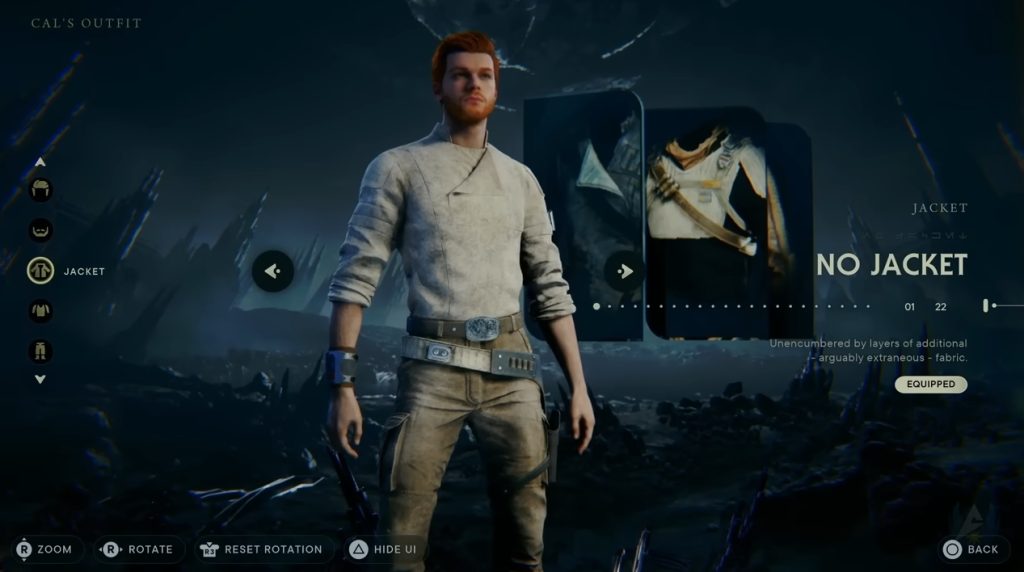
Simply press the Customize Cal option to see a list of cosmetics you can use. Go to the Hair tab and look for the Undercut Hair option then press the Equip button to use it.
Do take note that cosmetics only alter Cal’s appearance and won’t offer any stat boost or advantage whatsoever.
ALSO READ: Age of Wonders 4: Where Are the Save Game & Config Files Stored