 55 articles
Trading Outspots are a landmark that can be found on various planets in No Man’s Sky. They give you access to Galactic Trade Terminals where you can trade, sell, and buy items. You can also find NPCs to practice language skills and hire as assistants.
In this short guide, we’ll tell you multiple methods to help you locate these Trading Outposts anytime!
How to Find Trading Outposts in No Man’s Sky
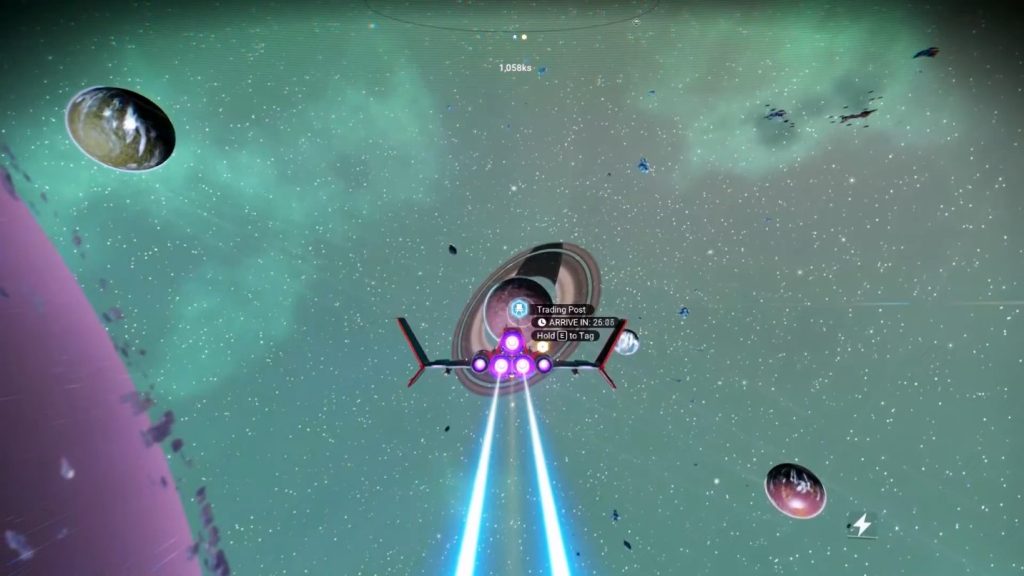
There are multiple methods to find Trading Outposts as you explore the vast universe.
The first method is to find a Space Station. You should be able to find one orbiting around a planet on every interstellar system, and they will be marked for you.
 No Man’s Sky: How to Change Between First Person and Third Person CameraMay 20, 2026
 No Man’s Sky: Expedition 21 Remnant GuideMay 12, 2026
 No Man’s Sky: Expedition 20 Breach Redux GuideJan 6, 2026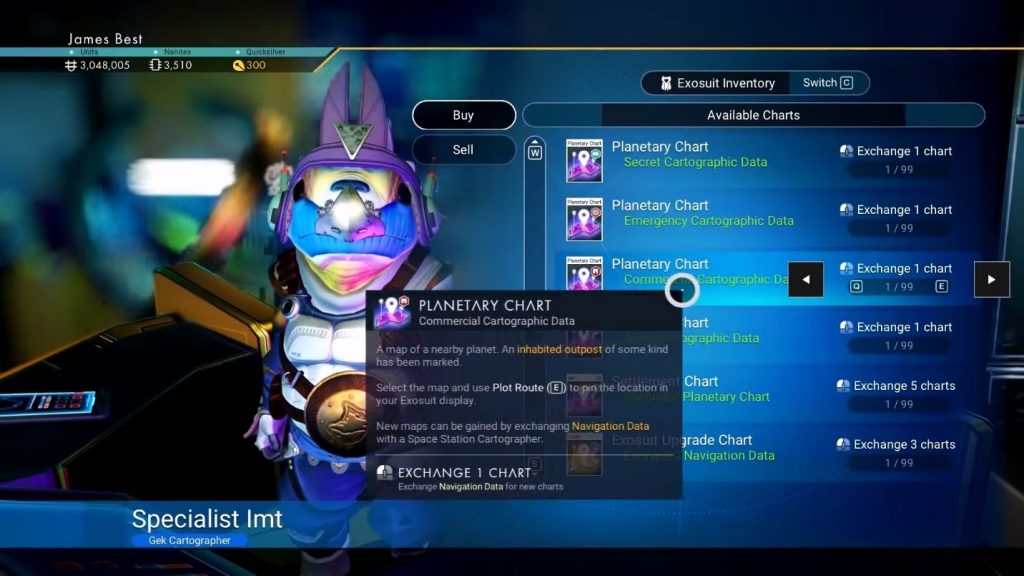
Once you enter a station, look for the Cartographer. Note that you will need to have some navigation data to trade! Pick the “Commercial Cartographic Data” Planetary Chart from the list and trade for it.
Now, use the Planetary Chart from your inventory menu. However, its effect will depend on where you use it.
Using it on a planet will scan the planet for a Trading Outpost and mark it for you. On the other hand, using it at the Space Station will mark the nearest planet with a Trading Outpost.
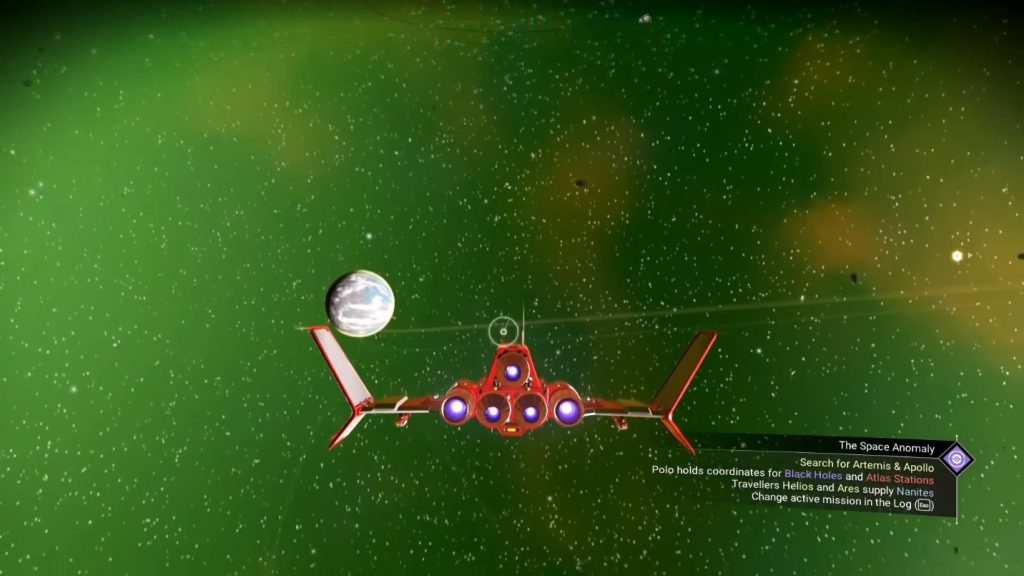
The other method can be done when flying around space. Have you ever noticed faint lines in space? These show where ships have been flying.
This isn’t certain science, but following these lines should usually lead you to a planet that has a Trading Outpost.
In short, follow the trails to planets and scan them to look for an outpost.
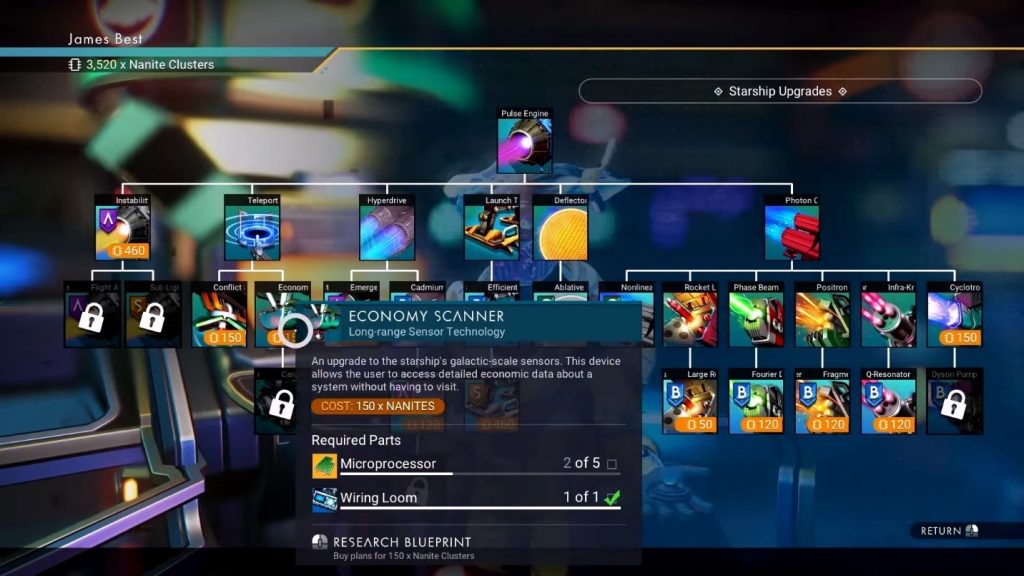
The last method is to upgrade your ship. To do so, buy the plans for the Economy Scanner at a Space Station. Get the materials for it and then install it from the Starship menu.
Now, you can use the Economy Scanner while flying through space. You’ll find it within the ship’s Utilities menu. This will scan nearby planets and mark their Trading Outposts, if any.
This method is by far the best and easiest to find as many outposts as you want, but it requires more work than the previous methods.
ALSO READ: How to Fix Failed to Login Null Error in Minecraft