 9 articles
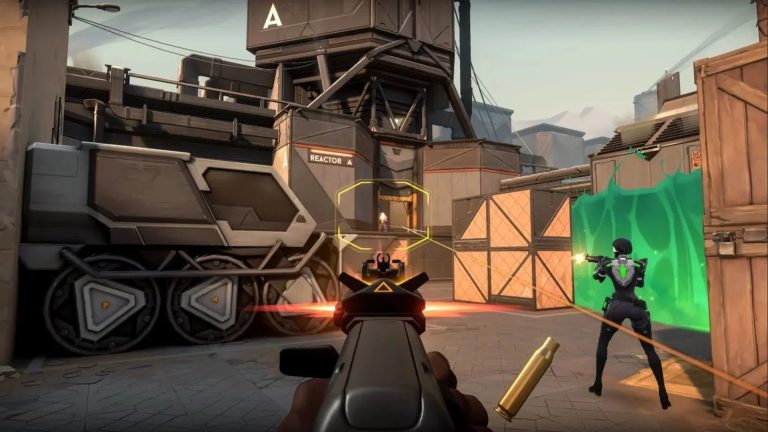
As with most first-person shooters, Valorant gives you the option to change the style of your crosshairs. This applies to just about any weapon in the game, particularly the shotgun.
Considering how the shotgun has a wide spread when fired, it can be rather annoying to learn that its default crosshair is a wide circle.
This can sometimes make aiming a bit of a bother since your focus on the center of the crosshair is taken away by the huge circle around it.
Luckily, there’s a way to change the style of your shotgun’s crosshair in the game. Here’s how.
 How to Copy Crosshair in ValorantApr 7, 2023
 Valorant: How to Fix Error Code VAN 1067 FastOct 25, 2022
 Valorant: Ultimate Viper Guide On PearlJun 30, 2022
Change the Style of Your Shotgun Crosshair in Valorant
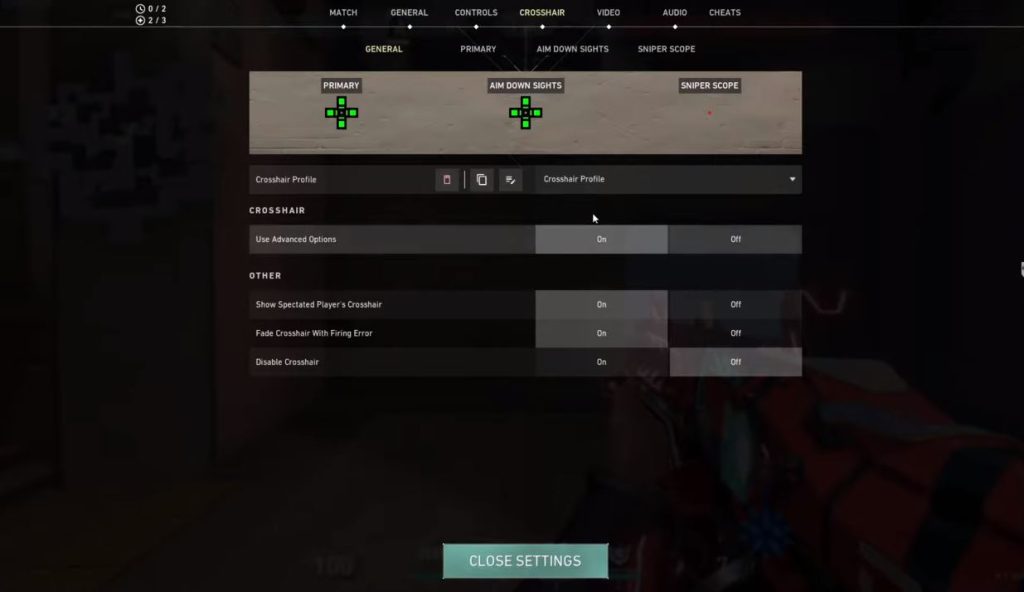
It’s actually quite easy to change your shotgun’s crosshair in Valorant. Simply follow the steps provided below:
- Open your main menu by pressing the Esc button.
- Head over to the Crosshair tab. Under the Crosshair section, make sure to switch the Use Advanced Options to On.
- After that, go to the Primary tab and look for the Override All Primary Crosshairs with My Primary Crosshair option. Set that to On.
- Once you’re done, simply close the settings. Your primary crosshair should then apply to your shotguns, replacing its wide circle-shaped crosshair with the regular crosshair.
Why Change Your Shotgun’s Crosshair
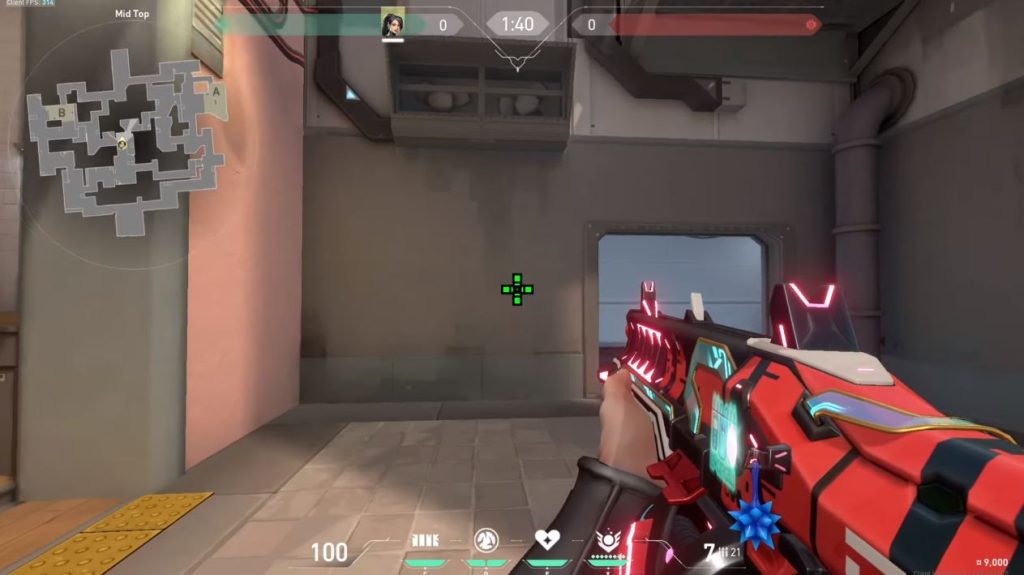
There are a few valid reasons why a lot of us don’t really like the default shotgun crosshair in Valorant. For most people, the default crosshair is rather annoying.
And second, most people are used to the typical crosshair that’s used in other well-known FPS games like CS: GO and the like. This makes their aim more accurate.
Fortunately, it’s not that hard to do so in the game. Besides, you’ll be able to keep the configuration the next time you log in to enter a match.
ALSO READ: The Cycle Frontier: Ultimate Key Farming Guide Bright Sands & Crescent Falls