 22 articles
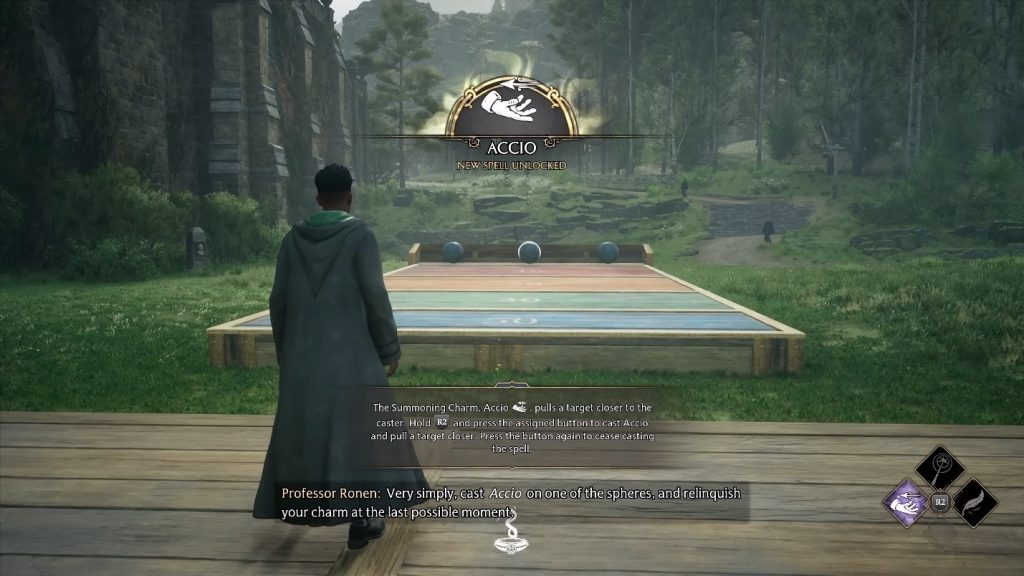
Accio is one of the many utility spells you can learn in Hogwarts Legacy. It’s also one of the first you will learn. This spell allows you to pull your target toward you quickly when cast.
This is useful to solve a lot of the game’s puzzles, but it can also be used against enemies! Pull an enemy toward you and blast them with your short-range spells.
But what can you do when you want to stop pulling something? Well, this guide should help you out!
How to Stop the Accio Spell in Hogwarts Legacy
What you need to do to stop your Accio spell depends on which control method you are using.
 Hogwarts Legacy Memory Leak FixMay 6, 2023
 How to Beat the Spiders in Hogwarts LegacyApr 25, 2023
 Hogwarts Legacy: Ultimate Platinum Trophy GuideApr 25, 2023
If you play with a controller, you just need to pull the Spell trigger again. By default, this is R2 on PlayStation 5 and RT on Xbox Series systems.
On PC with keyboard and mouse, you will need to press the number key you have Accio assigned to. For example, press 4 again if that’s where you assigned Accio.
When you do so, you will instantly stop casting the spell and drop whatever you were pulling.
Note that some things will retain momentum if you stop Accio while moving them, but they won’t cause you harm.
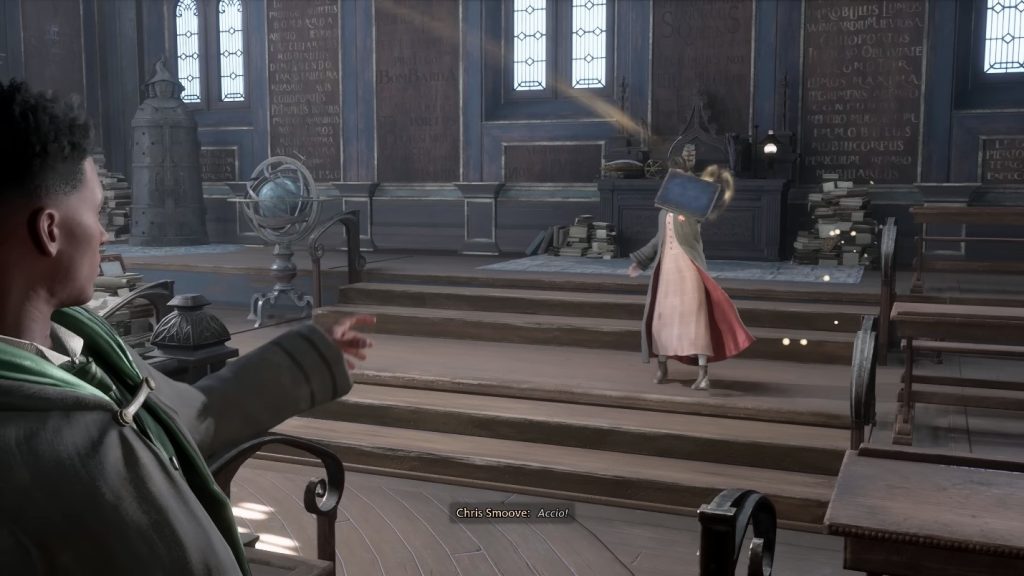
Additionally, things pulled too close toward you will be instantly stopped if you have already learned Wingardium Leviosa. This spell is obtained by completing Professor Garlick’s Assignment 1 as part of the main story.
From that point on, pulling objects close to you will automatically cause your character to combo into Wingardium Leviosa.
This doesn’t work on enemies, however, since Wingardium Leviosa can’t be used on them at all.
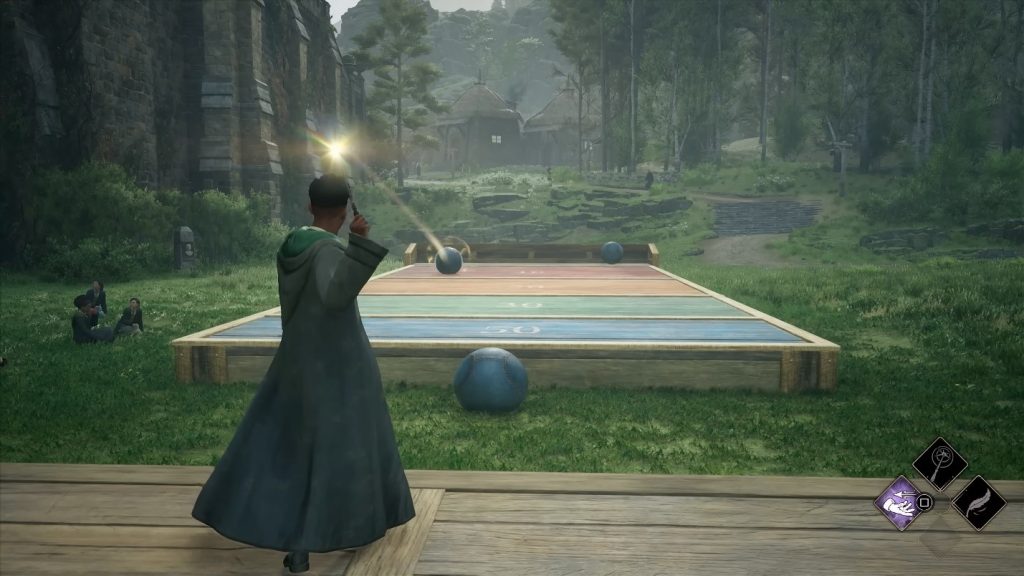
You can cancel Wingardium Leviosa the same way you would cancel Accio. Just pull the Spell trigger on controllers or press a spell’s number key on your keyboard.
There you have it! You should now have greater control of your Accio spell, making it easier to place items and enemies exactly where you want.
ALSO READ: How to Hold More Gear in Hogwarts Legacy – Inventory Size