148 articles
Palworld offers a decent variety of difficulty settings to customize just how easy or hard you want the game to be.
The game goes above and beyond just providing the standard-issue “Easy” or “Hard” modes, too. But, it’s important to know what exactly difficulty affects the game.
In this guide, we look at all difficulty settings in Palworld and what they do.
How Difficulty Settings Work in Palworld

First, let’s clear up a common misconception: Palworld isn’t really a “Pokémon clone”. This means that difficulty isn’t really about Pal battles or anything like that.
 Palworld Feybreak: How to Use Labor Research LaboratoryDec 30, 2024
 How to Get Your Own Bounty Officer in Palworld FeybreakDec 30, 2024
 Palworld Feybreak: New Breeding Combos (New Pals)Dec 30, 2024
Sure, it draws obvious inspirations from the Pokémon franchise, and it does prominently feature monster-capturing as a mechanic.

Nonetheless, Palworld is actually a lot closer to survival games like Ark and Valheim than anything else.
As such, difficulty settings are primarily centered around making the survival mechanics easier or harder.
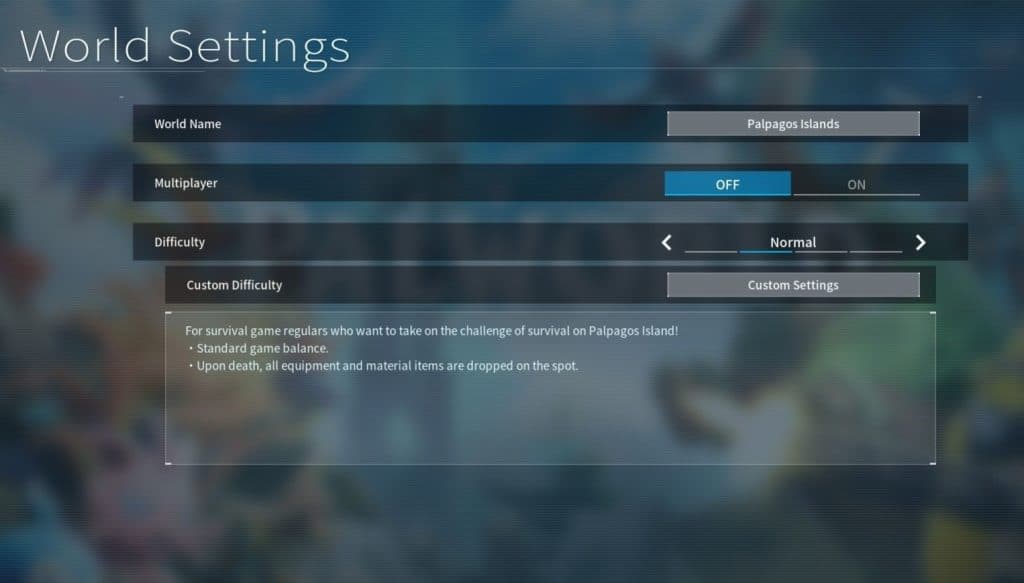
With that said, let’s look at the 3 main difficulty modes in the game:
- Casual – A more relaxed survival experience. Pals are easier to catch, you get more experience, you get more resources, and even breeding Pals is faster!
- On top of that, battles are easier and there are no penalties for dying.
- Normal – The standard difficulty option, and the recommended one for most players. You will drop your equipment and materials on death, but you keep your Pals.
- Hard – A challenging mode for those who want a harsh survival experience. Pals are harder to catch, you gain less experience, you gather fewer resources, and incubating eggs takes longer.
- Battles are harder as well, as you take more damage and less damage. Lastly, you’ll drop all your items and Pals on death.
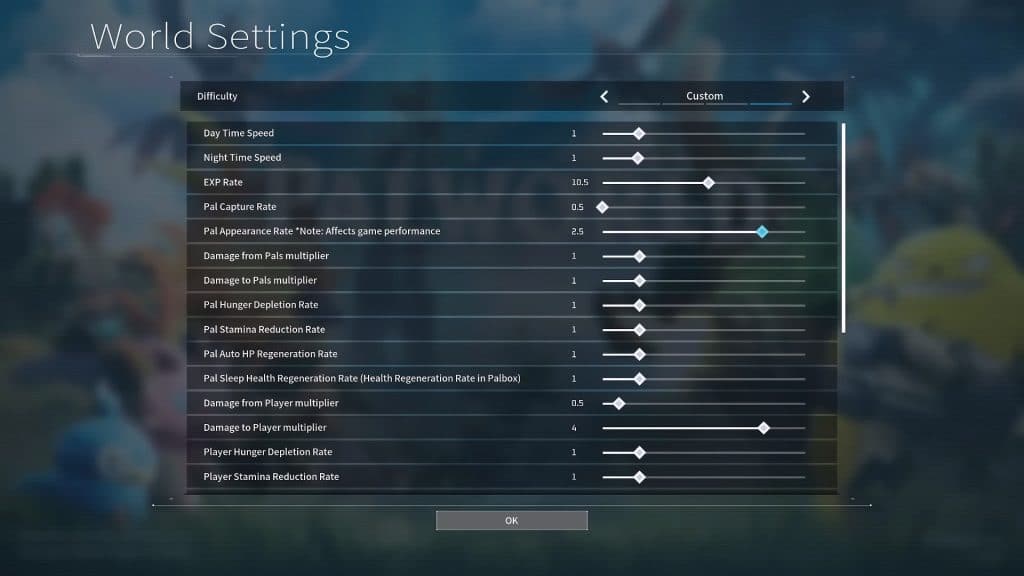
On top of that, there is a unique Custom difficulty setting. This lets you change almost everything to your liking, such as allowing you to change how much EXP you get and how long the days are.
Lastly, it’s important to know that you can change your world’s difficulty anytime from the World Select screen. So don’t be afraid to experiment and try out different settings!
If the customization seems too overbearing, though, we recommend sticking to Normal difficulty. It seems to be the most balanced overall.
ALSO READ: Palworld: Is Crossplay available? Server Setup Guide