2 articles
Running a settlement in Necesse 1.0 can be complex at first. But once you understand the basics, it becomes incredibly rewarding. This guide explains everything you need to know to manage settlers, automate production, and protect your town.
Start with a Settlement Flag
The foundation of any settlement is the Settlement Flag. You can find one in your starting chest if you chose the Village Elder’s House option. If not, craft one manually.
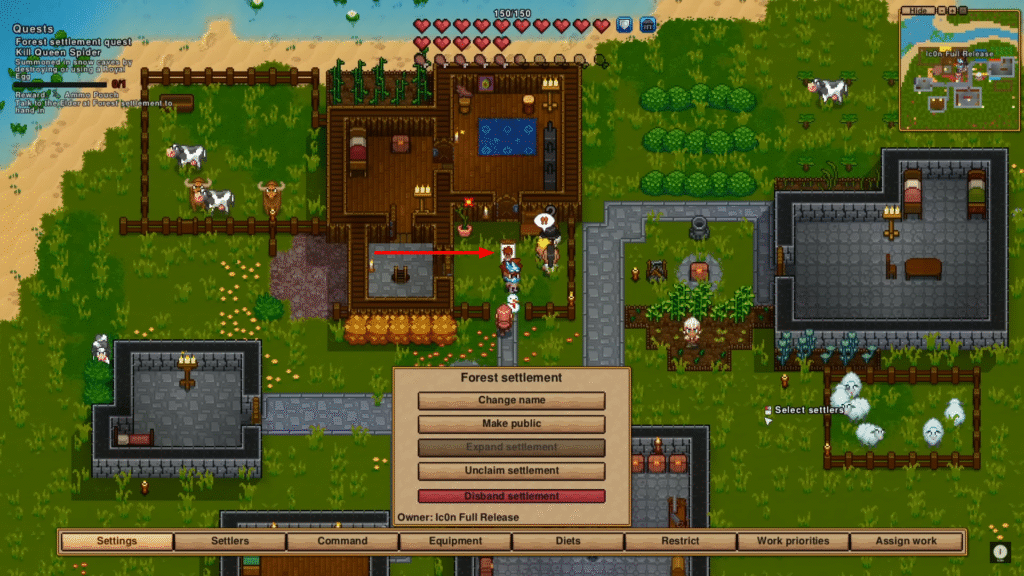
Place the flag to establish your settlement. From there, you can name it and set its boundaries. After that, visitors with question marks over their heads will start to appear. You can trade with them or invite them to stay.
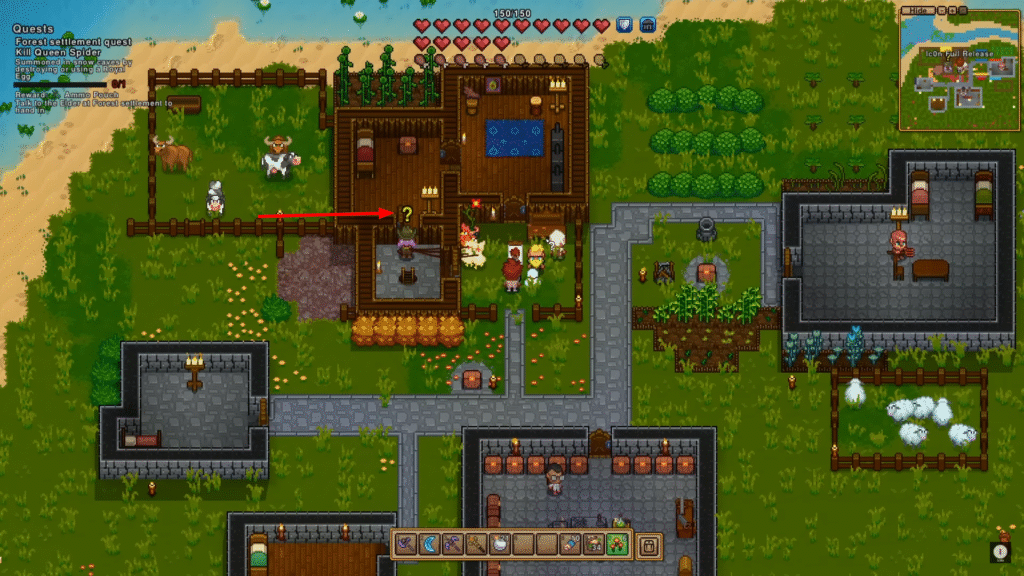
Tip: Settlers who arrive naturally are usually cheaper to hire than those found in cities.
Build Proper Houses for Settlers
Settlers need a proper home to stay happy. Each house must have:
- Four walls and a door
- A bed (mandatory)
- A light source (optional)
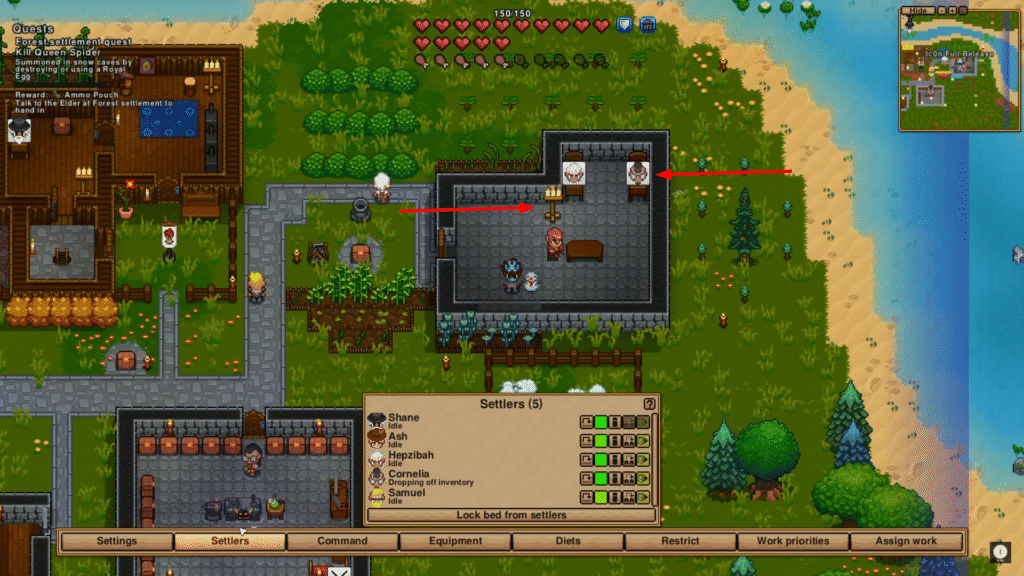
If a settler joins without a bed, open the Settlers Tab (press C) and assign one manually. Free beds will automatically be claimed by new settlers.
Understand Settler Jobs
Every new settler comes with a specific job. Examples include:
- Animal Keeper
- Alchemist
- Farmer
- Forester
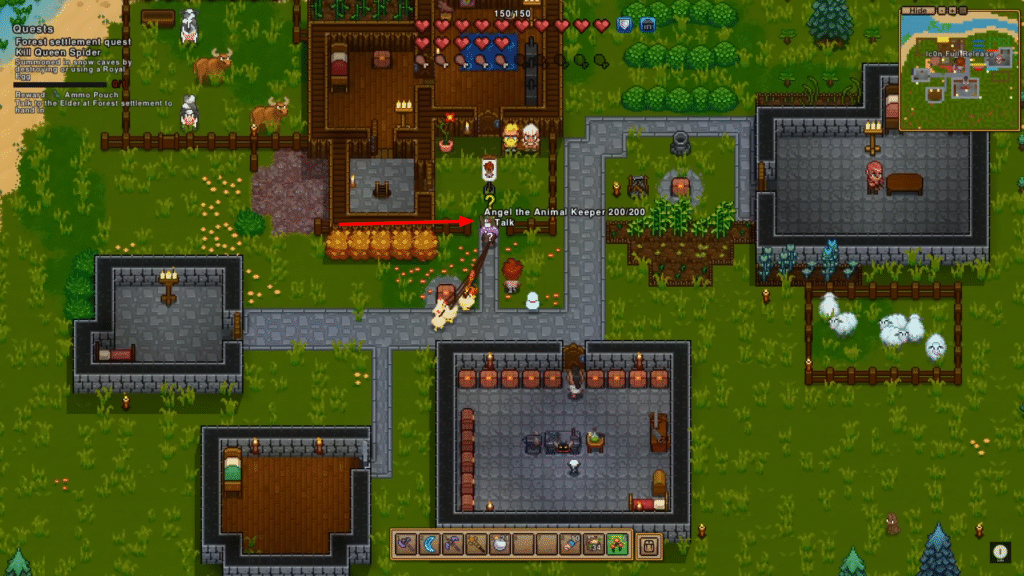
Avoid hiring plain “villagers” when possible. Specialized settlers can perform unique tasks that improve your colony’s efficiency.
Automate Farming and Resource Collection
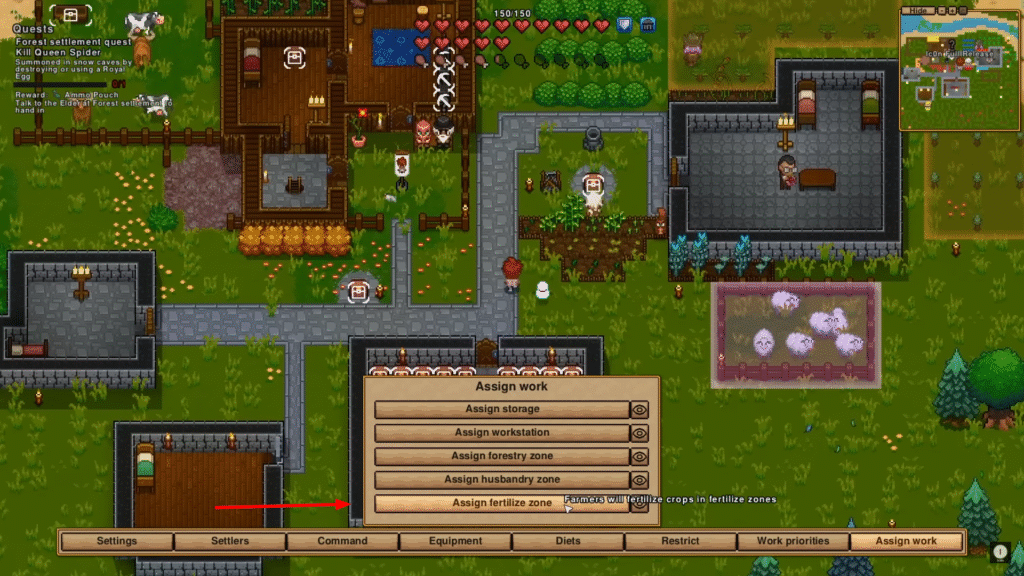
Your settlers will automatically harvest crops once farming is enabled. For woodcutting, set a Forestry Zone over trees.
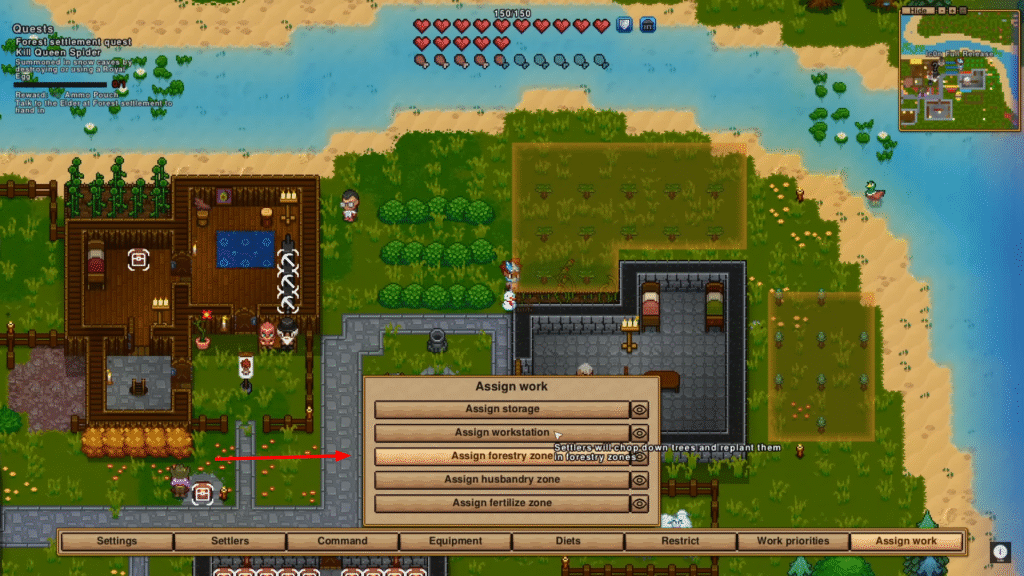
With an Animal Keeper, you can also set Husbandry Zones for animal management.
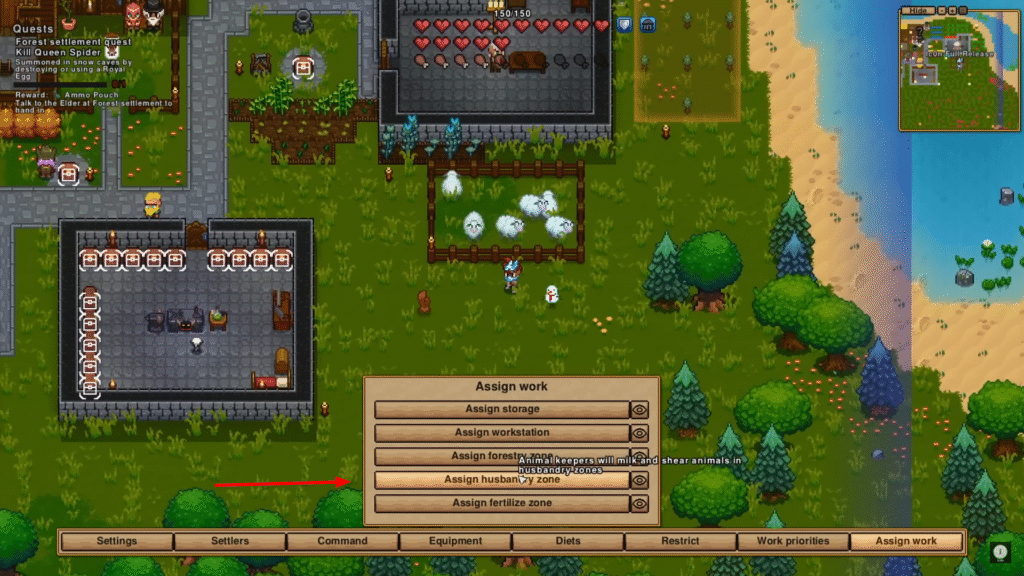
Fertilize Zones are optional. They simply make crops grow faster when handled by farmers.
Automate Crafting and Production
Any workbench or container can be part of the automatic production system. Click the greenhouse icon on a workstation to include it.
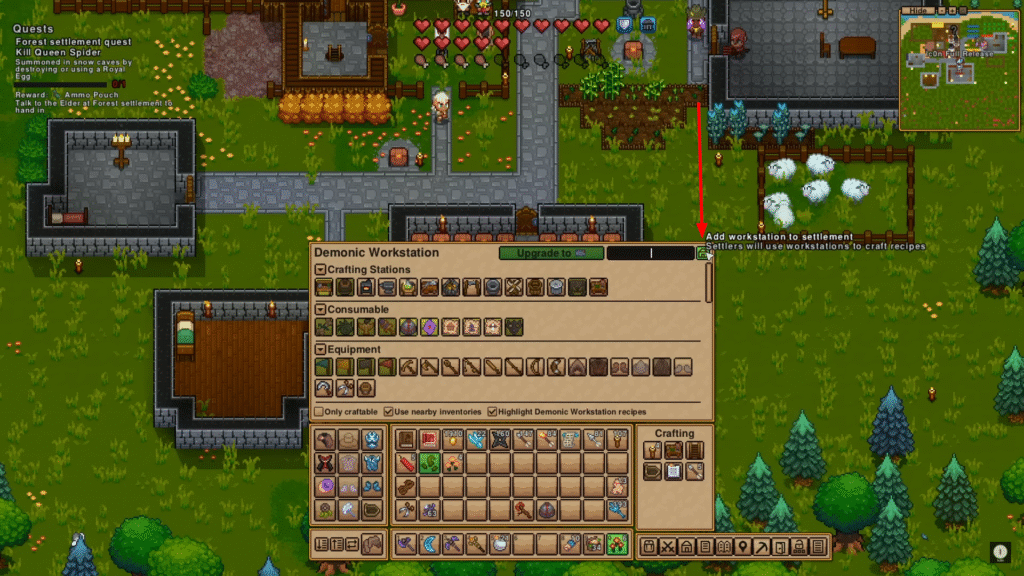
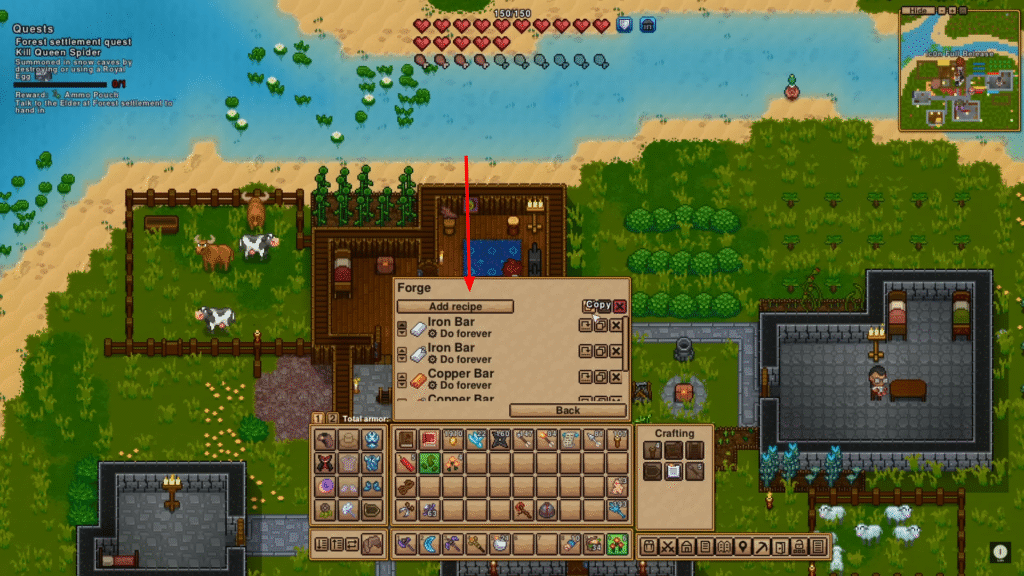
Once enabled, settlers can craft items based on set recipes. You can:
- Add recipes
- Set crafting limits
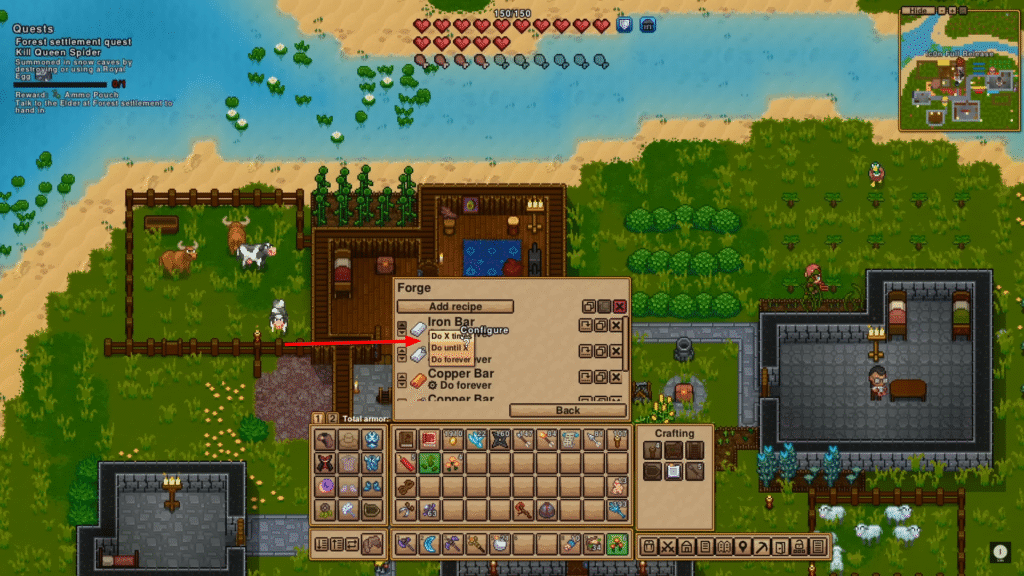
- Copy entire work orders
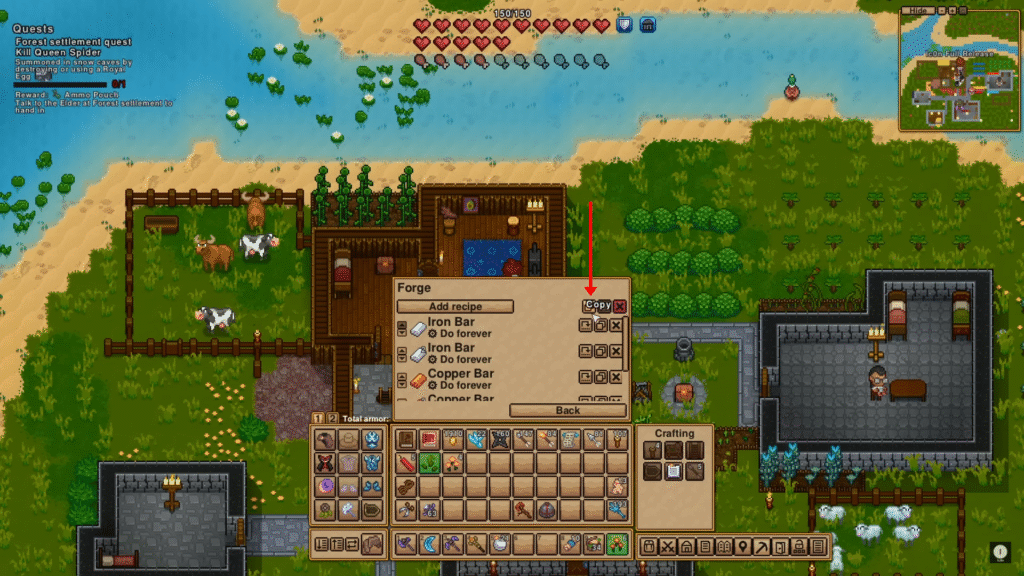
This system works just like RimWorld’s automation. It lets your settlers handle crafting while you focus on exploration. This basic process is the same for all stations, so if you don’t want to do some things by yourself, just configure your working station, and your settlers will do everything by themselves!
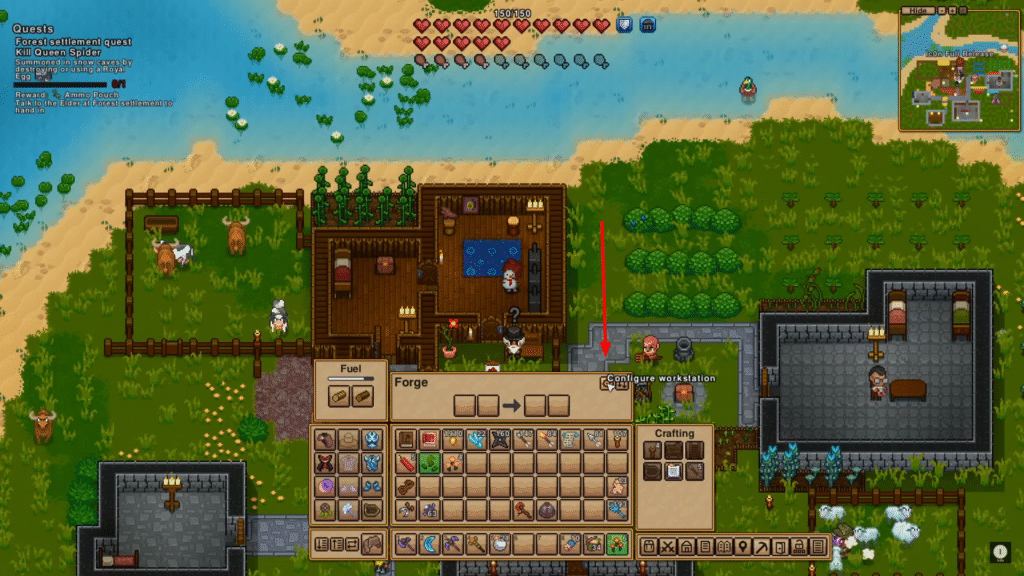
Organize Storage and Priorities
Use storage chests smartly. Each chest can be configured to:
- Accept certain items
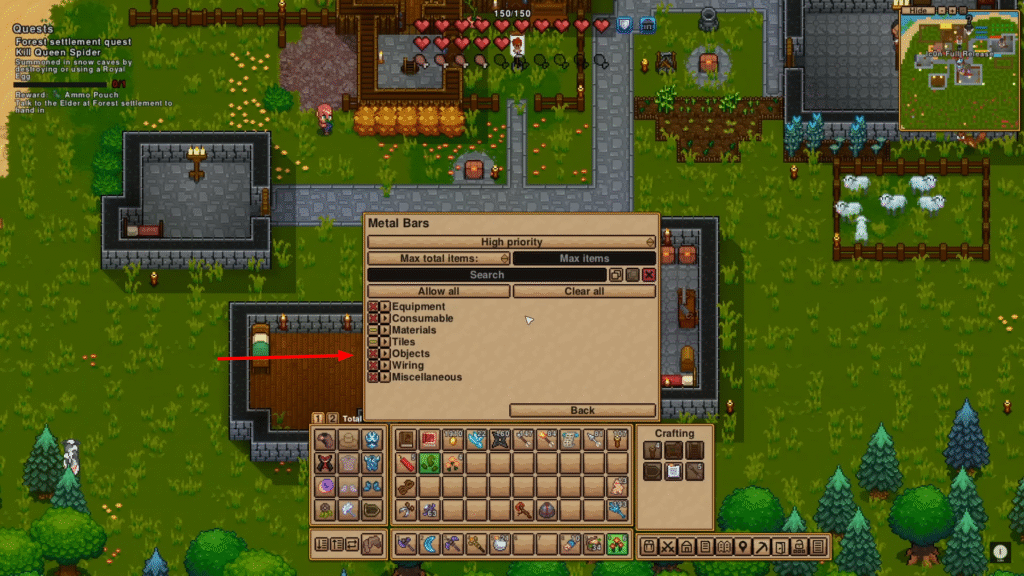
- Set priority levels
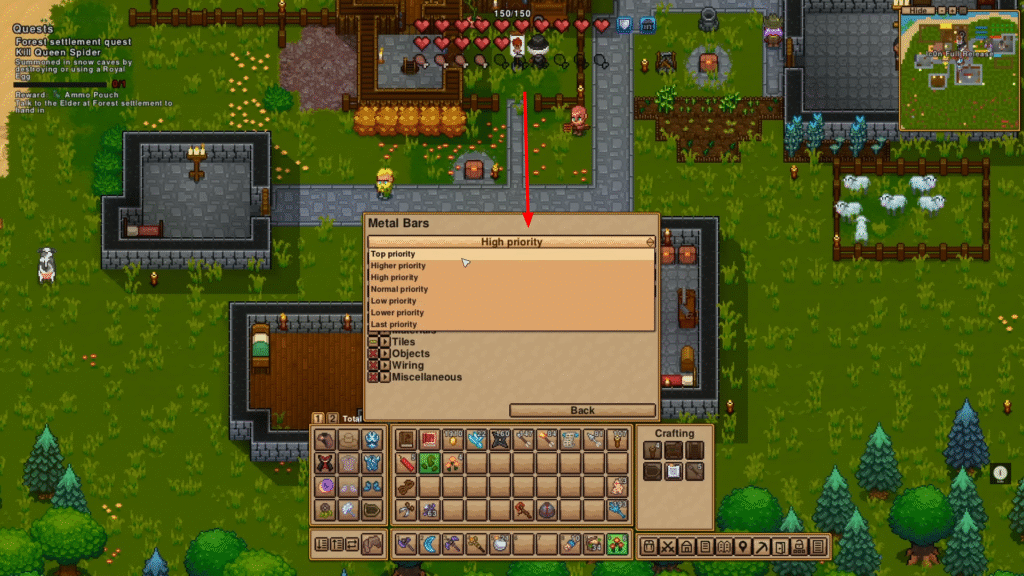
Keep a low-priority chest for your loot drops. High-priority chests will then auto-sort items from there. Use the search bar to manage storage efficiently.
Manage Your Settlers
Open the Settlers Menu to manage individual colonists. You can:
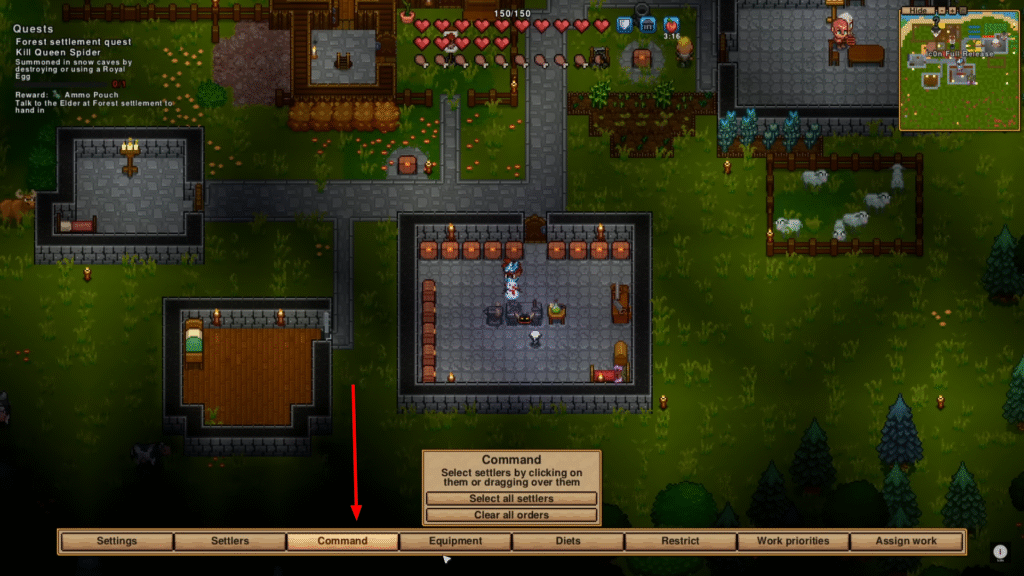
- Command movement
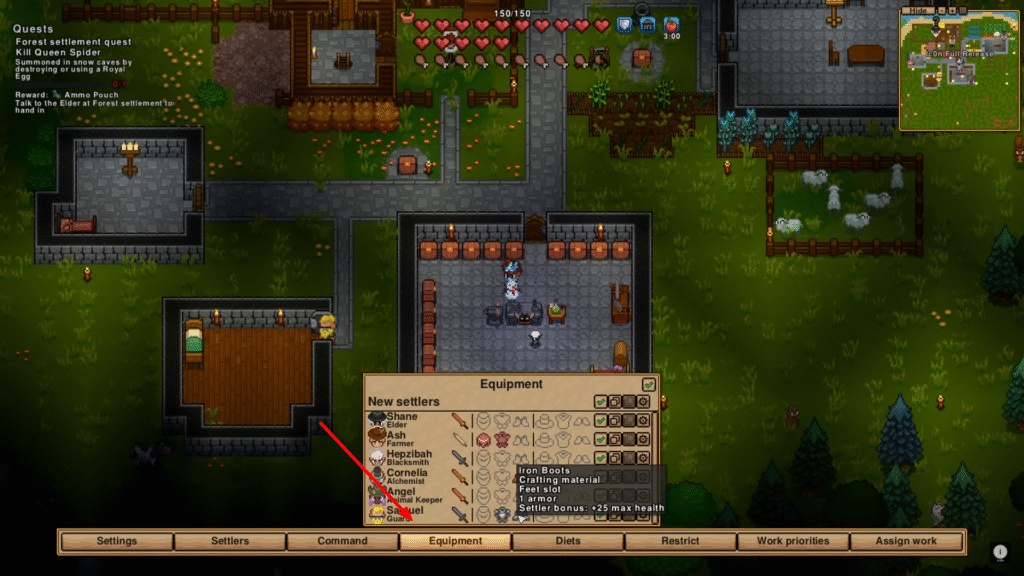
- Equip gear
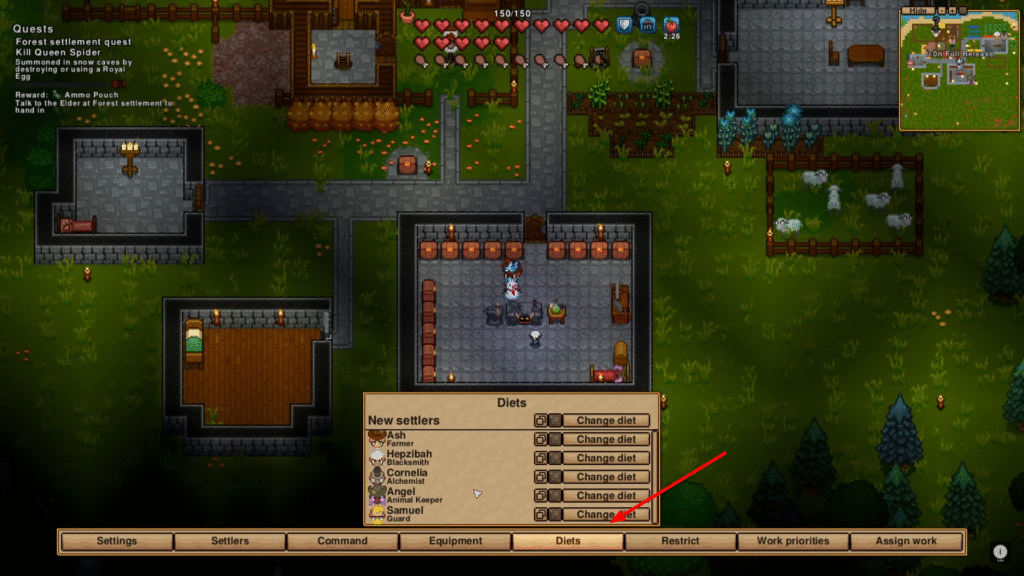
- Set diets
- Define work priorities
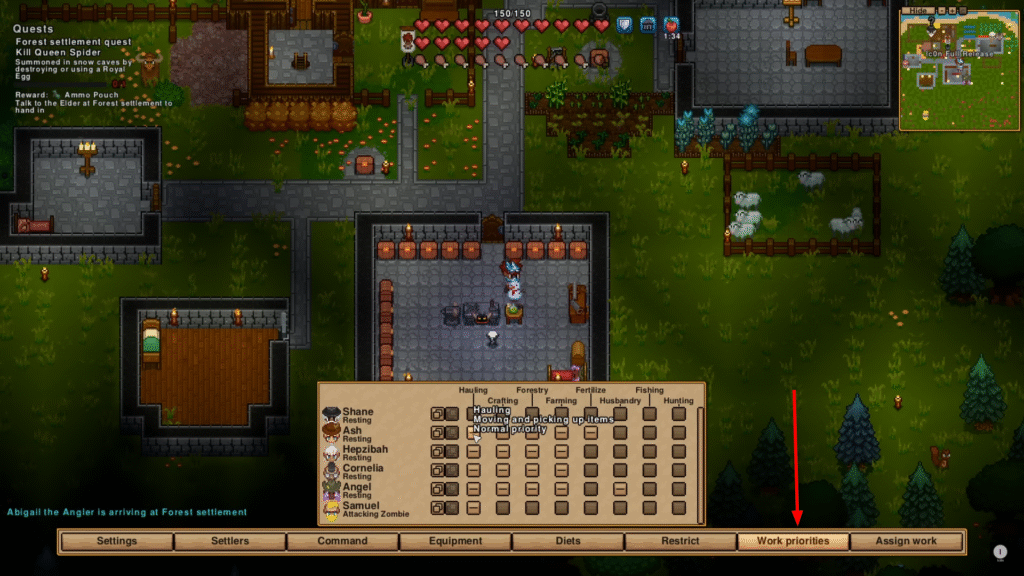
Give them armor and weapons. Better gear means higher health and stronger defense during raids. You can also set work priorities (like farming, crafting, or hauling) to focus tasks efficiently.
Create and Restrict Areas
You can define zones or areas to restrict where settlers go. For example:
- Keep your Alchemist near their lab.
- Confine non-fighters during raids.
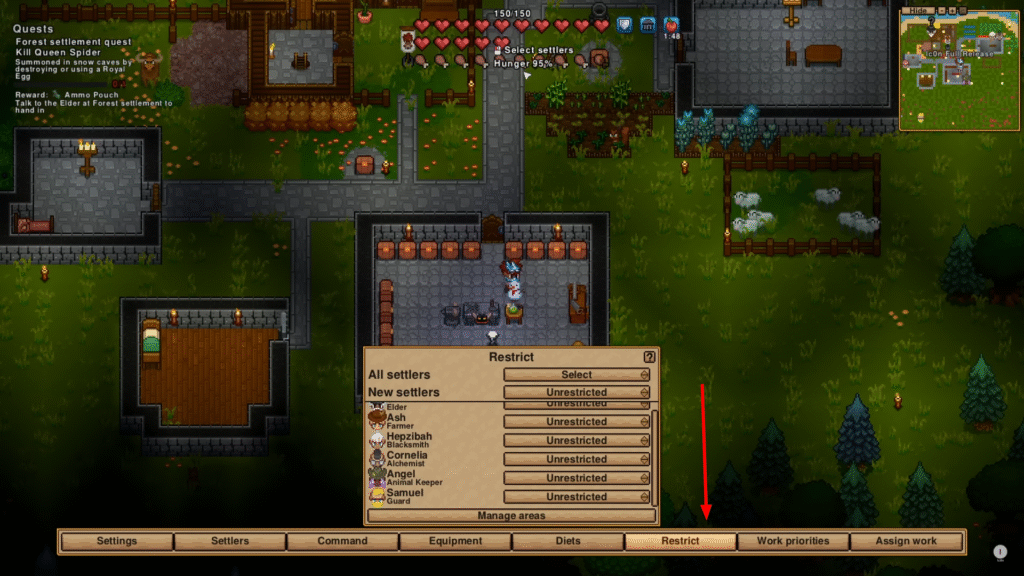
This system adds strong control, especially for large settlements.
Maintain Food and Happiness
Settlers need food and comfort. Simply having a chest with food is enough to keep them fed. More food sources, like farms, berry bushes, or apple trees, keep storage full. Happiness comes from:
- Good food quality
- Lighting
- Decorative items
Add decorations and lights to boost morale. The happier your settlers are, the more productive they become.
Prepare for Raids
Raids can be enabled or disabled at world creation.
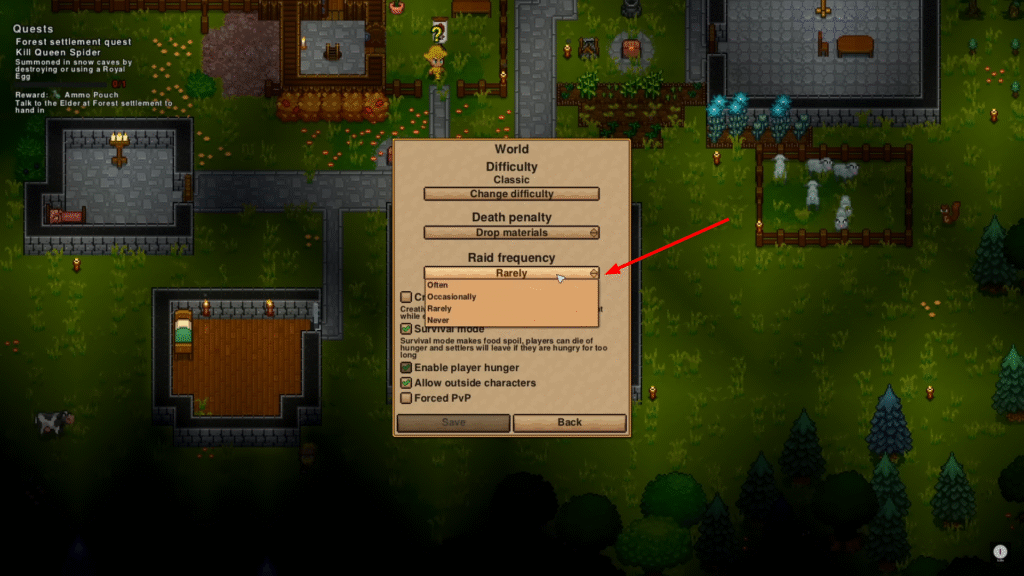
If active, enemies will eventually attack your settlement. You have two choices:
- Lock settlers inside and fight alone
- Arm everyone and defend together
Equip your settlers with spare weapons and armor to prepare for the worst.
Final Tips
- You can transfer settlers between multiple settlements later.
- Use revival potions if someone goes down in combat.
- Keep experimenting with setups to find what works best for your playstyle.
Managing a settlement in Necesse 1.0 is all about efficiency, balance, and preparation. Once your systems run smoothly, your colony will thrive even without constant micromanagement.