


 46 articles
Monster Hunter Wilds has plenty of new features that improve on the style of gameplay first introduced in World, though some of them may be a bit obtuse especially if you have been relying on muscle memory from previous games. Some new stuff is actually covered in the game’s manual, but just in case you missed it, here is a quick guide on how you can access the supply pouch on your Seikret!
How to Access Your Seikret’s Pouch
If you are trying to access your Seikret’s pouch, all you need to do is mount it real quick and then press the N button if you are using a keyboard, or tap left button on your D-Pad if you are using a controller.
If you are trying to access the other pouch, which contains your backup weapon, you just need to press the X button on your keyboard, or the right button on the controller’s D-Pad. This should also play a brief animation to confirm that you have switched weapons.
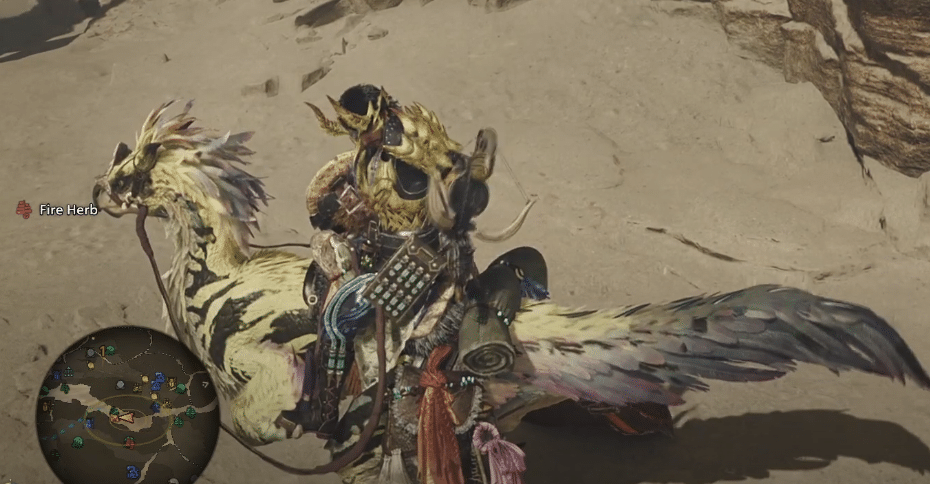
That is pretty much all there is to it. This pouch is supposedly reserved for quest items, so do not expect it to contain useful stuff, or anything for that matter, while you are out going on random hunts. Unless you have an active quest, you can forget about it completely.
 Monster Hunter Wilds: Omega Savage Boss Guide | Planetes ProtocolSep 30, 2025
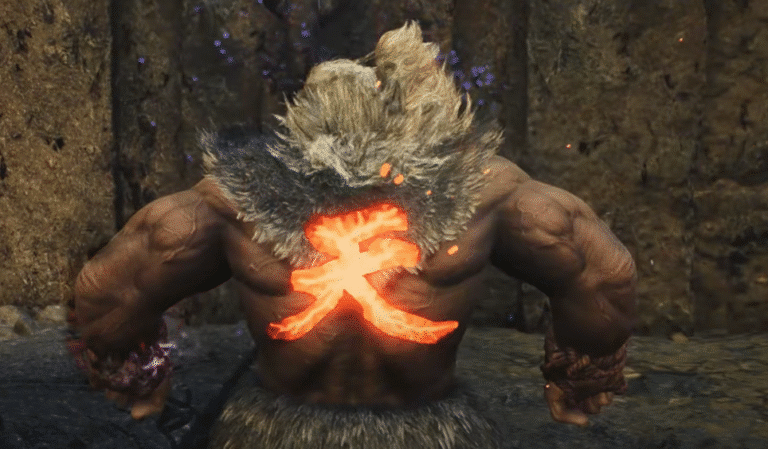
 Monster Hunter Wilds – How to Unlock AkumaMay 29, 2025
 Monster Hunter Wilds: Monster Carcass LocationMay 29, 2025
It is not a storage pouch that you can place items in, which seems to be a point of confusion for a lot of players. It might contain some useful supplies every now and then when you start a quest, but outside of that, if Alma does not mention anything about it, then it probably has nothing in it.

Found another tip?
Share your extra strategy, correction, or question below. Helpful comments can make this guide better for everyone.