 12 articles
DOOM: The Dark Ages has a few skins you can get as downloadable content, and trying to collect them all is a lot of effort.
Some skins are given out from free promos, so you just need to go to the right website to claim them. Others, however, will require you to buy certain limited editions to claim them, at least currently.
Read on, and we’ll tell you how to get every single one of these downloadable skins.
How to Get All Downloadable Skins | DOOM: The Dark Ages
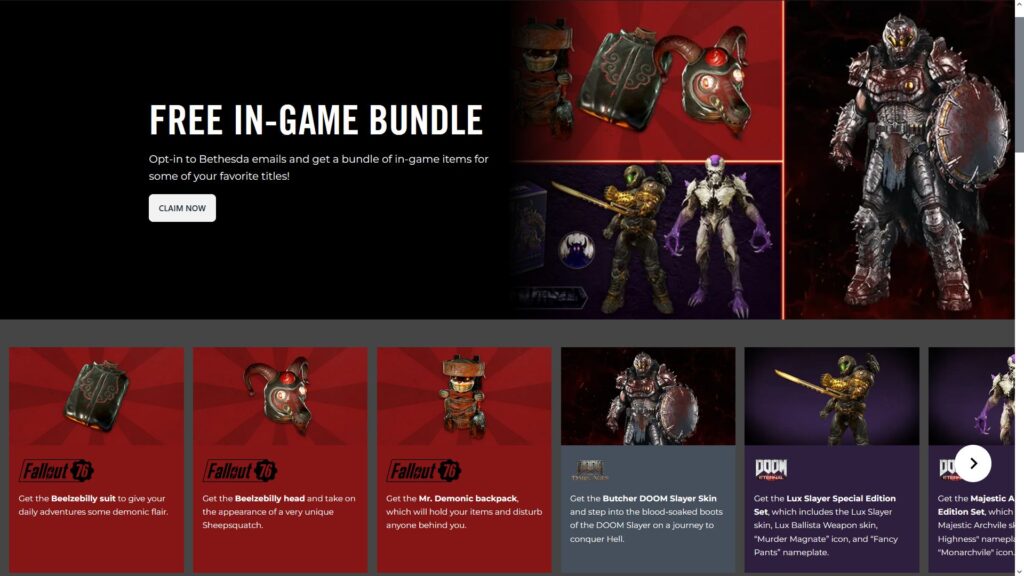
Butcher – You can get this one by signing in to the Bethesda free game bundle. Once you’ve done that, just sign in to your Bethesda account in-game as well.
 Doom: The Dark Ages – How To Use Glory KillMay 18, 2025
 DOOM The Dark Ages: Best Early Weapons & UpgradesMay 17, 2025
 DOOM The Dark Ages – Cage Puzzle Solution in Chapter 8 | Opening Secret Toy Cage in Abyssal ForestMay 16, 2025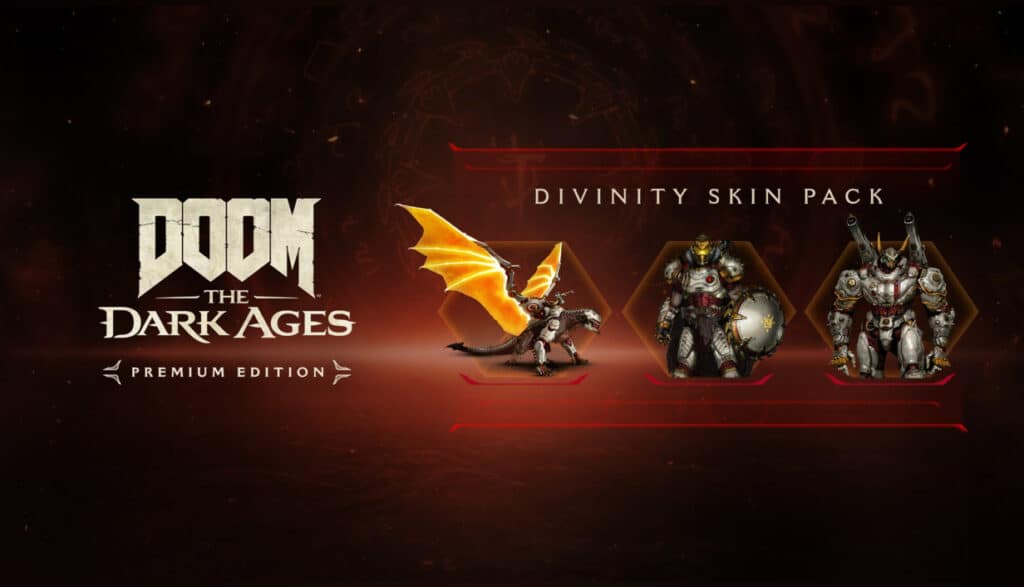
Divinity – Exclusive bonus for the Premium Edition. So, you’ll have to either buy the Premium Edition itself or the Premium Upgrade DLC.
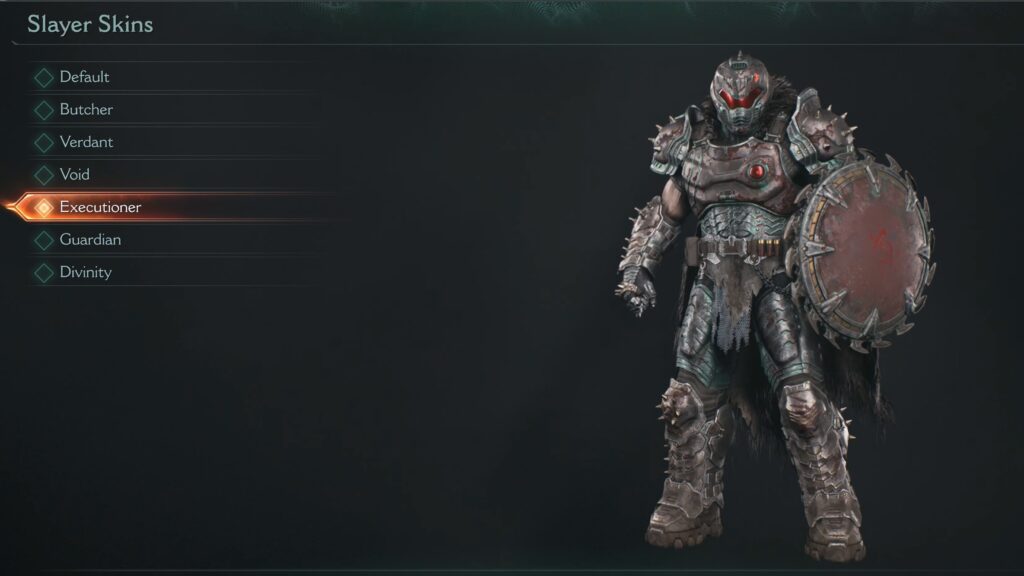
Executioner – You’ll get a code for this exclusive skin if you buy the limited-edition DOOM: The Dark Ages Xbox controller. As of this writing, there are no other ways to obtain this skin.
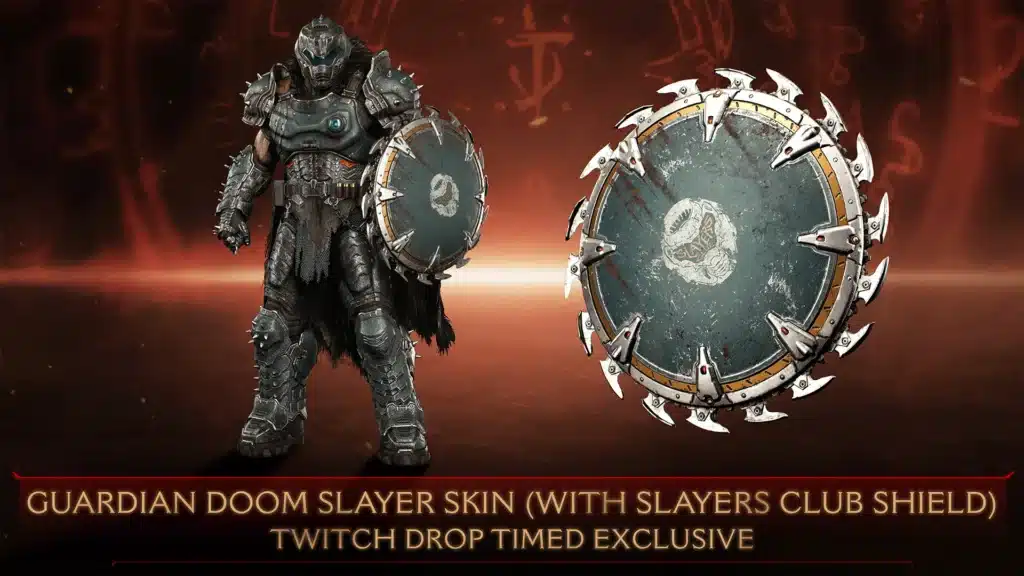
Guardian – Can be obtained through Twitch Drops between May 12, 2025 and June 13, 2025. You’ll need to link your Twitch and Bethesda accounts together and watch a total of 60 minutes from channels showing DOOM: The Dark Ages. To start, go to the official Bethesda page.
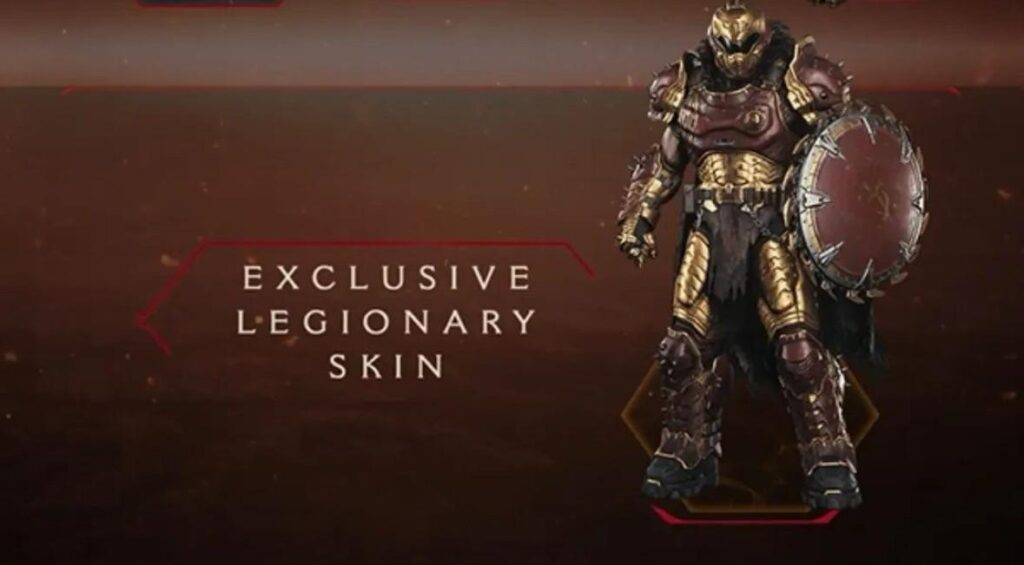
Legionary – Obtained as an exclusive bonus when you purchase the ROG Astral GeForce RTX 5080 DOOM EDITION Bundle.
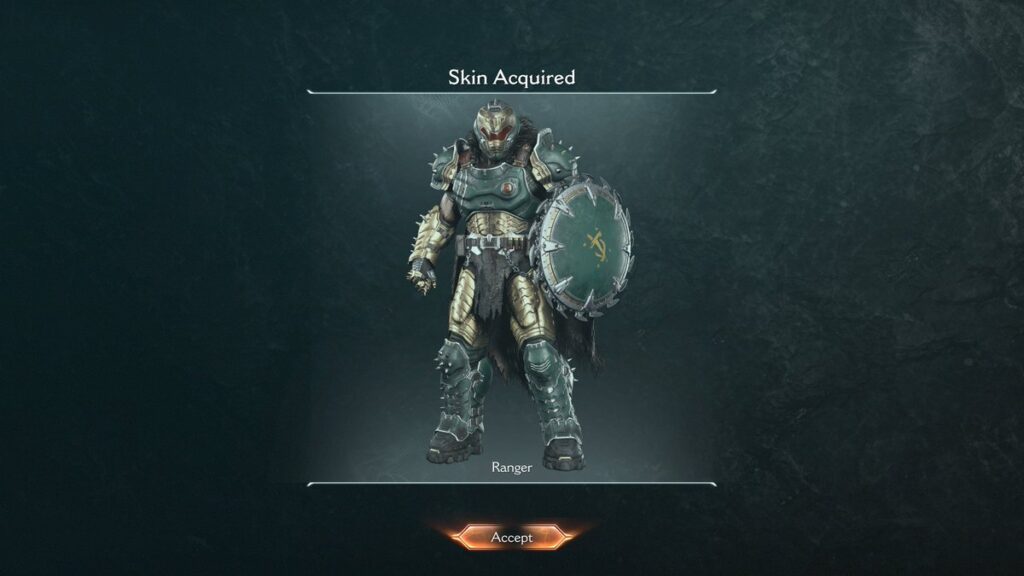
Ranger – Purchase a “Hellfire Pizza” from any Prince St. Prince restaurant between May 12, 2025 and June 15, 2025.
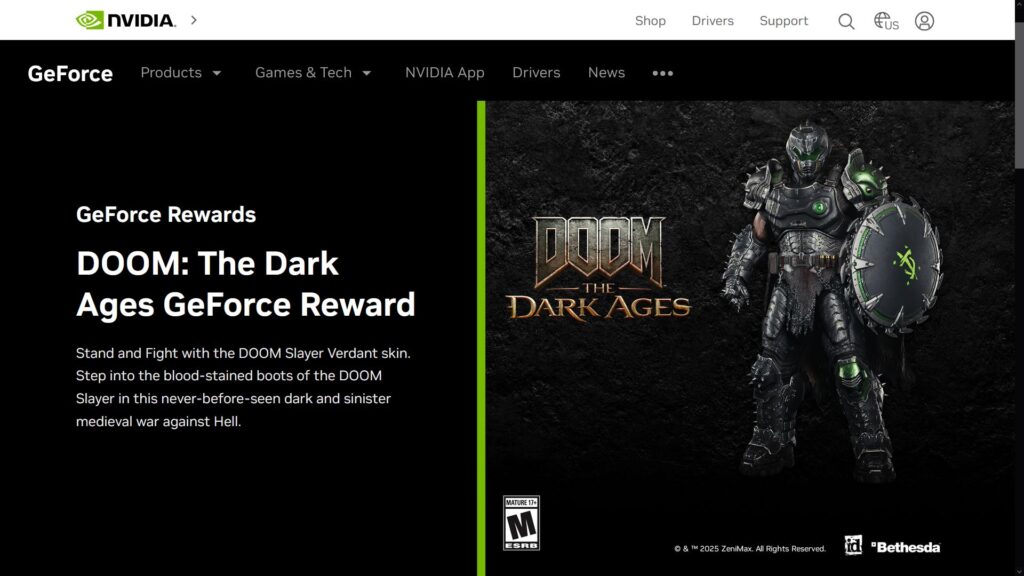
Verdant – Go to the Official GeForce Rewards website and follow the instructions on the website. It will require you to create an NVIDIA account and use the NVIDIA app. Also, it’s only available to owners of NVIDIA GTX 10 Series or higher GPUs. The code you receive can be redeemed on Bethesda’s website.
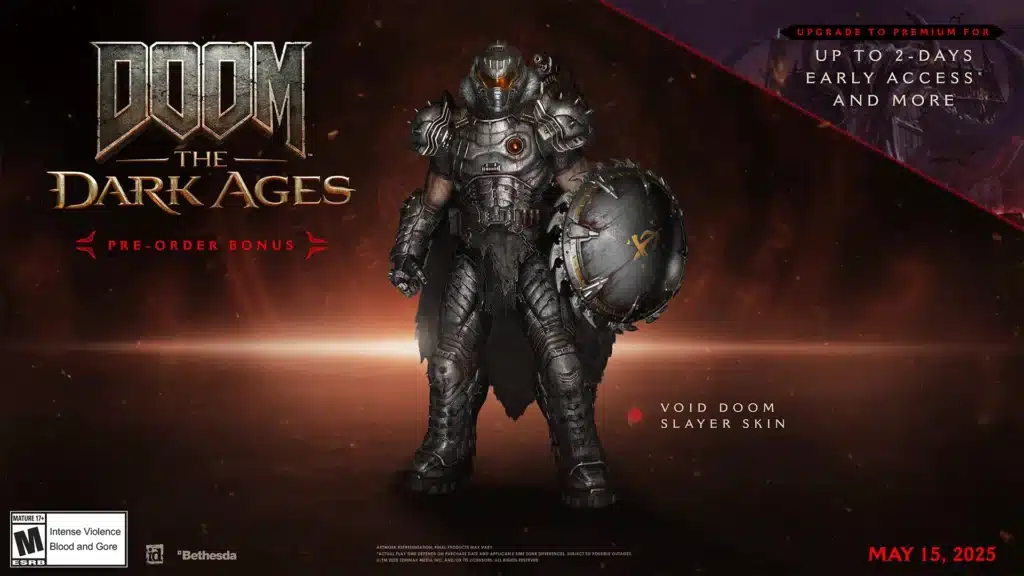
Void – This skin was only available as a pre-order bonus. If you didn’t pre-order the game, you can’t get it currently. We don’t know if it will become available as a DLC later on, either.
So, there you have it, that’s how to get all of the current downloadable skins in DOOM: The Dark Ages. For another skin you can unlock in-game instead, check out our guide on how to get the Conqueror skin.