 13 articles
After earning enough levels in Deep Rock Galactic, you now gain the ability to promote your character. Promotion in Deep Rock Galactic gives your character new abilities, perks, and other rewards that you can use for future missions.
But how exactly do you promote a character in the game? In this guide, we’ll show you how to do it.
How to Promote Character in Deep Rock Galactic
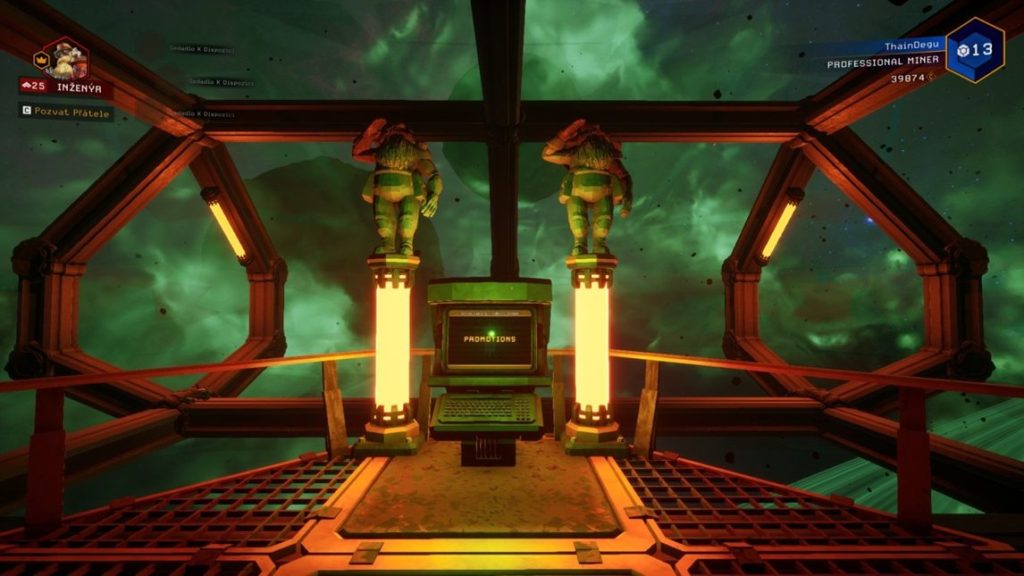
Getting to that “Promote” button in Deep Rock Galactic happens once you’ve hit the level cap on a class and put in hundreds of drills and fire fights.
The core idea is simple: reach max level, complete a promotion assignment, and pay the cost at the promotion terminal.
 Deep Rock Galactic: Complete Guide To Season 5 – Drilling DeeperJun 20, 2024
 Deep Rock Galactic: Deep Scan Mission Guide | Drilling Deeper Season 5Jun 20, 2024
 Deep Rock Galactic: Best Perks Tier ListNov 22, 2023
It’s essentially a prestige system for each class. When you take a dwarf to class level 25, you hit a soft cap where you can no longer earn XP for a class unless you promote.
Once you hit level 25, the game unlocks a Promotion Qualification assignment on the Assignment Board. This is a set of four missions you must complete to become eligible to promote.
However, completing those missions doesn’t immediately promote your dwarf. It only unlocks the promotion option. After finishing them, you need to go to the Promotion Terminal in the Memorial Hall and spend credits and crafting materials to trigger the actual promotion.
Your class level then resets back to 1, but you gain prestige benefits and can level the class again.
Your weapons and upgrades will still remain, not to mention you get an honor badge and an extra perk slot.
Promotion Assignments
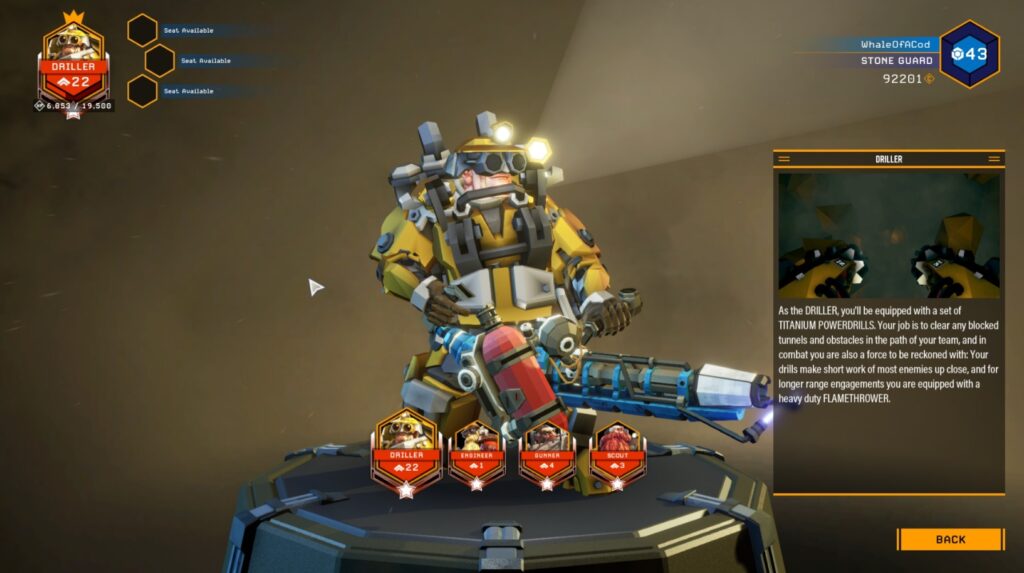
Each class gets a unique set of missions for its Promotion Qualification assignment, and these missions can be completed with any class you’re playing.
In fact, many players do them on a different class so they continue earning XP on one they want to level. That said, the mission types are part of standard mission pools, but grouped into a single assignment you must complete before the promotion option appears.
Here are the typical mission types you’ll run for promotions based on your class:
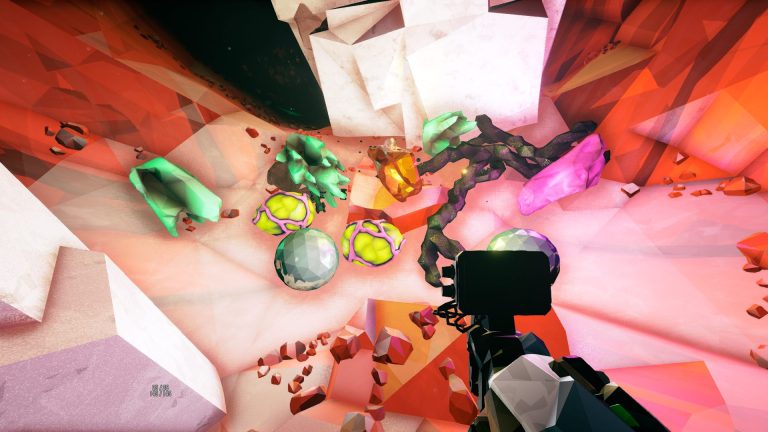
- Engineer: Mining Expedition, Salvage Operation, Egg Hunt, On-Site Refining
- Driller: Mining Expedition, Escort Duty, On-Site Refining, Point Extraction
- Scout: Mining Expedition, Salvage Operation, Egg Hunt, Escort Duty
- Gunner: Mining Expedition, Salvage Operation, Egg Hunt, Escort Duty
Completing all four of a class’s assigned missions lets you finally promote that class at the terminal.
What You Get from Promoting

Once you promote a class for the first time, you unlock various endgame features that can make existing content feel fresh and open up more. Some notable examples include:
- Deep Dives
- The Forge
- Ability to activate Machine Events
- New assignments like Breach the Core and Weekly Core Hunt
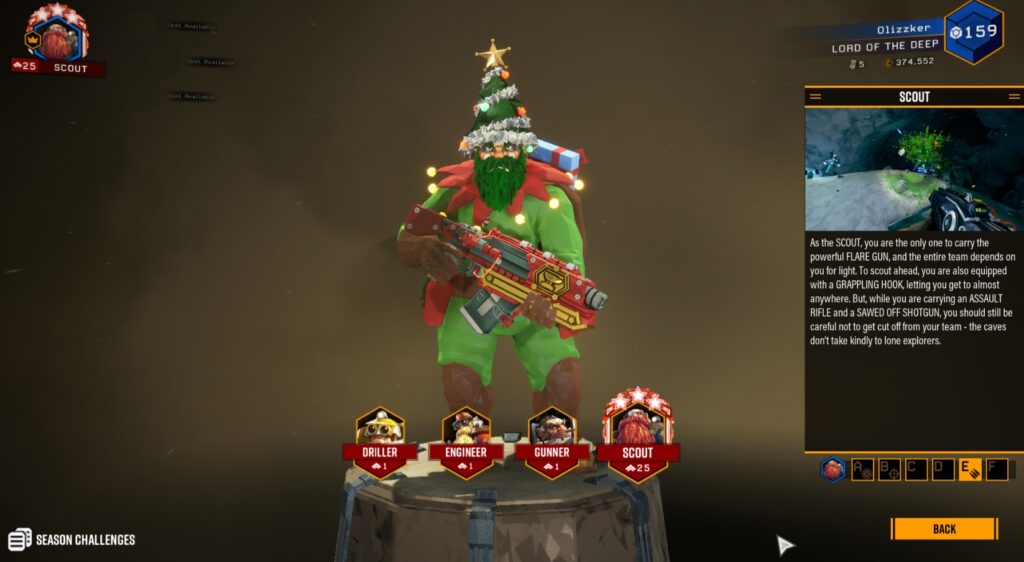
- An extra active perk slot and an Honor Badge around your portrait showing your prestige rank
Beyond the first promotion, further promotions don’t unlock new features. However, they do increase your Honor Badge and prestige.
Honor Badges go through tiers like bronze, silver, gold, platinum, diamond, and legendary with stars indicating how many times you’ve promoted that class.
Before going for a promotion, keep in mind that you can’t promote while in a multiplayer squad. Hence, make sure you are in your own lobby or solo first when interacting with the terminal.
Moreover, it’s only by finishing the promotion assignment that the promote button will show up.
READ MORE: Deep Rock Galactic: How to Get Pickaxe Parts