 25 articles
Minecraft Legends is a brand-new Minecraft spin-off. It keeps some of the classic gameplay staples, such as resource gathering and procedural world generation, but it plays completely differently.
Instead of being a first-person survival and building game, Minecraft Legends is more of an action Real Time Strategy (RTS) game! Some might compare it to the likes of Pikmin, for example.
Are you ready to raise your own army of classic Minecraft characters to fend off the Piglin invasion? Read on and we’ll tell you what to look for as you start the game.
Minecraft Legends: Ultimate Beginners Guide
Know the Interface
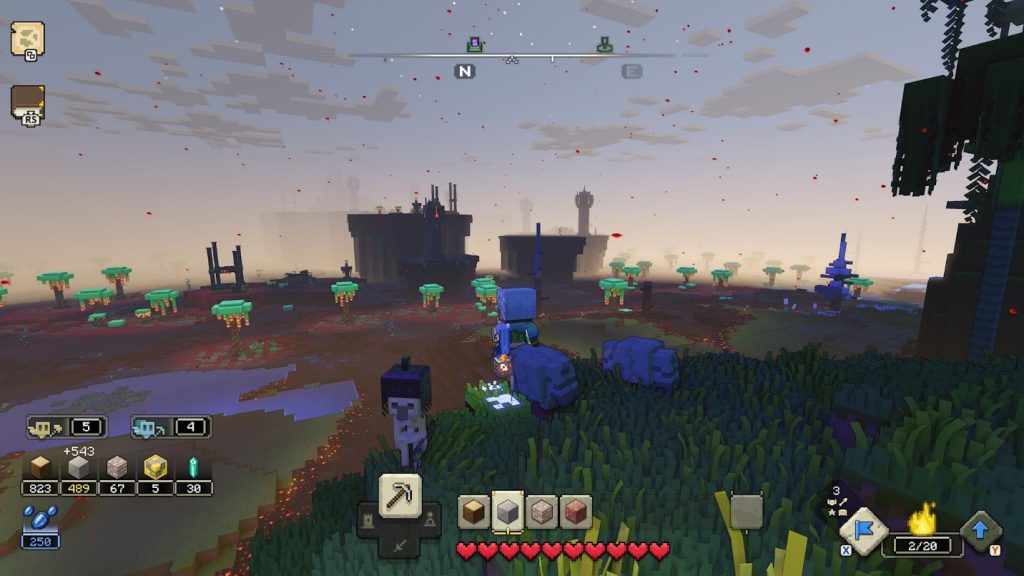
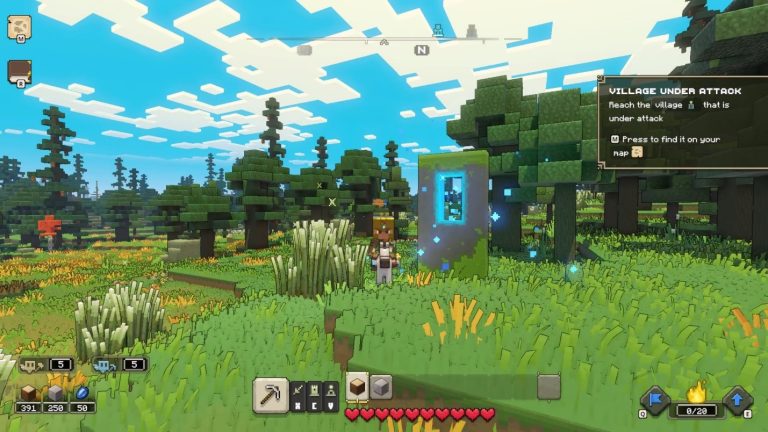
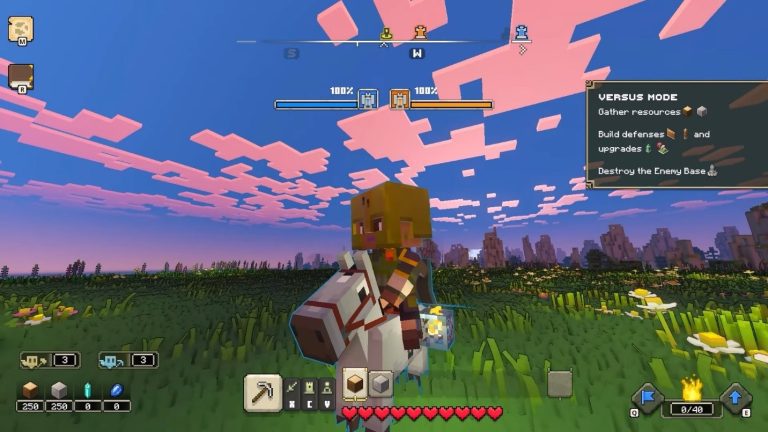
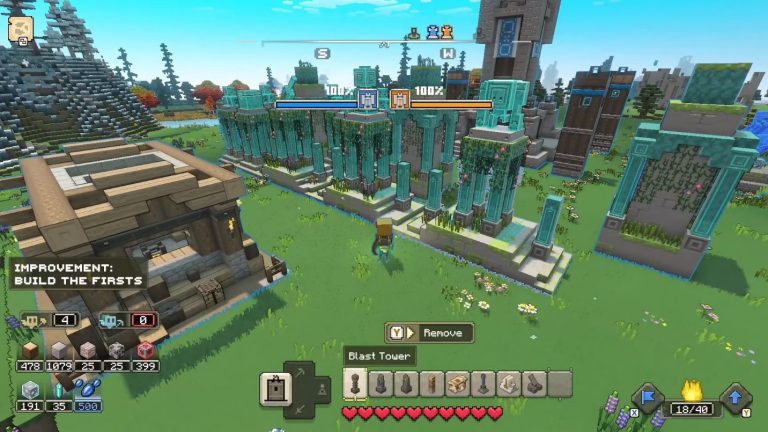
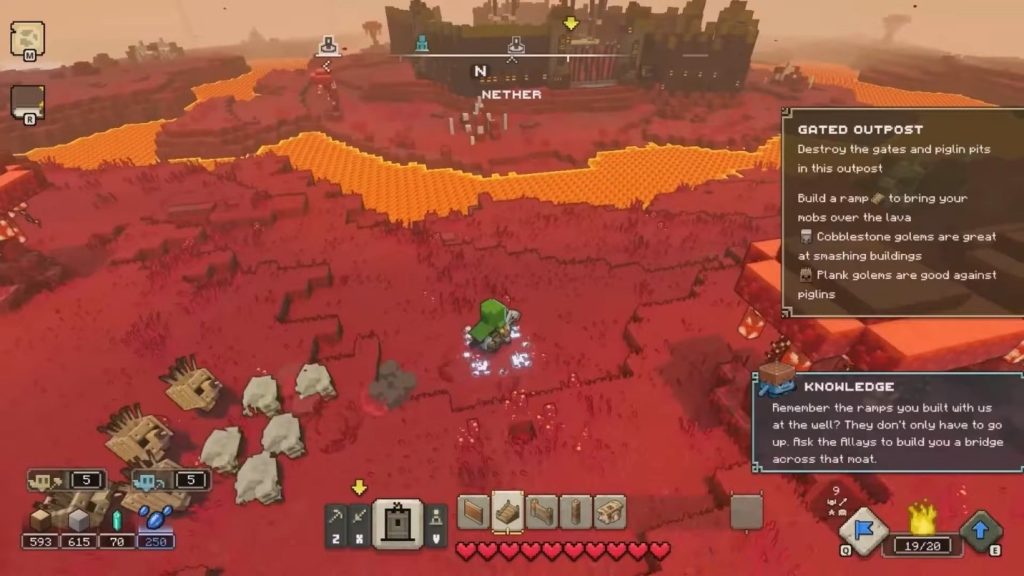
The interface for the game tells you all the information you need at a glance. It shares some similarities with Minecraft’s interface, but it’s also quite different. You have to get accustomed to it.
 Best and Worst Structures in Minecraft LegendsApr 23, 2023
 Minecraft Legends: What Is the Glowing Blue Portal StructureApr 23, 2023
 Minecraft Legends: How to Unlock The Portal Pile Hero SkinApr 23, 2023
You will find a compass at the top center of the screen, which tells you which cardinal director you’re facing and highlights nearby points of interest.
On the other hand, you will find your health at the bottom center. It’s displayed as a set of red hearts, much like how it’s shown in Minecraft.
Source: ConCon
You can also find the Order menu above your health! This is divided into 4 tabs, with each tab having a key assigned. Press the key and select the order to give out to your minions.
Next, look at the bottom left of the screen. Here you will see your Allays and available resources, which we’ll detail more about later in this guide.
Order your Allays and Minions
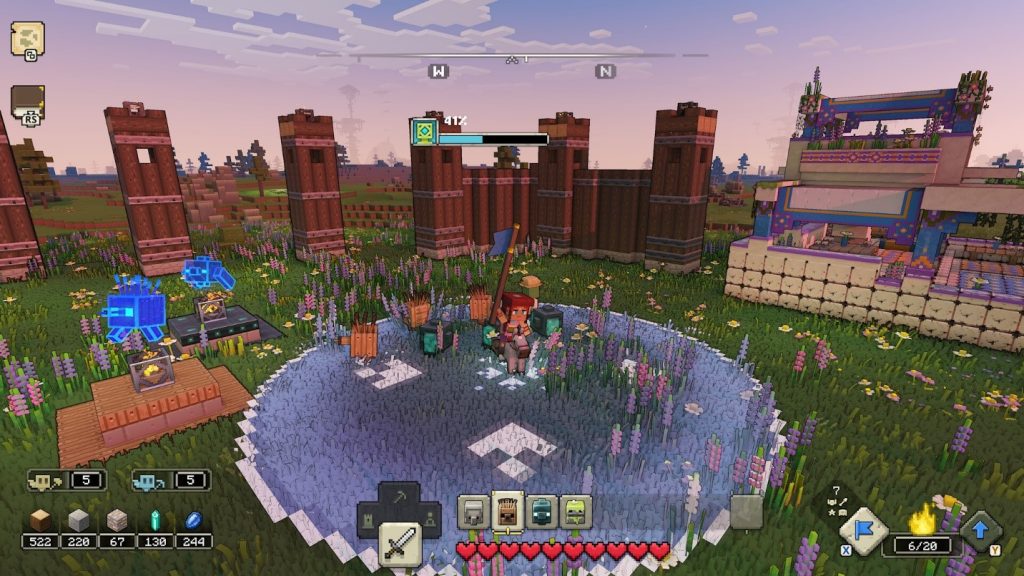
As we mentioned before, you can give out orders using the hotbar on the bottom center of the screen.
Orders come in four different categories: Gather, Spawn, Build, and Upgrade. They are assigned to the Z, X, C, and V keys on PC. On consoles, they are assigned to the D-Pad.
This is key to victory in Minecraft Legends since it’s a Real-Time Strategy game. You will want to stay on top of managing your units!
Giving out orders is pretty easy. Just choose the order you want to give out and then follow the instructions on the right side of the screen.
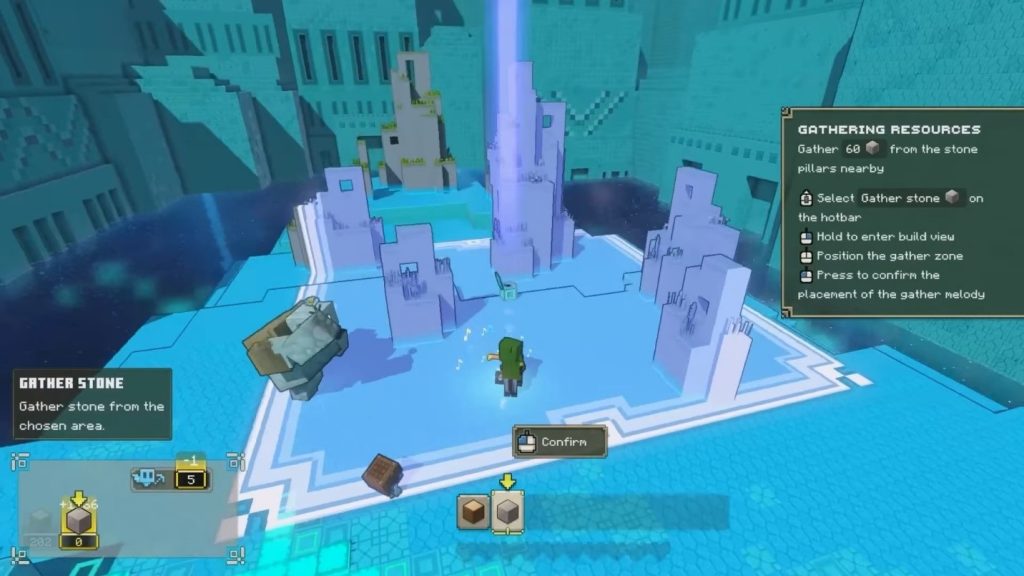
Remember that you will need to have Allays for each order type, however. Yellow Allays will take care of building and upgrading things for you, while Blue Allays will take care of gathering.
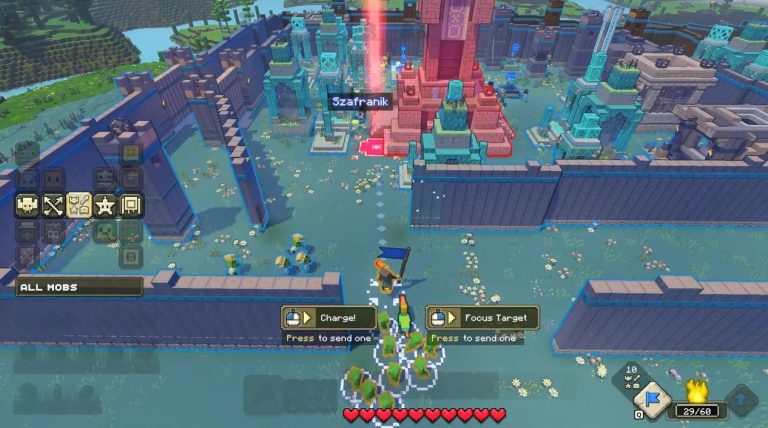
As for ally mobs, or minions, you can create them by using resources at spawners you’ve built with the help of your Allays. Use your flag, shown on the bottom right of the screen, to call nearby mobs.
One last note: you have a limit on how many ally mobs you can have. This is shown on the bottom right of your screen. Keep that in mind when placing spawners!
Make Good Use of the Map
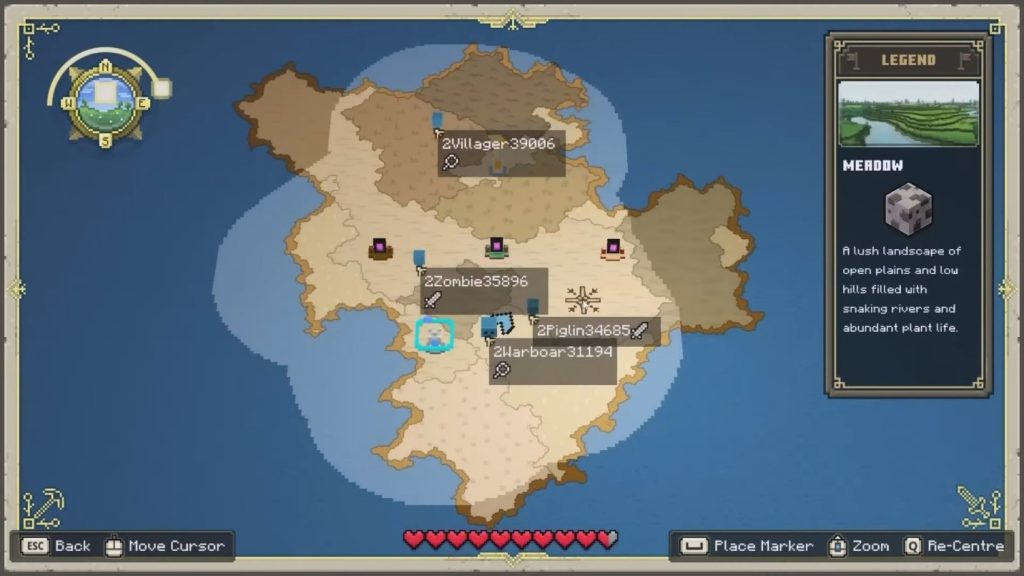
The map is an extremely useful tool in this game, as it lets you find bases and resources with ease. The button to access it is found on the top left of your screen.
With your map open, you can hover your cursor over every region to see what resources it has. Other players will also be shown on the map along with important locations.
Additionally, you can use the map to fast travel back to your base at any time! Make good use of that when things get hairy and you need a breather.
ALSO READ: Wartales: Ultimate Professions Guide | Best Ones to Get