 25 articles
Managing your units, or mobs as the game calls them, is important in winning countless battles in the game.
Luckily, the game provides you with all of the tools that you need to control your mobs efficiently.
This means you can rally them to a single location, instruct them to attack your enemies, and even command them to attack specific buildings. Of the three, the latter is widely useful when attacking Piglin outposts and structures.
However, it can be tricky trying to figure out how to do it. If that’s the case, this guide should help you out.
 Best and Worst Structures in Minecraft LegendsApr 23, 2023
 Minecraft Legends: What Is the Glowing Blue Portal StructureApr 23, 2023
 Minecraft Legends: How to Unlock The Portal Pile Hero SkinApr 23, 2023
How to Make Your Mobs Attack Specific Buildings in Minecraft Legends
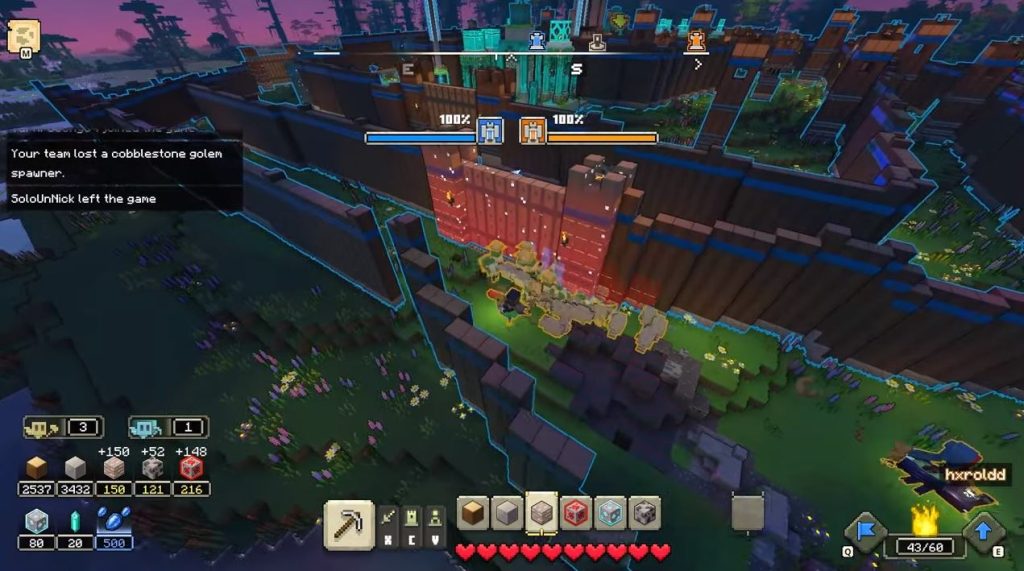
While Minecraft Legends does allow you to control your mobs, this system is not explained properly in the game.
In fact, the act of giving orders is a bit vague since your orders are only audible to nearby mobs. This means that if they’re at a certain distance, they won’t be able to hear your command, hence they won’t be able to execute any action.
And since your mobs don’t have any strategic AI built into them, they’ll just attack mindlessly until you give them orders.
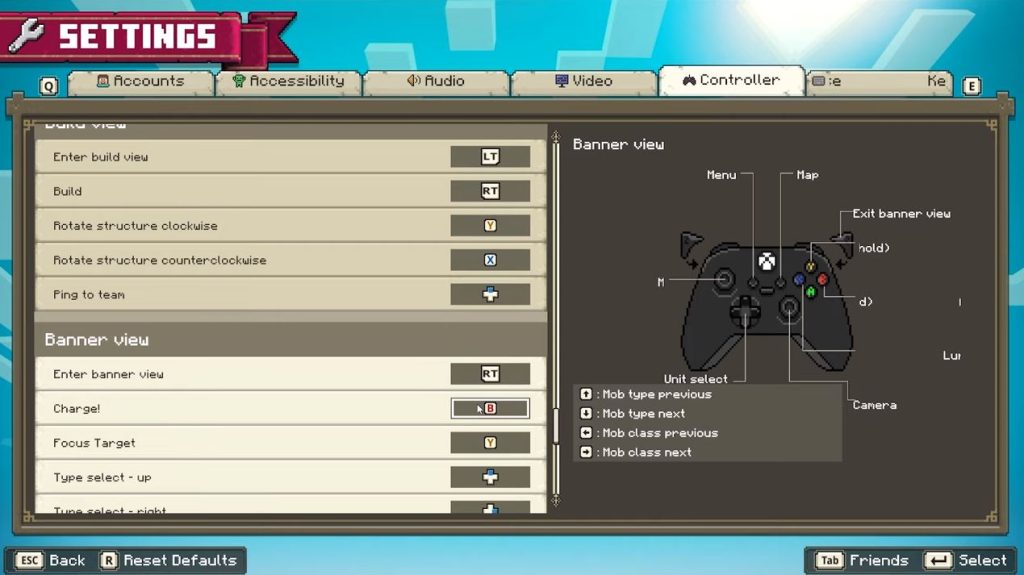
So, in order to order your mobs to attack a specific building during raids, all you have to do is activate Strategy Mode by pressing the right key depending on which platform you’re playing on.
That would be RT on Xbox and Ctrl on PC.
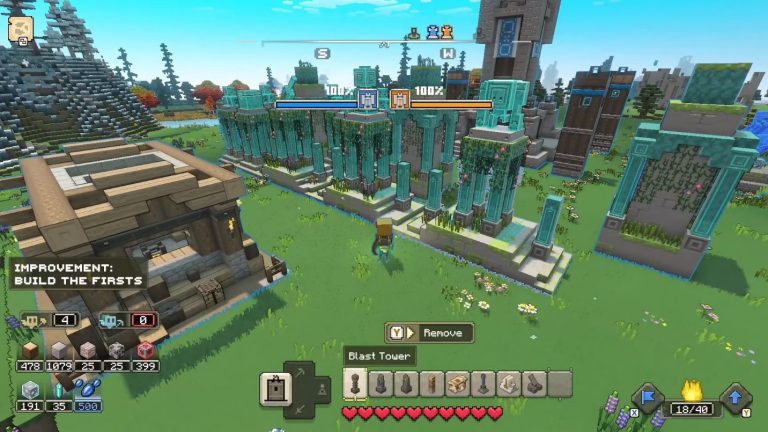
With the Strategy Mode activated, you will see two options: Charge and Focus Target. After that, all you have to do is focus all of your nearby units on a targeted building.
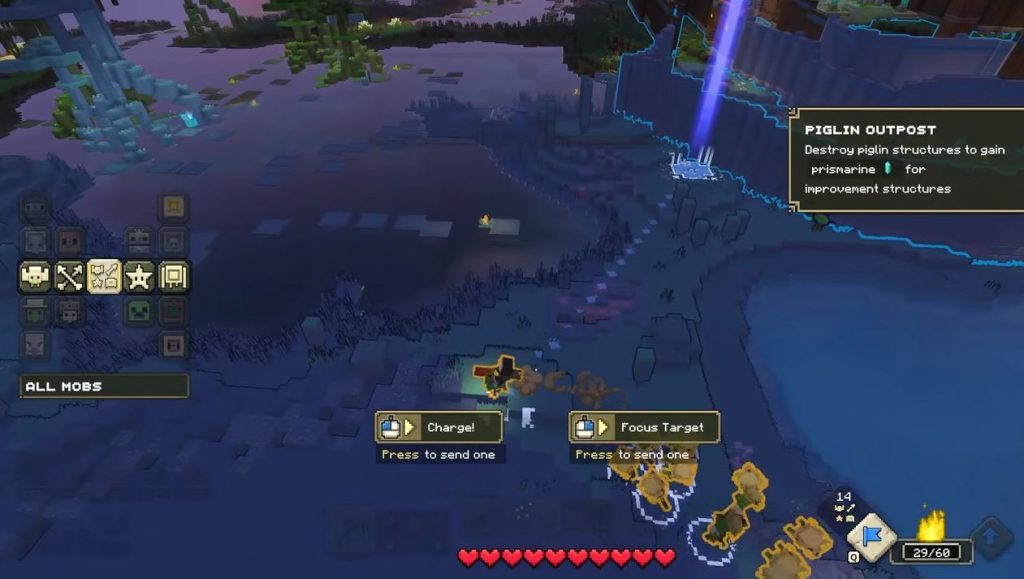
You can do this by holding the Y button on Xbox or right click on PC then moving it toward your target building.
Shortly, after your units will then charge at the targeted building and attempt to destroy it.
This strategy allows all of your mobs to just focus on a single target instead of scattering all over the place targeting anything that they want.
This is particularly useful if you want to take down walls so you can breach your enemy’s base.
ALSO READ: Dead Island 2: Complete Beginner’s Guide | Tips and Tricks