 25 articles
Knowing what buttons do is vital for every game, and Minecraft Legends is no exception to that. The game tells you what every button does contextually with a good prompt system, but it’s not enough.
The game doesn’t explain the basics beyond its tutorial. On top of that, there’s a lot to keep track of since the game has a lot of different systems and subsystems that modify your controls!
If you’re wondering how to do certain basic actions in the game, you’ve come to the right place. Allow us to explain the controls to you.
How Controls Work in Minecraft Legends
Source: Prowl Minecraft
 Best and Worst Structures in Minecraft LegendsApr 23, 2023
 Minecraft Legends: What Is the Glowing Blue Portal StructureApr 23, 2023
 Minecraft Legends: How to Unlock The Portal Pile Hero SkinApr 23, 2023
The basics of the controls are what you would expect on PC and consoles.
On PC, the WASD keys will move your character while your mouse will move your camera. You can press the Shift key to toggle your sprint, as well.
On consoles, the left stick will move your character while the right stick will be used to control the camera. You can sprint by pushing the left stick.
You can also jump by pressing the Space Bar (PC), X (PlayStation), A (Xbox), or B (Switch). Lastly, you can attack by using Left Click (PC), Circle (PlayStation), B (Xbox), and A (Switch)
That’s about the gist of your character’s controls, but there’s much more than just your character in Minecraft Legends!
You will need to know how to control your troops.
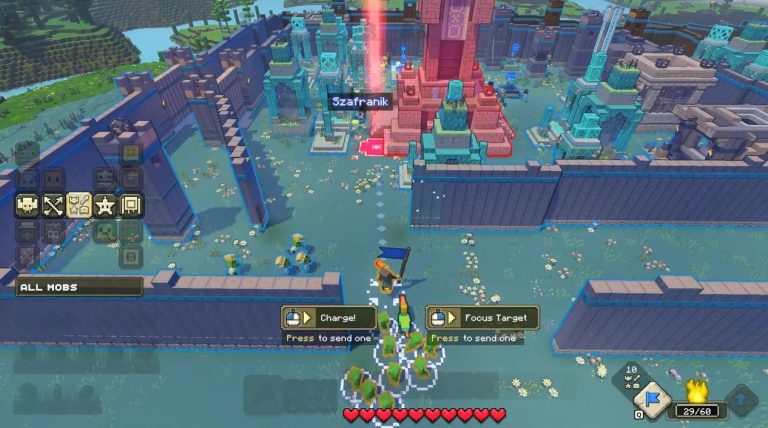
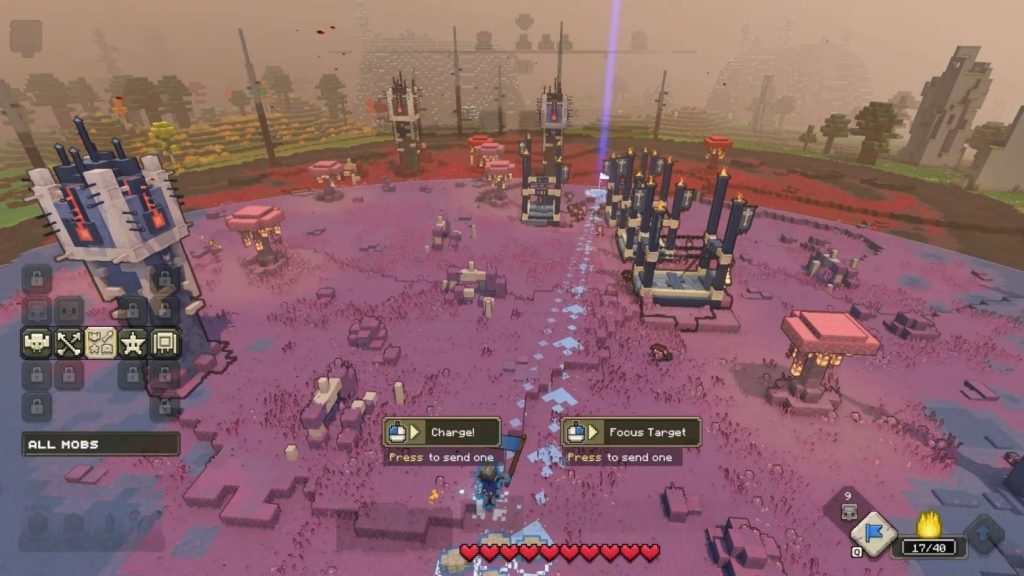
These are the controls for directing your troops, also known as mobs:
- Rally – Calls nearby mobs toward you. Q on PC, Square on PlayStation, X on Xbox, and Y on Switch.
- Charge – Makes your mobs attack straightforward. It’s E on PC, Triangle on PlayStation, Y on Xbox, and X on Switch.
- Strategy Menu – An expanded interface that gives you more detailed control over mobs. Hold E on PC, hold Triangle on PlayStation, hold Y on Xbox, and hold X on Switch.
Besides your mobs, you will also need to control your Allays as well. These charming little sprites are responsible for building structures and gathering resources.
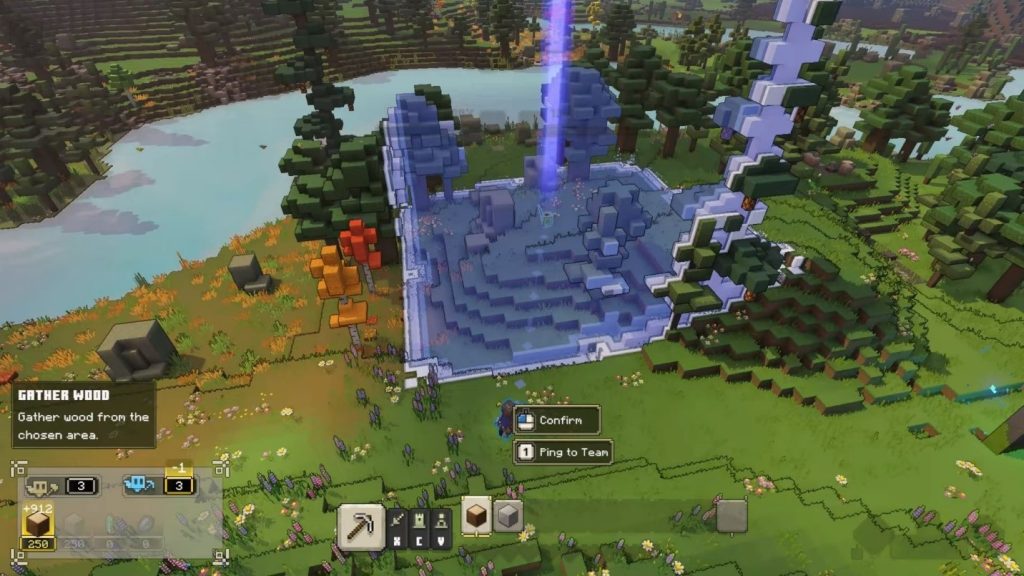
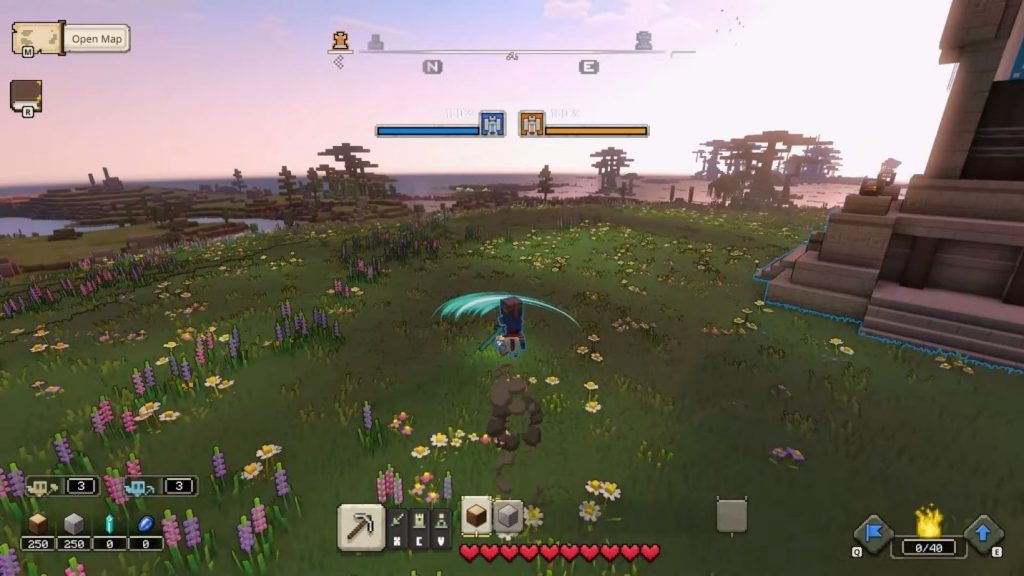
You will control your Allays by making use of the hotbar shown at the bottom of the screen. There are four different categories, each one serving a different function.
You can choose the different hotbars using ZXCV keys on PC or the directional pad on consoles.
To go through the different options inside the hotbars, you can use the 1-9 number keys on PC. On consoles, use L1/R1 (PlayStation), LB/RB (Xbox), or L/R (Switch). That should about cover everything you need to know!
The rest of the controls will be told to you as you play through the game. Good luck fending off the Piglins!
ALSO READ: Minecraft Legends: How to Find Diamonds