 13 articles
Being the most realistic tactical first-person shooter on the market is not an easy task. A lot of developers would focus on just this and disregard some quirks players love in these types of games. And that is the ability to customize your character. To make something unique and special.
Ready or Not has come a long way since its announcement in late 2020. The community back then wished for more customization options and the developers listened. That is why today, we’ll give you a quick guide on how to unlock ALL character items in the customization menu.
This includes tattoos, wrist accessories, helmets, bulletproof vests, glasses, gloves, boots, shirts, and tactical pants. Let’s get started!
Unlocking Customization Items
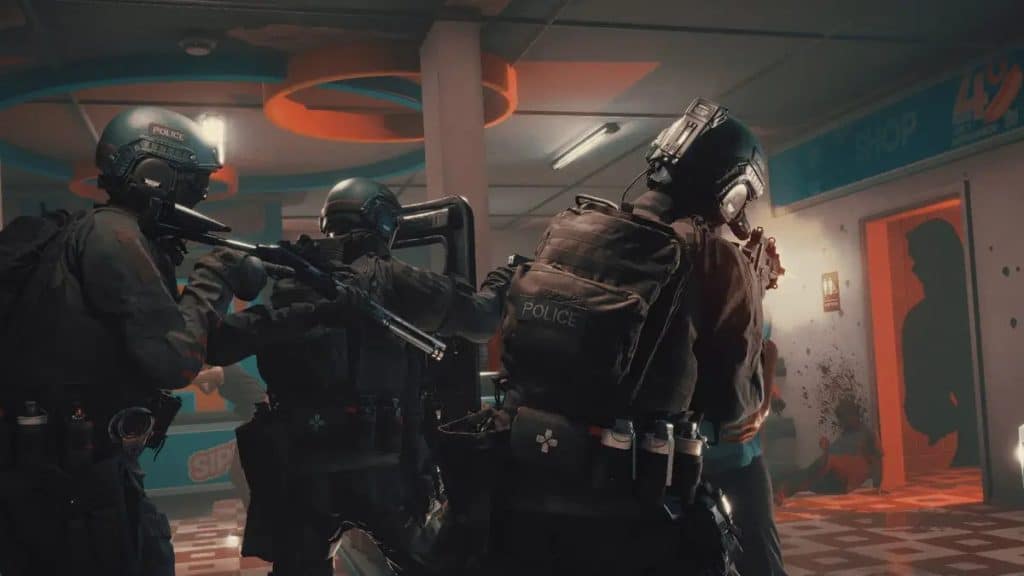
To even begin unlocking these items, you need to head over to the police station and go to the locker room within. Approach the lockers as indicated in the screenshot below and proceed further.
 Ready Or Not – All Gods Burn (Bank), Soft Objective LocationsMar 17, 2026
 How To Unlock SECRET Ending & Handcuff Cosmetic in Ready or NotMar 16, 2026
 How To Open Bank Vault in Ready Or Not | Secret Achievement Trophy GuideMar 16, 2026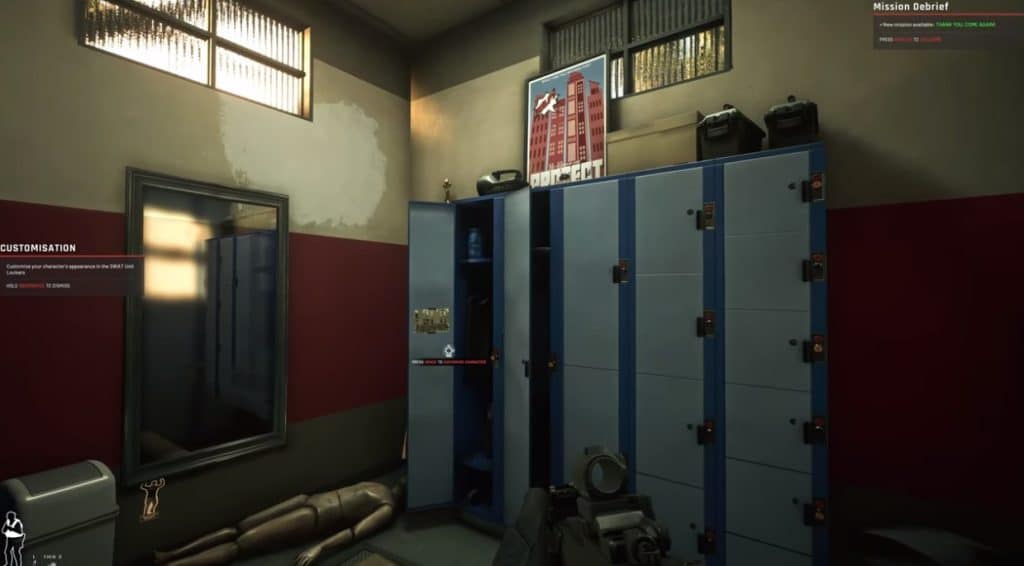
Approach the lockers and click the appropriate key to toggle the customization menu. Go through all of the items, from footwear and gloves to facewear and shirts. They should all be unlocked and free for use now.
Ready or Not Customization Items
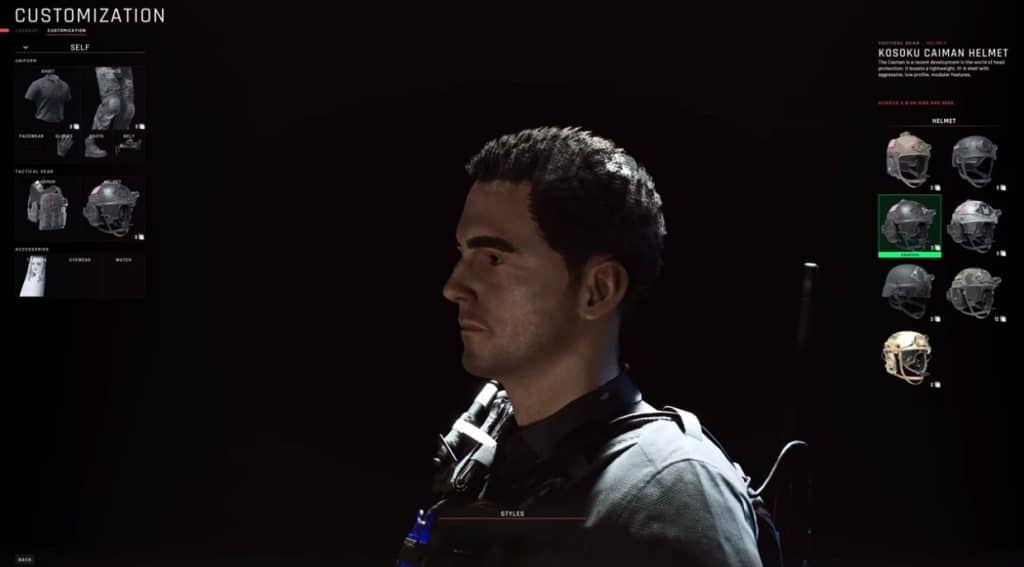
Each item has an adequate description and an armor rating below it so make sure to check it out.
We talked about armor and the best loadouts to use in Ready or Not in another article so make sure to check it for more detailed info!
With this, you have successfully unlocked all of the customization items in Ready or Not and can now use them for your special character. Remember that looks are secondary in this game. Some items may look good but are in fact useless in combat!
ALSO READ: How to Increase FPS in Ready or Not | Optimization Guide