 7 articles
Song of the Prairie allows players to upgrade their house, making it bigger and unlocking new features in the process.
For example, the very first upgrade will add a basic cooking station to the house! This allows you to prepare basic meals without needing to use the kitchen in the restaurant.
Upgrading your house is one of the first goals you should focus on in the game. But how do you do it? Let’s find out to learn more.
How to Improve Your Home in Song of the Prairie
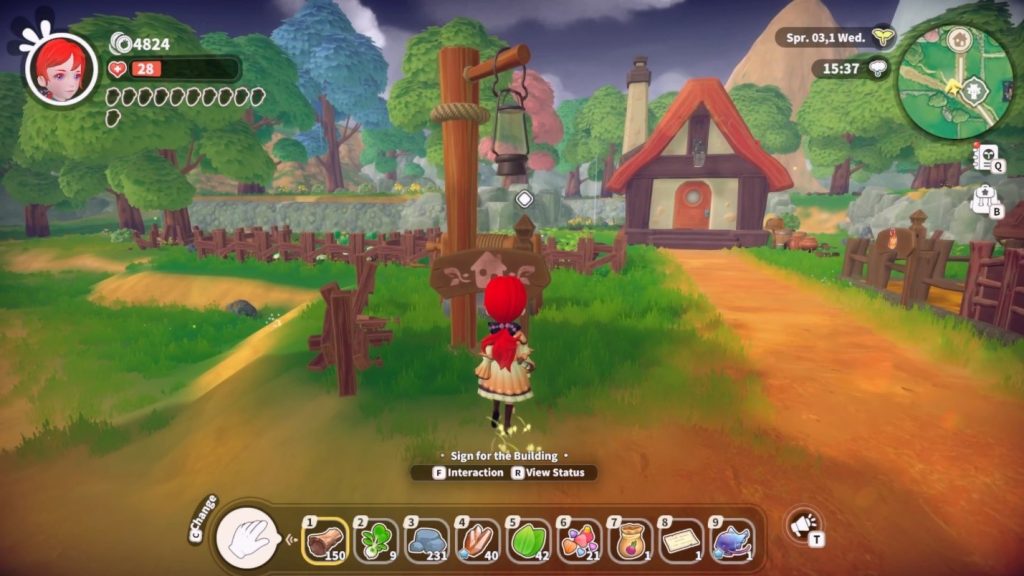
Upgrading your house can be done at any time by interacting with the signpost in front of the building.
 How to Hire Farmhands in Song of the PrairieApr 17, 2023
 Song of the Prairie: How to CookApr 11, 2023
 Song of the Prairie: How to Get and Upgrade ToolsApr 11, 2023
Once you interact with it, you will get 3 different options: New, Furnish, and Upgrade. New and Furnish will be greyed out for your house, at least early on, so just choose to Upgrade.
This will open a new screen that shows you the current status of your house, what will be added with the upgrade, and what you need to actually upgrade at all.
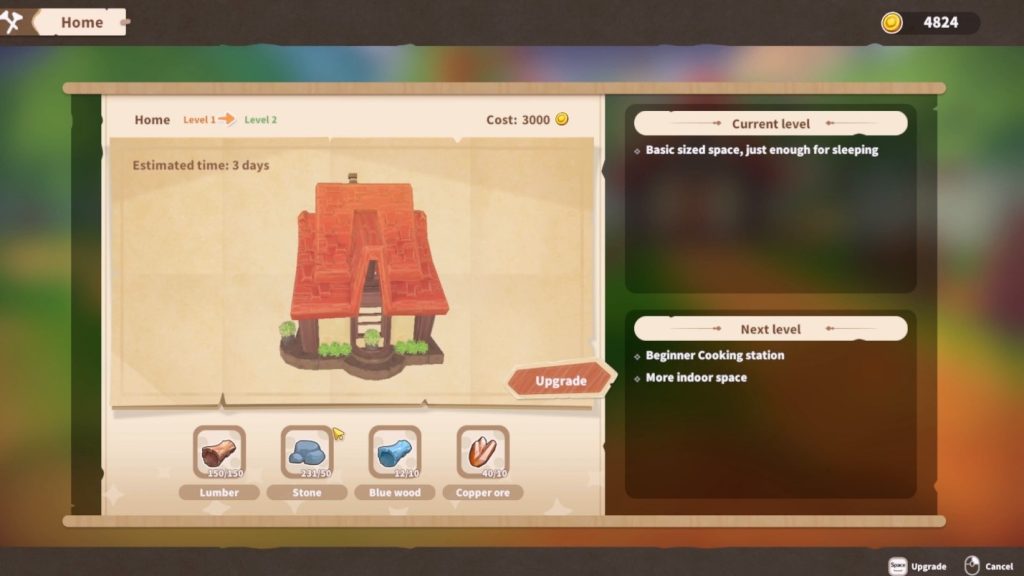
For example, the right side of the screen shows that the Level 2 house will have more indoor space and a beginner cooking station.
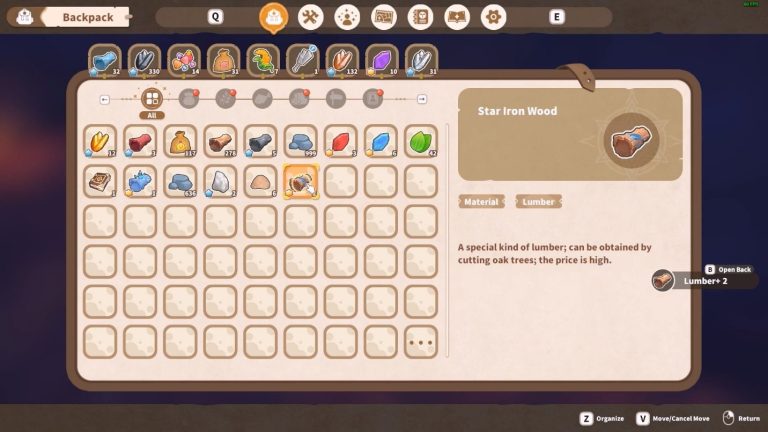
Meanwhile, the bottom shows what materials you will require to upgrade. The Level 2 upgrade requires 150 Lumber, 50 Stones, 10 Blue Wood, and 10 Copper Ore.
You also need to pay a Gold Coin fee to your workers. You can see the estimated cost on the top of the screen, close to the number of in-game days the upgrade is estimated to take.
Once you’re all set, click on the “Upgrade” button above the list of materials.
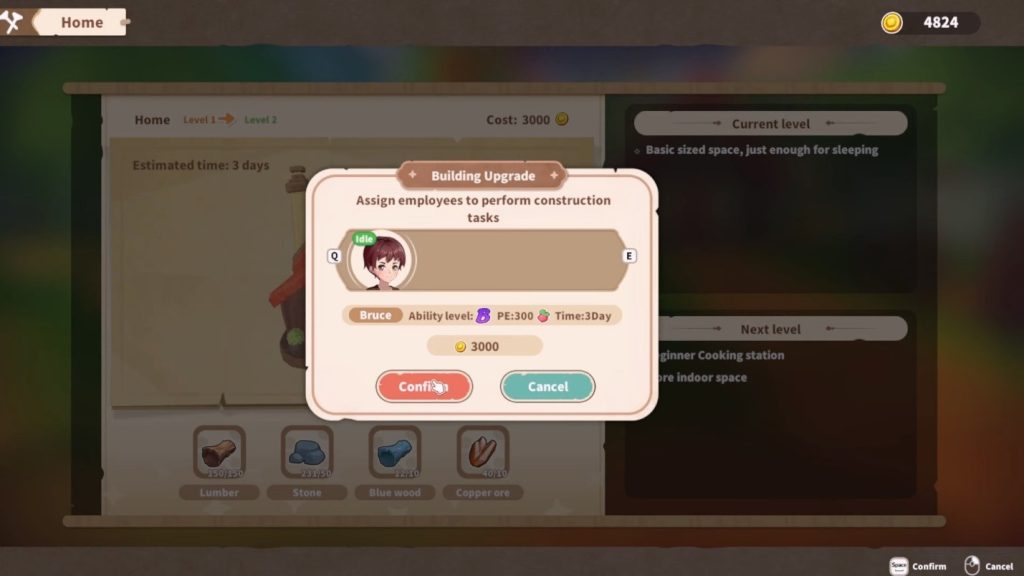
Next, assign an employee to work at your house. Some employees might work faster but charge more, while others will be slower but cheaper.
Once you have picked the worker you want, just click on confirm and work will begin! You can still use your house while construction is ongoing, don’t worry.
That’s all there is to it. Now just wait for time to pass and the house will be upgraded! Repeat the process for further upgrades whenever you’re ready and have the best house in town.
ALSO READ: Song of the Prairie: How to Get and Upgrade Tools