 9 articles
The “PlayStation Network Sign-In: Failed” problem is very inconvenient since it prevents you from using your PS5 to play games. Why does this problem exist? How can it be eliminated? This article will show you how to fix this issue so you can start playing with no problems.
How to Fix Can’t Sign Into PSN Account and Sign in Failed in PlayStation 5
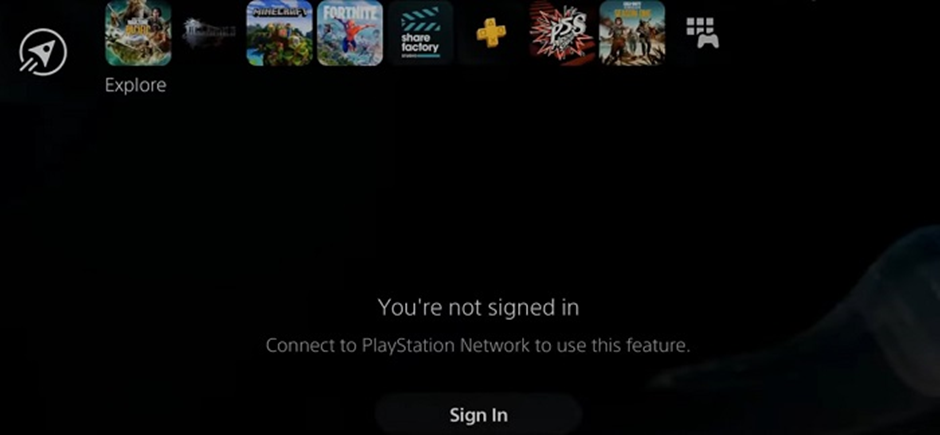
One of the most popular game systems worldwide is the Sony PlayStation. Since the release of PlayStation 5 in 2020, it has consistently ranked at the top of the list of gaming consoles worldwide because of the incredible titles available on this gaming platform.
One drawback of modern gaming consoles, specifically Sony’s PlayStation, is that it frequently encounters the “PlayStation Network Sign In Failed” issue, which can be depressing for all gamers.
 How to Connect PS5 Controller to PCDec 30, 2025
 How to Fix Stick Drift on PS5 ControllerDec 16, 2025
 Can You Connect AirPods to PS5?Dec 3, 2025
Fixing Sign In Issue
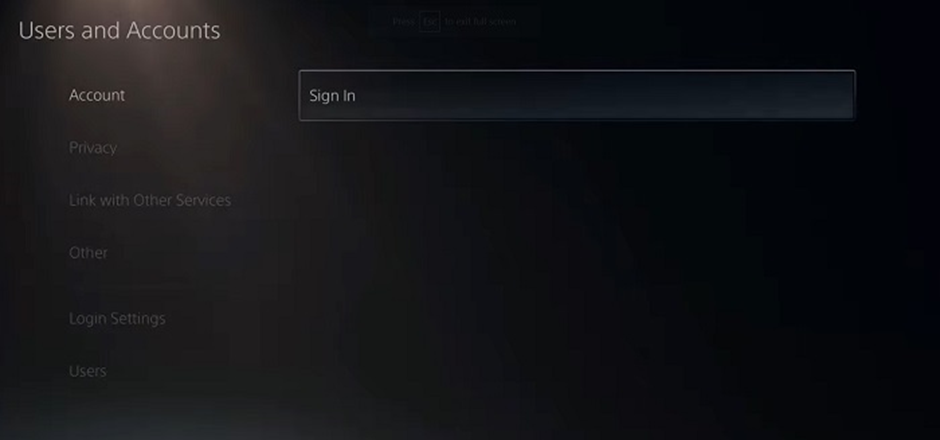
Try changing your password and then signing in to your account with the new password if you are having trouble signing in. Other times, there can be a bug or mistake with your account.
You can often resolve sign-in failure issues by visiting the PlayStation website, going to your privacy settings, and changing everything to NO ONE before attempting to sign back into your PS5.
If you are still having log-in issues, try checking if there is a maintenance or if there is an available update.