 22 articles
If you’ve played quite a lot of Modern Warfare 2 recently, then you know that the game is all about careful and methodical gameplay.
While the tactic of rushing in toward your opponents will work sometimes, it’s just not as rewarding.
That said, if you favor stealthy gameplay where you sneak toward your opponents and take them down by surprise, then finishing moves are one of your most solid options.
But how exactly do you perform such moves? Let’s find out!
 Modern Warfare 2: How to Unlock All Season 3 Weapons FastMay 13, 2023
 How to Get a Free Medic Vest in CoD DMZApr 23, 2023
 MW2 DMZ: Where to Find 3 Scavenger Calling CardsApr 21, 2023
How to Do a Finishing Move in COD Modern Warfare 2
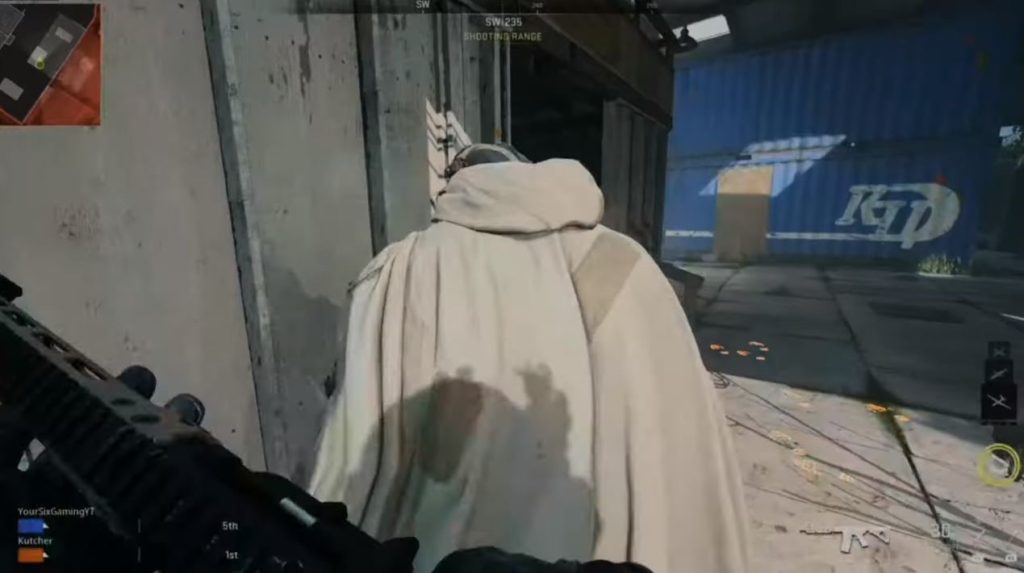
In most cases, a finishing move can be a bit hard to pull off, especially if you’re completely new to using them. However, it will be worth it once you do as you’ll be able to kill your opponent instantly.
You will get a first taste of finishing moves during the missions in the game’s campaign that revolve around stealth. As you might expect, it relies heavily on staying undetected and catching your enemies unaware.
That said, all you have to do to perform a finishing move is to move directly behind your target. After that, simply hold down your melee button to trigger the action. If done right, an animation will play which will kill your target right away.
Depending on which platform you’re playing in, the input for a finishing move will vary. If you’re playing on Xbox, you will need to hold R3/RS. The same goes if you’re on PlayStation.
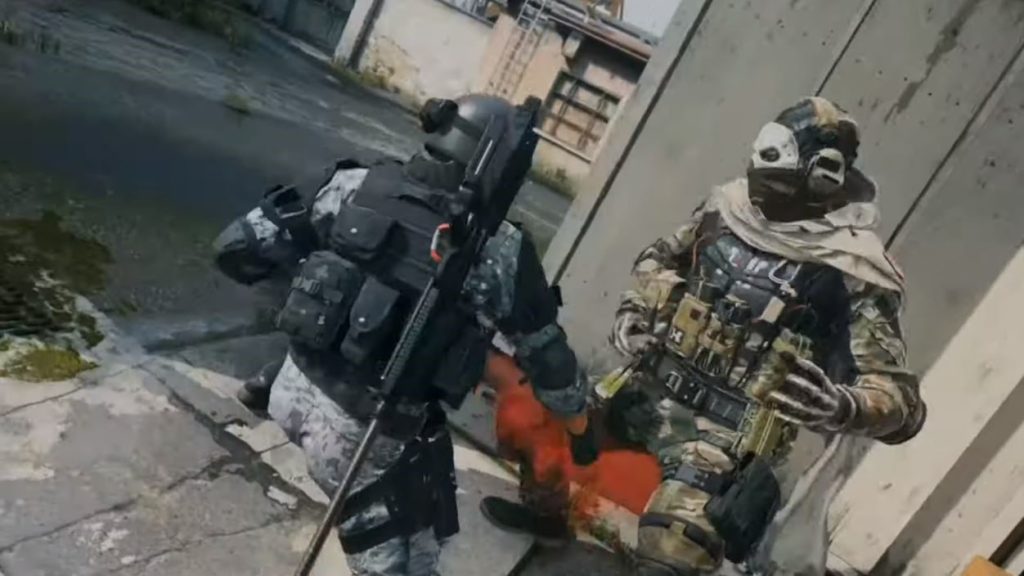
However, the variation comes when you use a different control setting. For example, if you choose the Tactical Controller Setting, that means you have to hold the Circle button on PlayStation or the B button on Xbox.
On PC, the default button is V.
Do take note that the finishing move animation can be canceled if you’re taken down by another enemy while the animation still hasn’t finished yet.
ALSO READ: Sherlock Holmes: The Awakened Remake: Curiosity Killed the Cat Trophy Guide