7 articles
Counter-Strike 2 just came out, making it a perfect time for a beginner to get into the game.
Are you one such beginner? Well, we know that this game can seem daunting, especially with all the experienced CS:GO players jumping into Counter-Strike 2!
But we’re here to help you out. In this guide, we’ll give you some key tips to help you get started in Counter-Strike 2.
Counter-Strike 2: Ultimate Beginner’s Guide
Basic Settings
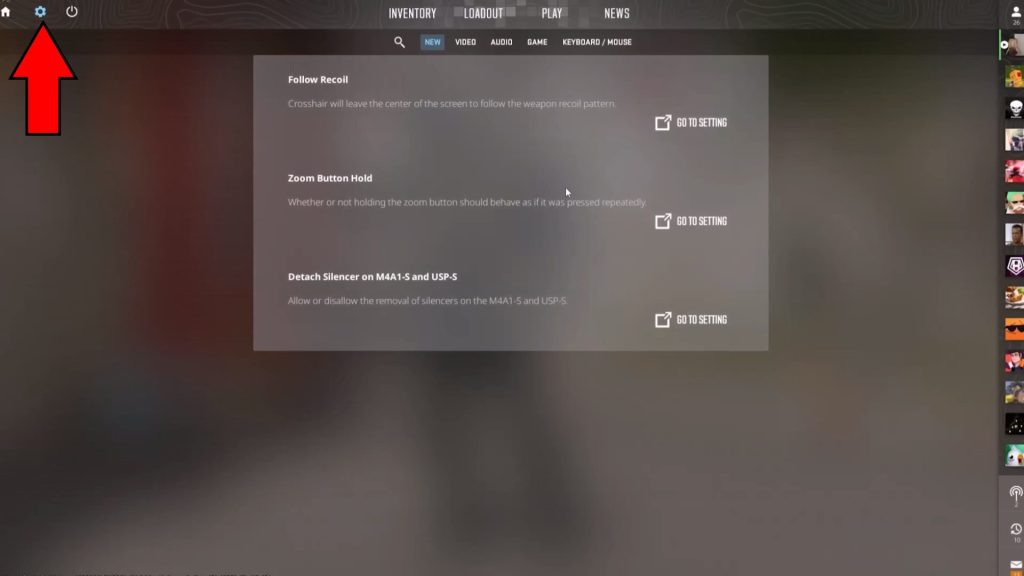
The first thing you want to do when launching the game is to go straight into the settings by clicking on the cogwheel icon on the top left.
 Counter-Strike 2: When to Buy or Save Money | Economy GuideOct 9, 2023
 How to Increase FPS in Counter-Strike 2 | Optimization GuideOct 8, 2023
 Counter-Strike 2: How to Improve AccuracyOct 8, 2023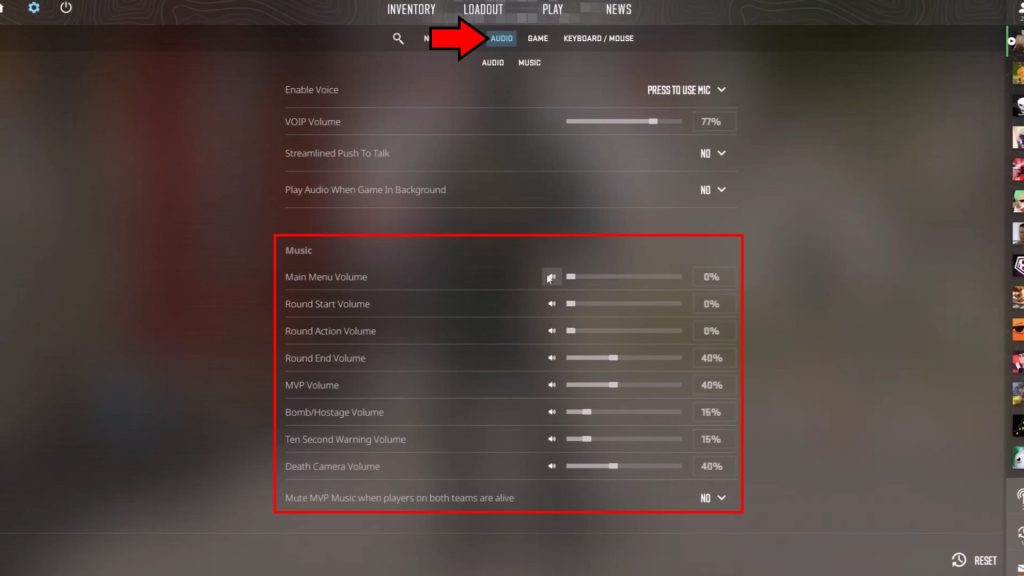
Start with the audio settings. The main thing here is to set music volumes low or muted, as music can cover important sound effect cues!
We’ll be using the following settings here:
- Main Menu Volume: 0%
- Round Start Volume: 0%
- Round Action Volume: 0%
- Round End Volume: 0%
- MVP Volume: 0%, but feel free to set it higher if you have a soundpack.
- Bomb/Hostage Volume: 0%
- Ten Second warning Volume: 20% to 35%
- Death Camera Volume: 0%
- Mute MVP Music when players on both teams are alive: Yes.
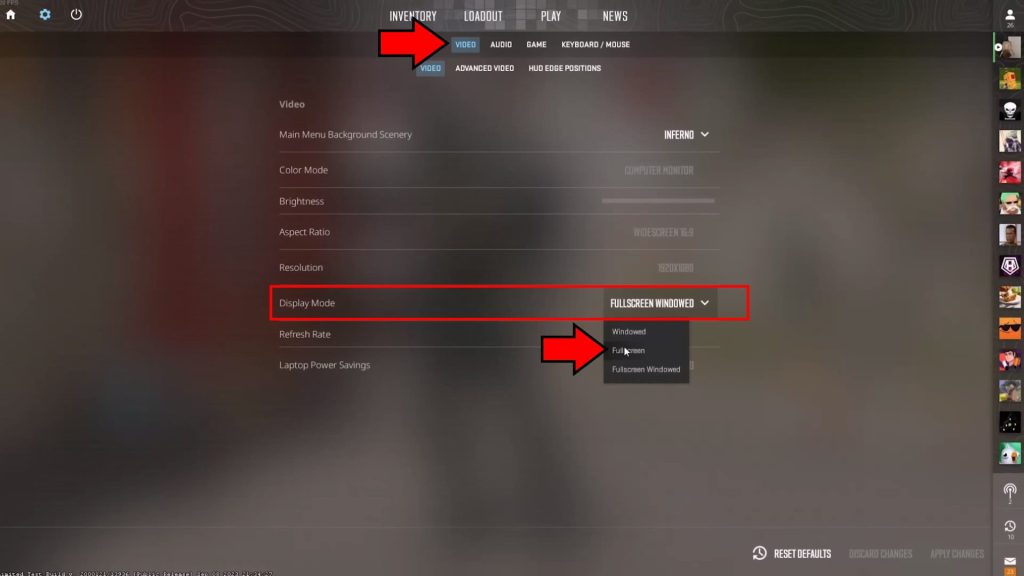
With that done, head to the display setting tab.
The only important thing to set here at the start is to ensure that you are in Fullscreen display mode. Windowed modes can introduce input lag, so you should avoid them!
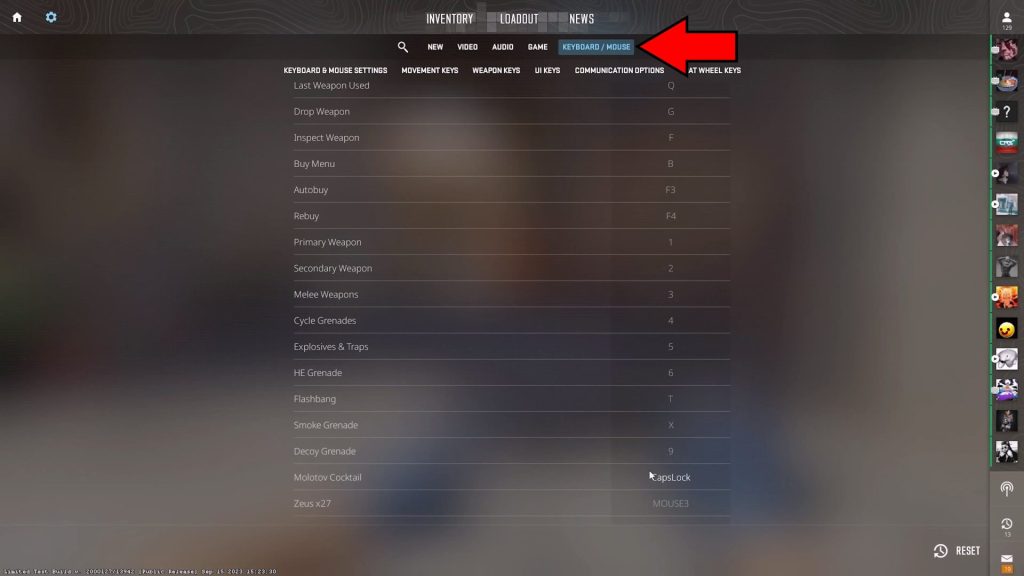
Lastly, head into the Keyboard / Mouse settings and configure your keybinds. You want to make sure that grenades and utility tools have a keybind that you’re comfortable with using!
Learn to Counter Strafe
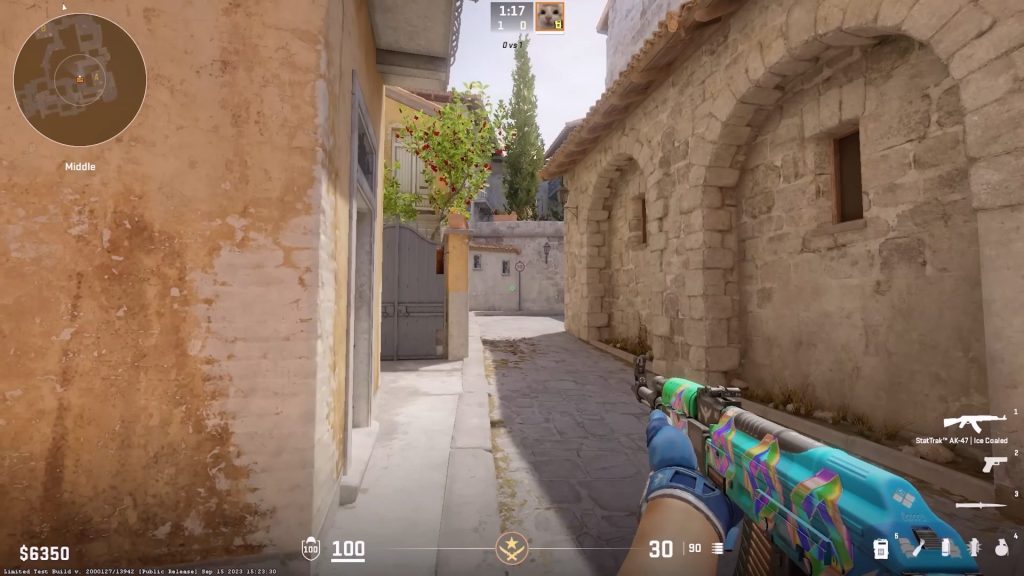
A basic but important tool in every player’s arsenal is to learn counter-strafing. This is done by pressing the opposite direction you were strafing in once you want to come to a stop.
For example, hold the D key to strafe to your right. Then, when you want to stop strafing, quickly tap A to counter strafe.
This is absolutely crucial, as it counteracts any excess momentum you might have when strafing! It’s most important when peeking around corners, but you should make good use of it all the time.
The slight jitter it adds to your movements will also make you somewhat harder to hit, which is always a welcome bonus!
The Quirks of Aiming in Counter-Strike 2
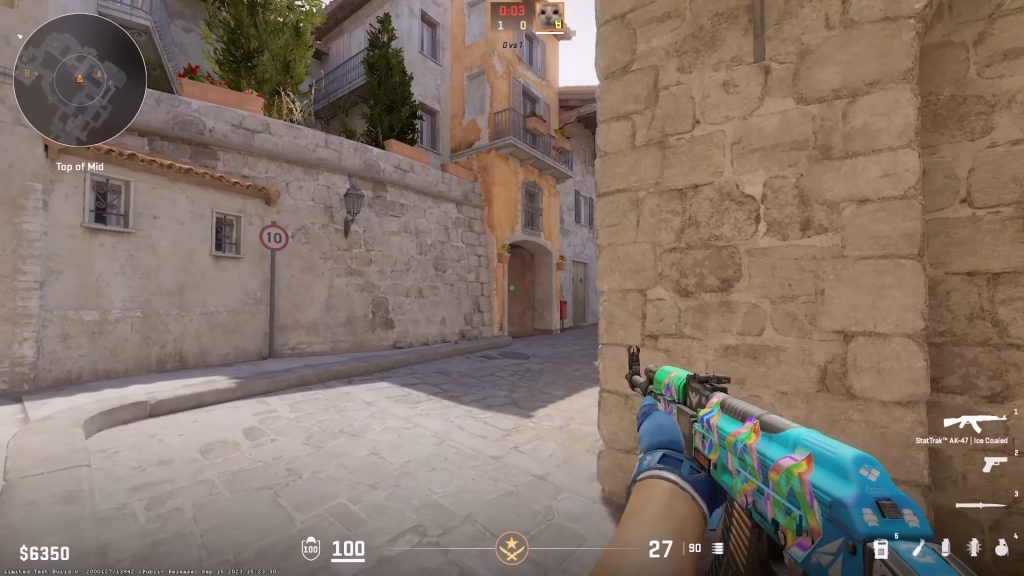
Aiming in Counter-Strike 2 has some quirks that some beginners have trouble with.
The first quirk is that guns have preset spray patterns, which pros can learn to counteract recoil. That’s a highly advanced skill, however!
For beginners, it’s best to instead focus on low bursts of shots to keep recoil in check. Shoot bursts of about 5-7 bullets instead of holding any longer.
Crouching can also help reduce the bullet spree, but it won’t stop the recoil pattern from taking effect. Spraying and then crouching while still firing effectively does nothing for your accuracy!
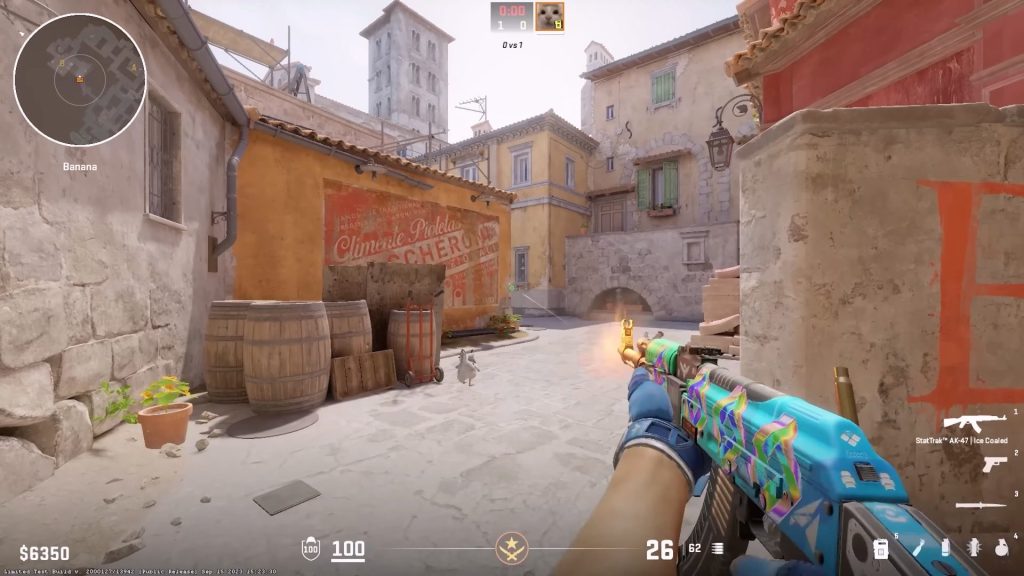
Also try to keep your aim at head level, although this requires a lot of practice and map knowledge to properly do. Nonetheless, it’s important to start practicing it early.
When peeking out of corners, you also want to make wide movements. Trying to stay conservative by poking in and out actually makes you easier to hit.
A trick some players like to do is to just pop out with a big movement, crouch, and then start firing. This keeps your character moving more, making them harder to hit!
Use Practice Mode
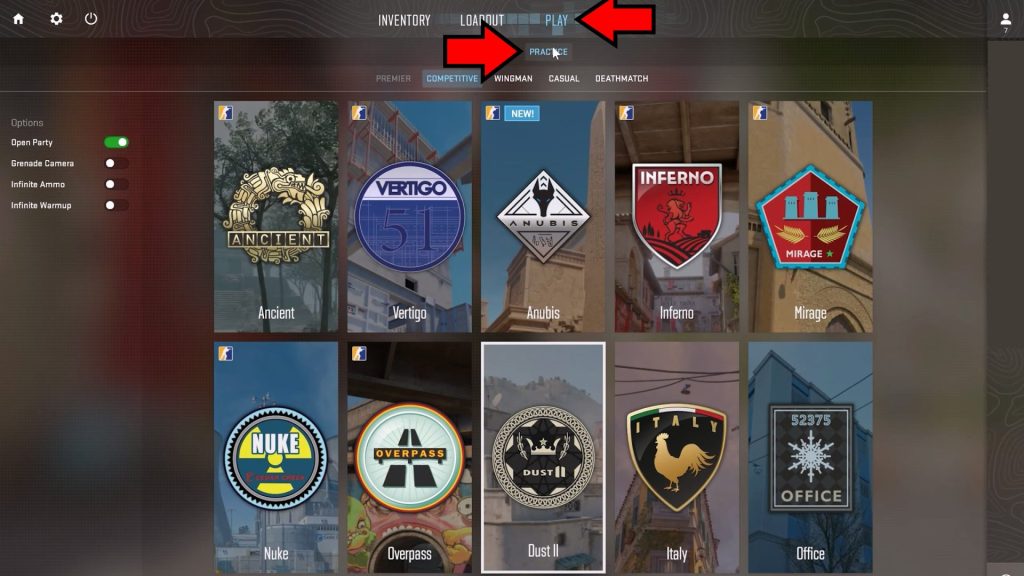
Now that you know some key basics of Counter-Strike 2, there’s nothing better you can do as a beginner than practice.
Thankfully, the game features a practice mode that you can freely use! You can use it to just try things out and learn the layout of each map, for example.
If you feel like you’re a tad more ready than that, you can also play against bots of varying difficulties. These mock matches will greatly help you learn the game in the early stages.
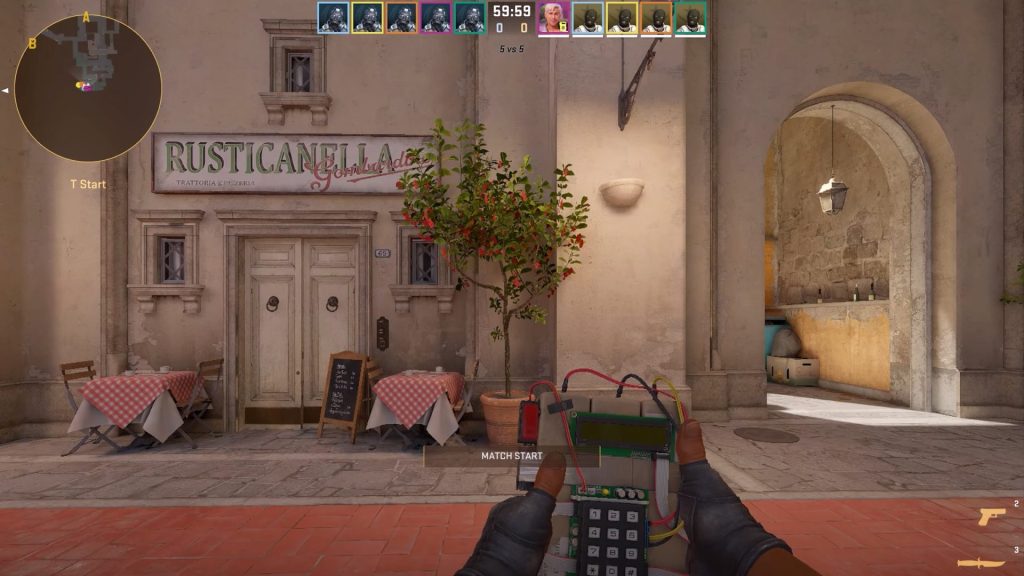
Truthfully, Counter-Strike 2 is a game that relies heavily on knowledge and muscle memory, so practicing consistently will be the only way to get better.
It might be frustrating at first, but persevere and you will quickly realize that you’re improving at the game and climbing through the ranks!
ALSO READ: Counter-Strike 2: When to Buy or Save Money | Economy Guide