33 articles
STALKER 2: Heart of Chornobyl is the much anticipated sequel to the very old but never truly forgotten series of games set in a radioactive wasteland commonly referred to as the Zone. In this guide, we will be showing you how to make use of the Echo Detector, which you are probably already familiar with if you have played the older entries in the series!
How to Use the Echo Detector Device
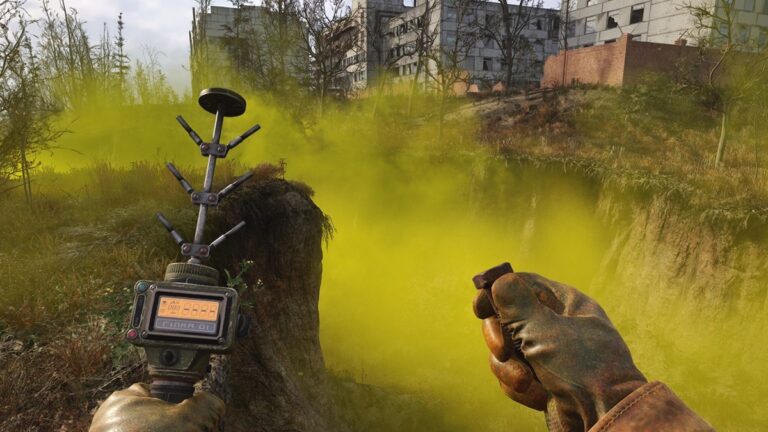
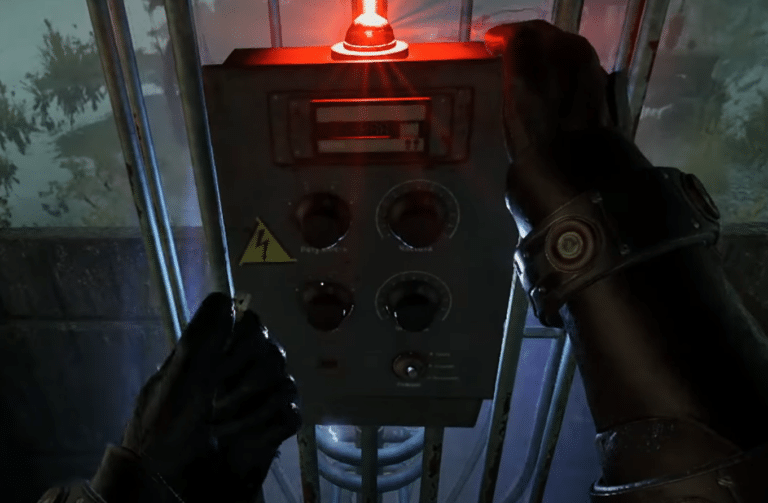
When you first get the Echo Detector during the introductory sequence of the game, it will likely be automatically equipped for you. In fact, your character might just whip it out completely unprompted as you approach the Anomalous Field to find your first artifact.
After this, though, if you are confused by how exactly you can hold it in your hands, all you need to do is open your radial menu. By default, you can do this by pressing Tab on your keyboard or the left bumper button if you are using a controller.
From here, just press the button corresponding to the Echo Detector and your character should start holding it. On PC, you can also just press the number 7 to bring it up without using the radial menu. It is an unusual hotkey, but hey, that’s not our fault.
 STALKER 2’s Upcoming “Stories Untold” Update Gets a Free Release Promising Hours of New Content to EnjoyDec 15, 2025
 How to Find & Play the Guitar in S.T.A.L.K.E.R. 2: Heart of ChornobylNov 29, 2024
 Stalker 2 – Budmo! Quest GuideNov 27, 2024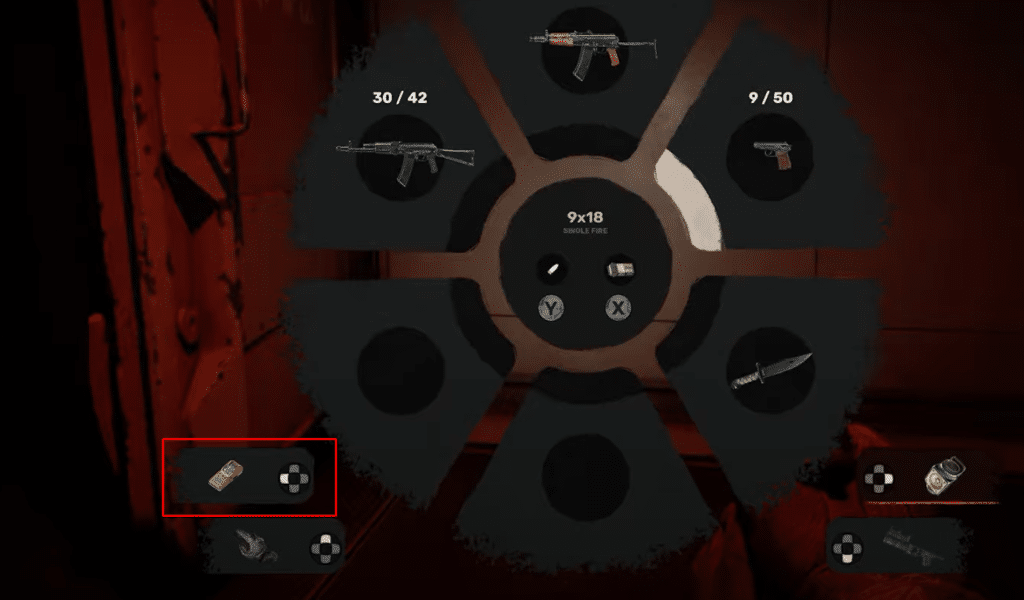
With the Echo Detector on hand, you can now use it to find nearby artifacts. Basically, the blue light will start blinking faster as you get closer to an artifact, and this is accompanied by a beeping sound that will also start ramping up in speed.
That is everything you need to know in order to make use of this handy little device. Now go and explore the Zone and utilize this tool to find more artifacts!