 13 articles
Monster Hunter: World might have dozens of cutscenes for its main questline, but some of us simply prefer to skip them, ignore the story, and get some hardcore hunting action going.
Previous entries in the series were almost entirely focused on gameplay, with almost no cutscenes breaking the action at any point. Others somehow find the story unengaging but are still delighted with the gameplay.
Whatever your reason is, this guide will tell you how to skip cutscenes in Monster Hunter: World.
How to Skip Cutscenes in MH:W
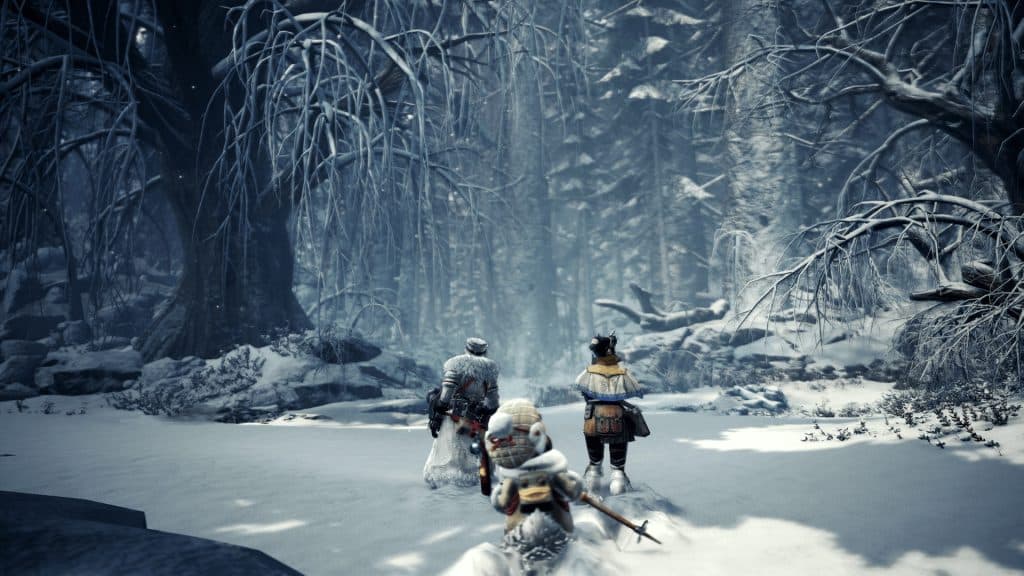
To be able to skip a cutscene while it plays, press any button if you’re playing on a controller or the Escape [ESC] key if you’re playing on a PC with a keyboard.
 Monster Hunter World Iceborne: How to Level up to Master Rank FastJan 11, 2024
 Monster Hunter World: What’s New in the Iceborne Expansion?Jan 10, 2024
 Monster Hunter World: Best Weapons (For Beginners) Tier ListJan 8, 2024
This will make a prompt with the skip button appear on the bottom right corner of the screen.
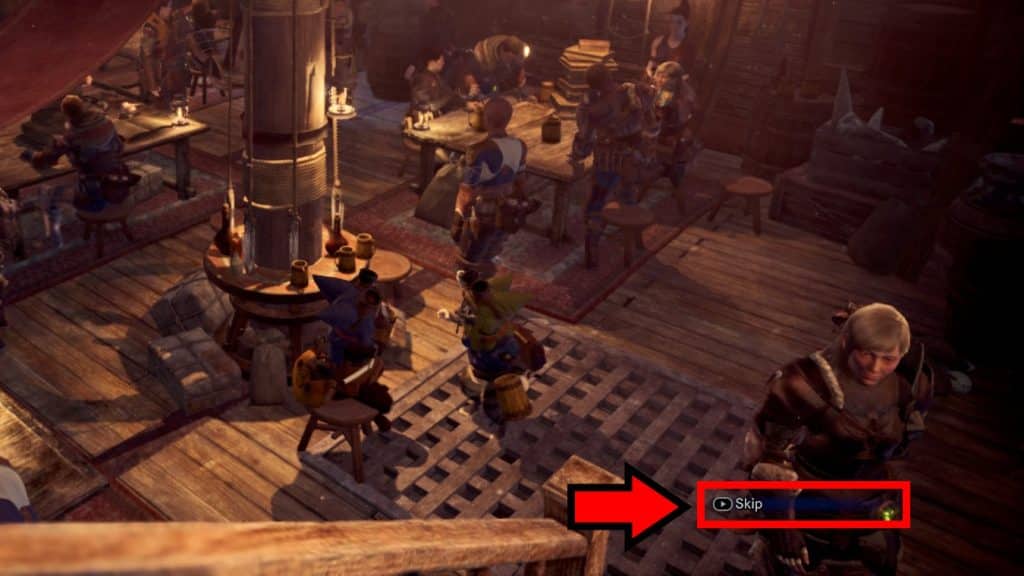
By default, the skip button is the:
- Options button on PlayStation
- Menu button on Xbox
- The X key on PC with a keyboard and mouse setup.
Just press it while it’s on-screen and the cutscene will end! However, the one big caveat is that the vast majority of cutscenes in Monster Hunter: World are unskippable outside of the Gallery!
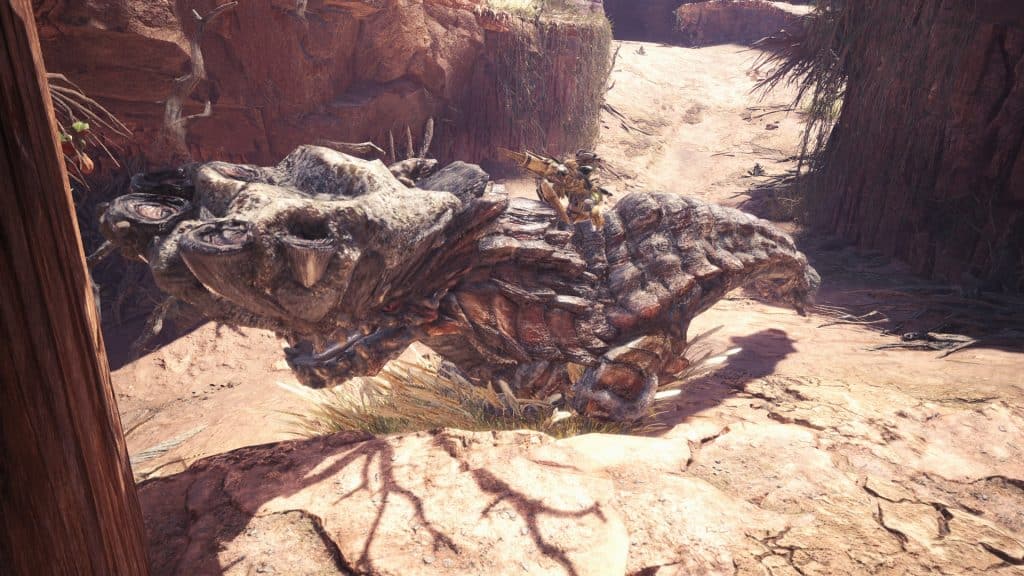
Indeed, Capcom has made the strange design decision of including a cutscene skip feature but not actually allowing you to use it for most of the game.
Luckily, PC users can restore full cutscene skip functionality via modding. Sadly, though, this isn’t possible at all on the console releases of the game. PS4 and XBOX are both widely known for being restrictive in using MODs not just for MH: W but almost for any game.
Nonetheless, let’s go over which mods to get on PC to restore full cutscene-skipping functionality!
How To Skip Cutscenes Via Modding on PC
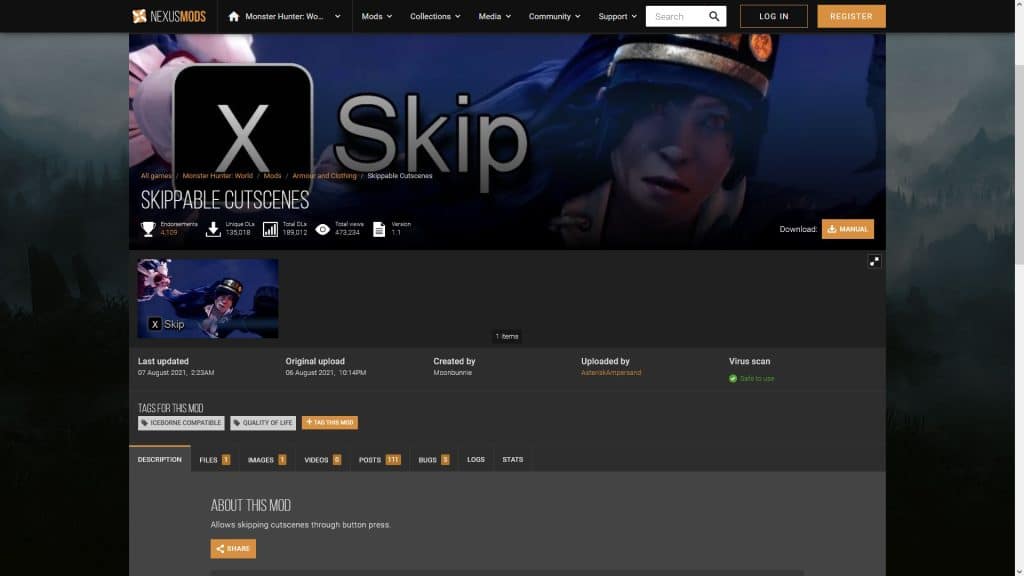
The two mods you need to get are Stracker’s Loader and the aptly-titled Skippable Cutscenes mod, both available via NexusMods.
After downloading both of the said mods, you’ll need to navigate to your Monster Hunter: World installation folder.
Side Note: While we’re at it, did you know that you can unofficially change your character name using a mod?
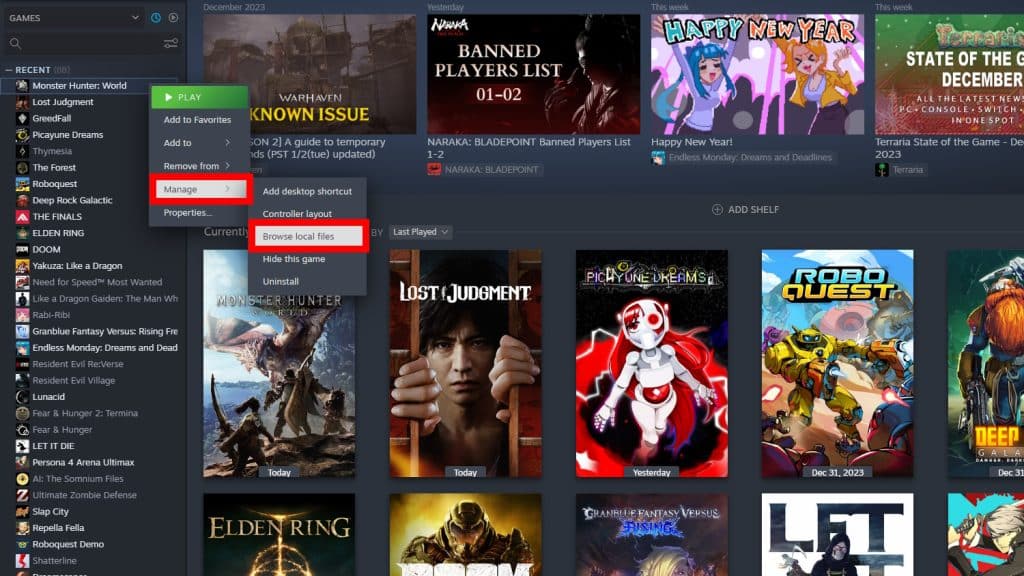
First, locate Monster Hunter: World in your Steam Library. Right-click on the game then choose “Manage” and select “Browse Local Files.”
Next, find the downloaded mods and open them. They should be compressed ZIP folders, which Windows opens as normal folders by default.
Finally, just copy the contents of the folders for both mods into your Monster Hunter: World installation folder.
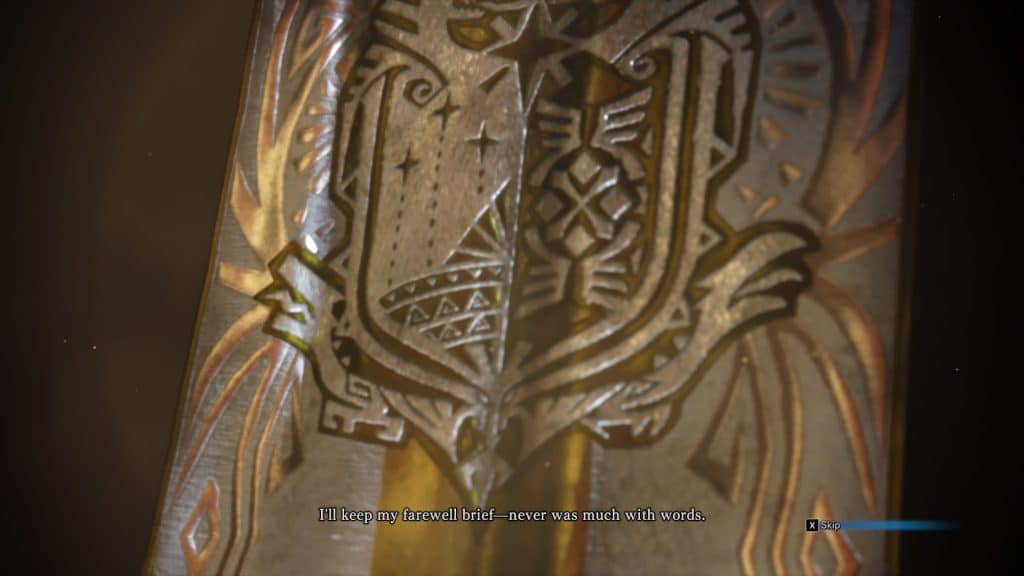
Both mods should now be properly installed and are ready to go, so you can skip cutscenes freely with the press of any button. Now, you can hunt without interruptions!
ALSO READ: How Does the “Heat” System Work in Tekken 8?