
 13 articles
Monster Hunter: World has a relatively simplistic character creation process, though it does let you give your character a name.
You can name not just your Hunter, but their Palico companion as well. But, can you change their names even after you get past the character creation process?
Read on and we’ll go over everything we know about if you can change your character name in Monster Hunter: World or not!
Can You Change the Character Name In Monster Hunter World?
So, let’s cut right down to the chase: there is no official way to change your Hunter’s or Palico’s name in Monster Hunter: World after the character creation process.
 Monster Hunter World Iceborne: How to Level up to Master Rank FastJan 11, 2024
 Monster Hunter World: What’s New in the Iceborne Expansion?Jan 10, 2024
 Monster Hunter World: Best Weapons (For Beginners) Tier ListJan 8, 2024
Even the description for the official Edit Voucher states the following: “Please note that the name of your hunter and the name and appearance of your Palico cannot be changed.”
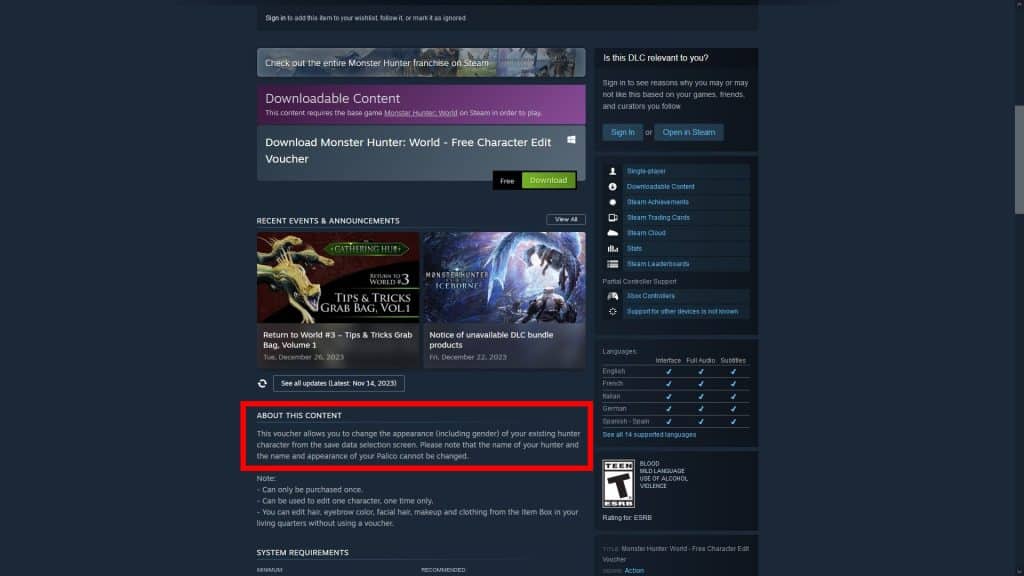
Edit Vouchers only allow you to change the appearance of your Hunter and nothing else.
As such there is no official way to change the name of either your Hunter or Palico. The keyword here is “official”, which implies that there is at least one “unofficial” method!
Luckily, you can use a save editor to modify your save file and rename your characters on a PC. However, this has some caveats.
The first and most notable caveat is the possibility of being banned from using Monster Hunter: World’s online features.
There have been no reports of anyone being banned by simply changing their characters’ names. Nonetheless, we’re still warning you to use a save editor at your own risk!
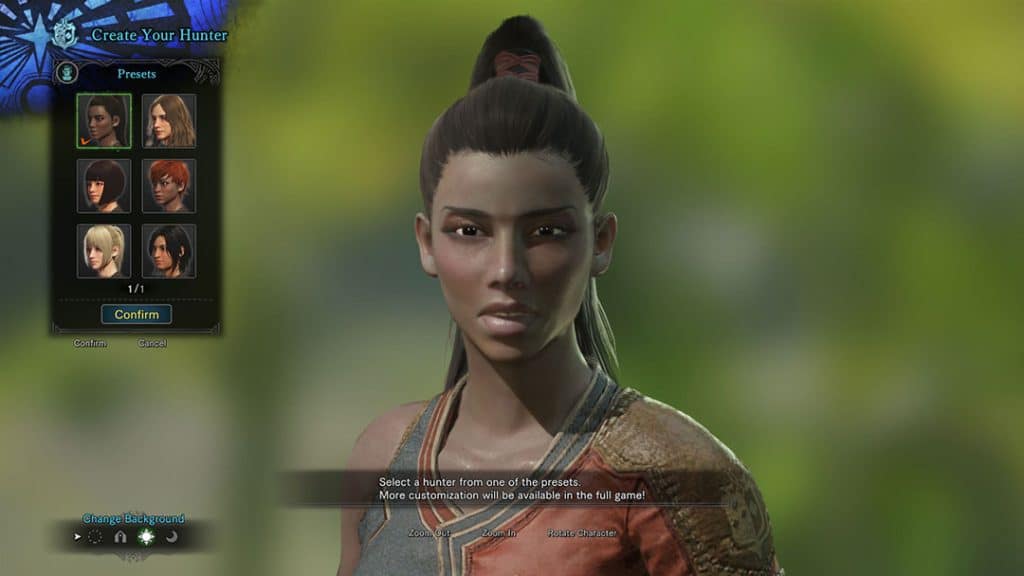
Additionally, the save editor only really supports the PC version of Monster Hunter: World. Save files from the console versions are encrypted and much less accessible than on PC, so they’re unsupported.
So, if even with all that said you still wish to use a save editor to change the name of your Hunter and/or Palico, read on!
How to Change Character Names With a Save Editor
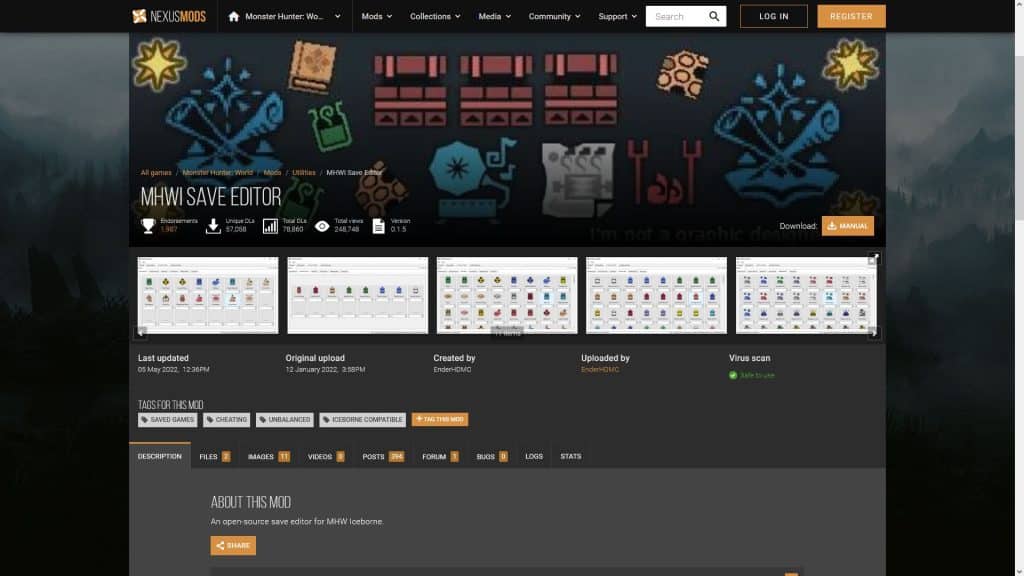
First things first, download the “MHWI Save Editor” program by EnderHDMC from NexusMods.
Anyway, once you install or extract the program, open it and you should see a blank window.
Speaking of modding, did you know that you can also skip any unskippable cutscenes using a mod?
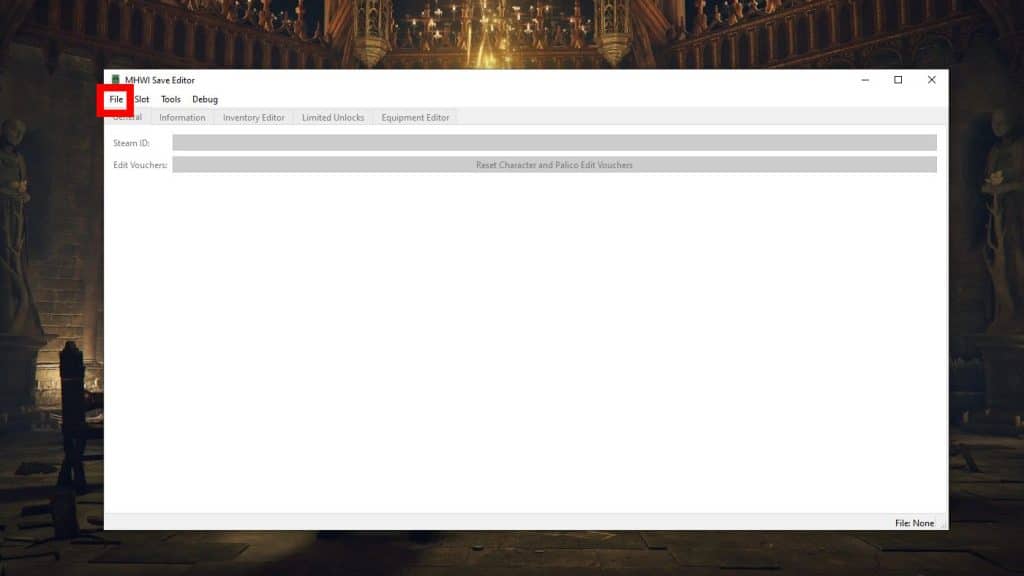
Click on the “File” window and then click “Open” from the drop-down menu and the program will open the folder with all of your Monster Hunter: World savefiles.
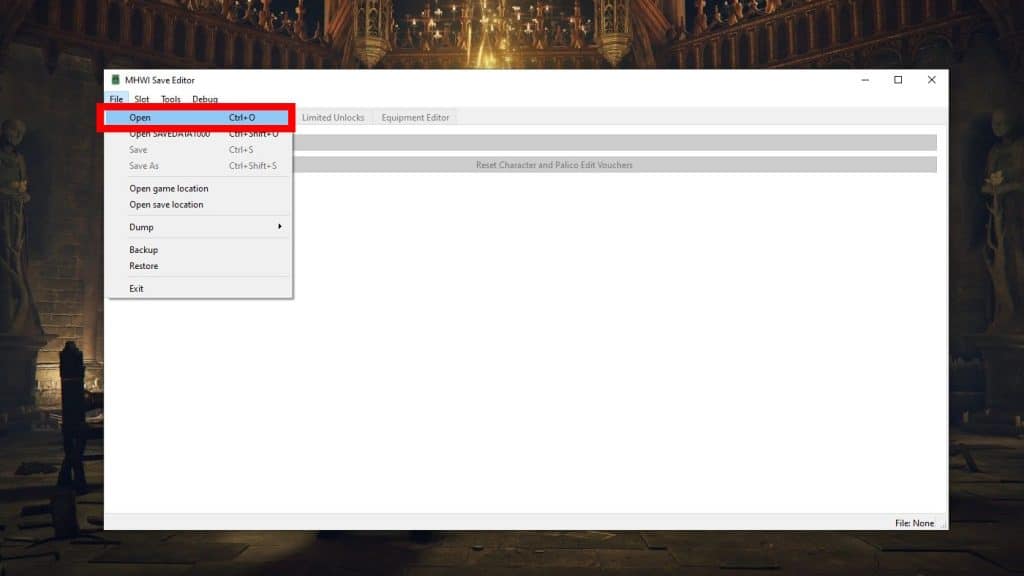
Double-click on the save file you wish to modify to open it. Note that the filename corresponds with the save slots within the game.
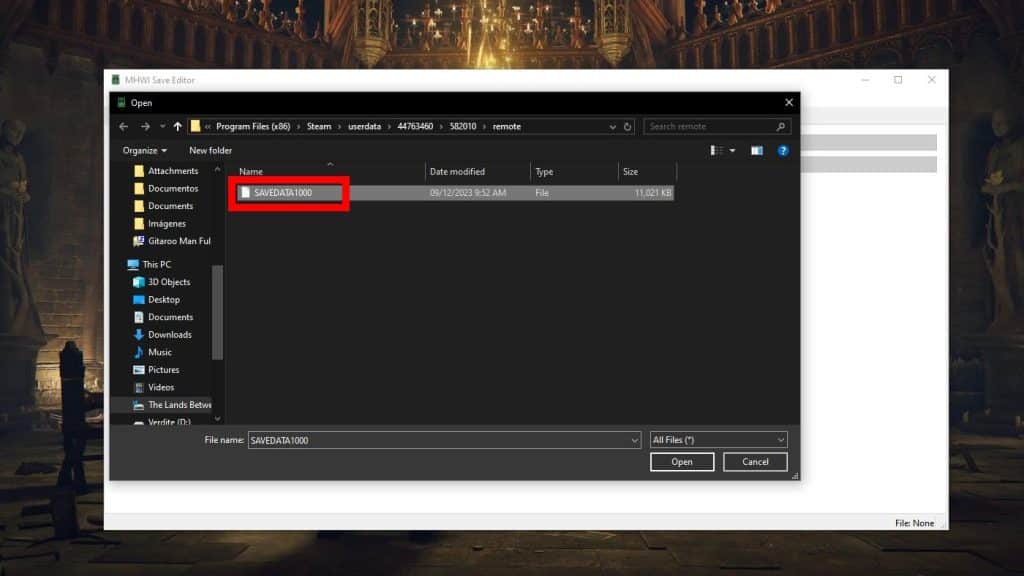
For example, “SAVEDATA1000” is the save file for slot 1, which is the one we’re using in our example.
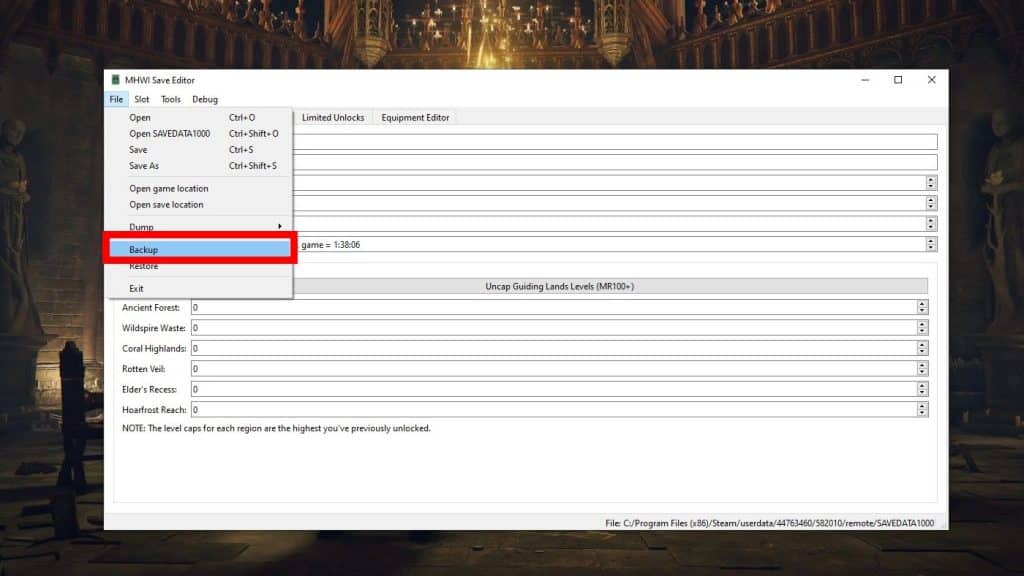
Once you’ve opened up your desired save file, click on “File” again and then click “Backup.”
As the option implies, this will create a backup of your save file just in case something goes wrong when editing. You can restore the backup anytime by clicking “File” again and then selecting “Restore”.
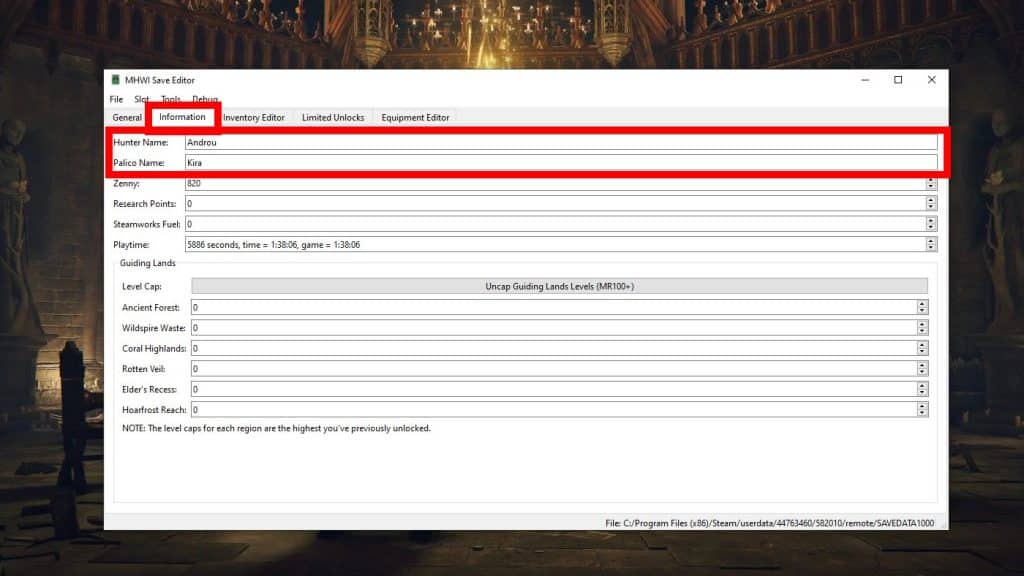
Next, Click on the “Information” tab within the save editor once you’ve loaded up your desired save.
You should now see “Hunter Name” and “Palico Name” at the very top of the information window. Modify them however you see fit by clicking on the text box and typing your new names!
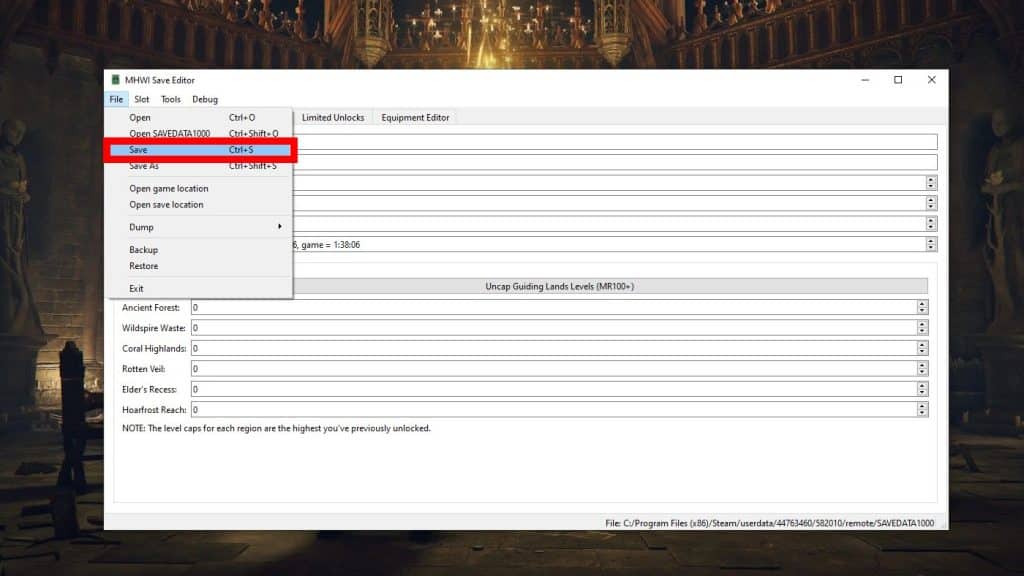
When you’re done editing your character name, click on “File” once again and then click on “Save”. Your edited save file will be saved with your new name, and all that’s left is to get back to hunting!
ALSO READ: Monster Hunter Rise: How to Reach and Unlock Training Area