 13 articles
Monster Hunter: World has multiple mission types you can join, such as the free-roam “Expedition”.
Expeditions, unlike Quests, have no real objectives for you to achieve. You’re left to your own devices, so you can explore, hunt, and gather freely.
In this guide, we’ll tell you how to join and host multiplayer expeditions, as well as how to depart an expedition.
How to Join or Host Multiplayer Expeditions
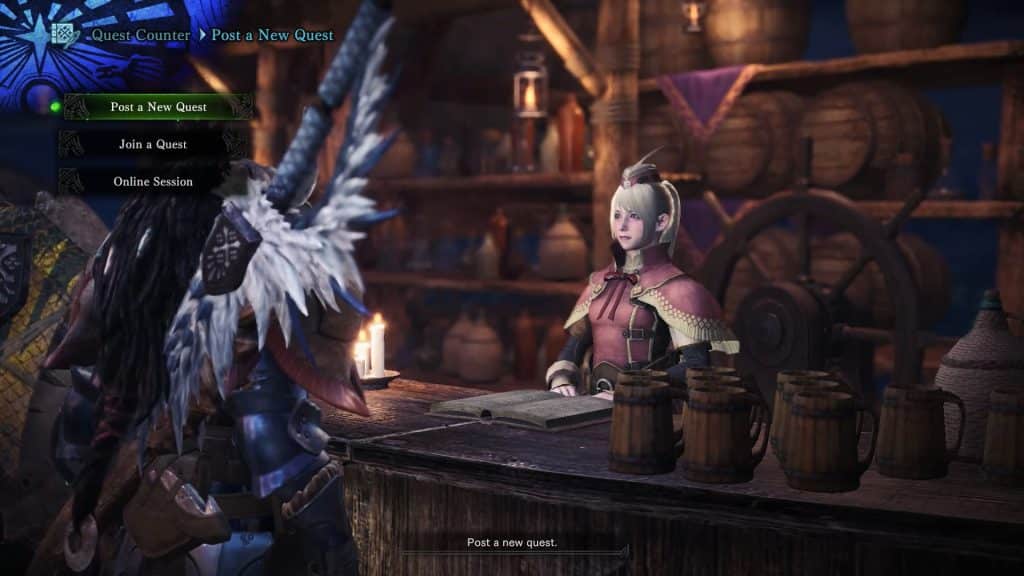
The first workaround is to host or join any Optional Quest in a multiplayer session and complete it.
 Monster Hunter World Iceborne: How to Level up to Master Rank FastJan 11, 2024
 Monster Hunter World: What’s New in the Iceborne Expansion?Jan 10, 2024
 Monster Hunter World: Best Weapons (For Beginners) Tier ListJan 8, 2024
When you and your team finish or fail the quest, the leader has to choose “Return to Camp with Current Party” instead of returning to the hub.
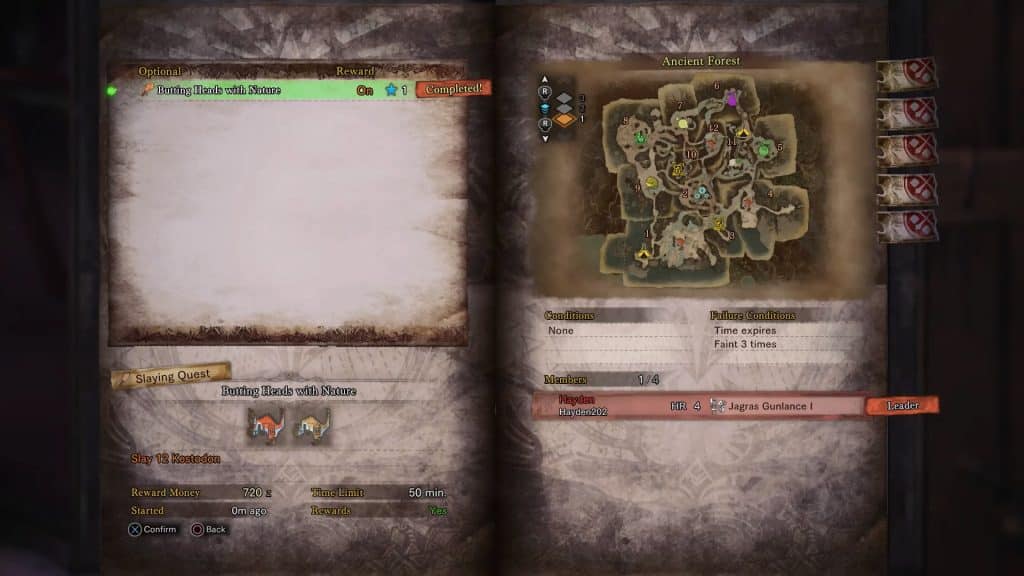
This will put you and your online allies into a multiplayer Expedition session. The only downside is that you obviously need to spend extra time clearing a Quest before you can join the Expedition…
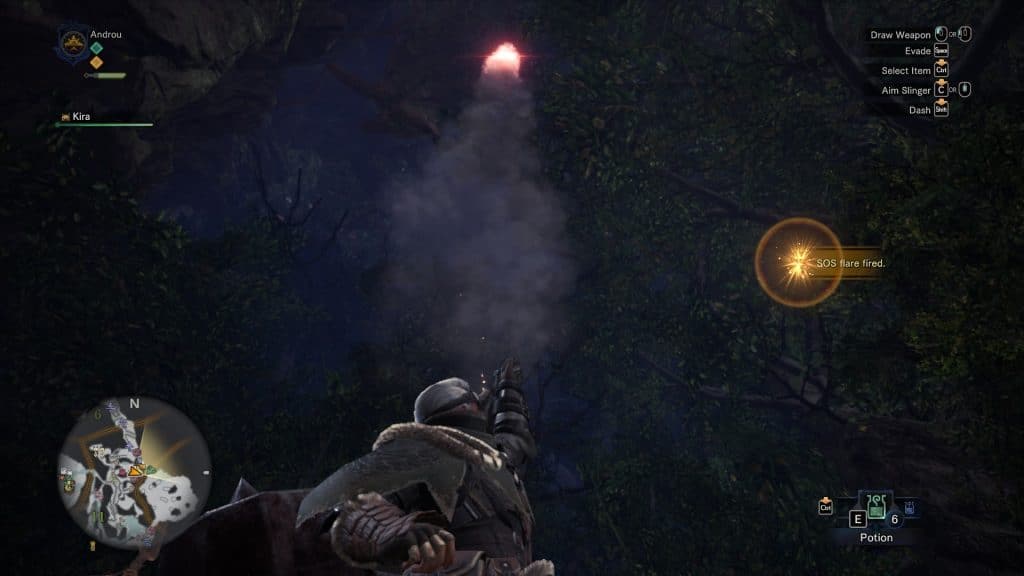
Alternatively, you can host and join Expeditions mid-way with the use of SOS Flares.
To join an Expedition that was opened up for multiplayer with an SOS Flare, first visit the Quest Counter or Quest Board in the hub.
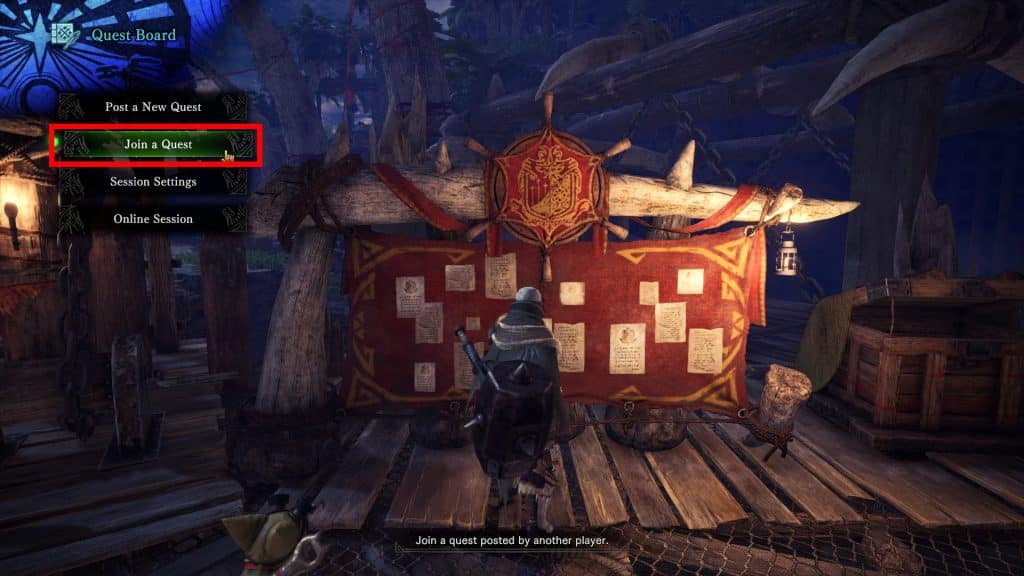
Choose “Join a Quest” and then select “Respond to SOS”.
Side Note: If you’re looking for Commendations to get endgame weapons, joining a quest is also a great alternative, especially if you hate farming.
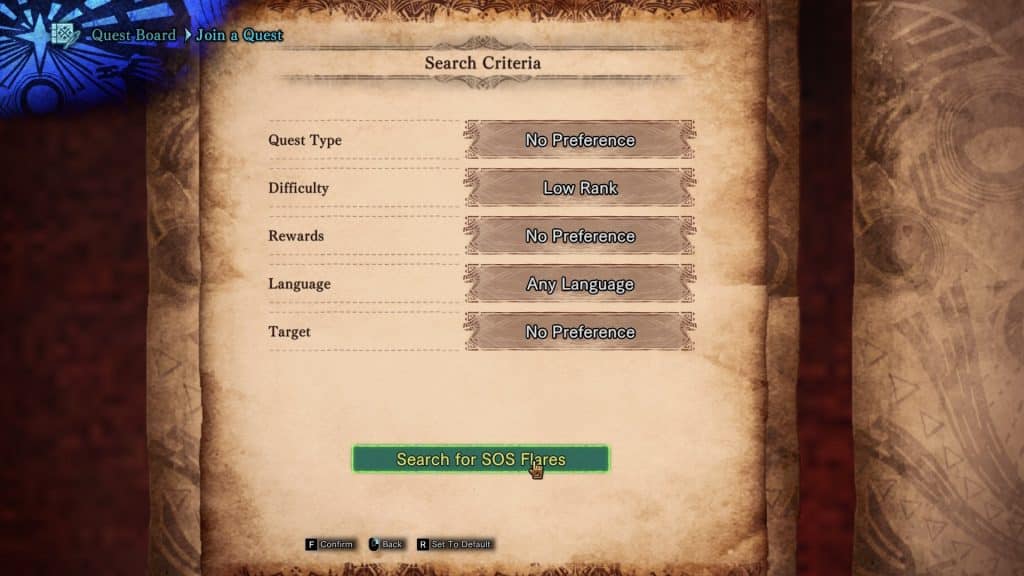
Anyway, adjust the search criteria however you see fit. When you’re set, choose “Search for SOS Flares”.
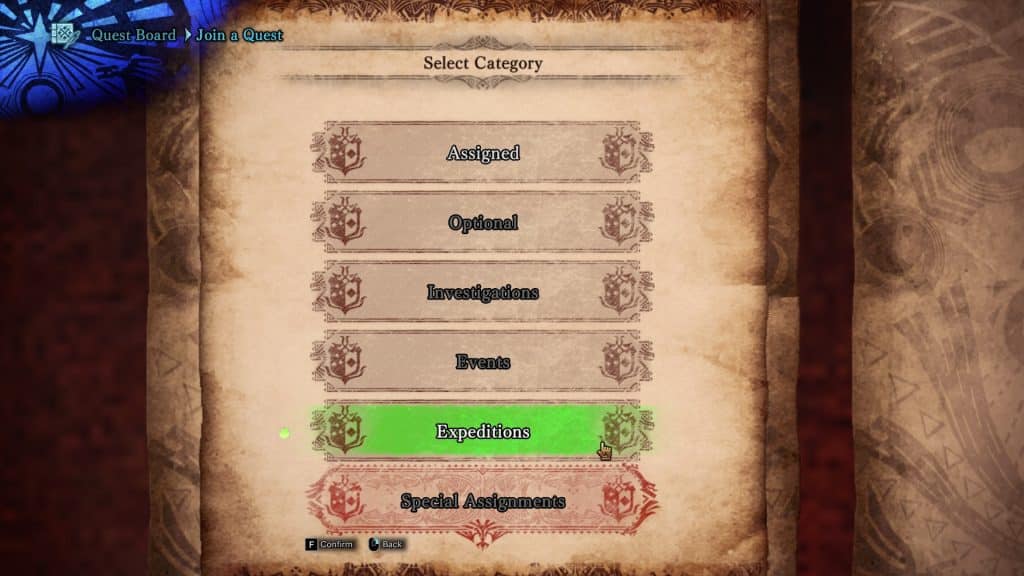
Now, select “Expeditions” from the bottom of the list and you’ll see a list of open Expeditions for you to join.
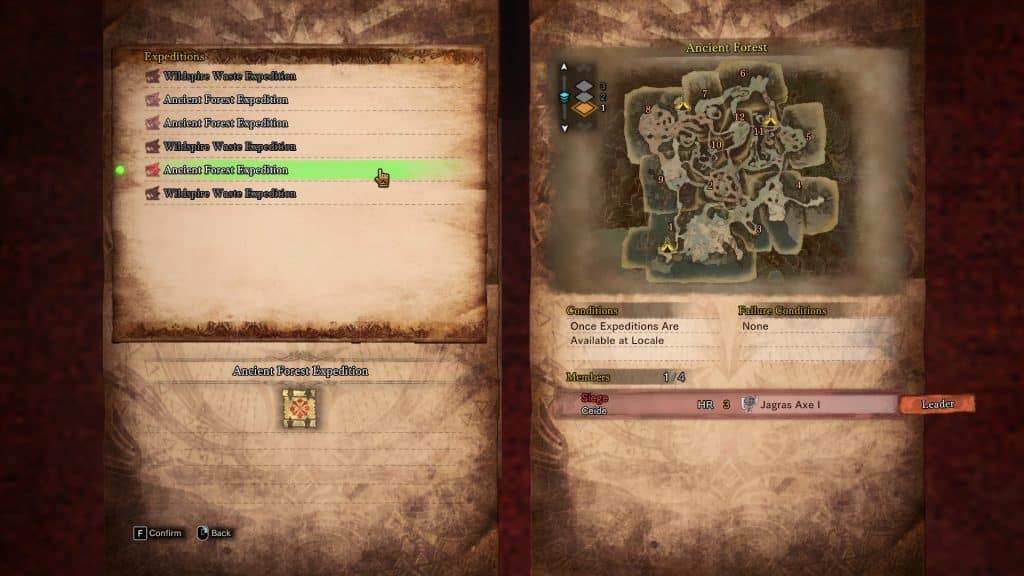
You can join these Expeditions without even being on the same Multiple Session as the other player, so SOS flares can be quite handy!
Of course, you can also host your own Expedition by using an SOS Flare. Just depart on an Expedition in single-player and then select “Fire SOS Flare” from the Quest menu during the Expedition.
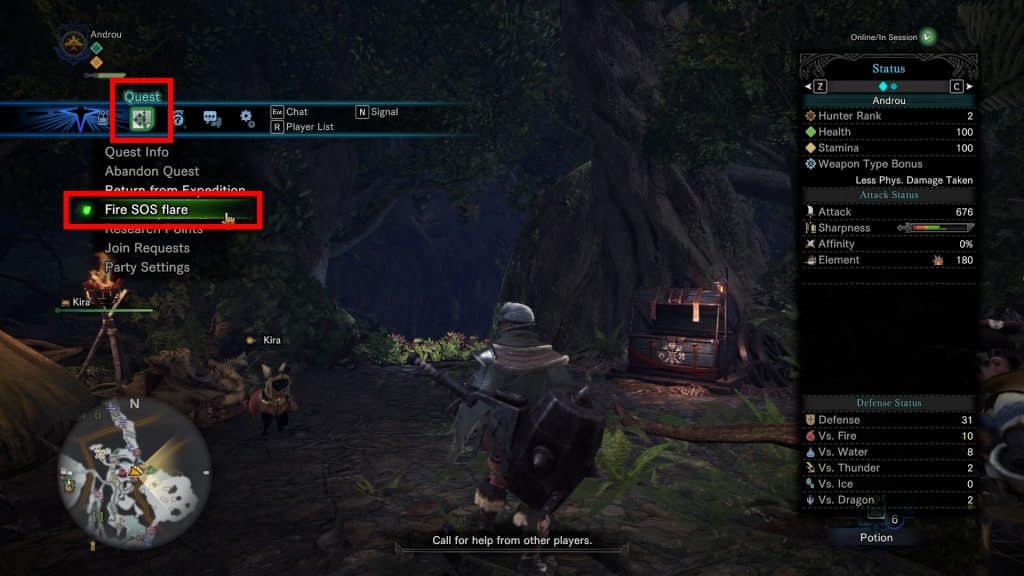
This will allow others to join you easily, with the downside being that you’re likely to get a random player to join you.
You have less control over who joins your session while using SOS flares, as even passwords are ignored!
How to Depart on An Expedition
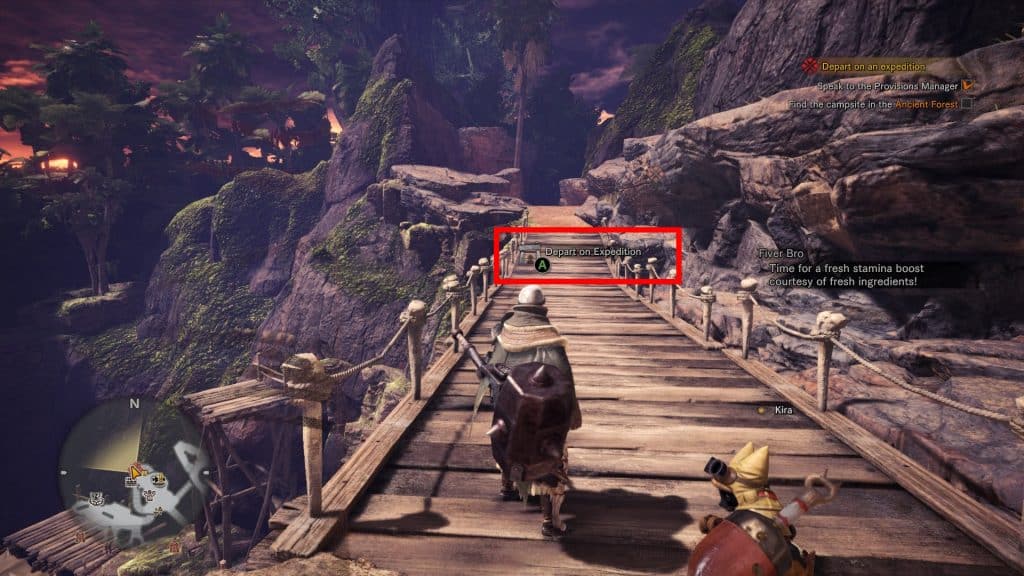
If you prefer being a lone hunter, you can depart on an expedition by yourself anytime you wish in Monster Hunter: World. The feature is unlocked early on in the story, once you’re tasked with helping the Resource Center.
All you need to do is approach one of the gates of departure that lead out of the hub while you have no quest assigned.
This will give you the prompt to “Depart on Expedition”. You can then choose any unlocked area to depart, allowing you to freely explore it!
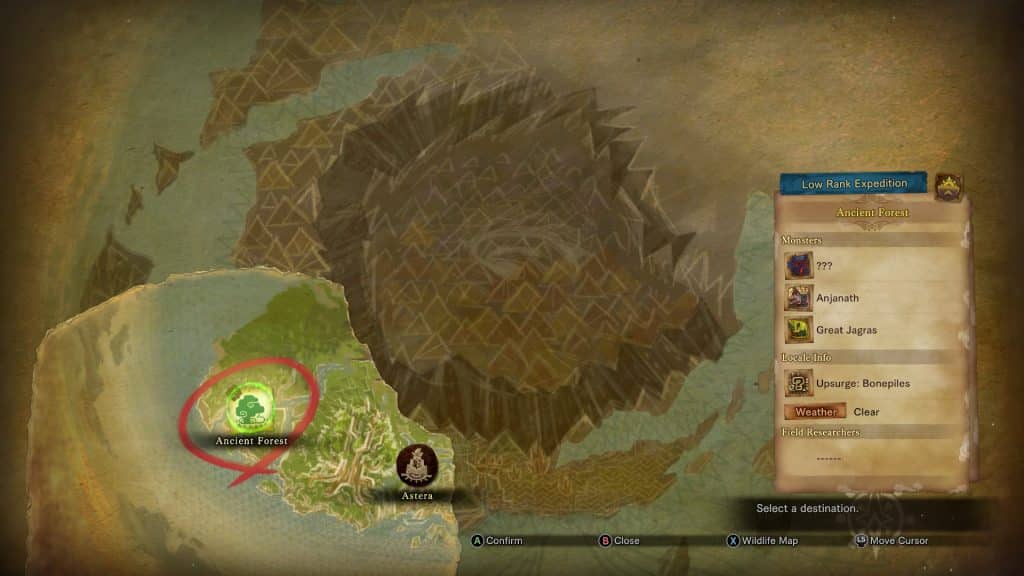
Expeditions, unlike quests, have no real objectives or limitations. There are no time limits or Fainting limits at all! In essence, they’re the game’s free-roam mode.
But as you see, departing on an Expedition by yourself is actually extremely simple. Where it gets tricky, though, is if you’re trying to join or host a multiplayer Expedition.
Monster Hunter: World only allows you to join and host Quests, but not Expeditions. Quests are guided missions with objectives, unlike the free roam Expeditions.
However, there are two ways to work around this limitation to start a multiplayer Expedition.
Now you know how to host, join, and depart multiplayer expeditions whenever you wish. Get out there and go hunting with your pals, or by yourself!
ALSO READ: Monster Hunter World: How To Skip Cutscenes