24 articles
It’s already the Week 3 quest in the Brick-or-Treat Mini Battle Pass of LEGO Fortnite. In this guide, I’ll be showing you how to complete the Week 3 challenge, “Add Halloween decorations to a vehicle – 25 times.” While it may sound easy, there’s a catch! I’ll walk you through each step to get the job done quickly and efficiently.
You’ll need to build and decorate your vehicle for the Halloween season! Stick around to learn how to collect each item, build your foundation, and add those spooky touches to your ride.
How To Add Halloween Decorations to Vehicle (Week 3)
The “Add Halloween decorations to a vehicle – 25 times.” objective might sound simple, but there’s a trick to it! To get started, you’ll need these items: Flexwood, Bones, and Wood.
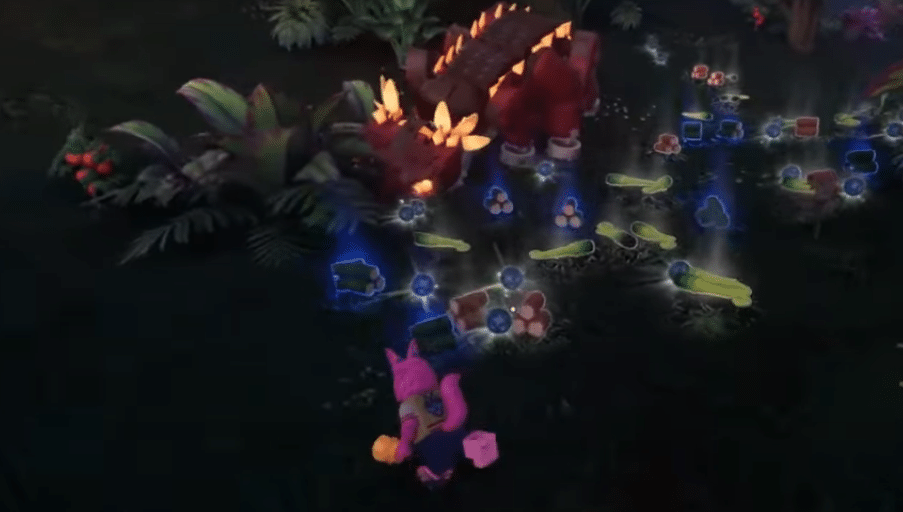
- Start with Flexwood. Head to the jungle and make the Mini Klombo angry so he charges at you near the bushes. This way, he’ll break the bushes, and you can pick up the Flexwood from the ground without needing a rare axe!
- Next, you’ll need Bones. You can get these by destroying lamps found at pirate bases around the map.
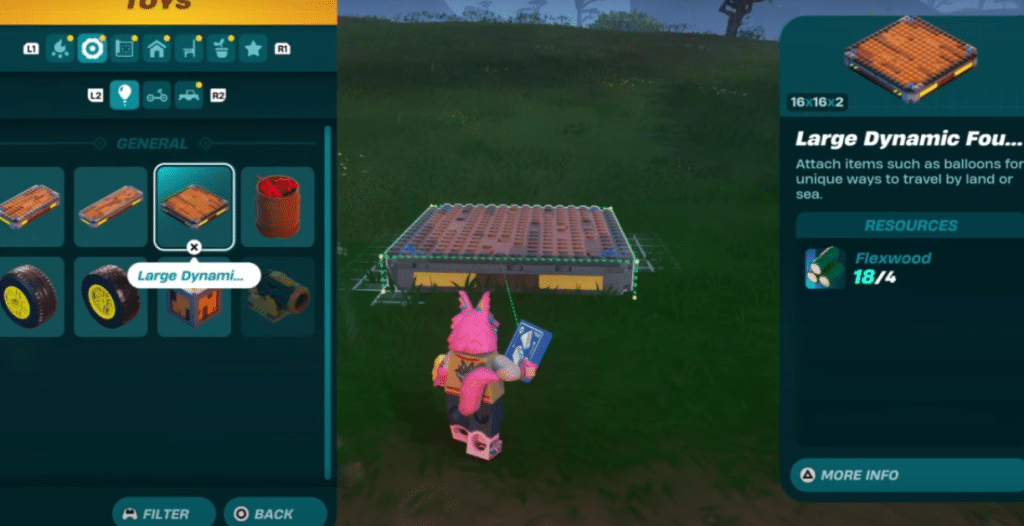
With all the materials in hand, you can start building. Open the Toys menu, go to the third option across, and select Large Dynamic Foundation. You’ll need four Flexwood to craft it.
 How to Unlock & Create a Katana in LEGO Fortnite (Ninjago)Apr 2, 2026
 Fortnite: How to Get the Free First Order Stormtrooper Skin (Link MyDisney Account)Apr 30, 2025
 Fortnite: How to Get Explorer Emilie & Mr. Dappermint Skins For FREEDec 11, 2024
Optional: Add wheels and a seat if you want to turn it into a functional car, but it’s not required!
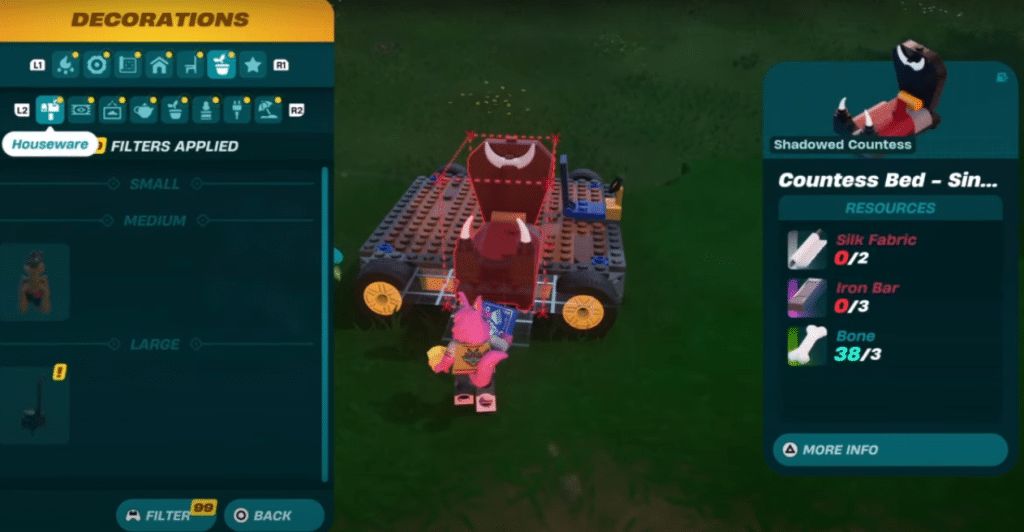
Now it’s time to decorate. Go back to the Builder menu, hit Filter in the control panel (in the middle for PlayStation users), and add these filters: Frame Key Place, Haunted House, and Shadow Countess.
Then, go to the Decorations tab (about the seventh option over, near the Furniture section) and choose any decoration to place on the foundation. Place the decorations randomly on top of the foundation until you run out of materials.
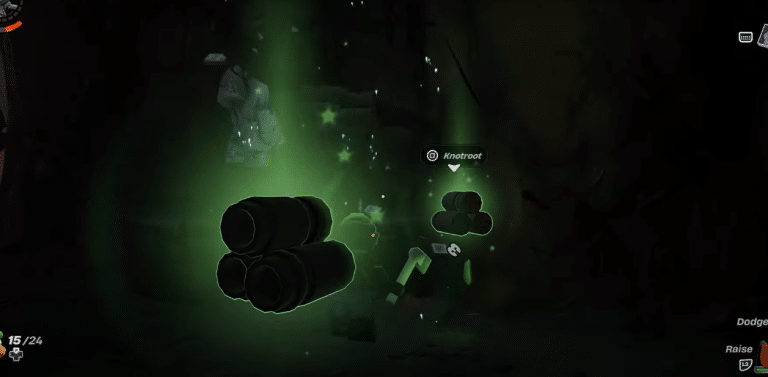
As you can see in the right-hand corner of the image below, it’s counting toward your target! Once you’re out of materials, demolish the foundation, then rebuild it with just the foundation, no wheels or seat this time.
Repeat this process until you reach 25 decorations, and you’re done!