 6 articles
The Fall Guys is no doubt a pretty fun game. However, it was exclusive on certain platforms before, hence players who want to play it on other platforms just weren’t able to do so. This is particularly true for players who own a Nintendo Switch.
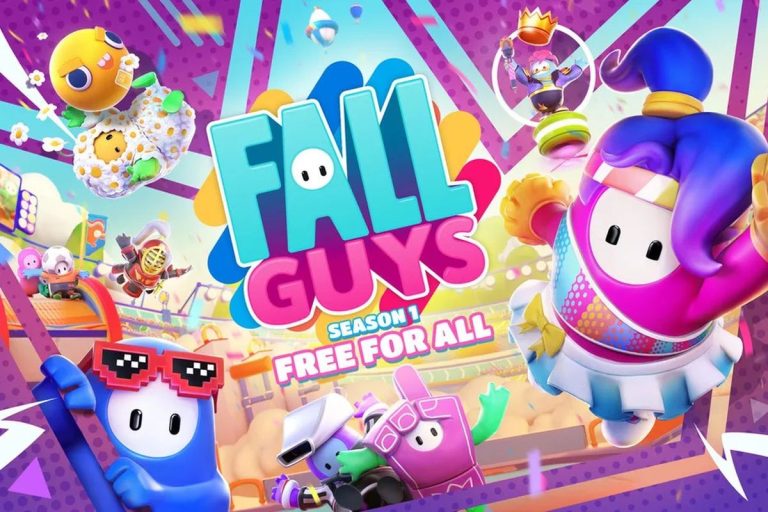
Luckily, the game has been offered for FREE by the creatures of the game itself, but only on certain platforms. These include the PlayStation, Xbox, Epic Games Store, and of course, Nintendo Switch.
If you want to play the game on the Switch, then this guide will tell you how to download and install the game for free.
How to Download and Install Fall Guys on Nintendo Switch for Free
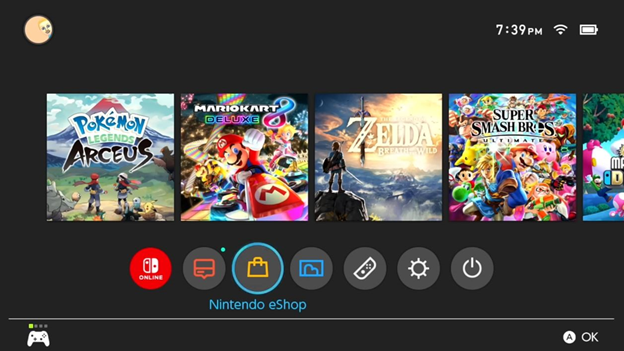
The entire process is pretty simple. Turn on your Switch and head over to the home screen. There, navigate to the Nintendo eShop which is the yellow bag icon on the lower middle of the screen.
 Former Fall Guys Developers Launched Panic Stations to Focus on Making Co-op Multiplayer GamesOct 30, 2025
 Fall Guys: How to Win Hex a Ring | Tips and TricksAug 22, 2022
 Fall Guys: All Halo Lost Helmet LocationsMar 23, 2023
After loading for a few seconds, you’re now in the eShop. There, you want to head over to the Featured section on the left sidebar. You can easily find the Fall Guys game in the Featured section, which you can then download after.
If it’s no longer in the Featured section, you can instead tap the Search/Browse option and input “Fall Guys” into the search bar. After that, simply hit Enter. As soon as Fall Guys show up, tap on it to bring you to its download page.
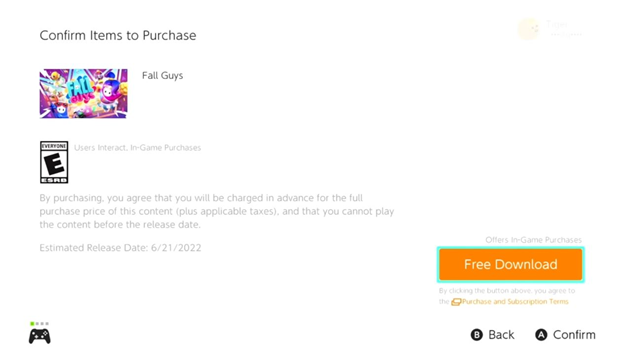
Simply tap the Free Download button. This will take you to the Purchase Confirmation window. Once you’re there, simply tap the Free Download button. After a few seconds, you now have Fall Guys in your collection.
Go back to the home screen and wait for the game to fully download. It will also automatically install once it’s done downloading.
ALSO READ: Fortnite: Boss Darth Vader Mythic Location Guide Season 3