148 articles
Palworld is an open-world creature-collecting game in which you fight, farm, build, and work alongside creatures called Pals. If you ever get your hands on some of the rare Pals, you need to make sure you have saved your progress.
Losing your progress on a game can be one of the most annoying experiences, especially on one you just started playing. Having to start the game again or replaying something you already played will make a game feel like a chore, and no one wants that.
In this guide, we will look at how you can ensure that your progress in the game is saved so you don’t lose it. We will also look at saves across different servers and saves across different platforms.
How Does Saving Progress Work?
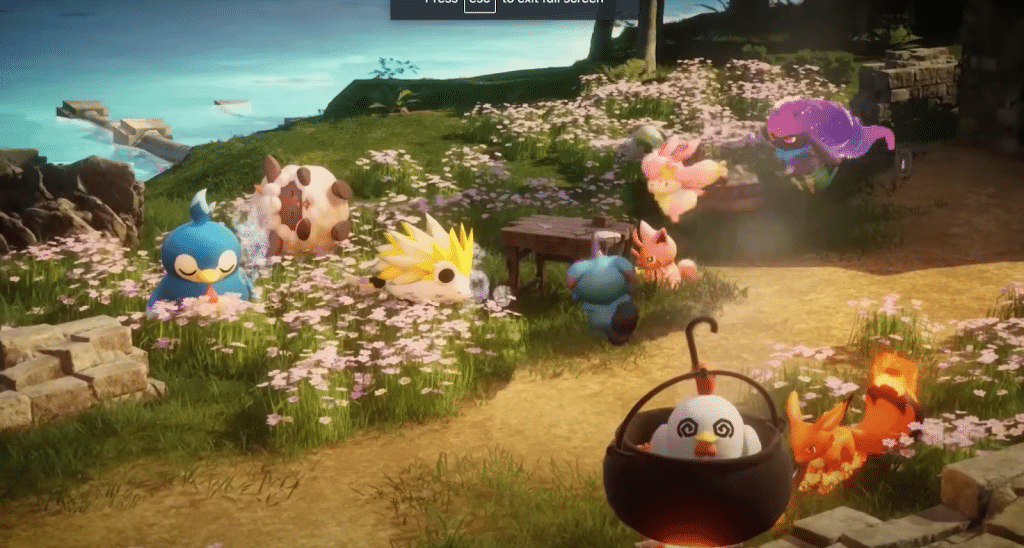
Palworld allows players to enjoy both offline and online modes. The way the game is saved also differs a bit for the two.
 Palworld Feybreak: How to Use Labor Research LaboratoryDec 30, 2024
 How to Get Your Own Bounty Officer in Palworld FeybreakDec 30, 2024
 Palworld Feybreak: New Breeding Combos (New Pals)Dec 30, 2024
When playing offline, the game will be saved onto the device you play on. Like most games, it will allow players to either manually save the game or use the autosave feature. The game allows you to have multiple saves at the same time.
For online play, all your progress will be saved server side. This means that everything you do in the game will be saved on Palworld’s servers. So the next time you load into your world, you will start from where you ended your previous session.
Saves Across Different Servers
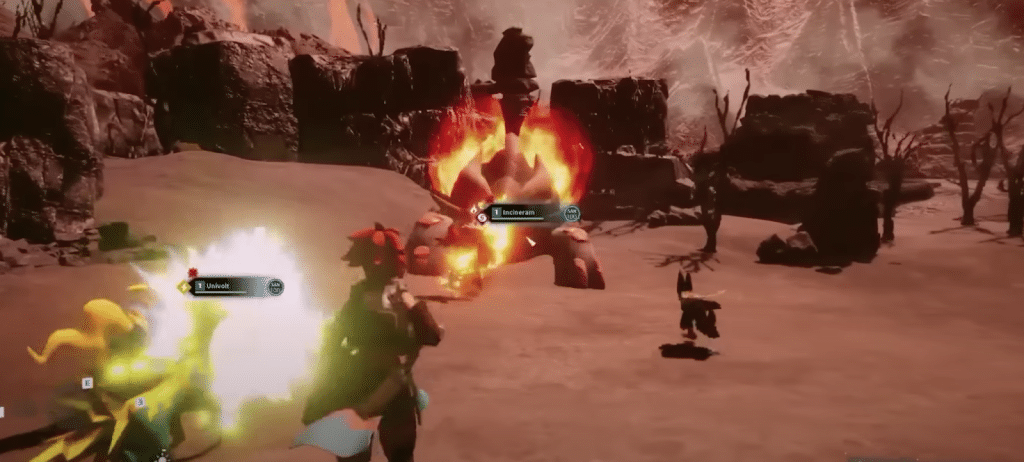
Palworld allows you to play with friends in the same world. For now, the character you make is bound to one world and can’t move across worlds. This means that the progress you make in someone else’s world will stay in their world.
If you are the host of the server, you can freely switch between offline and online. This feature is only available to the person hosting the server.
Saves across servers is something Pocketpair has planned on adding to the game shortly.
Saves Across Platforms and Crossplay
The game will be available to play on the Xbox and the PC on the 19th. There isn’t crossplay in the game for now but the developers are working on making this a possibility very soon.
Saving on both platforms works similarly. For now, you can not save your game on one platform and access it from another. Similar to the other changes, this is something that might be coming to the game very soon.
ALSO READ: Is Palworld Coming to the PS5?