 24 articles
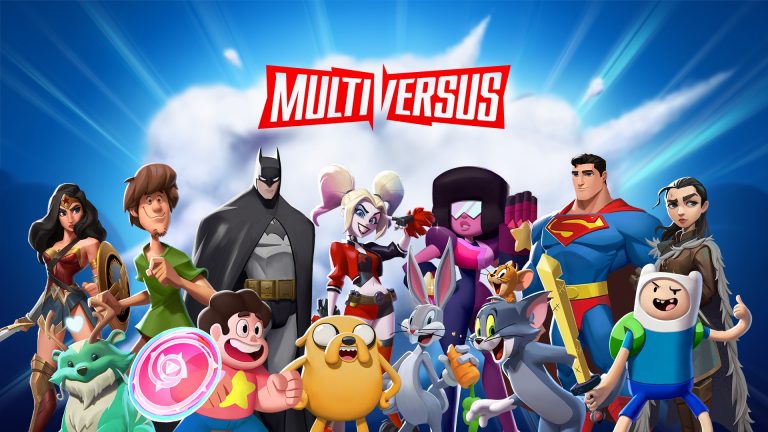
MultiVersus is a platform fighting game you can join with your pals while employing some of the most well-known figures, such as Shaggy, Batman, and more. Save the Multiverse by using your preferred fighter combos!
How to Redeem Drops – MultiVersus
The process for getting your drops after watching one hour of a stream. It is required for you to get your drops after watching a Stream. You have to follow a few simple procedures to obtain your drops.
Create a WB Games Account
The first thing to do is to create or sign in to a free WB {Warner Bros} Games account to connect to your switch account. When you are logged into your account, locate the connections options on the history and open it, then connect account to your Twitch account.
Connect your Twitch Account
After doing these, you must go to Twitch now and watch any MultiVersus streamer with drops enabled. You can watch for at least 60 minutes. Eventually, a notification allowing you to loot the drop should appear on your bar at the top of the screen. You can also check your progress on your twitch account.
 MultiVersus: How to Make Money Fast | How to Unlock All CharactersMar 22, 2023
 MultiVersus: Big Buffs and Nerfs Coming With the Latest UpdateJan 21, 2026
 MultiVersus: Movement and Recovery GuideAug 5, 2022
Go to the Betas Page
Once done with the previous steps, you Go to WarnerBros {WB}. Betas page here after taking the drop from the Twitch inventory page. After being presented with a selection of platforms, you could be prompted to log in once more. Once logged in, you would be asked if you want to continue with your twitch account or log into another but mind you, you cannot log in to a new account without watching a stream for up to an hour.
Enter the Code
After choosing a desired platform and clicking “Next,” you will be given a beta code to use. You only need to enter the code on your chosen platform to start playing the MultiVersus early access beta.
Now that’s all a player needs to do to get drops after watching a stream.